
Author - Ripper71

Heroes Of Newerth Preview (PC)

Heroes-of-Newerth-Logo

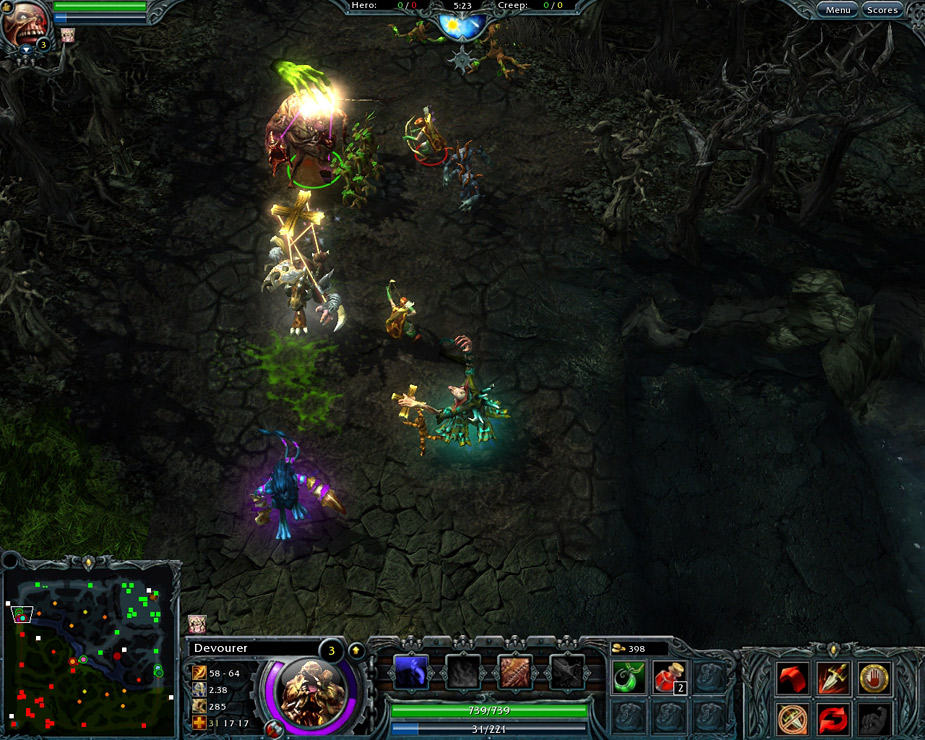
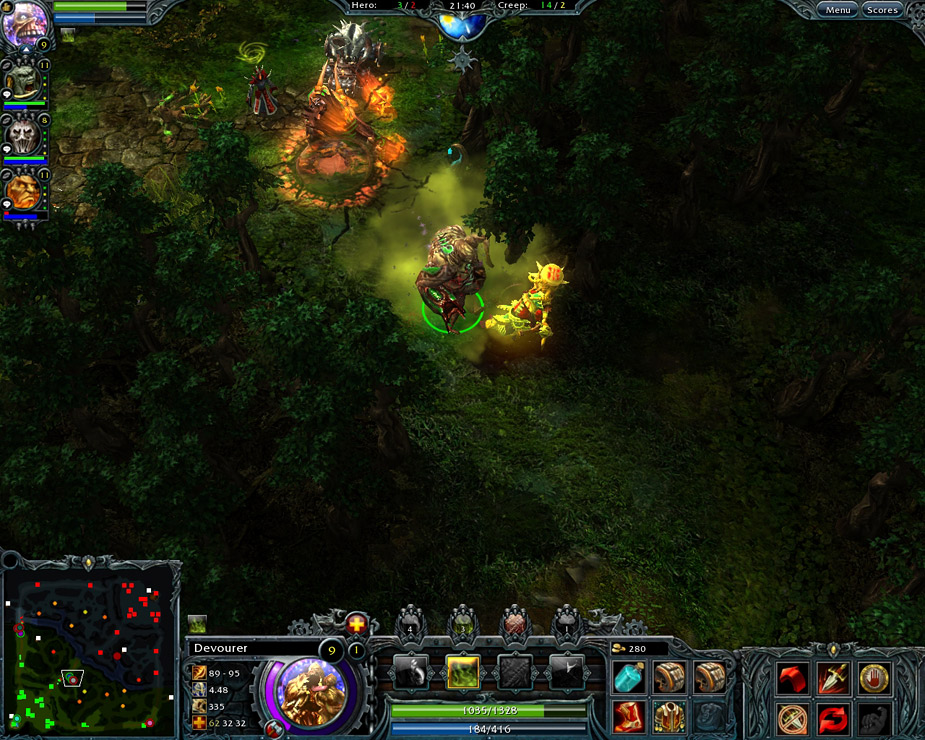
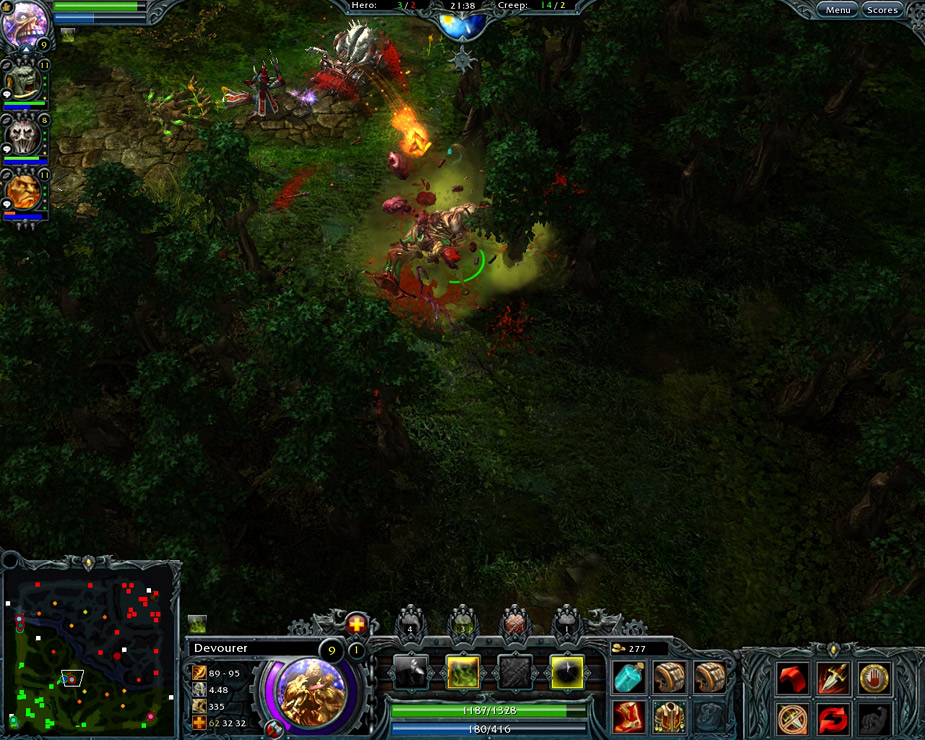
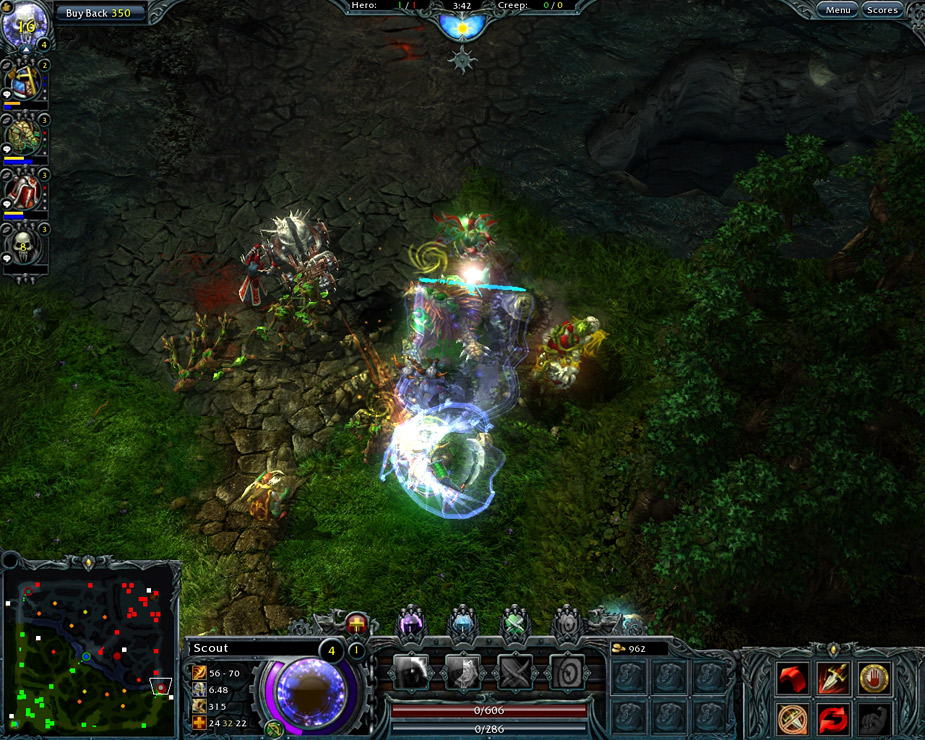
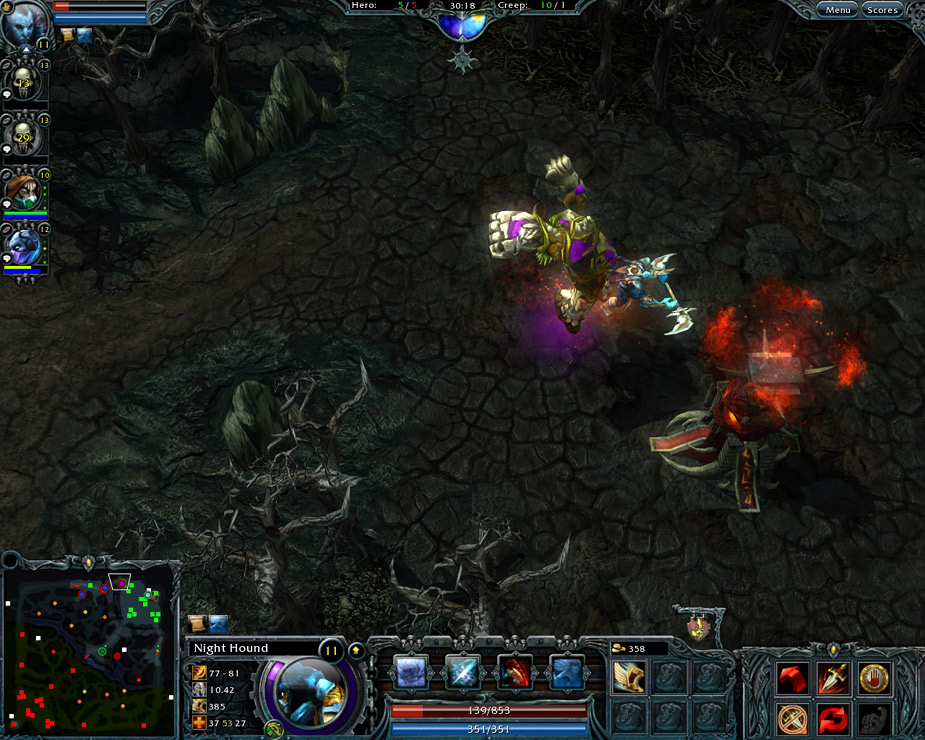
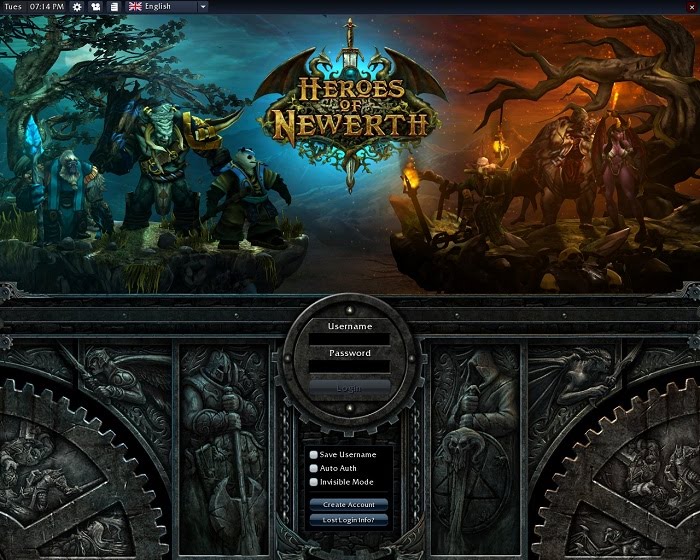
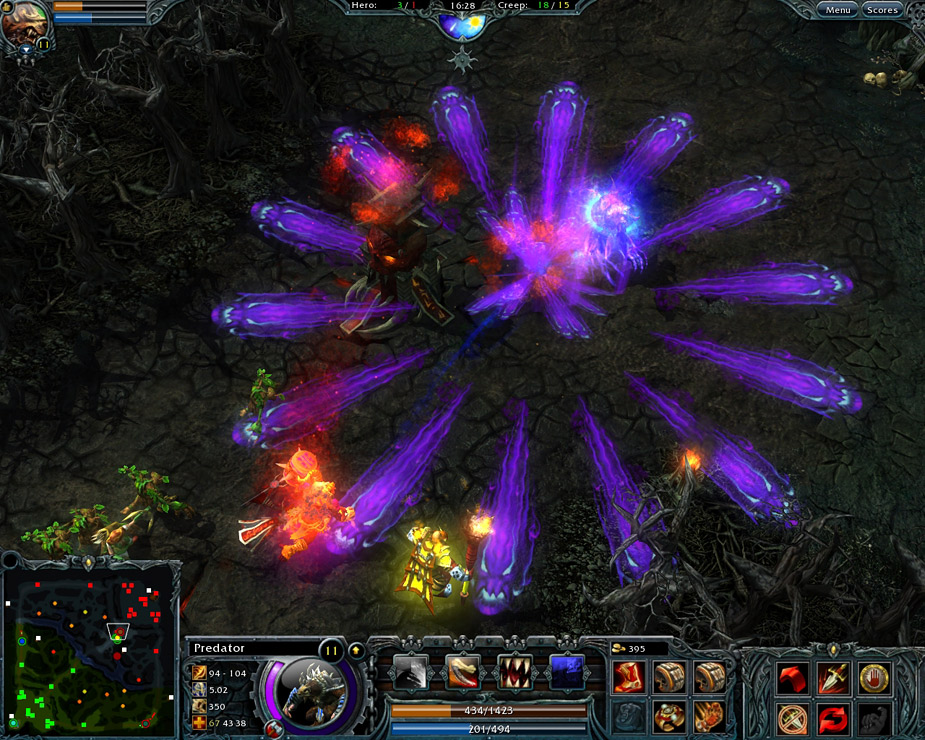
During CES, I got a chance to meet up with a contributing writer and good friend of the site, and he wanted me to meet a few people.  In the veritable sea of cellular phone cases in the convention center’s North Hall sat a little space with a couch and a couple of chairs.  Resting comfortably there were a few folks dressed in black shirts, crowd watching – not a hobby that ever seems to get old at the Consumer Electronics Show.  I grabbed a seat and our friend headed back to his insanely busy booth to allow S2 Games reps and I some time to chat.  They were passionate about their game, as is always the case when it comes to works of love, and like people who truly love their project they are always trying to make it better and take it to the next level.  That is exactly what they have planned with Patch 3.0 launching this week.

Description:

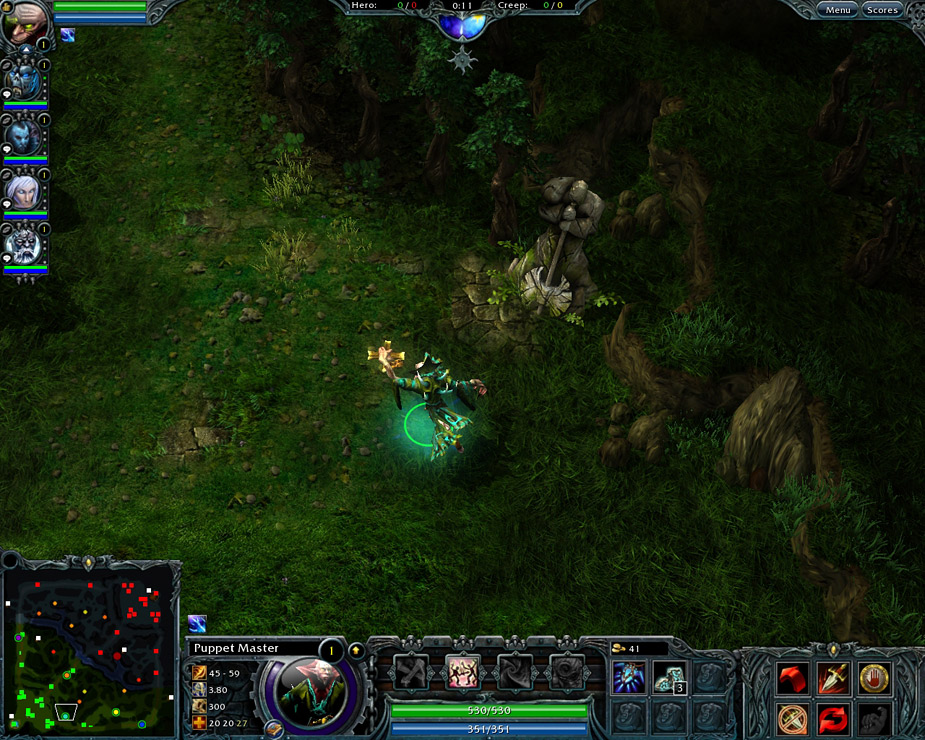
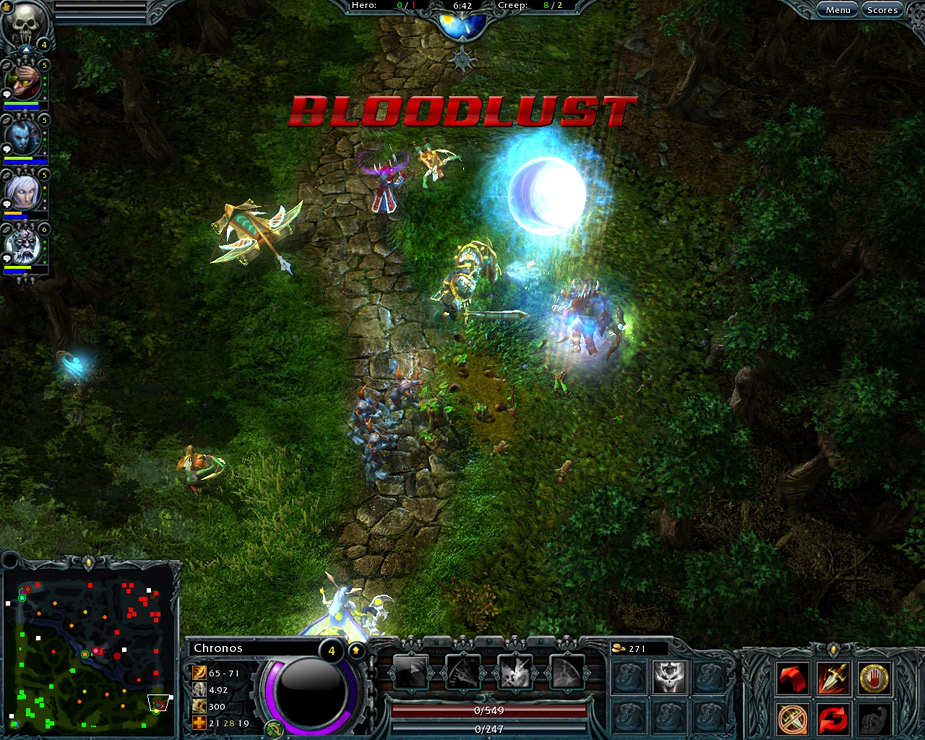
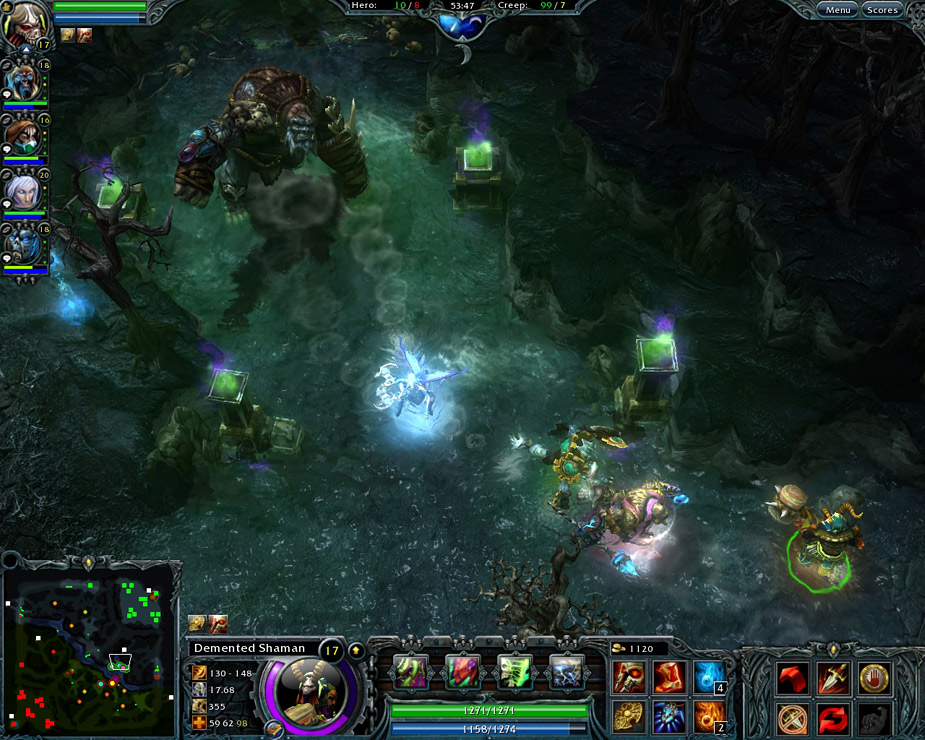
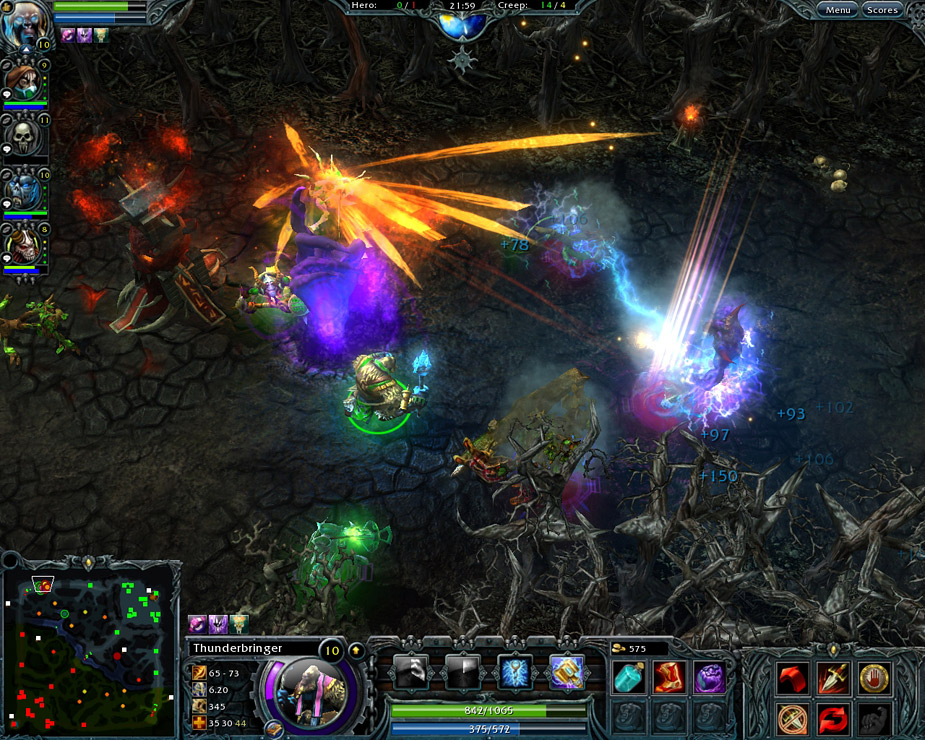
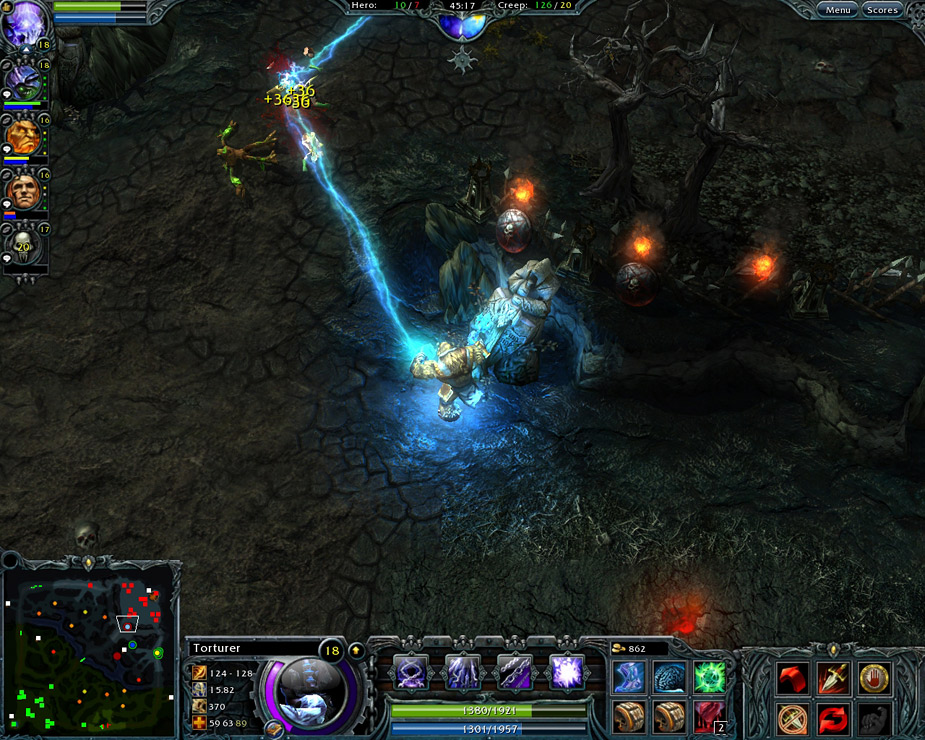
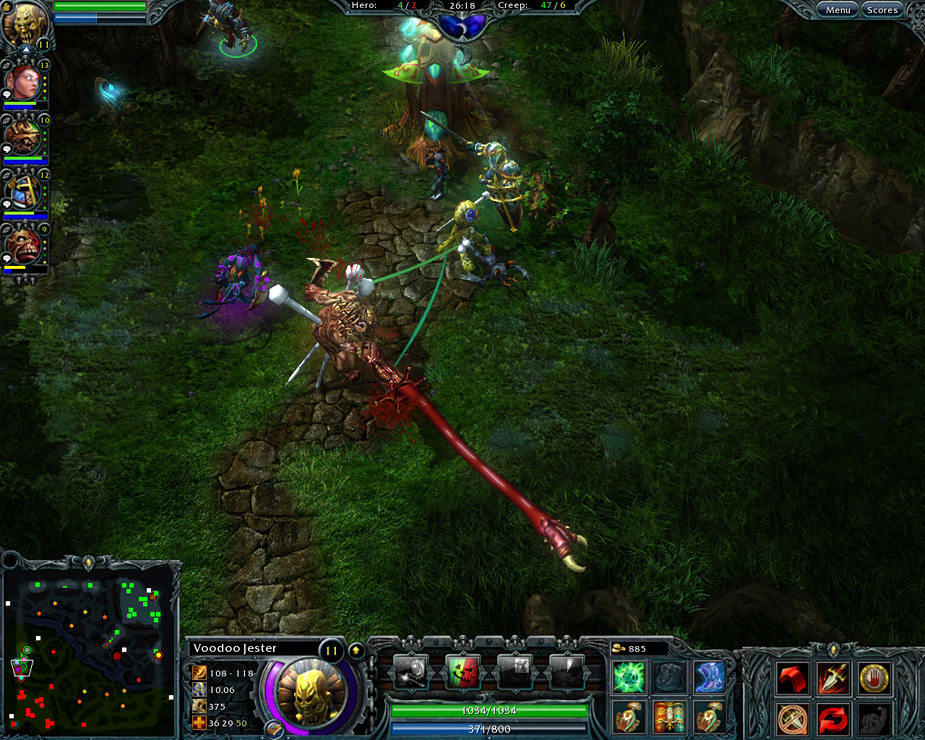
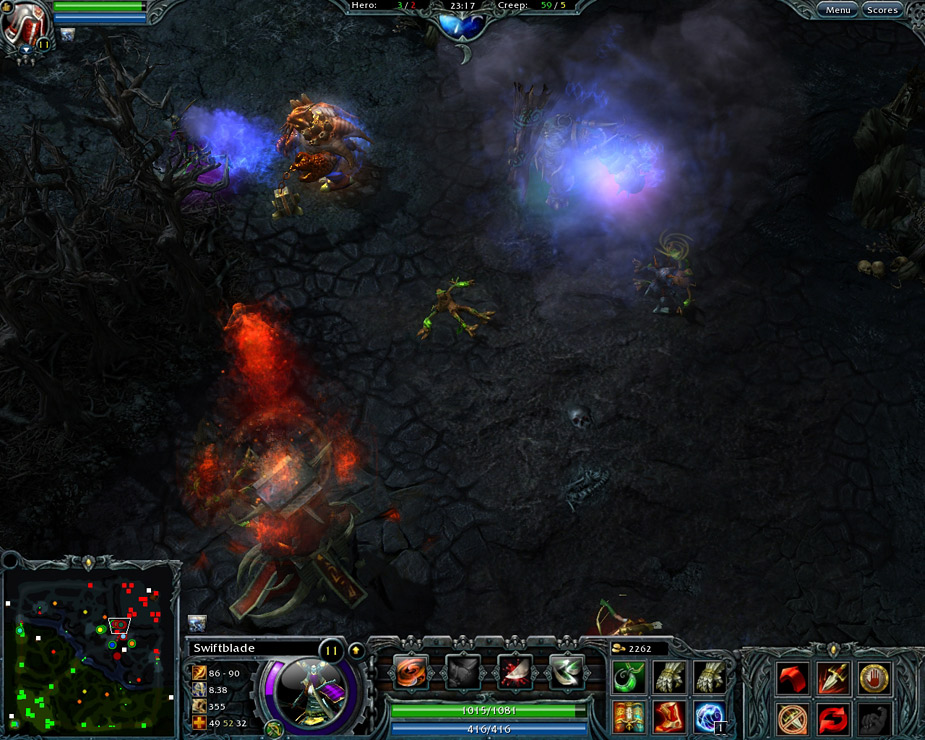
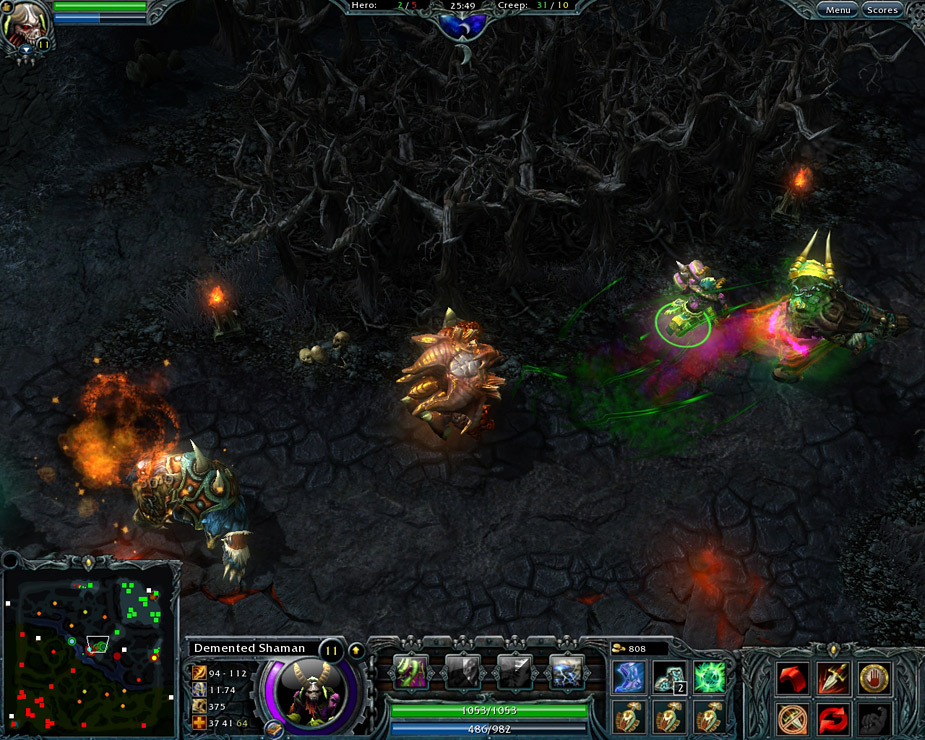
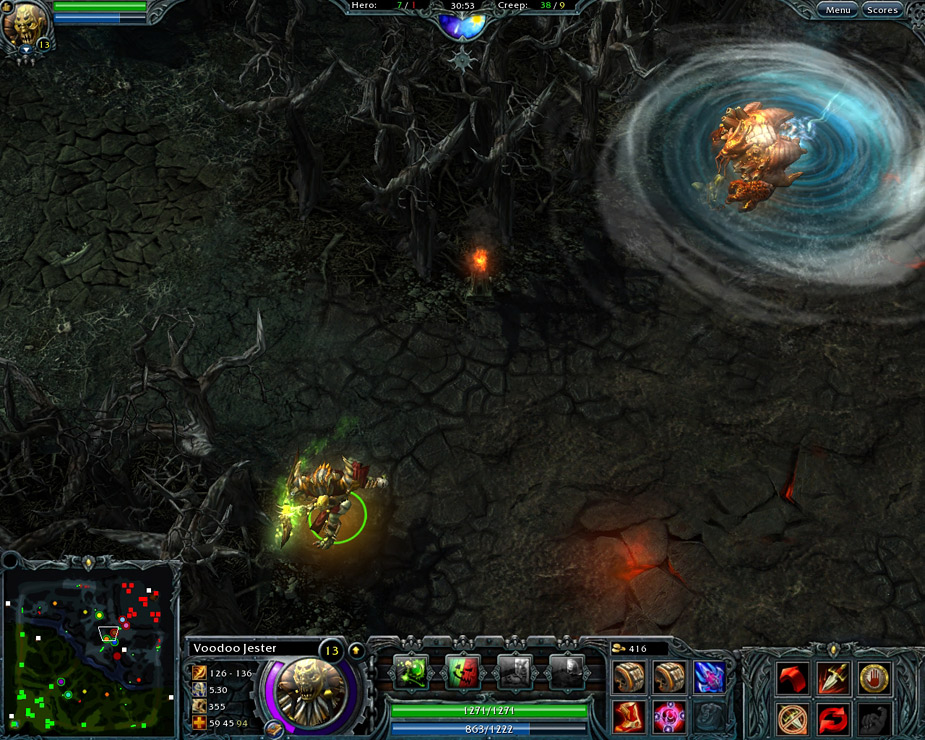
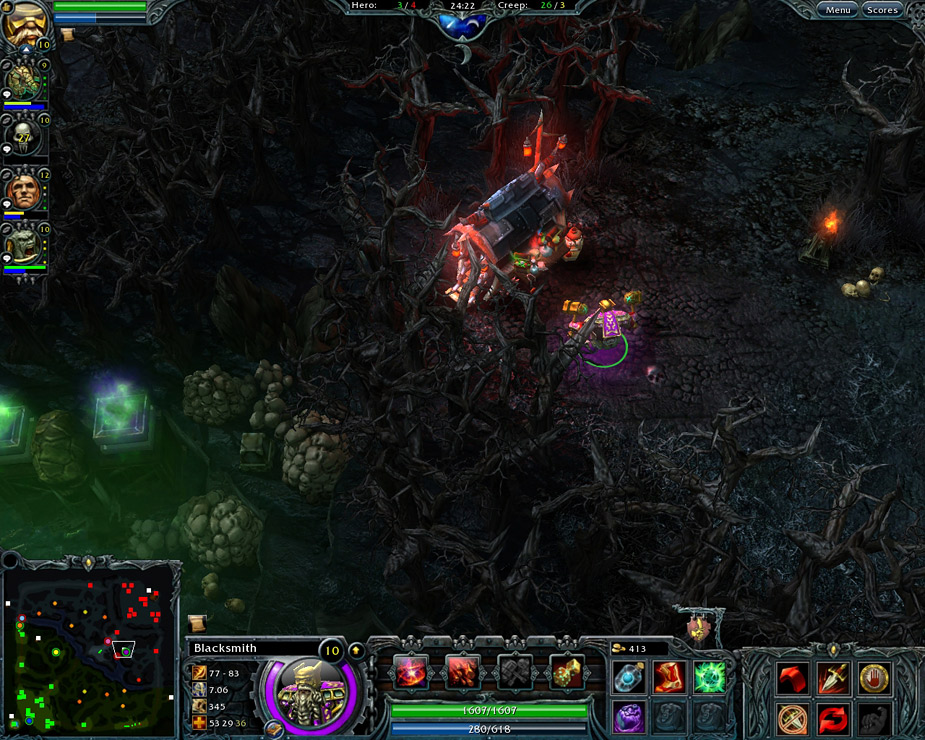
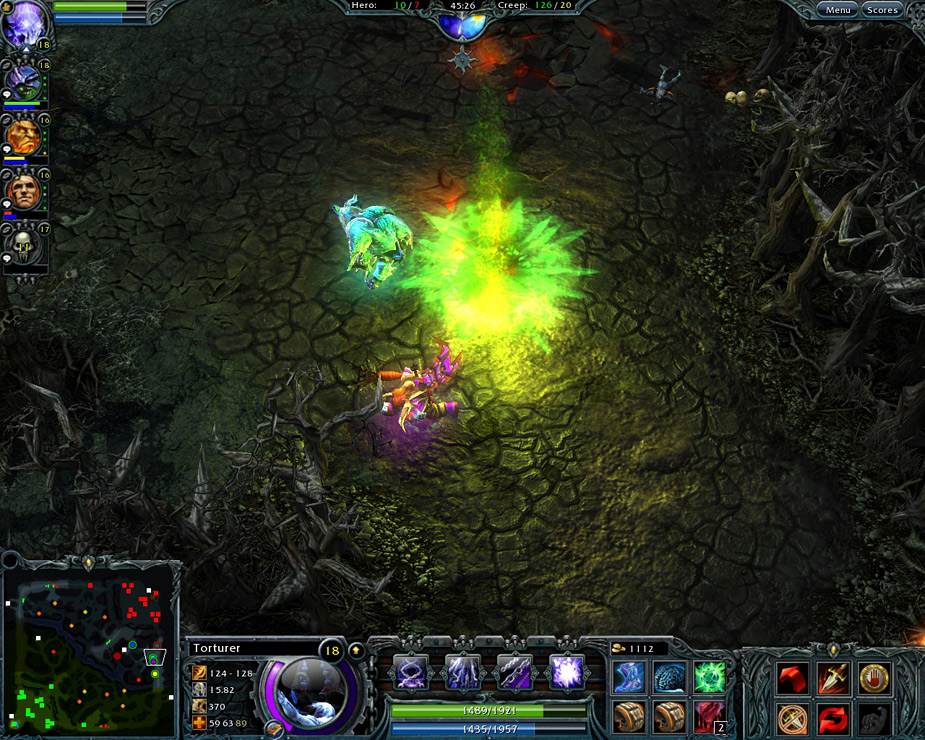
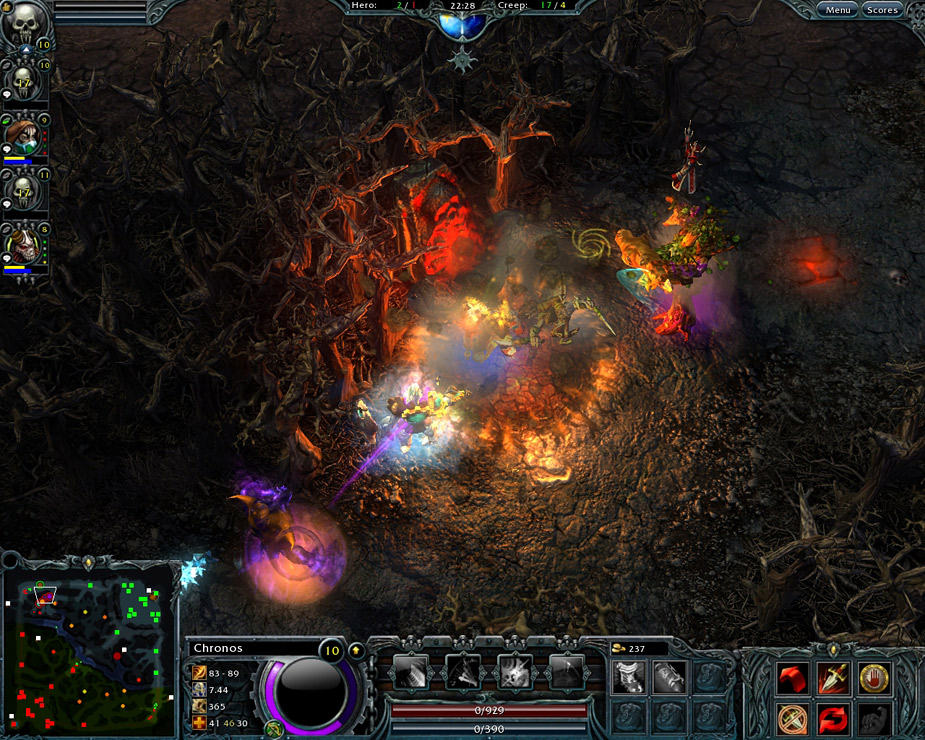
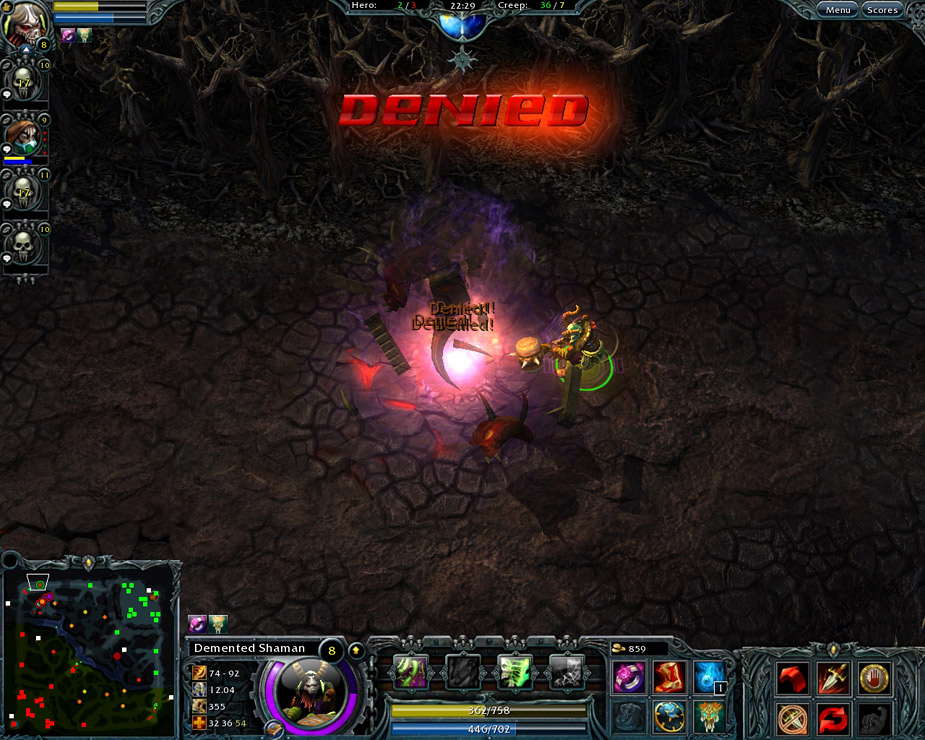
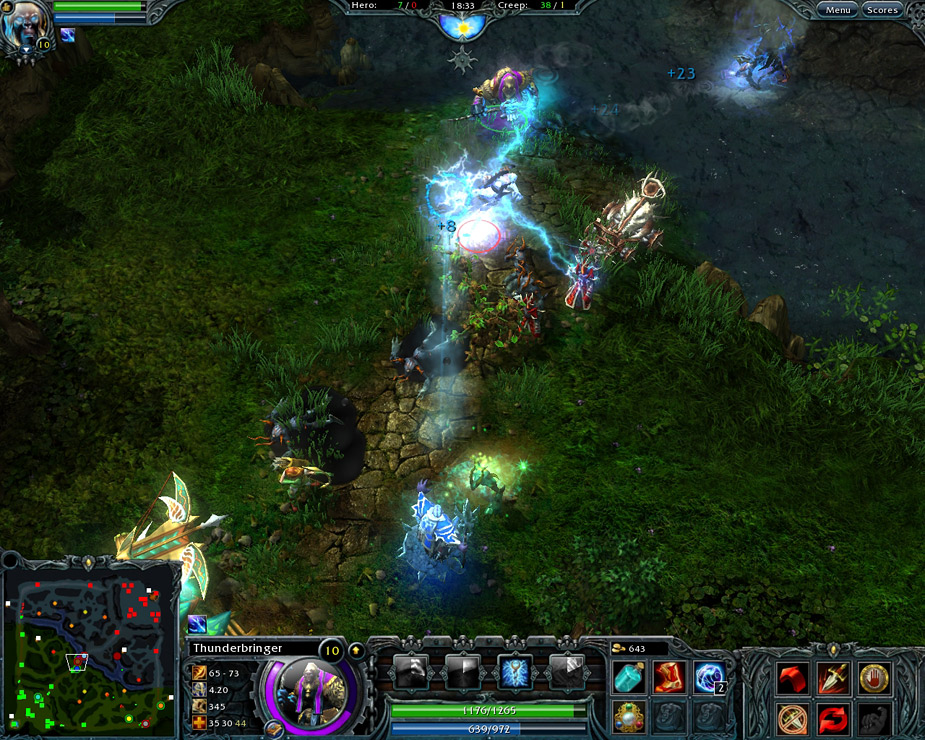
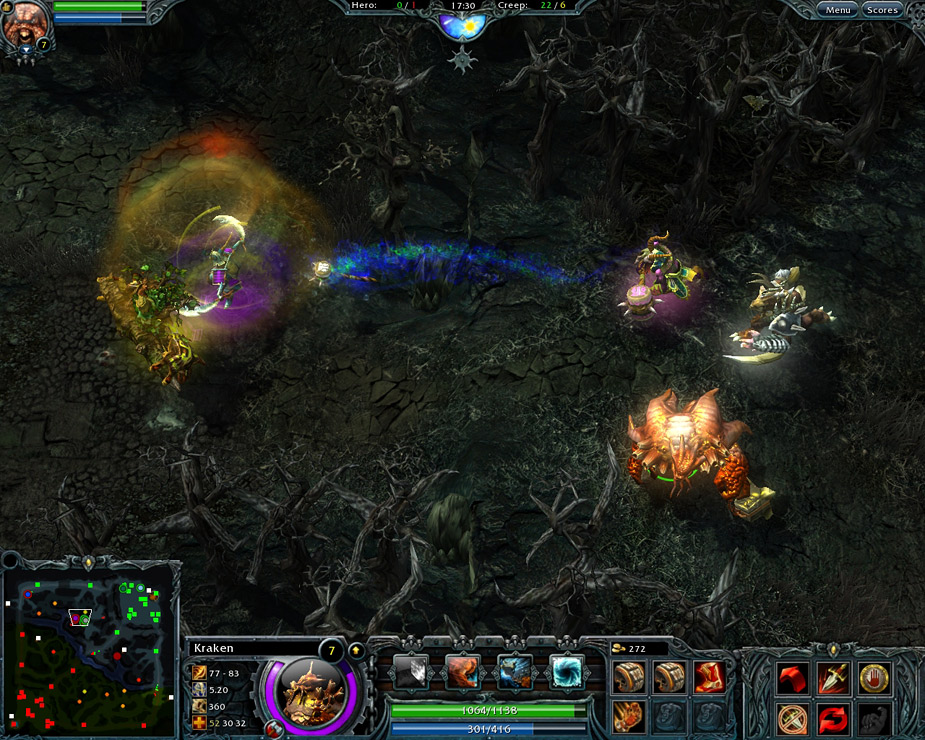
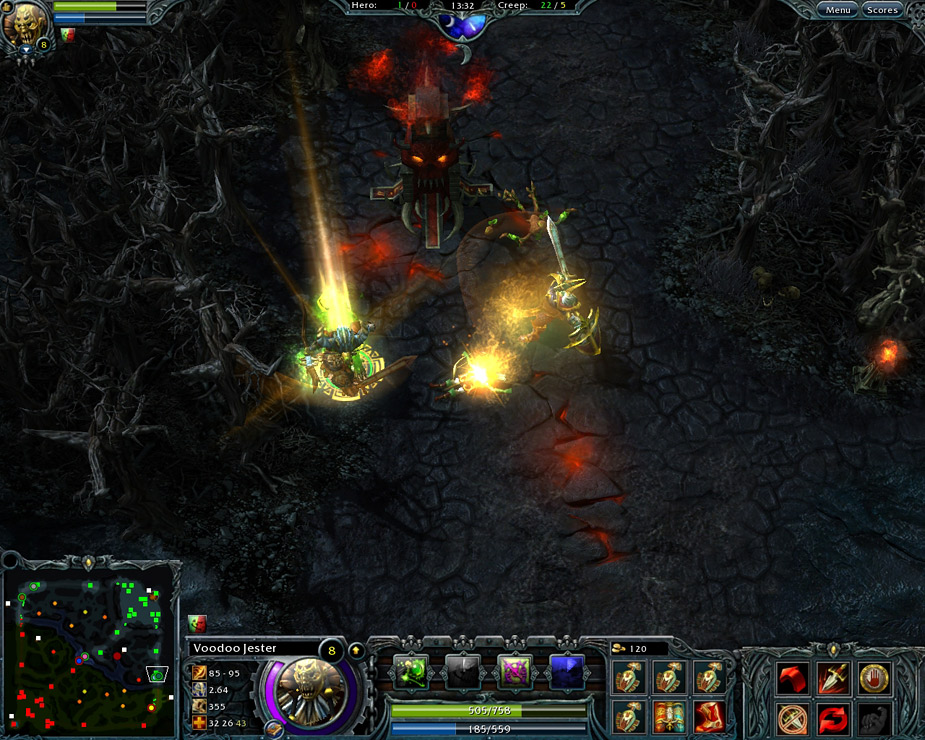
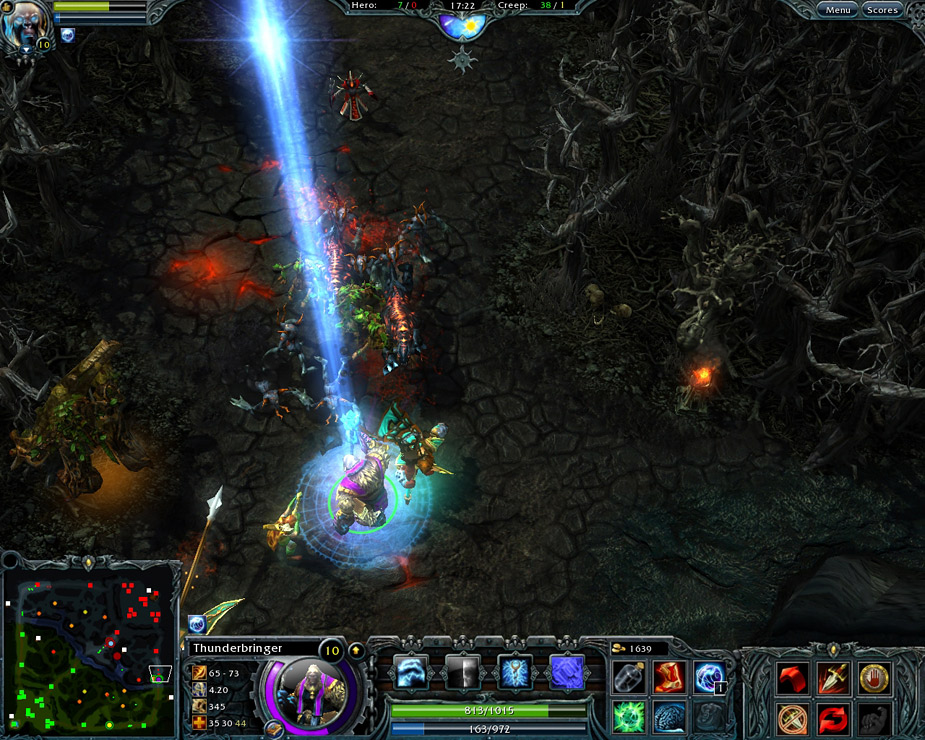
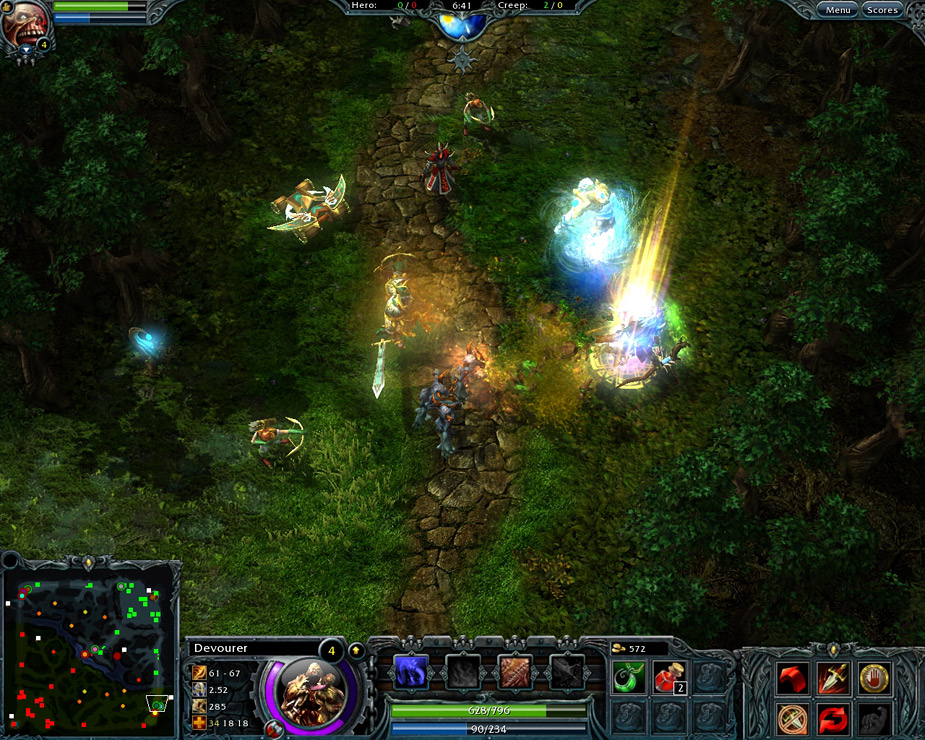
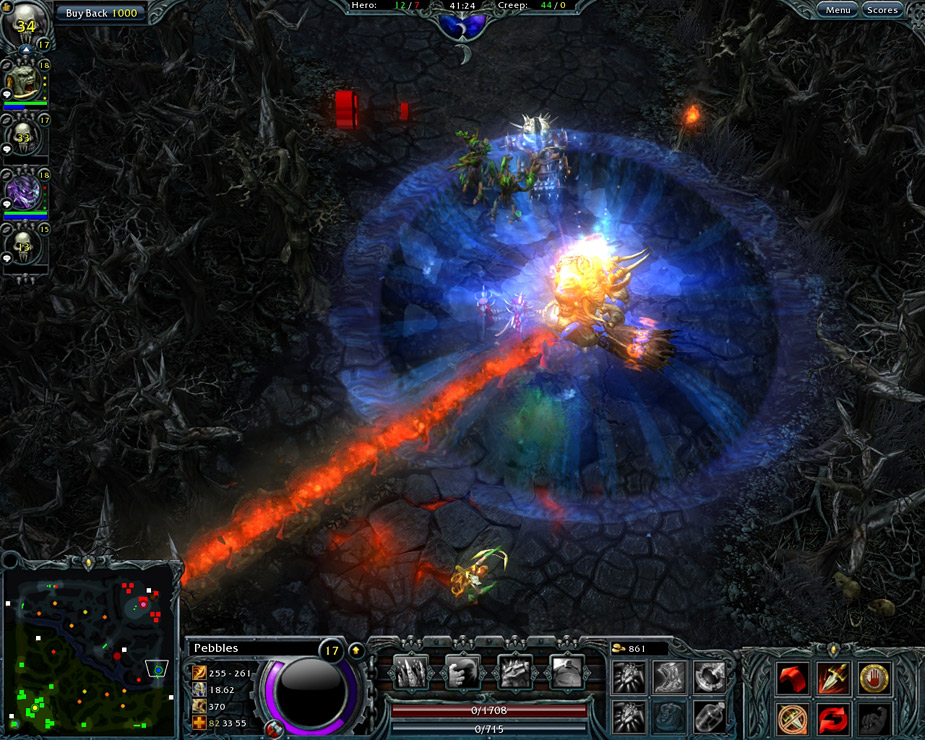
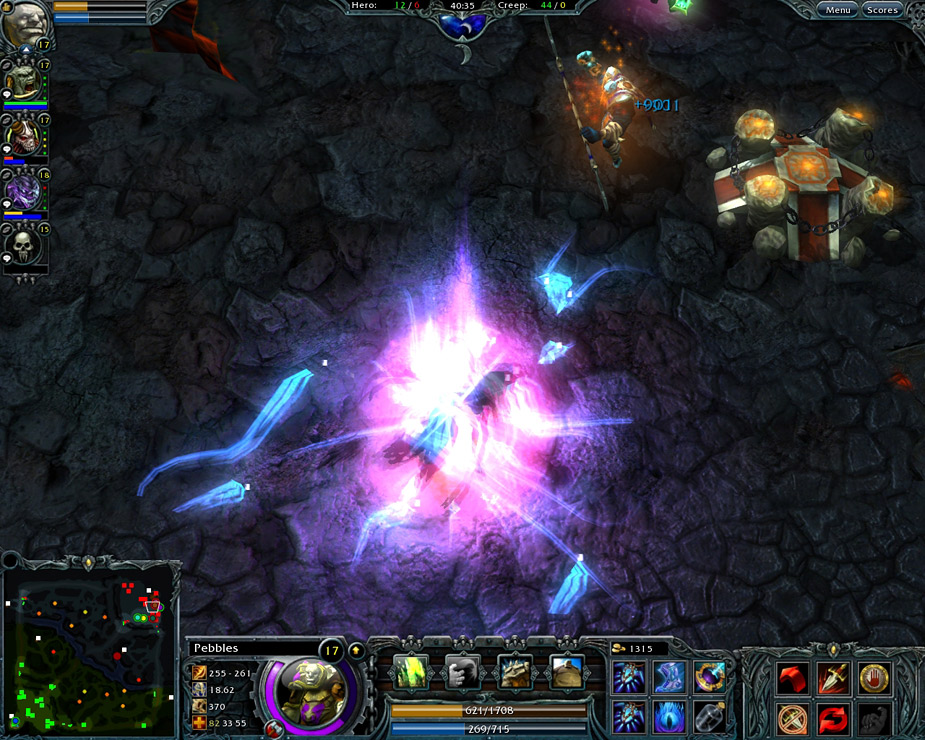
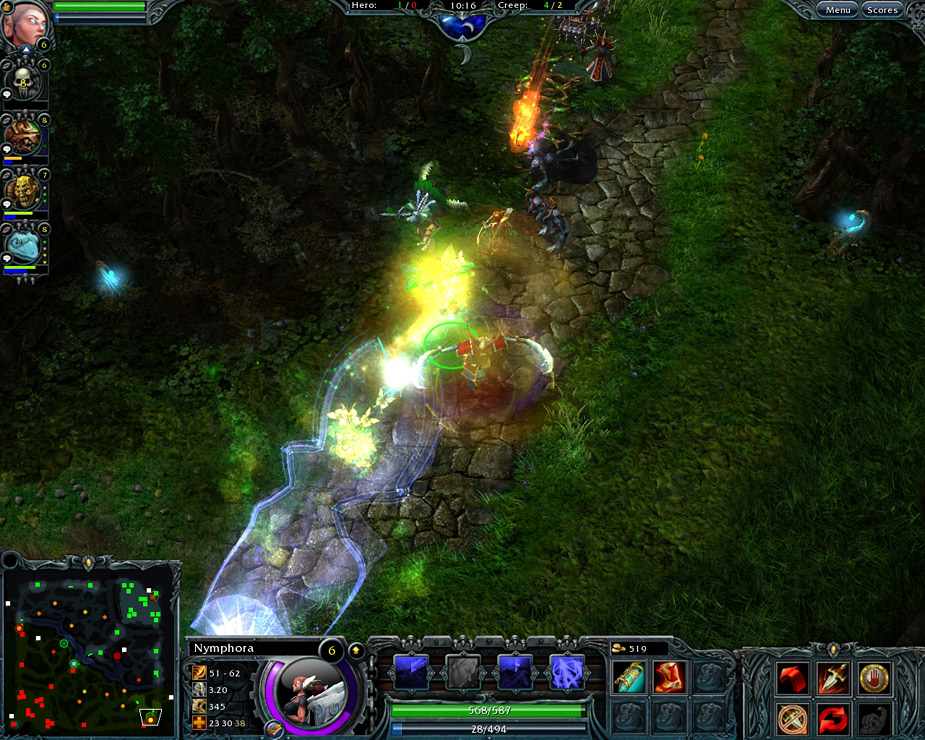
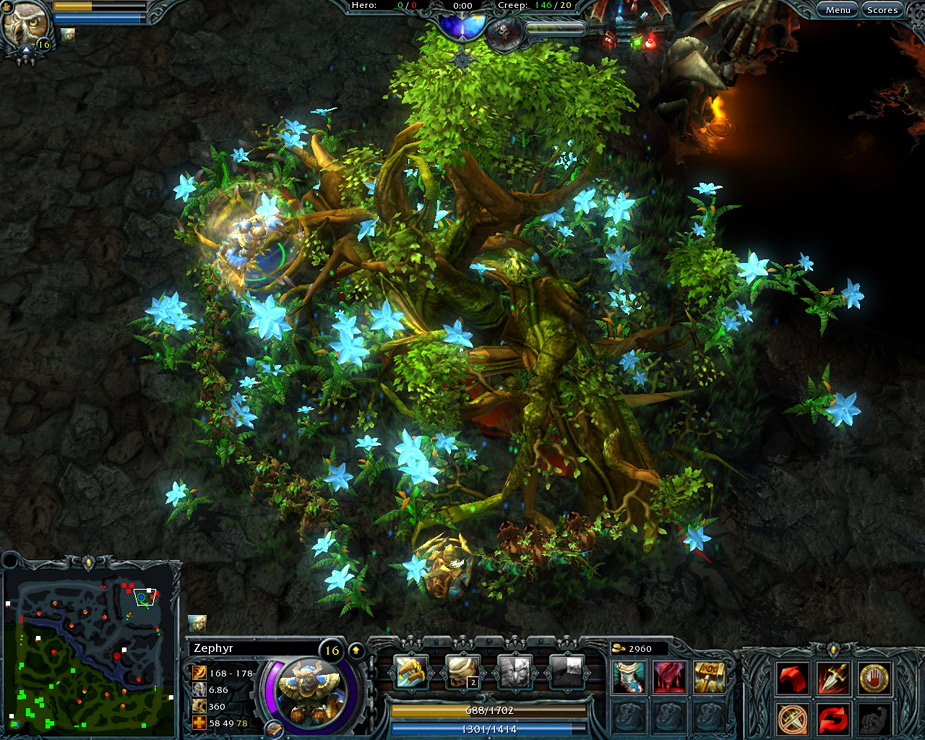
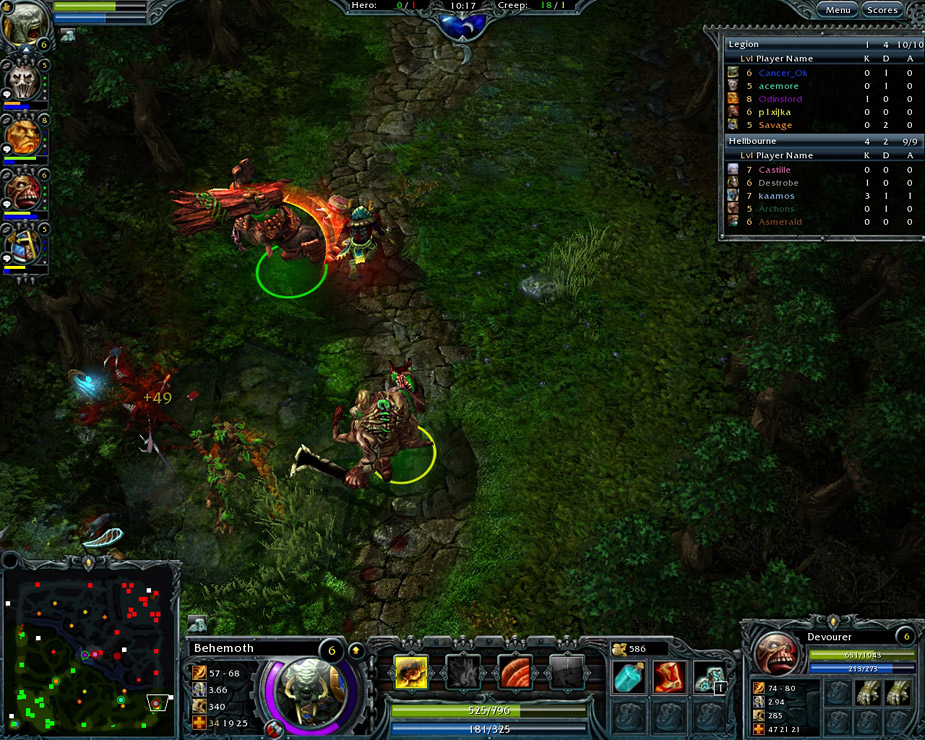
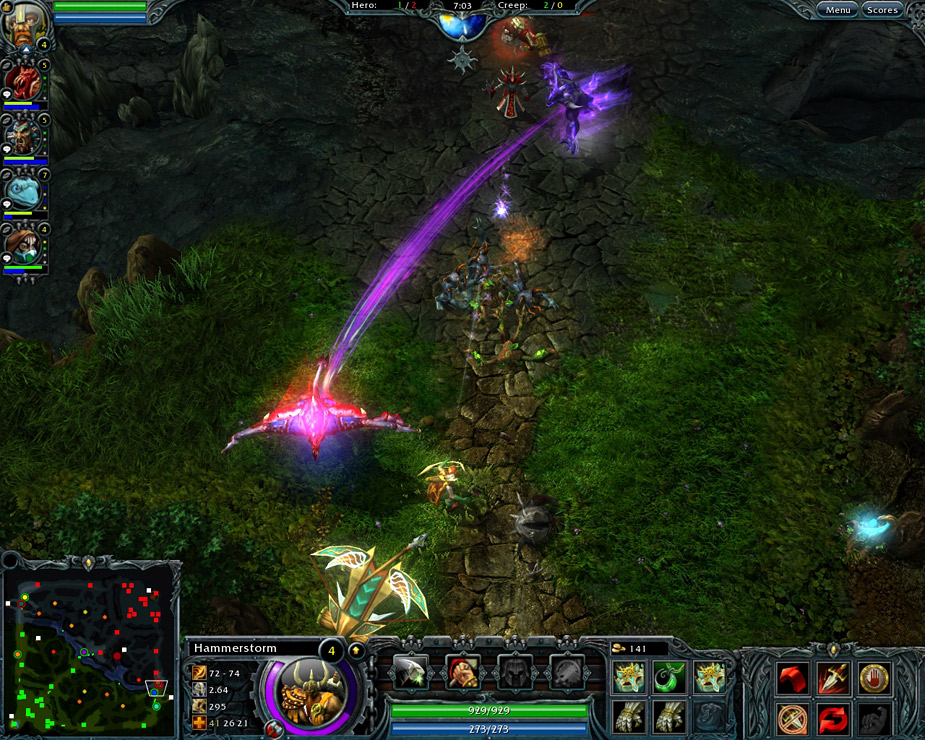
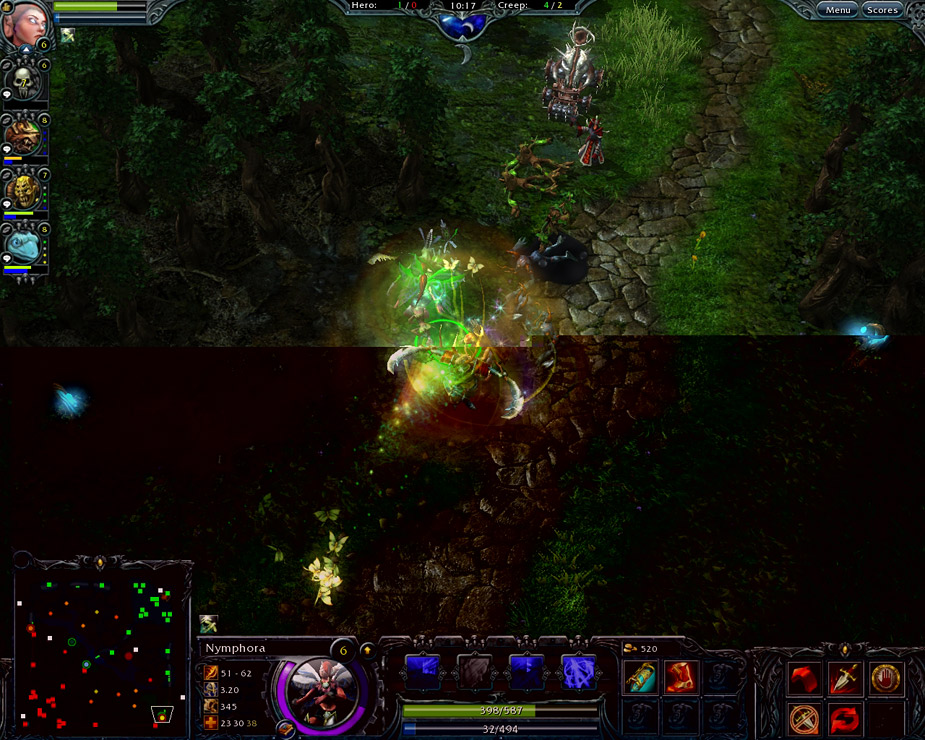
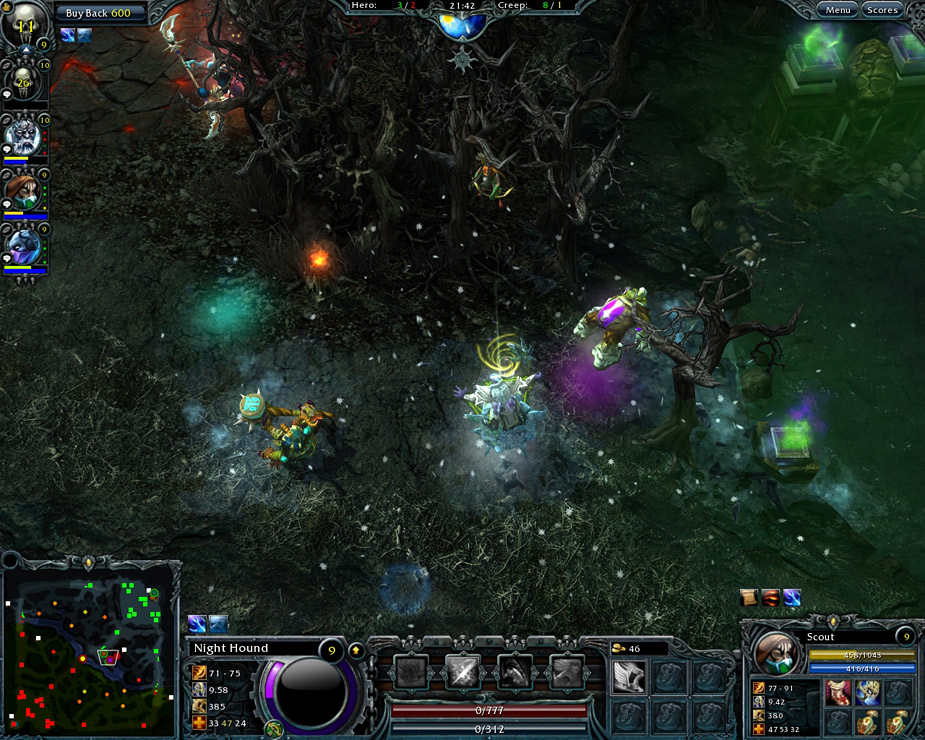
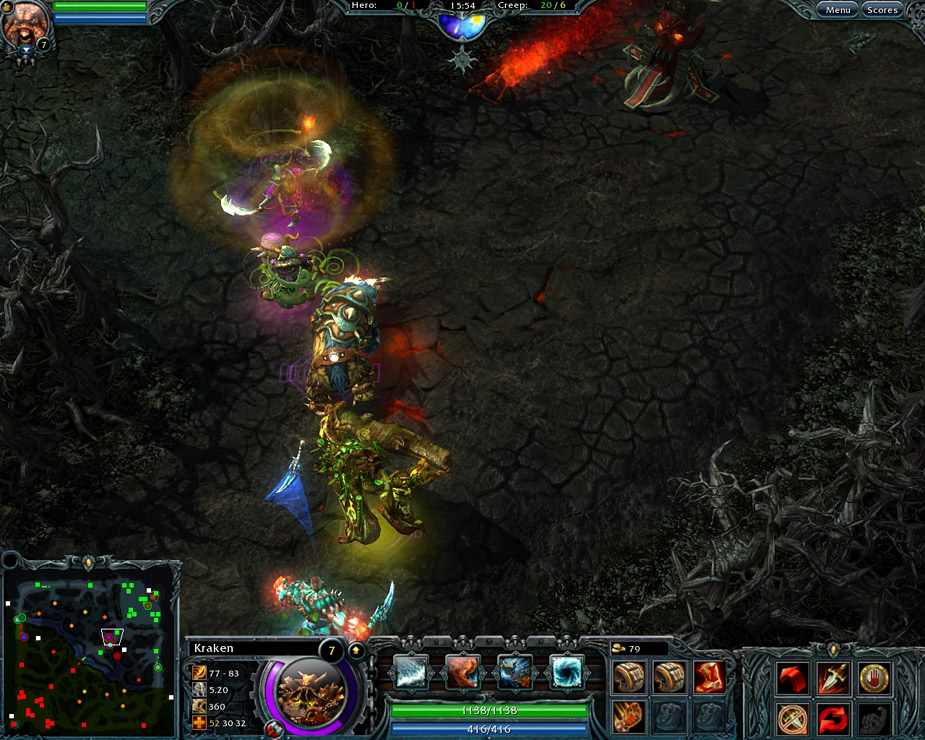
Prepare to experience an epic battleground unlike any other as S2 introduces the Heroes of Newerth 3.0 update. HoN 3.0 presents the world of Newerth with a cohesive vision that emphasizes user experience and encourages players, new and old, to explore the world of HoN. The update introduces new gameplay elements such as the refined tutorial, Learning Center, bots, and adds depth with an improved referral system and a redesigned and more dynamic Forests of Caldavar. HoN 3.0 defines the future of HoN as a highly rewarding, story-driven MOBA experience.

newerthinterface

Features of The 3.0 Update:

  • Enhanced New Player Experience – The game’s walkthrough has been completely revamped with an indepth guide to better prepare first time players for the world of Heroes of Newerth. RAP 3.0, an all-new Report-A-Player system, gives the community the power to clean up and police itself while impacting the behavior of negative players.
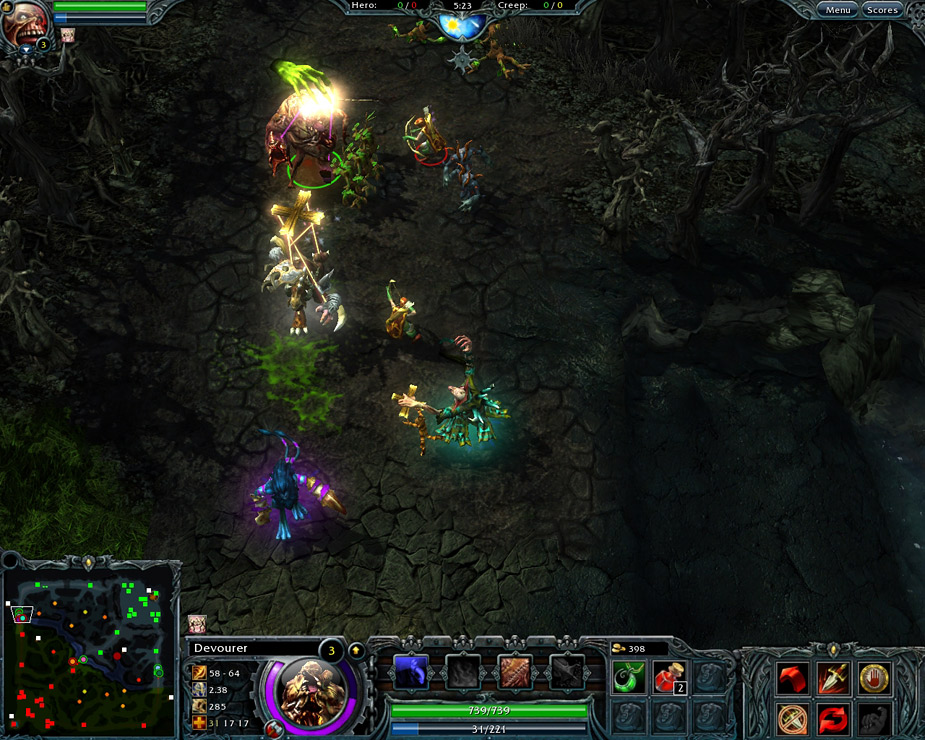
  • Reworked & Enhanced UI – Including friends list notifications, options menu, in-game chat, and more.
  • Experience the Learning Center – This new feature will provide players with a series of videos that reinforce and explain in great detail some of the game’s basic and more complex concepts/techniques.
  • Improved Referral Program – The new referral system will have both in-game and web-based options. Players can recruit friends for in-game currency and other tangible prizes using both systems.
  • Learn Your Hero’s Backstory – One of the key features of the 3.0 update is the inclusion of lore within the world of HoN. Discover the story behind all your favorite heroes as each one has a unique tale to tell concerning their involvement in Newerth.
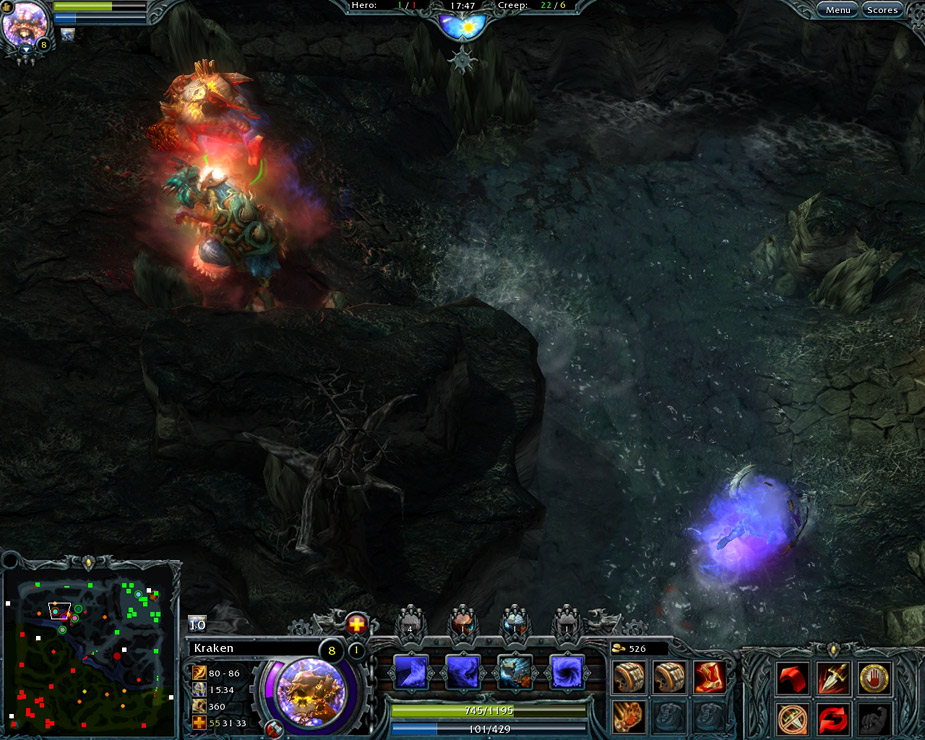
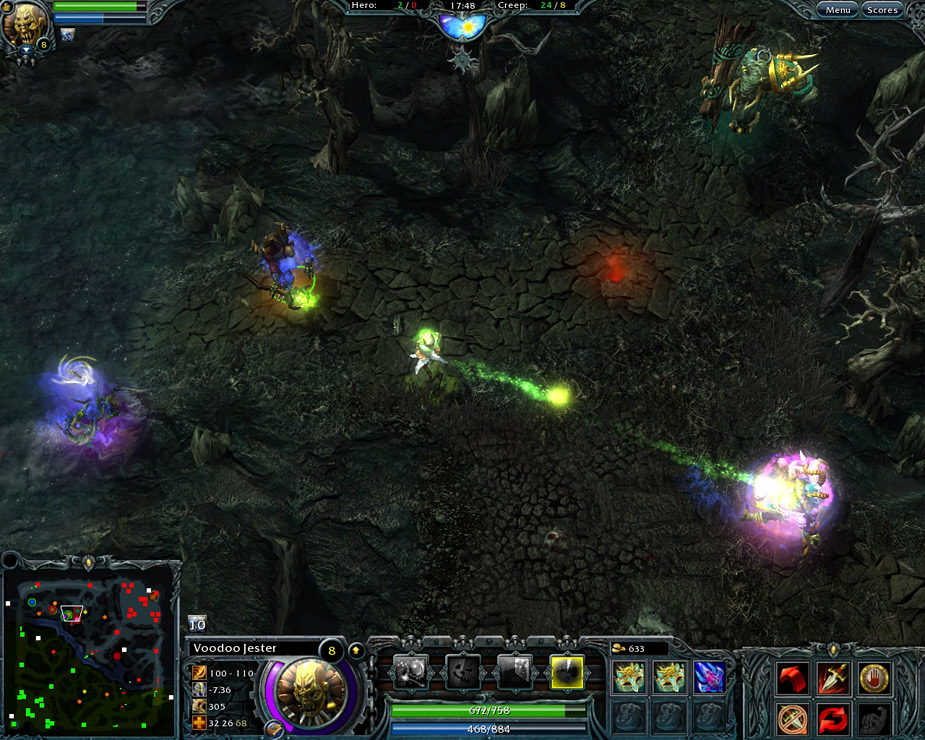
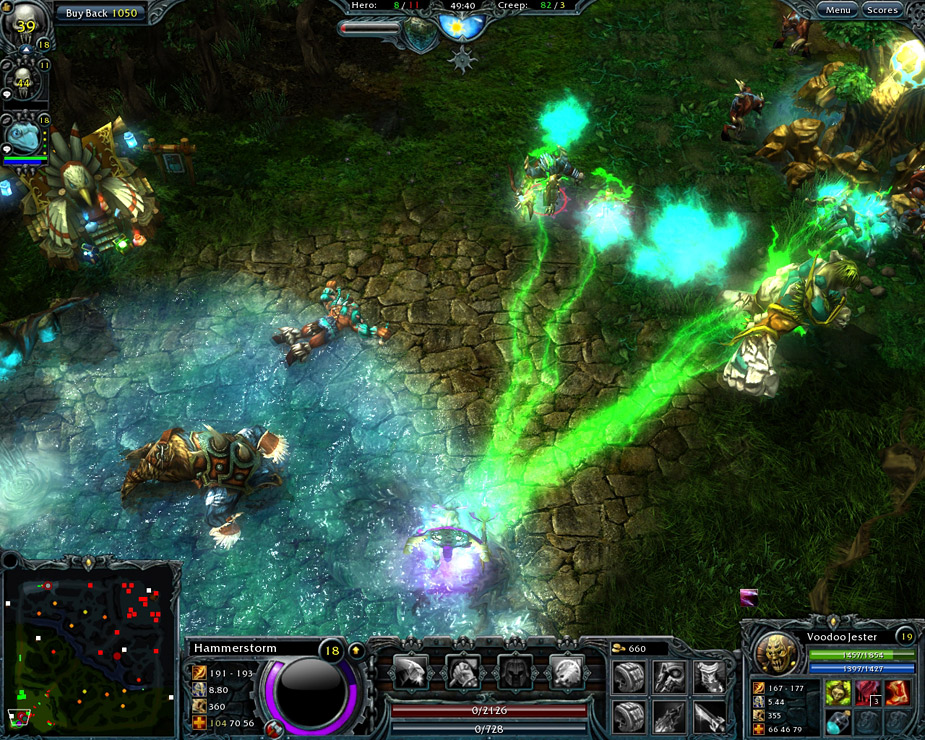
  • An All-New Caldavar – The Forests of Caldavar map has received a complete overhaul in terms of its appearance and layout. The environment is now more dynamic and includes stunning new aesthetics, tower designs, fountains, buildings and more!
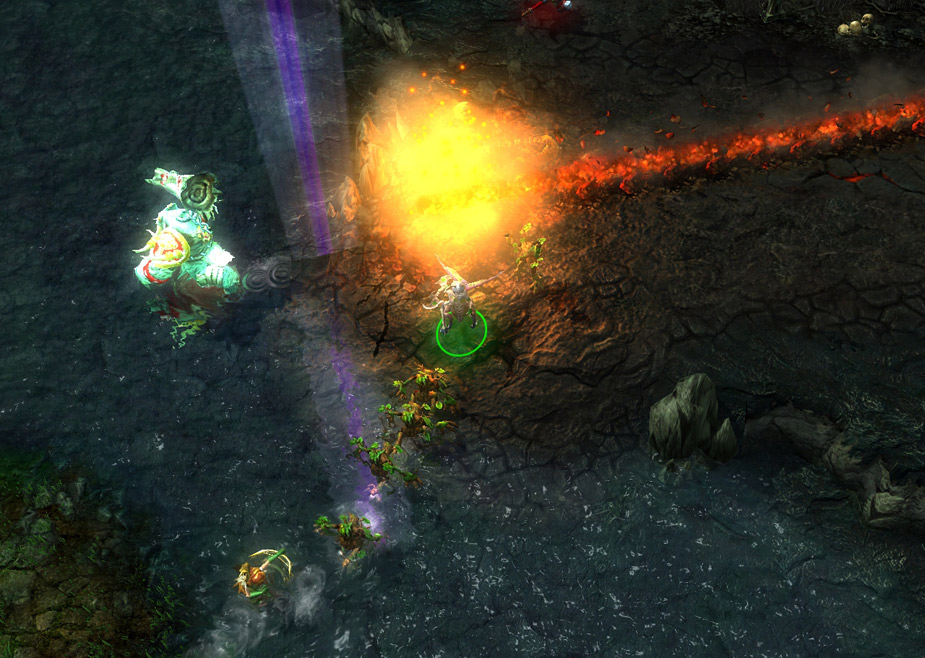
  • 30 New HD Hero Models – Valkyrie, Deadwood, Magebane and 27 other heroes now look better than ever as they have been redesigned with spectacular high definition graphics.
  • Bots Welcome – AI-controlled Bots are now available as an integral part of the Heroes of Newerth experience. The new walkthrough will also include bots so that beginners can test and develop their skills before venturing into more competitive play.
 

032

First Round:

The developers are trying to take the DOTA genre beyond the blue versus red it has notoriously been and give it some story, a new richness of depth.  The game is good they just want to take it to the level of great.  I think their plans with this patch are just the thing to do that and when the patch comes out we will be sure to do a review.  If you haven’t played DOTA or HON or haven’t been at them in a while I recommend this link to get you pointed in the right direction and avoid unnecessary verbal assaults from teammates.  You should really see how they plan to bring these maps to fresh life with new lore.

Preview Trailers:

Cygnett Lavish Connect Review (iOS/Peripherial)

Cygnett Lavish Connect
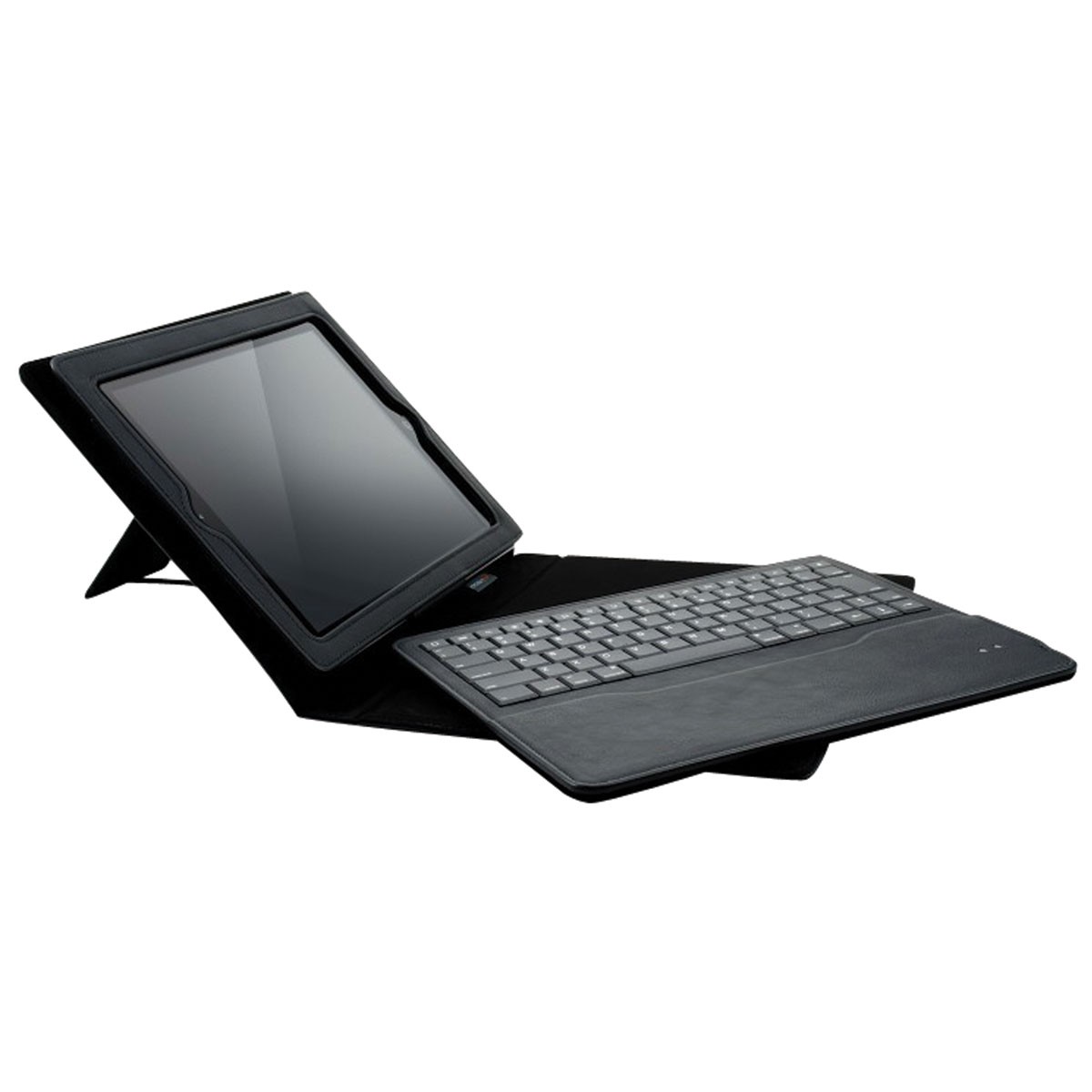
I have put a lot of rough and painful years on my back, I was never kind to it at my best and I was downright mean to it without thought when actions required it. As a result I have a back which, while not uniquely bad, ranks up there with some of the worst off. Luckily gaming is an activity that can be played in multiple positions on multiple platforms enabling me to one day review a game for the Kinect then the next play on an iOS while resting up my back. The hardest part has been not the playing but the writing up of the game afterwards where even a laptop and the required slight elevation in bed to use it could prove too much of a task to complete or the weight of a laptop would sometimes put too much stress on my body. One of our friends over at Cygnett not only came up with a great solution to this issue for me but also an elegant one perfect for travels when they sent me the Cygnett Lavish Connect.
Description And Features:
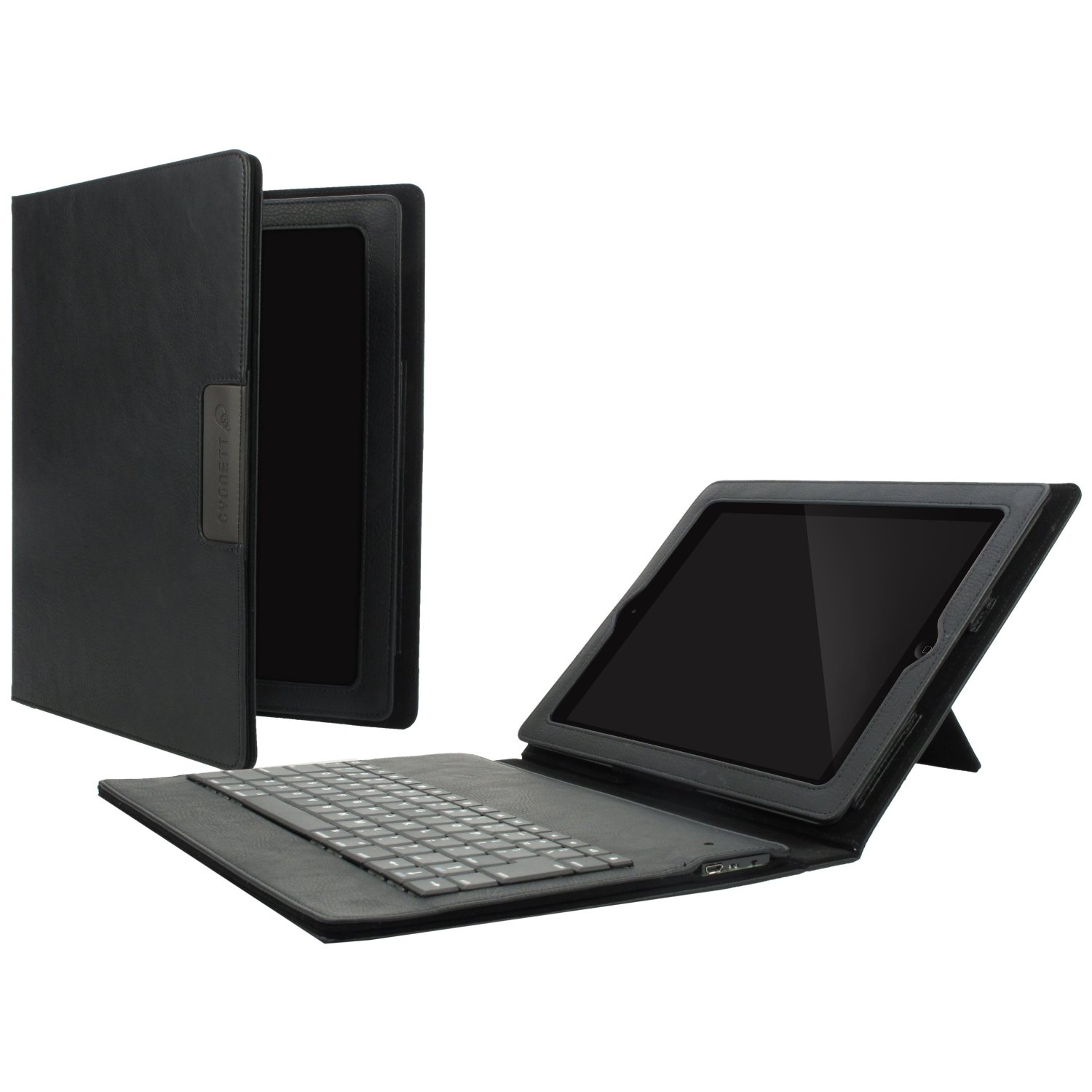
Ideal for easy on-the-go use, the protective Lavish Connect features a super-thin magnetically-attached 84-key QWERTY Bluetooth keyboard and integrated stand. Concealed magnets activate the sleep/wake function and keep the case securely closed when your new iPad is not in use.

    • Slim folio case includes magnetically-attached yet easily removable Bluetooth keyboard, allowing you to make the most of your new iPad experience
    • Beautifully crafted & elegantly designed to protect your new iPad from drops & scratches
    • Concealed magnets keep the case securely closed when The new iPad is not in use

Tested:

The Lavish Connect wasn’t so much tested by me as it was put to immediate use.  I had taken my iPad to CES with me and carried it the first couple of days before returning it to the room and giving up on putting it to use the rest of the trip.  When one of  our colleagues at Cygnett realized that I had not given up trying to type with my giant paws on the little touch screen of the iPad but that it had been setup next to the bed relegated to a Netflix theatre he decided to surprise me by sending me a case to work with.  Immediately I found my work on writing extremely easier as I was able to stop and write anywhere at anytime whether it was waiting in the car for someone to run into a store and run an errand or in bed when my back finally decided it had had enough. I was able to take my iPad up and keep working away at whatever I needed to whether it was writing a review or emailing contacts.  The keyboard responds quickly and accurately with the magnets holding it perfectly in place without slipping.  The keyboard is removable slimming the profile of the case even more and if there are no plans to do writing just using the case can be a handy and safe way to carry the iPad around.  Personally I found I would rather just leave the keyboard inside so that if I changed my mind and decided to write I would be able to give my meaty paws a chance to type at a decent speed.
584559_19
One of my concerns when working with the keyboard is that I would find that the battery life might not be long enough to complete work but I soon realized that was a silly concern, after even a short period of charging the Lavish Coonect gave plenty of typing time, I found myself watching the battery life on my iPad more than the keyboard.  When working in bed it was simply a matter of plugging them both in then I could write until it was time for a break and watch some Netflix.  At that point if I hadn’t already popped out the case’s built in kick stand, I would and be able to watch in comfort.

Last Call:

Life can be difficult in general and a bad back definitely can add to those difficulties.  The Cygnett Lavish Connect has improved my home life as well as looking stylish and making my reviewing far more portable and convenient.  With a much less bulky profile and weight than a laptop and a comfortable design including a built in energy efficiency wake up/sleep mode I would expect for people to see this little black beauty by my side most places I go.

[easyreview title=”Cygnett Lavish Connect Review Score” cat1title=”Overall Score (out of 5)” cat1detail=”” cat1rating=”4″] Our Rating Scores Explained

BlueAnt Ribbon Review (Mobile/Peripheral)

15

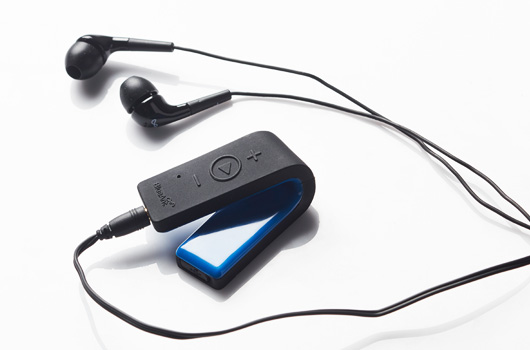
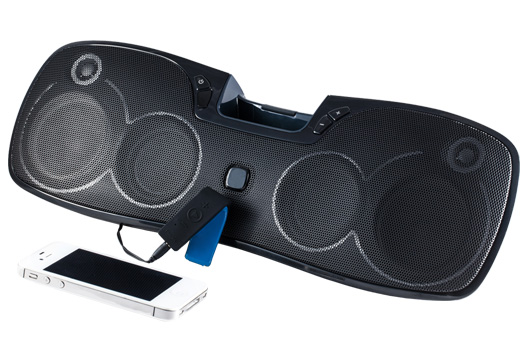
BlueAnt may not be a familiar name but if you are in the market for wireless headphones for your smartphone or just a good source to stream it to a stereo you should learn it.  If you have hands-free cellphone laws in your state this is a great way to comply with just a little ribbon of technology.

Wireless Headphones:

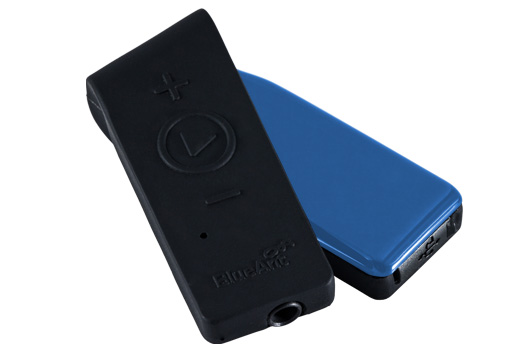
The primary use of this device is as a wireless headset for your smartphone.  If you are using an iPhone syncing is as easy as turning on the bluetooth feature on your phone then pressing the play button on the middle of the Ribbon a few times.  Suddenly you are in business, you can play and control your music with ease on your phone with just quick touches to the Ribbon which is small and can clip on just about anywhere.  Click on the Ribbon a couple times and you get Siri and access to all of her functions through voice command in the built-in microphone on the Ribbon.  If a call comes in while you are listening to your music you just hit the play button once to pause the music then do a quick double tap to answer.

You don’t have to worry about screwing up your pace jogging or using exercise equipment, if you are in a gym environment you can leave your phone in your gym bag up to about 30 feet away and still have effective range to listen to music or use Siri which opens up all kinds of cellphone functionality.  All while just wearing little headphone buds and a small ribbon shaped clip.

6

Stereo Streaming:

So you are throwing a party and you want to use your own music from your phone to be the beats for the night.  Just plug the included cable from the Ribbon into the input jack on your stereo and you can be playing the tunes without having to have your phone at the player.  So if you want to send a text while the music is going to a friend no problem.  If that guilty pleasure song comes on (we all have a couple) then you can reach in your pocket, pull out the phone and skip right past it.  My favorite idea, and if I was still in the dating game I would totally put to use, would be to find that girl you wanted to dance with and put on her favorite song if you know it or maybe slip in a nice slow number to get closer.  Is this showing how long I have been out of the game?  Probably.  The key is you have access to all the gigs of music you have stored on your phone now available on your stereo without having to lose access to your phone.

3

Hands-Free Driving:

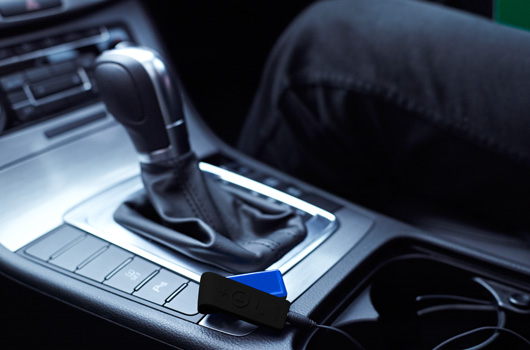
This is actually one of my favorite uses for the device and ironically it doesn’t have to use the headphones.  If your car doesn’t have an input jack you can use the headset as described in the first part, using it just for Siri, music in headphones (where and how allowed by local law) or to send or receive calls all while your phone remains in your pocket or on a car charger.  If however your car has an input jack then whole new possibilities become available.  Wireless cell phone systems for the car can be expensive or use a fairly antiquated process like broadcasting through an FM channel.  With the Ribbon you just plug it into your Aux Input like you would have with your stereo and you can listen to your music through the car system, receive a call, pause your music and double tap the Ribbon and answer the call hearing it through your speaker system and talking through the Ribbon.  Let’s say it is someone saying you need to call home.  You hang up, tap the Ribbon for Siri and give a call home.  Let’s say the kids are in the car watching a movie on a Bluetooth enabled device such as your phone.  They can watch on the device and listen through the stereo.  This is also great for watching things on your phone or listening while waiting in the car.

It can even help with navigation if your Bluetooth enabled device has a verbal GPS system you can get directions to where you need to be without looking down and the directions come in through your speakers.

9

Last Call:

The Ribbon is a nifty little device that is much more than just your wireless headphones for your phone.  It is a portable Bluetooth transmitter that is no larger than a little ribbon but has immense possibilities.  BlueAnt has a product I will be using around the house but probably even more so when traveling with new uses coming to mind all the time.

[easyreview title=”BlueAnt Ribbon Review Score” cat1title=”Overall Score (out of 5)” cat1detail=”” cat1rating=”4″] Our Rating Scores Explained

Razer Carcharias Review (PC/XBox 360)

razer-carcharias-xbox-top

Literally, as I put the last suitcase in the trunk of my car to head to CES I heard the creak of brakes and the sound of a vehicle settling and turn to see the UPS truck with the driver coming right at me with a package.  I thank him, open it up and see the beauty that Cult of Razer followers know all too well: a new green glowing snake product.  I think of how much I will have to write during the trip and nod with satisfaction knowing I should be able to test it listening to music and use a recently acquired program to test the mic quality for recording.  I toss it in a bag and head off to a week where I get about 7 hours of sleep each night, eat only apples leftover from press lunches for two days straight and meet and greet more people in the business than many people meet in their whole career.  Plans are made and remade, I run back to the room periodically to change shirts to lose the sweat stains, and each time I come back to the room I am greeted by a smiling Mrs. Ripper kicking it on her gaming laptop… wearing the new Razer Carcharias.  Anyone who knows Mrs. Ripper would not be at all surprised to see her planted in front of a computer playing her favorite MMORPG, but seeing her wear a headset, well I am pretty sure it has been years since I had seen her wear a pair for more than a few minutes.  The week flies by in a blur and as she packs her bags to go home before me she asks “can I keep these ones when you are done reviewing them?”  With a grin I say, “Sure!” and watched her pack it away in her suitcase knowing she was going to put it to good use before I even made it home and that she had just joined the Cult of Razer.

razer-carcharias-xbox-2

Tech Specs:

Headphones
  • Frequency Response: 20 – 20,000 Hz
  • Impedance: 32 O at 1kHz
  • Sensitivity (@1kHz, 1V/Pa): 102 ± 4dB at 1 kHz Max
  • Input Power: 200 mW
  • Drivers: 40 mm, with Neodymium Magnets
  • Inner Ear Cup Diameter: 50 mm / 1.97”
  • Cable Length: 3 m / 9.84 ft
Microphone
  • Frequency Response: 50 – 16,000 Hz
  • Signal-to-Noise Ratio: 50 dB
  • Sensitivity (@1kHz, 1V/Pa): -37 ± 4dB
  • Pick-up Pattern: Unidirectional
  • Cable: 3 meters, Braided Fiber Sheath
  • Connector: 3.5 mm combined jack (headphone and mic)

Features:

Adjustable voice and game volume balance
Keeping the superior clarity and deep, thumping bass created by using the highest quality drivers available, the Razer Carcharias for Xbox 360/PC now comes with a new in-line remote control to adjust the voice and game volume balance, ideal for Xbox LIVE gaming.
razer-carcharias-xbox-3

Extended comfort circumaural design

From tank battles on a beachhead to blasting the undead in outer space, the full over-ear coverage ensures a comfortable fit. With a fully adjustable, padded head rail that extends an extra 1.25 in/3.18 cm on either side to accommodate a wide range of head sizes, and with its soft, pliable, removable ear cups, the Razer Carcharias for Xbox 360/PC always allows for a perfect fit.

Connectivity to all Xbox 360 systems

Whether your console is legacy or current-gen and connected to a display via HDMI or component/ composite, the Razer Carcharias for Xbox 360/PC is ready to go right out of the box. All required cables and adapters are included to ensure you can connect to any Xbox 360 within minutes.

Testing Them Out:

First off there is the main reason Mrs. Ripper finally embraced a headset: These are extremely lightweight and comfortable after really long periods of time and, if you feel you need to pull it off an ear to listen to the room, it can be done on a moment’s notice then slipped back into place just as quick. She likes to hear things in headphone stereo as much if not more than the next person, but she hates it when the cups cover the ear too much or start to weigh down on them, pushing her eyeglass arms into the side of her head. Her ears get sore quick from earbuds and she finds it a lot bigger pain in the booty to take them in and out. In contrast none of these have really been a problem for me but those are also the reasons she winds up never using any of my headsets so it was nice to have a set come in that finally appealed to her and displayed a different customer base.

The stereo sound is crisp and clear as you would expect from a Razer product, the sound pickup from the mic is excellent and the boom was very flexible, adjusting to just the right spot for talking but not heavy breathing into a hot boom. It works well with both the XBox 360 old and new (I have both) as well as PCs, both desktop and laptop. Beside being so lightweight that you barely notice they are on, they have extremely soft ear padding and they look damn sexy with glowing green Razer logos on the side. Razer definitely takes the stance that if your paying to play with quality it should look sweet as well and the Carcharias do not disappoint on this condition. You could easily imagine them on everyone from professional gamers at tournaments to a housewife playing an MMORPG while on Ventrilio running a raid.

razer-carcharias-xbox-1
Last Call:
Reviewing these headsets was a no-brainer partly because Mrs. Ripper is one picky customer and she liked them so I knew I was sliding on what would be some of the most comfortable ones I have ever worn before they even came to rest on my noggin.  These are the perfect headset for anyone on your shopping list, including yourself, as they are versatile and lightweight and perfect for all kinds of gamers, I learned that the hard way since I will probably never get to wear them again.

[easyreview title=”Razer CarCharias Review Score” cat1title=”Overall Score (out of 5)” cat1detail=”” cat1rating=”4″] Our Rating Scores Explained

AhnLab V3 Click (PC/Tech)

304974-ahnlab-v3-click-ahnlab-v3-click

So right before I headed to CES I was getting virus pop-ups on my rig left and right.  They were driving me crazy but on a tight time crunch I didn’t want to interrupt what I had to get done with a thorough cleaning so I just clicked on the annoying pop-ups as they appeared and figured I would deal with it when I got back.  While at ShowStoppers, a CES event where mostly smaller companies get a chance to showcase their innovations I came across AhnLab’s booth that had a simple solution to virus problems: a plug and play button that you hit when you see it flashing red meaning it has detected a virus and then wait for it to turn green meaning it has cleaned it.

Worried it might be infected and not have detected it yet?  double hit the button and it turns blue as it does a cleaning.  Deeper cleaning is possible by going into the menus and you can click and see what particular viruses are attacking and where or you can just ignore it and not worry about it until it changes to red flashing again.  The button goes into one USB port but provides two and whenever you plug a USB into one of the two it checks it for viruses.  The button which can be taken and plugged into multiple computers and checks them automatically also has storage space in case there are certain files that you want on all your computers, they can go with you along with virus protection.

ahn3

Testing:

I knew what viruses were infecting my computer and the root virus that kept causing them.  Another virus detector had located the root virus for me but removal was an extremely lengthy task that I kept checking to see the best course for all the time getting hit by the viruses reinstating themselves.  Each time they came back the V3 Click was the first detection system to detect them and enable me to click on it and prevent a single popup.  Unfortunately not only could it not remove the root virus it didn’t detect it on standard scans.  So I went through the process of cleaning out the root virus but put it on an USB drive to test detection further later.  After cleaning the system I plugged in the USB and the virus was immediately detected and destroyed by the V3 Click.  It wasn’t until after this test that I discovered that there were two types of sweeps by the V3 Click, the button hit is just a quick sweep while there is a “deep clean” option in it’s bar functions that may have detected it.  This has to be left a question because I have no desire to put such a deep virus into my computer’s core again but it is possible it would detect it.

Last Call:

It is difficult to test a virus detector in general because you have to be willing to subject your system to one.  I do know that AhnLab V3 Click did an excellent job catching the launched viruses as soon as they were planted, it worked faster than several others on the market and knocked them down with an easy hit of a big shiny button.  It’s standard scan doesn’t detect deep rooters but it might have gotten caught by it’s Deep Clean had I not already gotten rid of it, though this particular virus manage to avoid detection by a few other virus detectors so even if it did miss it it would be in good company.  The fact that it is plug and play on any computer, automatically checks USBs on it’s own safe system and stops the insanely annoying popups all make it worth it’s money.  I hope that AhnLab continues to build it’s software detection strength because this button is a surprisingly handy virus protection system.

[easyreview title=”AhnLab V3 Click Review Score” cat1title=”Overall Score (out of 5)” cat1detail=”” cat1rating=”3″] Our Rating Scores Explained

The trailer below does a great job describing it’s functions, it gets a bit dry in the middle but the end precautions are hilarious and worth the wait!

Trailer:

Fieldrunners 2 Review (PC/Steam)

fieldrunners-2

There are plenty of tower defense games out there with just about as many styles and themes as there are well, styles and themes in gaming.  They tend to attract a certain type of player that loves real time strategy and has a mind that loves building a better mousetrap.  At its core, every tower defense game is a mousetrap building machine, you try to build a defense that catches an enemy while trying to go between point A and B using the tools at your disposal.  Whether it is a freeway or a field, whether your enemy are orcs or tanks, you are building a maze the enemy is meant to never escape.  So when it comes down to it a good tower defense has to have solid mechanics, fun theme and the ability to catch that mouse if you have the mind for it.  Fieldrunners managed to do that and do it well, bringing along a sequel, but that doesn’t mean the sequel holds up to the original.

Storyline:

The fieldrunners are back!  With legions of soldiers and a gaggle of new tricks, they’re ready to conquer the globe. Or so they think!  Our top scientists at SubaLabs have built a bleeding-edge arsenal of devastating weapons for any heroes willing to stop these dastardly invaders.  Help your people by taking action – DEFEND THE WORLD!

Maybe it is not the strongest storyline in the world but really who cares?  When it comes to storylines, tower defense games don’t require them so in this case to have a fun, cutscene driven one is a great reason to watch the loading screens between levels.

C6_960x640-587x391

Features:

  • 25 unique, hand painted levels spanning 4 distinct zones across Fieldrunners Island
  • Over 20 weapons to choose from at the start of each level
  • Face waves of fieldrunners that navigate the battlefield with unparalleled realistic swarming behavior
  • Multi-storied maps route enemies over bridges, under tunnels, and into trenches
  • Revolutionary “Hybrid Maps” combine the fun of designing mazes with the challenges of fixed path layouts
  • Sudden Death maps pit players against never ending hordes of enemies in an all new, action packed levels
  • Puzzle Maps are bonus levels that put players’ understanding of enemy behaviors to the test
  • Over 30 different enemy types, including elite enemy units with special attacks and rewards
  • Powerful items allow players to perform precision based attacks like never before

Graphics And Sound:

The graphics are colorful and cartoonish and definitely lend themselves to the playful atmosphere the game tries to promote.  The towers each have their own feel and character as do the enemy troops that storm wave after wave.  The sound effects are fun and a bit silly adding to the overall addictive atmosphere of the game.

Fieldrunners2-Grasslands

Gameplay:

No matter how fun a game looks if the gameplay isn’t solid you aren’t going to stick with it.  The makers also have to run the balance between a challenging game and an impossible play.  Luckily the makers of Fieldrunners 2 had a very solid understanding of walking this line that they developed in the first game and carried over into this one.  Every map has it’s own terrain with challenges and strengths as does each enemy making picking the right tower and the right placement vital.  You can build a meat grinder line of gun turrets but if the runner is too fast and you don’t have glue guns to slow them down or turnbacks to keep them in range they will be across the field and damaging your headquarters in no time.  Your funding to build towers comes from taking down runners so you also have to manage your resources extremely carefully.  You’ll start the level with enough money to put down a couple towers but only a couple and placement at the beginning sets your patterns so you are constantly trying to improve and develop your maze and your tower.  You can get special limited use weapons that range from turning back time three rounds to spreading plagues among the foot runners but you have to purchase them with credits earned during the levels.

The game starts you in easy with a learning level but you soon find yourself in harder and harder maps with 70 waves of enemies testing your defensive skills.  With so many waves a single level can take you quite a while so you either want to put some decent time aside for it or play on a computer you can leave paused and come back to.  The enemies start with foot soldiers but soon work up to motorcycles, tanks, planes, even zeppelins that cruise right across you maze in a straight line and as a player you need to keep putting up more expensive towers and upgrading them as quick as you can.  There are three levels of difficulty though I think it could have done with a level between easy and tough because there is a big difference between them, especially on higher levels.

L4_960x640-587x391

Last Call:

Fieldrunners 2 is exceptionally fun and addictive even for its genre.  I kept planning to take a break from the game for a while finding myself going just one more level, which means just 70 more waves.  Mixing and matching the towers to fit the enemies and terrain is a blast, sometimes literally and though it can be frustrating on wave 52 to have a new enemy arrive that blows past your defenses like they weren’t there you start over again with wave one planning on how to stop that sucker at 52.  This game isn’t for everyone, tower defense games in general tend to attract a certain mindset, but if you like this kind of strategy game you will love Fieldrunners 2 which is a shining example of what these games can be.
[easyreview title=”Fieldrunners 2 Review Score” cat1title=”Overall Score (out of 5)” cat1detail=”” cat1rating=”3″] Our Rating Scores Explained

Trailer:

Magix Movie Edit Pro 2013 Plus Review (PC/Steam)

largeImg

So, once upon a time I used to make my own DVDs and I worked in television as a director and was trained on the state of the art, non-linear video editing systems.  Those days have come to an end but I have, in recent years, wished I had an editing program that was user friendly enough for quick-edit projects but also robust enough to have some depth for when I have some time to really detail a project.  The people at Magix seem to have had this goal foremost in their minds when developing Movie Edit Pro 2013 Plus. Recently, they put the program on Steam, which makes it more affordable to distribute and easier to use on the go.

Quick Editing:

To test the application’s quick editing features, I just opened up the program, went to open file and highlighted about 20 pictures and hit open.  The program loaded them in a timeline based on the pictures’ order in the previous file in a line on the timeline bar.  Moving them around is as easy as click and drag.  Between each image is an A/B section representing the wipe/fade that has been chosen with a cut being the default.  Clicking and scrolling down the effects section offers dozens of possibilities for transitions and all you have to do is click on the one you like and drag it down to the transition you want to use it on.  To add audio just open it and it automatically drops it down to a track.  From there, you just decide if you want to lengthen or shorten your pictures with different transition times or screen time  or whether to edit off the end of the music and have a nice fade transition for the music and video at the end.

Probably one of the most important thing to do is to “save as” after each step, using different names regularly.  One of the things I found at this point is that the version currently on Steam has some glitches and crashing errors.  I thought I had finished one project and went to upload it to YouTube and the program crashed and didn’t recognize it had crashed when I went to restart it.  I had to restart the computer and then was able to load up the video only to find the audio was missing.  I went back to check the most previous versions of the edit and the audio was no longer present.  I tried to add it again but the project appeared corrupted.  Luckily, the audio was secondary to the point of the project so I didn’t worry about it. Had I been on deadline with a project, this would have been really frustrating.  In the two worst case crashes it did send a crash report so, hopefully, those issues will be taken care of soon.

magix_movie_edit_pro_2013_premium_800

Detailed Editing:

Starting your project is very similar to above but then you can do more detailed work if you want.  One of the greatest features of this particular editing program is that just about every action button has a video instruction button attached to it so that all you have to do is click and you get to watch a step by step instruction and explanation of its use.  This isn’t just a great editing program – it is an instructional course that teaches the things you need to learn.  If you understand the basics, you can skip their videos. If later on you aren’t sure about how to edit the time of a transition, for example, you just hover your mouse over it in the pull-down menu and you will be offered a video instruction.  This program is worth it just for the editing instruction clips. I have taken multiple editing classes and working with this program was better than most and far more affordable.

Movie Edit Pro 2013 Plus (also shows as Movie Edit Pro MX Plus in some locations) gives you just about every advanced feature you could want, such as adjusting the length and location of mixes, multi-track video and audio editing, video and sound cleanup and stabilization, filters, really just about anything you want to do with a video or audio project.  Then, when you are done, you can save it down into any format, burn it down to disc or even save it directly to YouTube  Facebook, and other online sources.  I was able to use three different video sources of three different qualities and the system was able to adjust quality and, using transitions, make the videos work together nicely.  The “Pro” in the name is accurate, so don’t let the surprisingly reasonable price make you think otherwise, you can get professional, broadcast quality editing done with this program.  Just save often to be prepared for glitching and crashes while the bugs get worked out.

video-672-vdlx-2013-mode-en_01

The Benefits of Steam:

I would like to point out the versatility of having applications like this on Steam. If you have your account on multiple computers, you can log in, download the program, and start editing.  That is so important with this kind of program since I will be able to be out on the road, start an editing project on my laptop then pick it back up and finish it on my desktop.  I can then post it online in any format I want and show people the work from pretty much any online device.  Video editing is a notoriously localized and closed system – thanks to Steam, the versatility of use is greatly increased plus the program is digitally distributed and advertised giving the publisher savings they can pass on to the customer.

Last Call:

If you are an amateur video maker wanting to make a slide show for a family get together, a cat lover who wants to edit and upload their latest meow mix, or someone who makes a living editing videos from weddings this program will do what you need.  If you don’t know how to do something in this mostly intuitive program then there is a full class worth of video tutorials to teach you in a step by step process that will make you feel like a pro.  Just remember to save often until they get the bugs worked out!

[easyreview title=”Magix Movie Edit Pro 2013 Plus Review Score” cat1title=”Overall Score (out of 5)” cat1detail=”” cat1rating=”3″] Our Rating Scores Explained

Quick Edit Examples:

Project Blackout Review (PC)

Project_Blackout_logo

The only thing I love more than a good first-person shooter is a free first-person shooter.  A truly free first person shooter is near impossible to find because just about everyone of them is actually “free to play, pay to win” meaning they have micro-transactions that use real-world money to give you an edge over your opponent or help you level faster.  After wanting to fight the idea initially, I have grown to accept it for what it is: A necessary evil that gives people with money to spend an advantage but helps support development, expansion, maintenance and cheating countermeasures for the game and community.  The true test of a F2P FPS is whether or not the game is fun to play without investing money and, if that isn’t the case, how much before it is fun?

Storyline

As is often the case more and more with online shooters, the storyline really doesn’t matter (if they even bother to put one in).  In this case you either play for the red team or the blue team and you have mission objectives – that is all the story you need.

sc20

Graphics and Sound

The graphics are very nice for a free to play game, particularly a first-person shooter.  There is a lot of detail in the characters and, particularly, the numerous game maps.  Character outfits come off as a little cartoonish but otherwise things are rendered very well with excellent detail.  Each weapon has its own sound effects so you know the difference between a shotgun and a Desert Eagle being fired and the sounds of map damage and near misses clanging off the helmet definitely add to the experience.

Gameplay

Gameplay: The meat and potatoes of any game. A game can look amazing and have dozens of maps but if it plays like a turd, it is still a turd.  Thankfully, Project Blackout has addictive gameplay and has taken steps that, if continually implemented, will keep the game going for a long time.

First off maps are all decently sized, even the smallest giving a bit of running room with the biggest actually giving players the opportunity to get lost and secondly there are lots of them so getting bored with them isn’t likely to happen anytime soon and they seem to keep releasing new ones already.  I spent my first couple of days playing just trying to try out and get a feel for as many maps as possible.  I didn’t even get into the weapon choice much to start with, I used the loaded one and picked up one I liked slightly better.  This actually works pretty good though a diversity of weapons when I gave them a try was a lot more fun because certain maps lend themselves to certain weapons and tactics.

Something that at first didn’t make much sense to me but did after a while is that except the weapons you get at load out you don’t own any of them, you only rent them.  The thought that people pay real money for a weapon they don’t get to keep seemed a bit hard to believe but it evens things out eventually because they lose access to the nicer weapons unless they buy them again evening the playing field or they pay and do a bit better at the matches for a while while paying for you to play for free.  For the most part the bonuses from weapons and character items only aid a bit in the match but they aid a lot in keeping the game going.  The fact that they can’t just be purchased once guarantees a continual revenue stream to support the game.  Rather clever actually.  Even if you want to pick up other people’s weapons that are dropped you have to pay for that privilege because it gives an advantage.

sc11

Besides these facts the game has the fairly standard mechanics and gameplay of a FPS, those familiar with the damage level of any of the biggies will be very satisfied with the damage structure.  To keep the game interesting ranking up is done in a little different way too.  For you to earn a rank you have to complete letters to form the word “POINTBLANK” and each letter is earned by completing missions for it, averaging four missions each letter.  The average mission is “achieve victory: o/1” or “assault rifle kills: o/2” so some maps and weapons work better than others for missions.  So ranking up is slow but not boring because it keeps mixing it up, once again keeping life and interest in the game.
Players are allowed to express their individuality by purchasing a mask that has creative looks to them as well as useful stats and they can also express them through their choice in dinosaurs.  Yes, dinosaurs.  There is a map mode where you have to keep dinosaurs from escaping first from an inclosure and secondly from a couple city blocks.  Either you are the dinos or the dino hunters and it  is one heck of a battle!

Hacks:

I normally don’t bring this part of the game community up because there are plenty of upstanding gamers but despite efforts by use of anti-hacking software, there is a massive hacking community.  The non-hackers tend to get together and invite each other into games but the hackers can be found everywhere, many of them not only not denying their hacking but acting proud of it, boasting how many they use.  The GMs are trying really hard to ban and get them under control but at this point they are rampant.  It is one of the only drawback in the game, one of the only frustrations which have driven me to take a few minutes break.  I am sure they will get control of it but just forewarned so you can be prepared for some ridiculous levels of cheating.

Project-Blackout-Dinosaur-Mode_45

Last Call:

Project Blackout is a free to play, pay to win first person shooter but winning isn’t the whole battle or even the whole game.  In this case you feel like you are getting their monies worth with content and quality and a well built game.  Even with hackers I had marathon sessions on the game before spending any credits and even more after spending them.  As long as they keep up the great work I see myself continuing to have such sessions for the foreseeable future.  Do yourself a favor and give it a play, it’s free at first  and worth it if you pay.

Trailers

Gallery

Logitech Extreme 3D Pro Joystick Review (PC)

17363

Back in my earlier days of PC gaming, one of my best friends and I would fly flight simulators and try to rescue POWs or take out SAM sites while having a couple drinks and falling behind on our class reports.  To make this as much fun as possible, my buddy had a sweet flight stick that cost him a small fortune.  We switched off between gunner and pilot, pilot always on the keyboard riding the speed and finger poised on the chaff, gunner moving the target around on the screen and pulling the trigger for the guns or pushing the other button on the stick to fire the missiles.  Two buttons total on it.  How far we have come and how low the price did go, with today’s market you can get an excellent quality, completely-programmable joystick with lots of buttons and even a thrust knob for under $3o.  One of the finest examples of this is the Logitech Extreme 3D Pro, a flight stick at an entry level price.

Official Features:

  • Advanced Controls: You’ll experience superior response and control with 12 conveniently-placed action buttons, eight-way rubberized hat switch, twist handle, and rapid-fire trigger.
  • Twist Handle Rudder: A twist of the wrist lets you turn on a dime or zero in on your target with deadly accurate direction control.
  • Logitech Gaming Software: Advanced button customization, multiple controller configurations, and printable gaming profiles let you get serious about your game.

System Requirements:

  • Windows 98, Windows 2000, Windows® Me, Windows XP, Windows Vista, Windows 7
  • Pentium (or compatible) processor
  • 64 MB RAM
  • 20 MB available hard disk space
  • CD-ROM drive
  • USB port

27948

Hands On:

Let’s face it, a flight stick can be as affordable as can be but won’t be any more than a paperweight if it isn’t comfortable and user friendly.  While there are some hardcore flight sims that I play, most are a balance between ground and aerial combat and so I often find myself going back and forth between the keyboard and the flight stick.  There are enough buttons on the Logitech Extreme 3D Pro to make it so that you could program most of your game actions into it for ground foot combat as well but I found myself most comfortable using it strictly for vehicle ground or air combat, mostly air.  I could move around in tanks and armored carriers pretty well with it but turning a turret while driving seemed easier with the keyboard and mouse.  What I generally found myself doing was running on foot with the keyboard and mouse, approaching an aircraft and once entering it shifting my hands over to the joystick.  I used it both on my desk and in my lap and found it comfortable both ways, though I think I personally preferred it on the desk in case I needed to exit the vehicle quickly it was easier to shift my hands.  Being nicely weighted, it rested comfortably and solidly wherever I put it without sliding around.

Long flights are not a worry because the flight stick features a very ergonomic grip. Your hand rests comfortably on the grip’s platform allowing your hands to naturally hit the trigger and secondary thumb button.  I assigned chaff to the buttons next to the mini stick on the top of the handle and in the case of ground vehicles I also assigned the other vehicle positions here.  This left 6 buttons on the base next to the throttle knob which on more advanced simulators gave a great location for extra views or group commands.  The throttle knob is located at the base of the stick in the back and was where I rested my left hand a majority of the time unless the game didn’t require much throttle riding at which point I would adjust the throttle and place my left hand back as WASD in case I needed to bail out and pop my chute.  Rudder control was just a slight twist of the wrist one way or the other giving quick and satisfying response.  What surprised me was how quickly this became natural, moving my right hand only a majority of the game to go from controlling the mouse to controlling the stick.  I think the ergonomic design helped this.

27949

Last Call:

I’m not sure why it took me so long to getting around to getting a joystick for my computer, especially when such a solid and comfortable one as the Logitech Extreme 3D Pro could be had for under $30.  There are a lot of games I have played with the mouse making my life far more difficult than it needed to be, probably due to memories of early flight sims and prohibitive prices.  If you play any PC game where you fly for even the slightest amount of time do yourself a favor and go out and pick up one of these beauties.

Forge Review (PC/Steam)

Once upon a time, most games featured a single player campaign or storyline and possibly some sort of multiplayer. These days, it is becoming more and more common to have games that are pure PvP, with no single player mode at all (exceptions possibly being a tutorial).  It is understandable that some developers do this when considering how much more time it takes to program quality AI and create a storyline. With a PvP-only game, you really don’t need any storyline at all, just a premise in which to fight.  This freedom has allowed for a wide variety of indie-developed games to reach players through Kickstarter funded development and Steam Greenlight distribution which otherwise would never seen the light of digital day.  Forge is one of those PvP games which has used both of  these avenues to release a beautiful-looking game at an extremely reasonable price.

Storyline:

A malicious being named The Devourer has swallowed the great pantheon of gods.  Seeking escape, the trapped gods have deceived great warriors, zealous adherents and placed them on a faceless world called FORGE, designed to sacrifice the weakest of these warriors in order to grow their own power. Choosing one of five unique warrior classes, the player must battle head-to-head with other players in a bid to free their god from the clutches of The Devourer.  Armed with a set of powerful and unique abilities as well as a powerful and deadly ally, each warrior must overcome the varied challenges of FORGE where every kill is a sacrifice and every sacrifice brings them one step closer to freedom.

Features:

No Subscription Fee and No “Pay to Win”

Deep Steam integration: Launch features: Valve Anti-Cheat, VoIP and the Steam Overlay. Coming soon: Stats, Achievements, Skill based matchmaking and much much more!

Class based gameplay: At launch, choose from the Assassin, the Pathfinder, the Pyromancer, the Shaman or the Warden. Each with their own unique role to fill.
No grind!: Unlike other titles with RPG style abilities, Forge offers a level playing field for all players regardless of their time spent playing. Though you unlock options as you progress, you’re as powerful when you start playing Forge as you will be years from now.
Customize your characters: Though Forge does not offer any power increases as you level, you will unlock new options, abilities and armor as you play.

Ever expanding: While Forge has the accessibility and low time requirements of a first person shooter, it is constantly updated with new content including but not limited to: Factions, maps, gameplay modes and even massive features that continue to expand the persistent elements of Forge.

Graphics And Sound:

The graphics are a very obvious sign that this game is a labor of love because they are beautiful and rich, whether it is the ruins of an ancient Mayan type civilization or the jungle growth on a map that looks suspiciously like Endor, the detail in environment are AAA quality all the way.  There are also a lot of details in the armor for each class and there are promises of more detail to come with the possibility of customizations.  The ambient sound in each location is so nice I put my headset on just for more submersion.  The attack/spell effects are good too, though they can make it a little hard to tell what is going on if, say, you are taking fire damage from the pyromancer and the fire completely obscures the assassin who is sticking it to you within the fire effect area.  Also, if you are too close to someone else taking damage it can look like you are taking the damage aw well when you are not.

Gameplay:

You start as one of five classes, then each time you die you can load a new one.  Wardens are tanks, Shaman are healers, pathfinders are hunters (no animal companions available yet), assassin is assassin/rogue and pyromancer is a fire mage.  Once you have that basic breakdown you can follow the roles that have always worked best for you or if you like playing with versatility you can allow the map to dictate your choice.  For example a map with small rooms and no long hallways isn’t necessarily the best place for a pathfinder due to them primarily being range, you may want to go assassin and get in close.  Forest maps with high perches are great for pathfinders but take a bit of work for pyromancers.  Each class is designed to be able to either work with range or close the distance quickly to maintain a balance.

There is tutorial time to practice your skills but when it really comes down to it there is no replacement for practical “jump right in” experience.  The rough part is quite a few of the regular player base are people who donated to the Kickstarter program and have been in the game since Alpha and Beta stage.  Basically you need to get comfortable with the fact that you are going to get pwned while you figure out what you are doing and what works best in actual combat and other classes.  You will probably get laughed at, maybe even griefed a bit but there really is no substitute, particularly in this game, for applied learning.  The good news is that once you work through the learning curve you will find that the absence of grinding helps a new player immensely.  You are fighting against experience not levels so as soon as you find your groove your body count will start to include even the people playing since Alpha.  It will probably take a while before it feels like even ground but it will come.

Last Call:
People who like their gameplay pure PvP and want to be able to just jump into a game, learn the ins and outs and start being able to rack up a body count will love this game.  There is a backstory but it doesn’t really play into anything, this is just about choosing from the classes then playing a standard Deathmatch, Capture The Flag, Tower Control, etc. PvP battle game.  It has some very nicely detailed environments that were an obvious sign that this game is a labor of love and some of the skills are fairly unique or original feeling which I can appreciate as well as great ambient sound.  In the end though it is a pretty straight forward third person player versus player and there is nothing wrong with that.  Especially since at time of publication Steam is having a deal where you buy one copy for $19.99 and get a second copy for a buddy for free.  So go in on it with a friend, fork out only $10 each and you can be killing each other or beside each other in no time.  The game is still in development at release so there is no telling what it can wind up being like in the long run.

Gallery: