Archive - 2013

Skylanders Franchise Sells Over $1 Billion Worldwide

skylanders_spyro_adventure

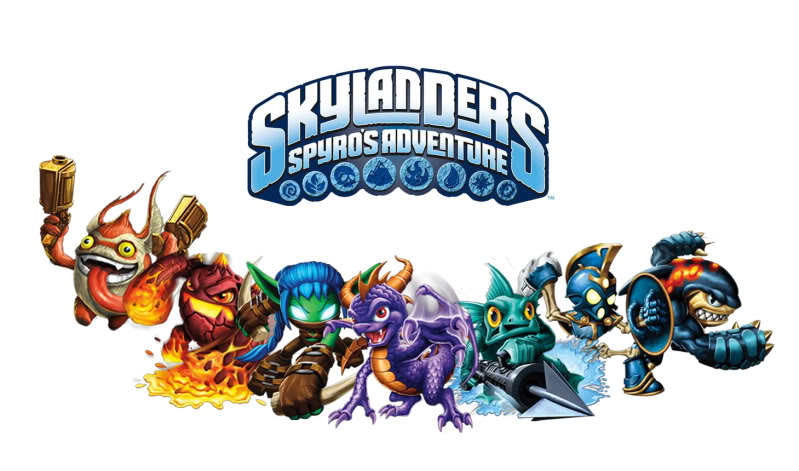
SANTA MONICA, Calif. — February 11, 2013 — Activision Publishing, Inc., a wholly owned subsidiary of Activision Blizzard, Inc. (Nasdaq: ATVI), announced that together Skylanders Spyro’s Adventure and Skylanders Giants have generated more than $1 billion in retail sales worldwide, inclusive of toys and accessories — and the franchise reached this milestone in just 15 months.¹

In 2012, the combined sales of Skylanders Giants and Skylanders Spyro’s Adventure toys out-sold the top action figure lines in the U.S. and Europe, including Beyblades, Star Wars and Transformers.³ Additionally, through January 2013, more than 100 million Skylanders toys have been sold at retail.²

“The Skylanders franchise became the first kids’ videogame IP to cross the $1 billion mark in just 15 months4, and I think we are still just starting to realize its potential,” said Eric Hirshberg, CEO of Activision Publishing, Inc. “We knew that the simple, but magical idea, of bringing your toys to life in a video game could change both the video game and the toy industries, and more importantly, change the way kids play. And this fall, we’re looking forward to delivering to fans our latest break-through innovation, Skylanders SWAP Force™, which lets kids customize their own characters, bringing toys to life to a whole new level.”

Skylanders SWAP Force lets Portal Masters reconfigure 16 special SWAP Force™ characters into more than 250 unique combinations. Kids can mix and match characters’ powers and moves and then bring them to life in the game. In addition to the new SWAP Force characters, the game features 32 core Skylanders characters (16 completely new Skylanders characters and 16 new versions of fan-favorite characters from previous games) and eight new LightCore™ characters.

Fans of the franchise also can play Skylanders SWAP Force with their entire collection of toys from both Skylanders Spyro’s Adventure and Skylanders Giants, now with the added capability of jumping. The new game also delivers high-resolution graphics that bring detailed characters and rich environments to life, immersing players in the gameplay like never before.

The recently revealed Skylanders SWAP Force will be featured at Toy Fair 2013, February 10-13 at the Javits Center in New York City in booth 3061.

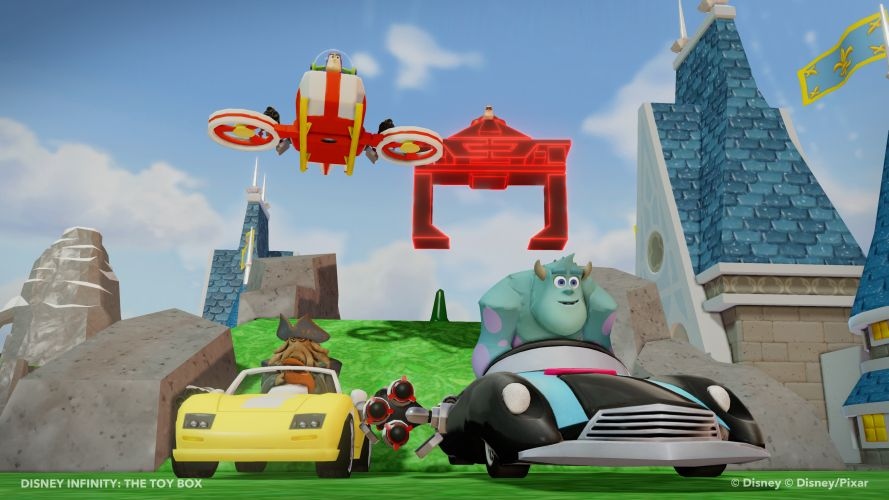
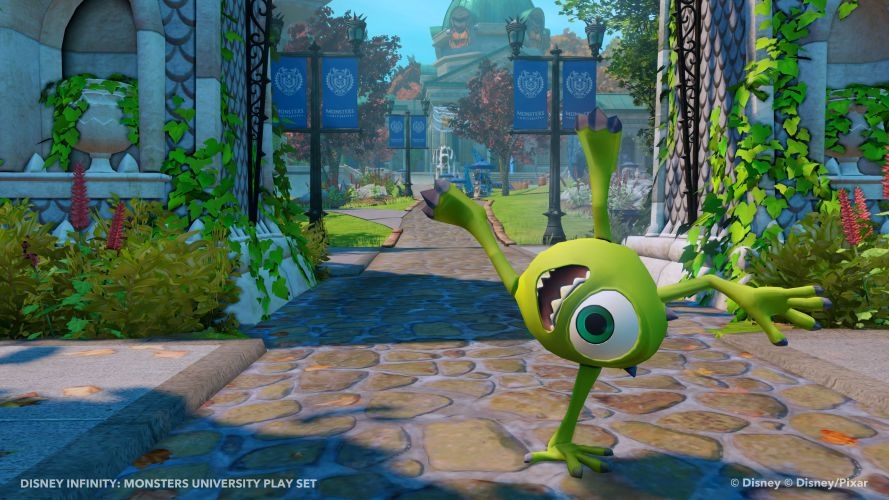
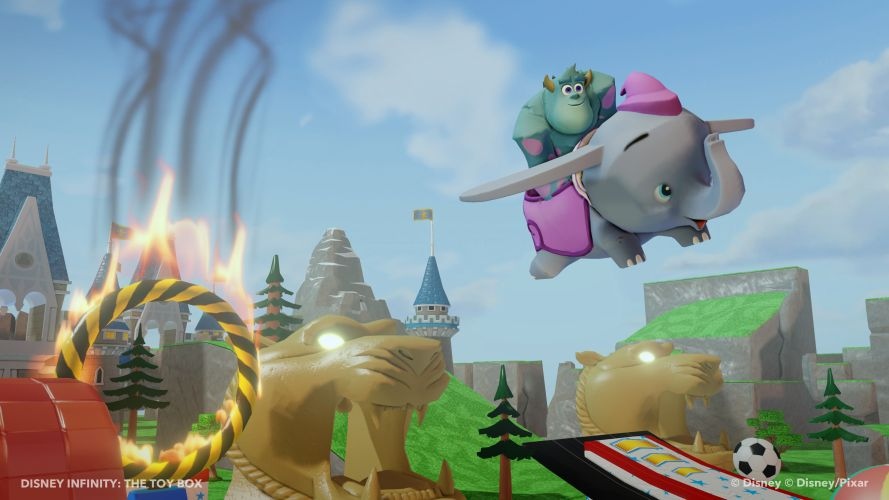
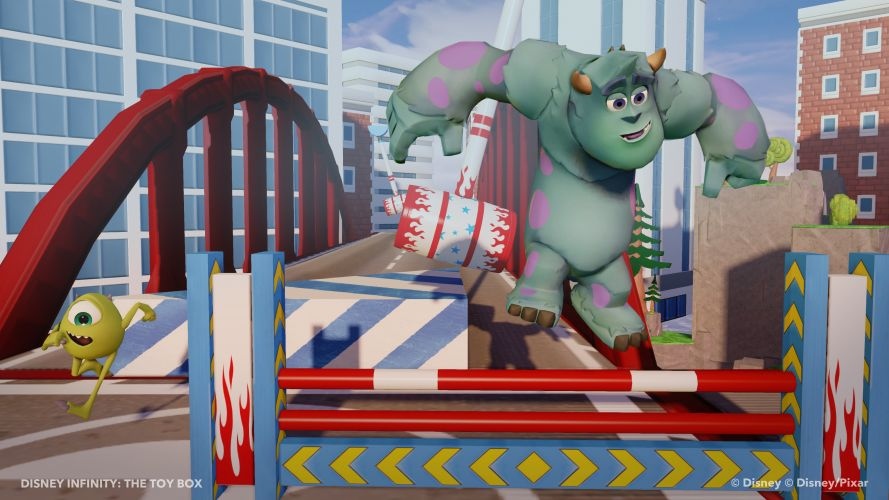
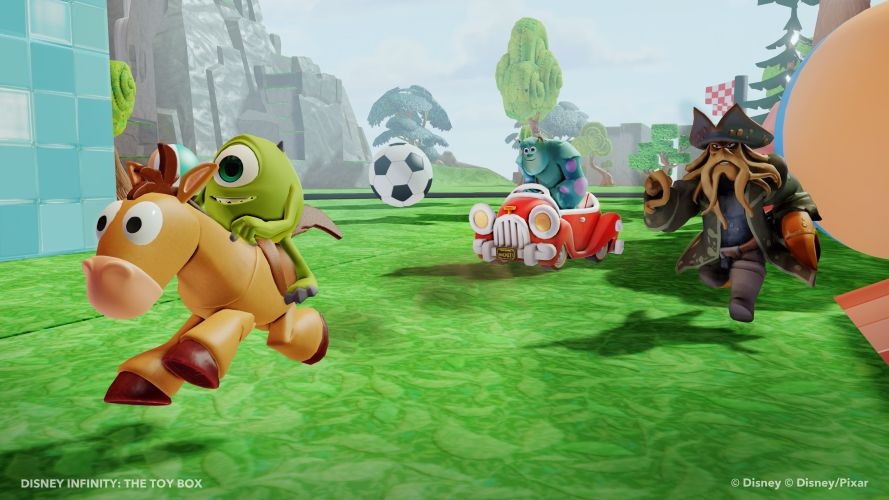
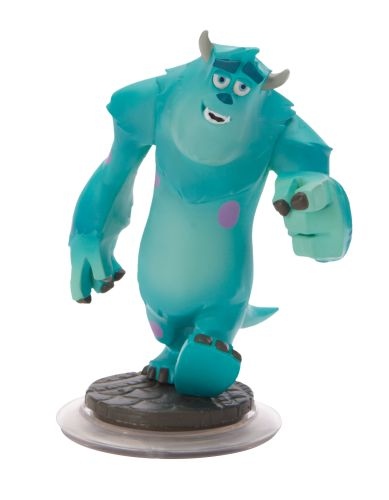
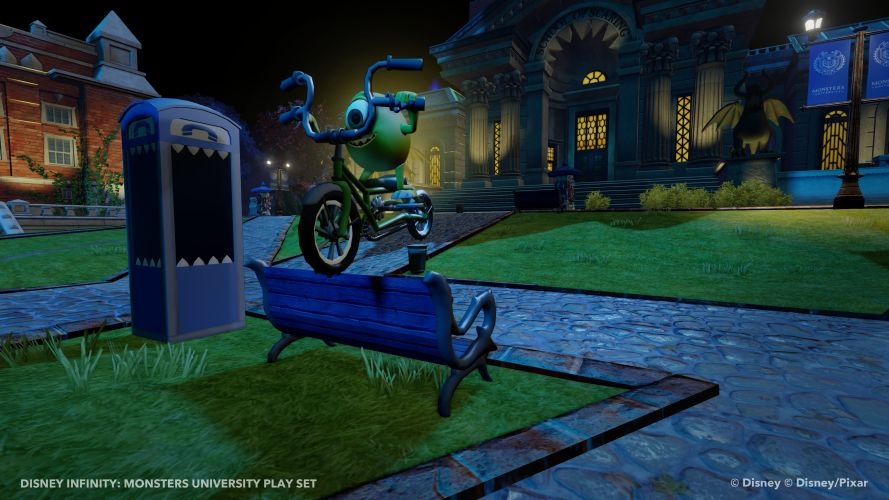
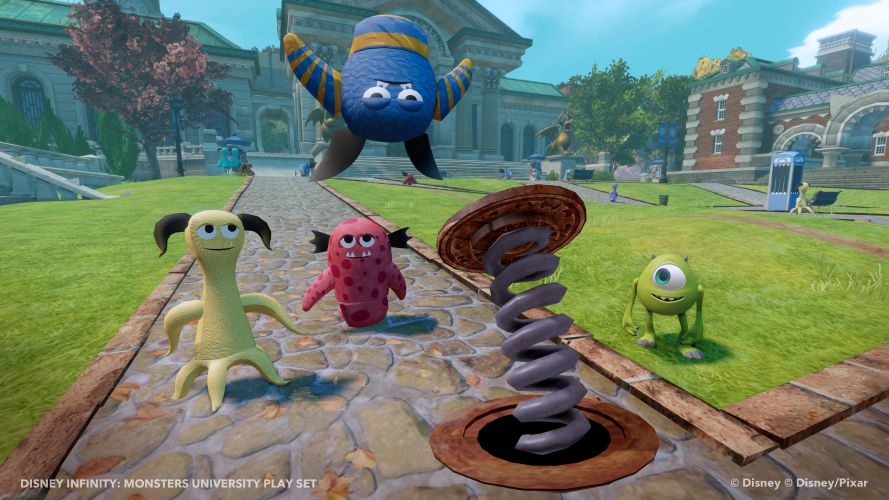
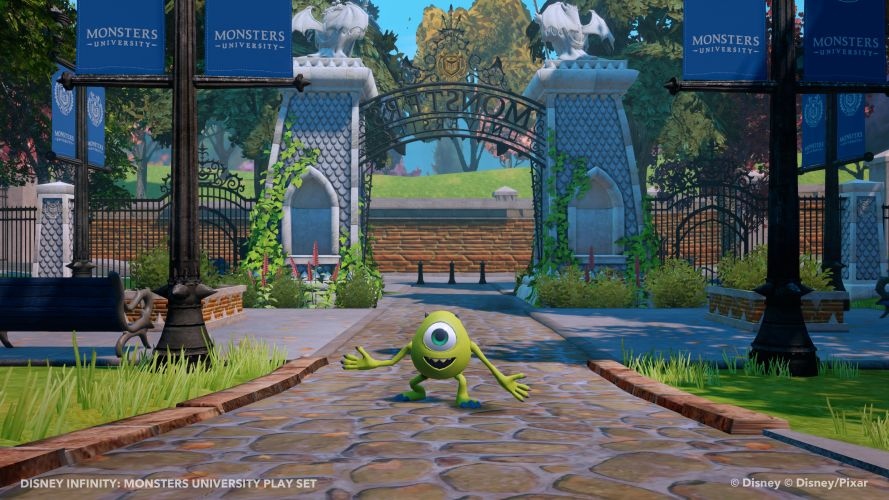
Monsters University Figures for Disney Infinity

MU_ToyFair_5

From this year’s Toy Fair comes some new screenshots on the Monsters University figures and sandbox in the upcoming Disney Infinity.

Screenshots

Phocus 3 Lens Bundle for iPhone 5 Review (Tech)

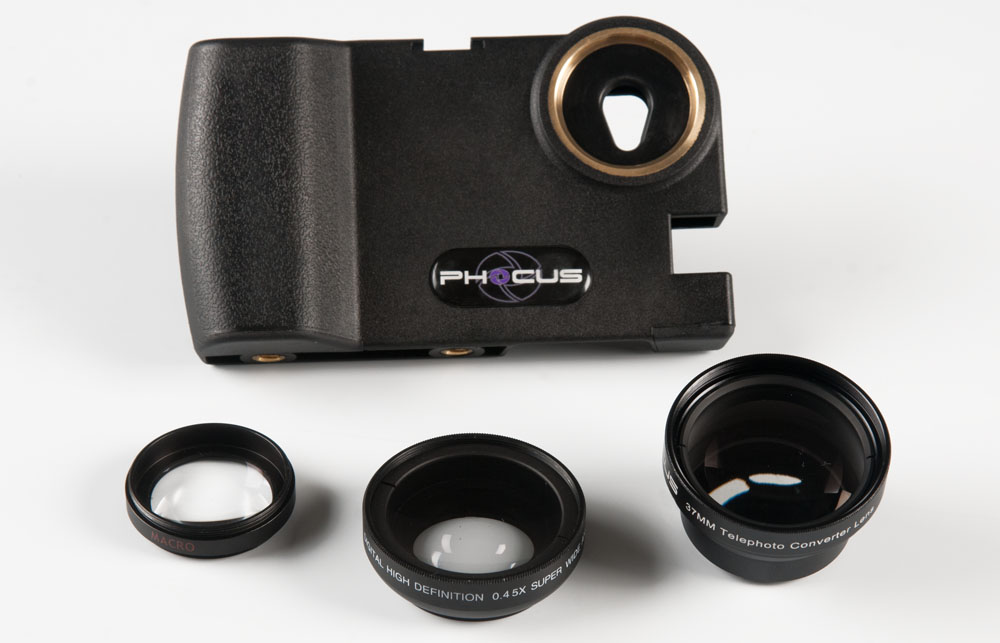
SmartPhocus Product Stills

In the world of video game journalism, a site like ours doesn’t quite yet have the budget to pick up an expensive DSLR camera. Furthermore, web quality doesn’t really need a camera of that price point to look good. So, we take it the other way – we say, why not use our iPhones for capturing video and images? We already have them with us 24/7 and at a convention they are light to wield. The biggest issues with the iPhone’s camera is its low light performance and lens system. Additionally, holding an iPhone for long periods of time for, say, recording a red carpet interview, can strain one’s hands. As a solution to all of these problems, a company called Phocus has released the Phocus 3 Lens Bundle for iPhone 5. With E3 2013 looming on the horizon, we wanted to check this new iPhone 5 lens solution out.

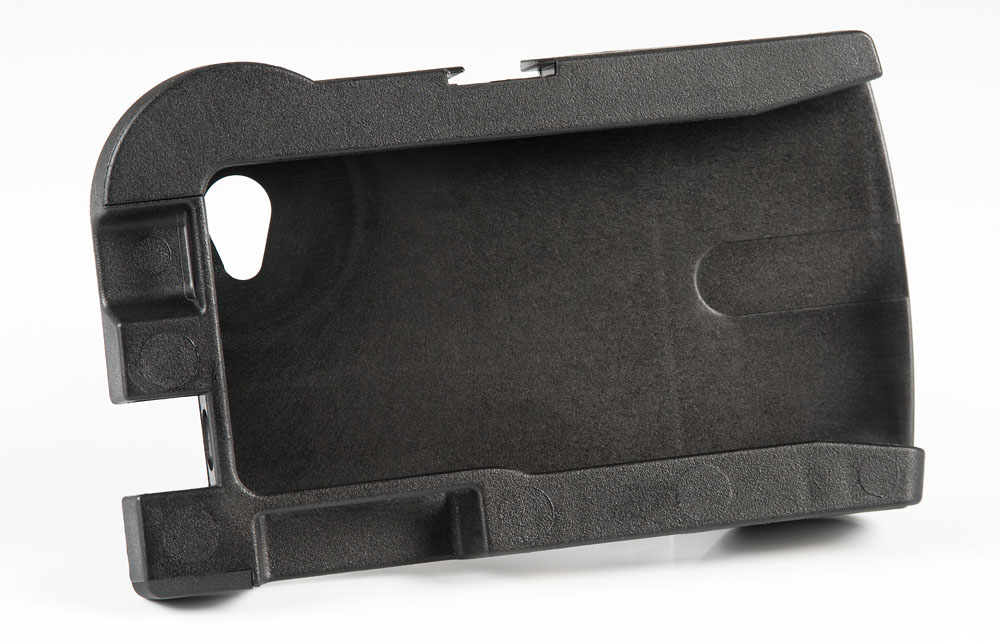
SmartPhocus Product Stills

The Phocus Accent camera body

The Phocus 3 Lens Bundle consists of a camera-like body called the Phocus Accent which the iPhone 5 slides into, and three lenses which can screw into the unit. The iPhone 5 uses these enhanced and specialized lenses in addition to its own, expanding greatly on the smartphone’s ability to record video and snap photographs. The Phocus Accent “camera body” is made of a hard plastic, unlike some other lens bodies for the iPhone which are made of aluminum. While this hard plastic is, obviously, not as strong as aircraft-grade aluminum, it is still very well-built and sturdy and I felt no trepidation trusting it to keep my iPhone 5 safe. Additionally, using hard plastic cuts down on the cost of making the Phocus Accent, and the company is passing that savings onto the consumer. The Phocus Accent features a nifty, camera body-like handhold which makes using the iPhone 5 for photography a lot more comfortable, and it even has three screw mounts for pistol grips, lighting rigs, stabilizers, tripods – you name it. The Phocus Accent even has a shoe mount. Its versatility is quite commendable, and allows even the most budget journalist a lot of options in how they are going to trick out their camera.

Here are some images taken with the various lenses found in the bundle:

Here is a small video clip comparing the stock iPhone 5 lens with the wide angle lens found in the Phocus 3 lens bundle:

[wpcol_1half id=”” class=”” style=””]Pros

  • Excellent quality for dollar value
  • Good lens quality
  • Adds a lot of versatility to the photo and video capabilities of the iPhone 5
  • Easy slide in/slide out system for attaching phone

[/wpcol_1half] [wpcol_1half_end id=”” class=”” style=””]Cons

  • Heavy lights or microphones on the plastic hot shoe mount feel a bit flimsy
  • Plastic body not as heavy duty as aluminum models

[/wpcol_1half_end]

In terms of lens quality, I found the wide angle lens to have some slight distortion, although that is decreased a lot when shooting videos. Depending on how you compose your shot, this can, of course, be minimized. I would suggest practicing a lot with it. The telephoto lens is excellent and its farther focal length provides a 2x zoom and even includes threading for a 49mm filter. The macro lens is hidden within the wide angle lens (the outer lens unscrews to reveal it underneath). As seen in the coffee cup photos above, I was able to get very clear images at about two inches away.

Overall, the Phocus 3 Lens Bundle for iPhone 5 is an exceptional tool for photographers and videographers to get the absolute best their iPhone 5’s camera has to offer. I highly recommend teaming the Phocus 3 Lens Bundle for iPhone 5 with an app like AlmostDSLR on the Apple App Store. With these enhanced lenses, it is a very nice bonus to be able to manually set your exposure, focus, and white balance. The Phocus 3 Lens Bundle for iPhone 5 retails for $99.95 and is available now at their official website.

[easyreview title=”Phocus 3 Lens Bundle for iPhone 5 Review Score” cat1title=”Overall Score (out of 5)” cat1detail=”” cat1rating=”4″ ] Our rating Scores Explained

 

Dead Space 3 Review (PC)

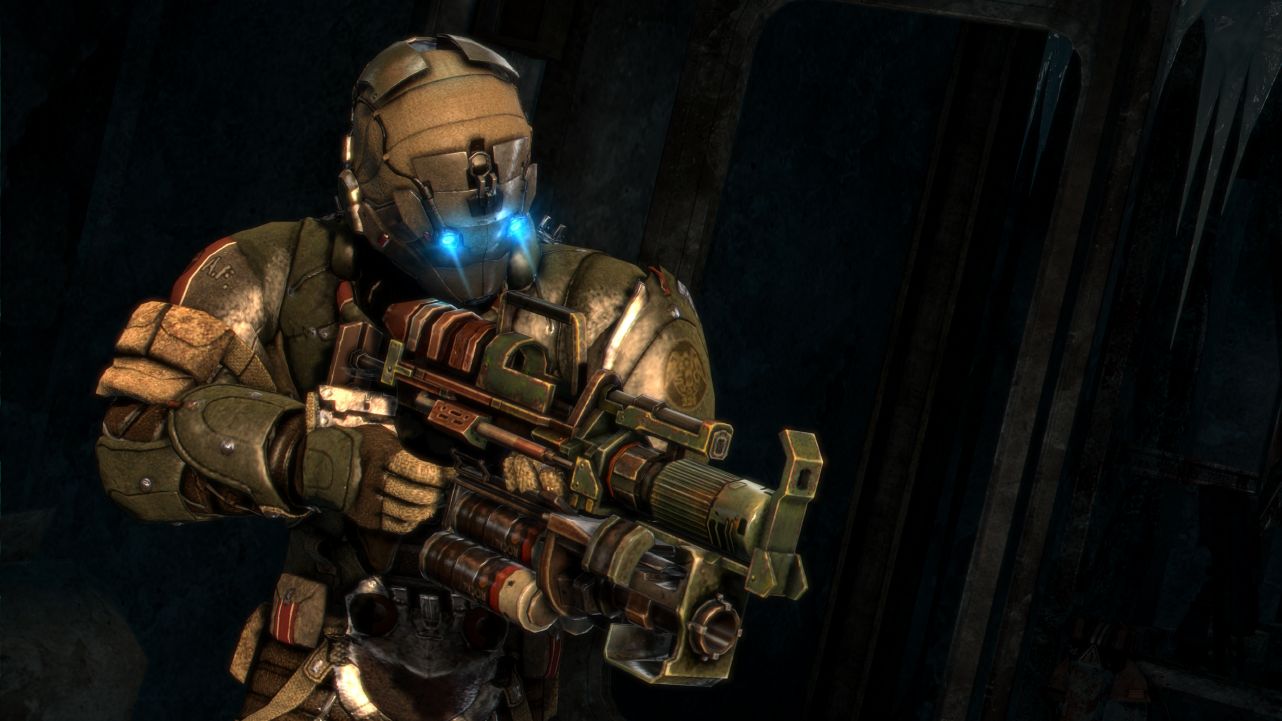
dead-space-3_0005

There are certain things that gamers associate the Dead Space series with, and Dead Space 3 does its best to bring all of those elements back a third time around. Players still control engineer turned mental patient turned disturbed loner, Isaac Clarke. And they will, of course, end up fighting hordes of mutating, The Thing-like monstrosities known as “Necromorphs”. Gamers would also be right to assume that Isaac will spend a lot of time slowly walking through creepy as hell, atmospherically unsettling corridors and hallways. Finally, gamers familiar with the series would once again do well to avoid wall and ceiling vents like the plague. Despite the repetition of these conventions, Dead Space 3 is a very polished affair that provides a nice amount of scares as well as some new elements that I really enjoyed.

Dead Space 3 takes place three years after the events of Dead Space 2, with Isaac Clarke now residing on Earth’s moon in a lunar colony. The Unitologists, religious zealots who worship the alien “markers” which can turn sane people the opposite and reanimate dead flesh into Necromorphs, have been slowly gaining popularity as the populace seeks a better life from the resource-scarce one humans now collectively share. The Unitologists have decided to make their move, committing a coup d’état against the government and revealing a huge number of Unitology churches to actually be human-built markers. This, of course, is a bad thing. Now the dead are becoming un-dead and the sane are becoming in-sane. Lots of hyphens…

Throughout the game, players will end up in various locations, from icy planets to the vacuum of space, and more I won’t spoil. The storyline is a bit thin, and gamers will most likely see many of the plot points happening shortly before they actually do. However, the plot serves its purpose: To get players into haunting, atmospheric locations and throw lots of grotesque creatures at them. Visceral Games seems to have an amazing knack for creating scary locations that take players lots of time to traverse for fear of something jumping out at them. Kudos to them for creating a visually stunning and scary world to explore.

dead-space-3_0008

A new addition to the Dead Space series is co-operative play. The second player takes on the role of military solider John Carver, who loses his family in the Unitology revolution. Many gamers were frustrated when hearing that Dead Space 3 would feature co-op play, thinking it would lessen the impact of the gameplay experience. To that end, it does, to a small degree. Naturally, exploring scary places with a friend is less scary than doing so alone. However, the company is a nice change of pace for the usually-solitary series. While the isolation isn’t there quite as much, the game throws a lot more bad guys at you both, giving you lots to shoot at. Additionally, there are some co-op only missions in the game to explore more about Unitology and Carver’s character.

Another new feature to Dead Space 3 is that of the workbench. The weapon customization system has been completely overhauled and now allows players to custom-build weapons out of parts found in their travels. While there are a number of blueprints to pre-designed weapons, you can explore your own combinations as you like. Weapons are made up of a number of components, and changing any one of them can drastically affect what type of weapon you end up with. I loved exploring the various weapons I could design and think it is one of the best things about Dead Space 3. My personal favorite is a heavy weapon with a chain gun on the upper-half and a shotgun on the lower half. I also placed an ammo-expanding attachment on it as well as stasis module that adds the stasis effect to the rounds I fire. This allowed me to spray and pray at enemies from distance, slowing them down – And be able to cut them in half with the shotgun if any got too close.

Overall, Dead Space 3 is an exciting and rewarding (if not, at times, scary as hell) gameplay experience that offers some new directions for the series while bringing back many of its conventions for gamers to chew on. The game’s biggest problem is that Isaac Clarke ends up going on far too many “fetch” missions. It would have been nice for some more varies mission types. Despite this, I award Dead Space 3 a rating of 4 out of 5.

[easyreview title=”Dead Space 3 Review Score” cat1title=”Overall Score (out of 5)” cat1detail=”” cat1rating=”4″ ] Our rating Scores Explained
Razer Orbweaver Review (Peripheral)

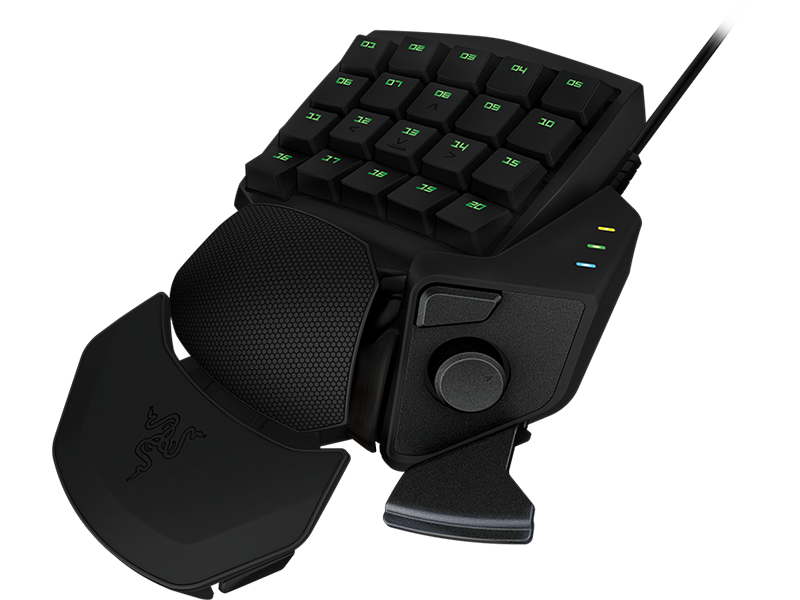
razer-orbweaver-latest-03

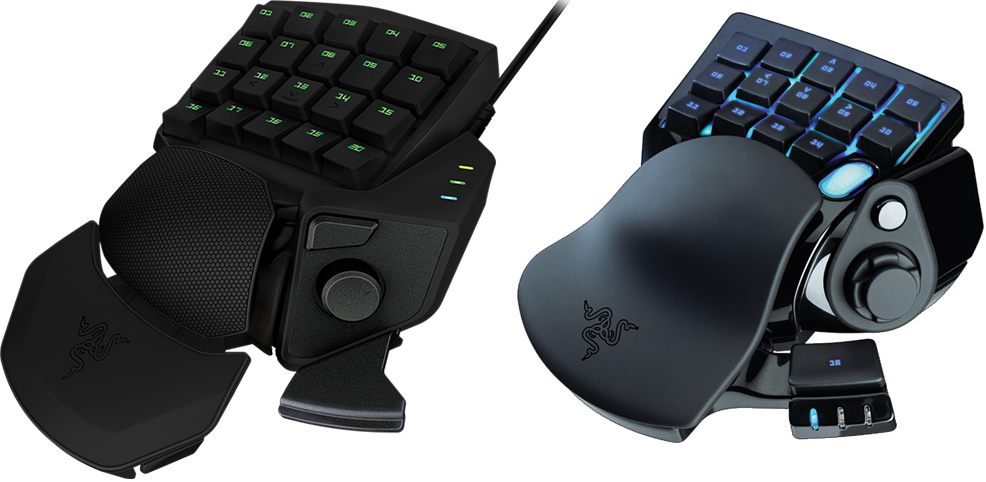
Some years ago, Razer teamed up with Belkin to create the n52te SpeedPad gaming keypad. The device was very successful, and pushed the boundaries of what a gaming keypad could offer gamers. Razer ended up taking over the gaming keypad and released it on its own as the “Nostromo”. Now, Razer is taking the gaming keypad to a whole new level as it has released the “Orbweaver Elite Mechanical Gaming Keypad”. Visually, the Orbweaver looks like an evolved version of its Nostromo predecessor, but the real difference is so much more than looks alone.

orbweaver vs nostromo

The Orbweaver (left) vs the Nostromo (right)

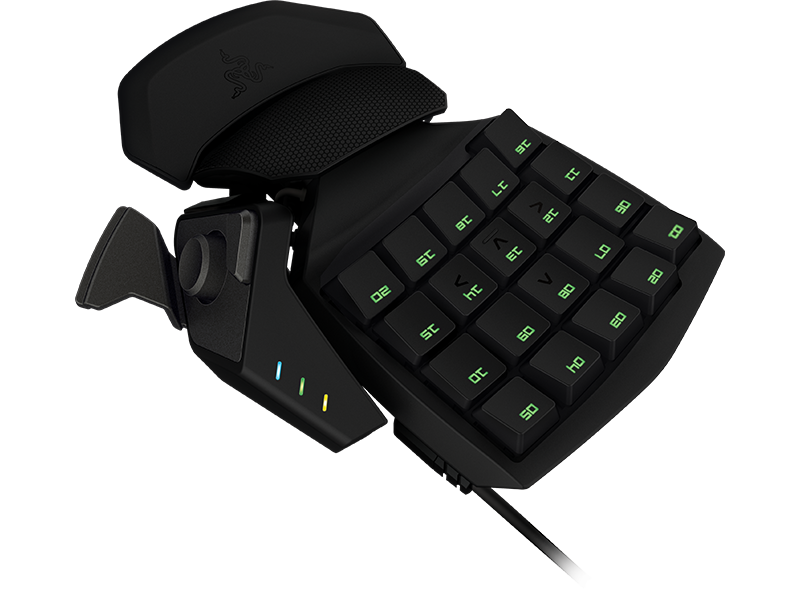
The Orbweaver features 20 programmable, mechanical gaming keys. Razer chose to use the Cherry MX Blue mechanical keys for the Orbweaver, which have a pleasing, audible clicking noise and a very short actuation length. The keys are very fast and feel terrific, unlike squishy membrane keys found on cheaper keypads. In contrast, the previous Nostromo keypad only had 16 buttons. Additionally, Razer has setup the device for 20-key anti-ghosting. This means that you can fully depress all of the keys at once and each command will be processed – a HUGE advantage over other keypads and keyboards that don’t have such anti-ghosting tech built-in. Razer’s new Orbweaver is also fully-compatible with its Synapse 2.0 control software suite. This allows you to take your Orbweaver’s settings through the cloud to any PC you download the software to. I have to give Razer some serious Kudos in their Synapse program. The idea of unifying drivers and control profiles like this in the cloud is a stroke of genius. The Orbweaver does allow gamers to adjust the various hold points on the keypad for better fit and increased hand relaxation. However, this is a process which can take a while as it requires a bit of trial and error to find just the right position for the various pads. Once set in place, however, your hand should be comfy and free of strain.

Razer has kept the directional pad from earlier models on the Orbweaver, and it can replace using the WASD keys for moving around in shooter titles as well as any other function you configure it to. The 8-way directional pad works surprisingly well for moving your character on-screen which is something I was not expecting, just thinking on a bio-mechanical level. Additionally, gamers using the Orbweaver can switch between 8 different keymaps and an unlimited number of profiles. This expands the usability of the Orbweaver a great deal, and I would have no problem using it for a long while into the future.

Official Technical Specifications

  • Full mechanical keys with 50g actuation force
  • 20 fully programmable keys
  • Programmable 8-way directional thumb-pad
  • Adjustable hand , thumb, and palm-rests modules for maximum comfort
  • Instantaneous switching between 8 key maps
  • Unlimited macro lengths
  • Stores unlimited game profiles
  • Backlit keypad for total control even in dark conditions
  • Synapse 2.0 enabled
  • Approximate size: 55 mm / 2.17” (Depth) x 154 mm / 6.06” (Width) x 202 mm / 7.95” (Height)
  • Approximate Weight: 300 g / 0.66 lbs

The Razer Orbweaver’s biggest problem is its price point. At $129.99, the Orbweaver costs more than many full-sized gaming keyboards. This price point creates somewhat of a dilemma  Does a gamer go for the big keyboard and be able to type on it or the smaller keypad and only be able to use it for games and non-typing applications? I am unsure as to what the Orbweaver actually costs to produce, but I would have liked to see the peripheral go for a $99 dollar price point.

Overall, the Razer Orbweaver Elite Mechanical Gaming Keypad is an exceptional device for gamers who prefer maximizing the available space on their keyboard trays or have a desk setup with a lack thereof. Flight sim aficionados will find great use for the keypad, as it allows them not to rely on a full-size keyboard for more mundane commands (e.g. landing gear, trim, etc) while still being able to use their flight stick in center position. FPS gamers will appreciate its small profile and quick-action keys, which are very close together. These factors greatly increase reaction time and helped me in several multiplayer matches of Call of Duty: Black Ops II.

[easyreview title=”Razer Orbweaver Elite Mechanical Gaming Keypad Review Score” cat1title=”Overall Score (out of 5)” cat1detail=”” cat1rating=”4″] Our Rating Scores Explained

Special Forces: Team X Review (PC)

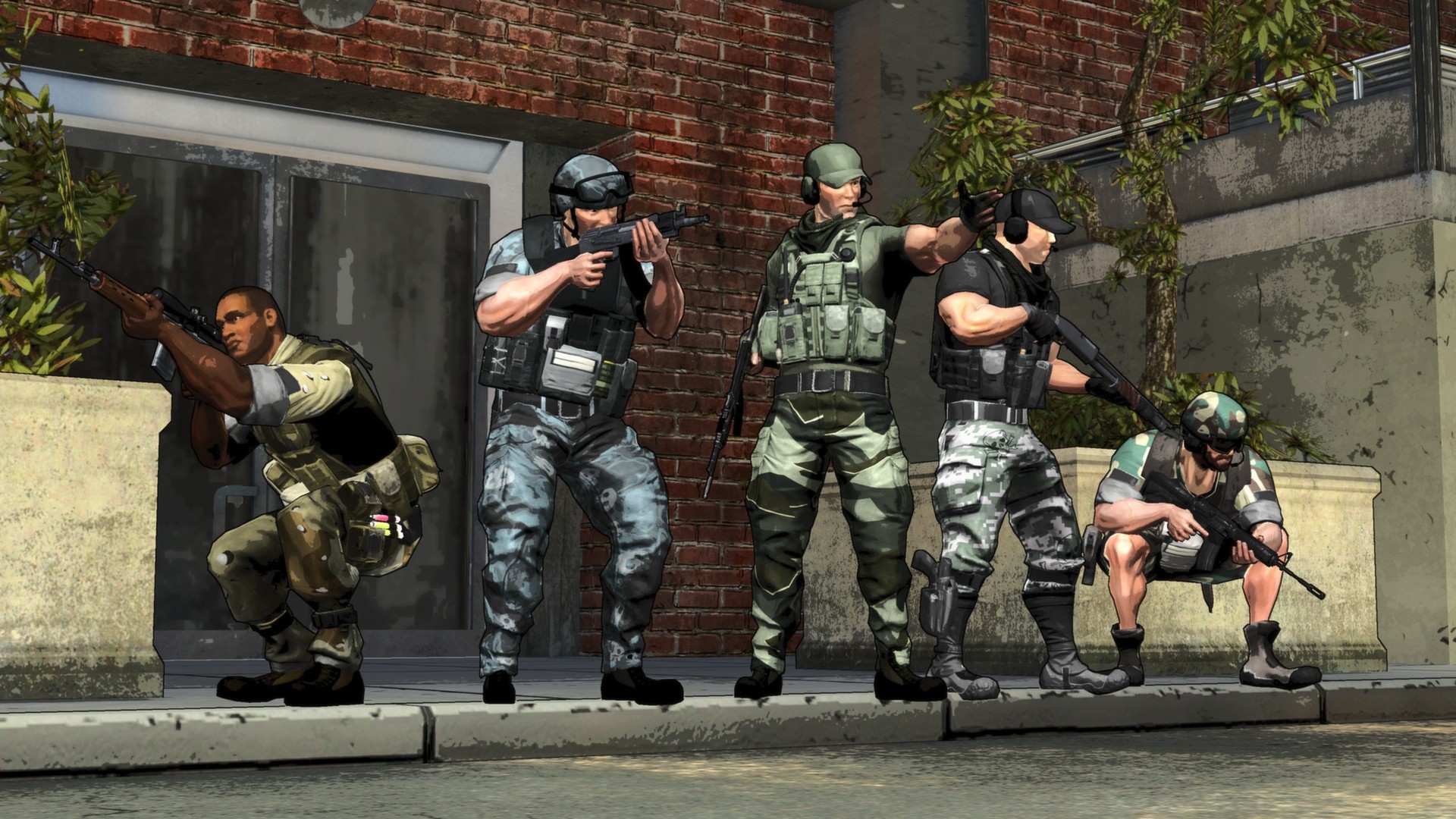
ss_712a0f8a2bea176b292ead4e829a653b7812a1eb.1920x1080

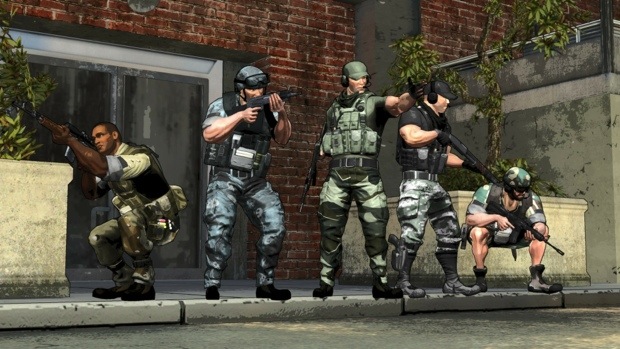
Microprose and Zombie Studios have released a new online, tactical shooter called Special Forces: Team X. The game brings a kooky sense of style as well as heaping mounds of strategy.

Player characters are very customizable and can be equipped with a variety of clothing, weapons, and equipment. Character progression is done through a simply leveling system. Gain experience, gain levels, gain the ability to use new stuff. Weapons are varied and should satisfy any shooter gamer. The name of the game in Special Forces: Team X is strategy and tactics. The team that works together, using cover and concealment as well as overlapping fields of fire will win – plain and simple. Special Forces: Team X has a visual style that screams “run and gun” but that could not be farther from the truth.

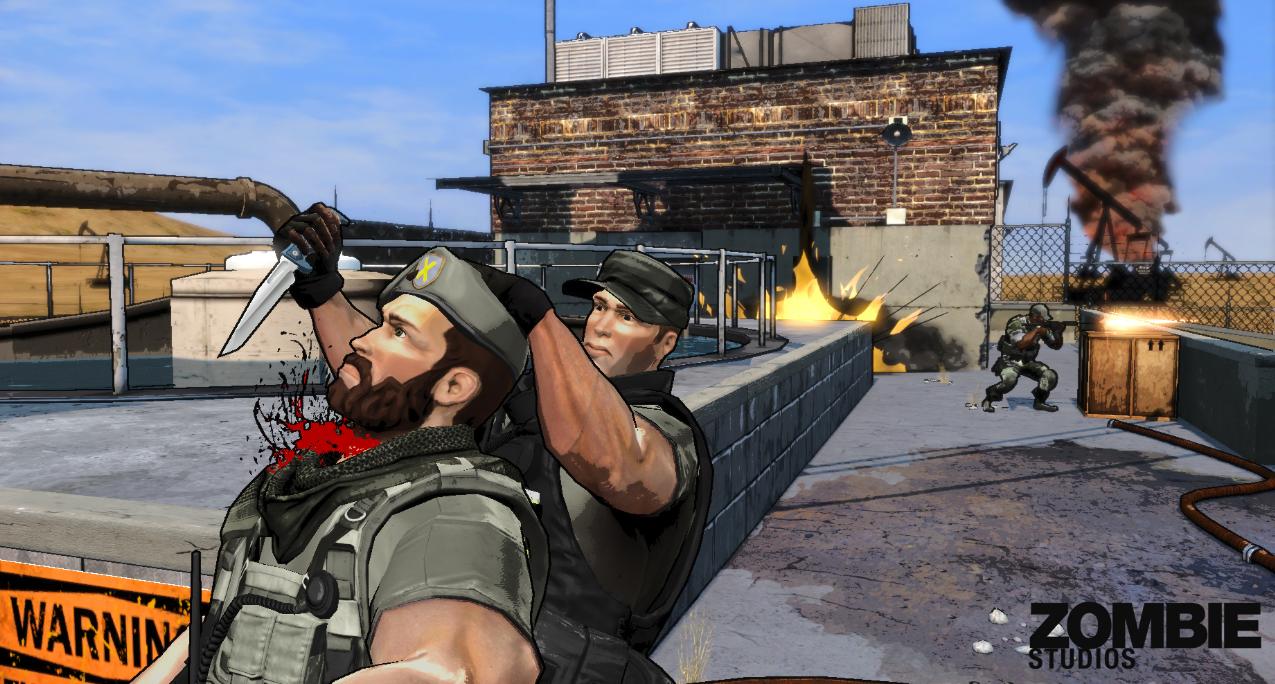
I played the heck out of Special Forces: Team X and have nothing but good things to say about it. Its visuals won’t be winning any awards but have a pleasing, cartoonish vibe sure to make parental groups feel better (despite the fact that there definitely is animated blood in the game). I can’t really even say how long I plaid as it just flew by in my various sessions. I usually play an automatic rifleman, providing suppressing and covering fire where needed. In this role, I was able to give my team added levels of flexibility and could control alley ways and choke points almost single-handed.

014366

There are a variety of game types, from team deathmatch to capture the flag and more, so everyone should be able to find a type they like. At the start of every mission, teams all vote on the layout of the map. Maps are divided into sections and these sections can be inter-changed based on the votes tallied. This adds a huge level of replay-ability to the maps as they are often not the same as you last saw them, opening up brand-new avenues of strategy.

The cover system is easy to use and similar to that found in the Gears of War series of games. You can bend around cover to shoot or even blindfire. The game played flawlessly on my PC gaming rig and, IF it were a port, I could not tell as it. What I like even more about Special Forces: Team X is that there are no pay-to-win options. Everyone has the same opportunity at equipment and weapons – you just have to play to gain experience.

Some gamers seem to be reporting lag issues but I didn’t experience anything like that during my time with the game. My only complaint is that more people have not caught onto the game just yet. It is my hope that Zombie Studios will find some way to bridge the platforms, allowing play across PlayStation 3, Xbox 360, and PC gamers. I know a lot of developers don’t want to do that based on the control differences (could lead to one platform having an edge) but, it would allow players to have more opponents and teammates online.

Overall, I haven’t had this much fun with an online shooter in quite some time. Special Forces: Team X is a great game that is well worth its $14.99 price point. The game is available now on The Xbox 360 and Windows PC platforms. Just remember, use that cover!

[easyreview title=”Special Forces: Team X Review Score” cat1title=”Overall Score (out of 5)” cat1detail=”” cat1rating=”4″ ] Our rating Scores Explained
First Official Battlefield 3: End Game Screens

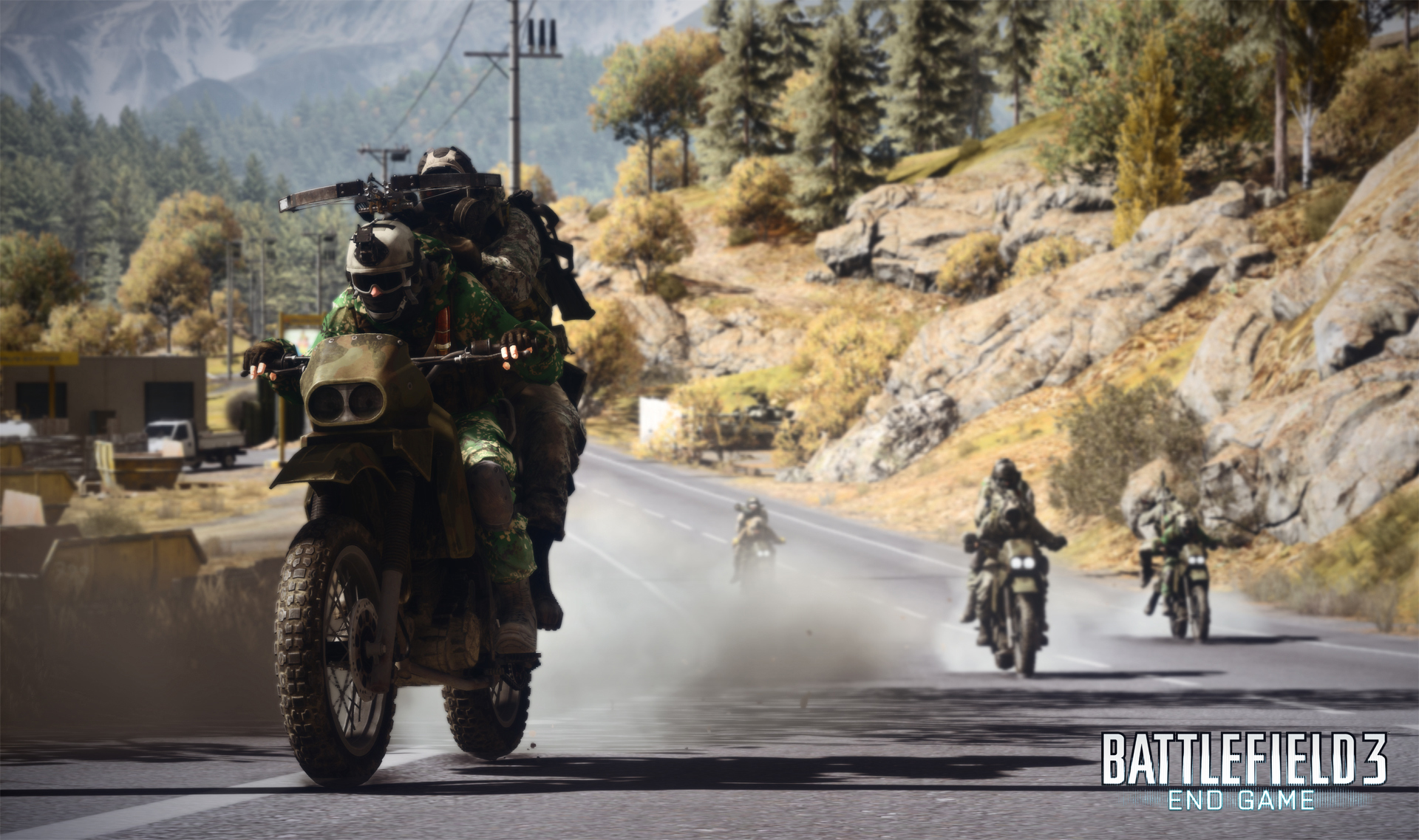
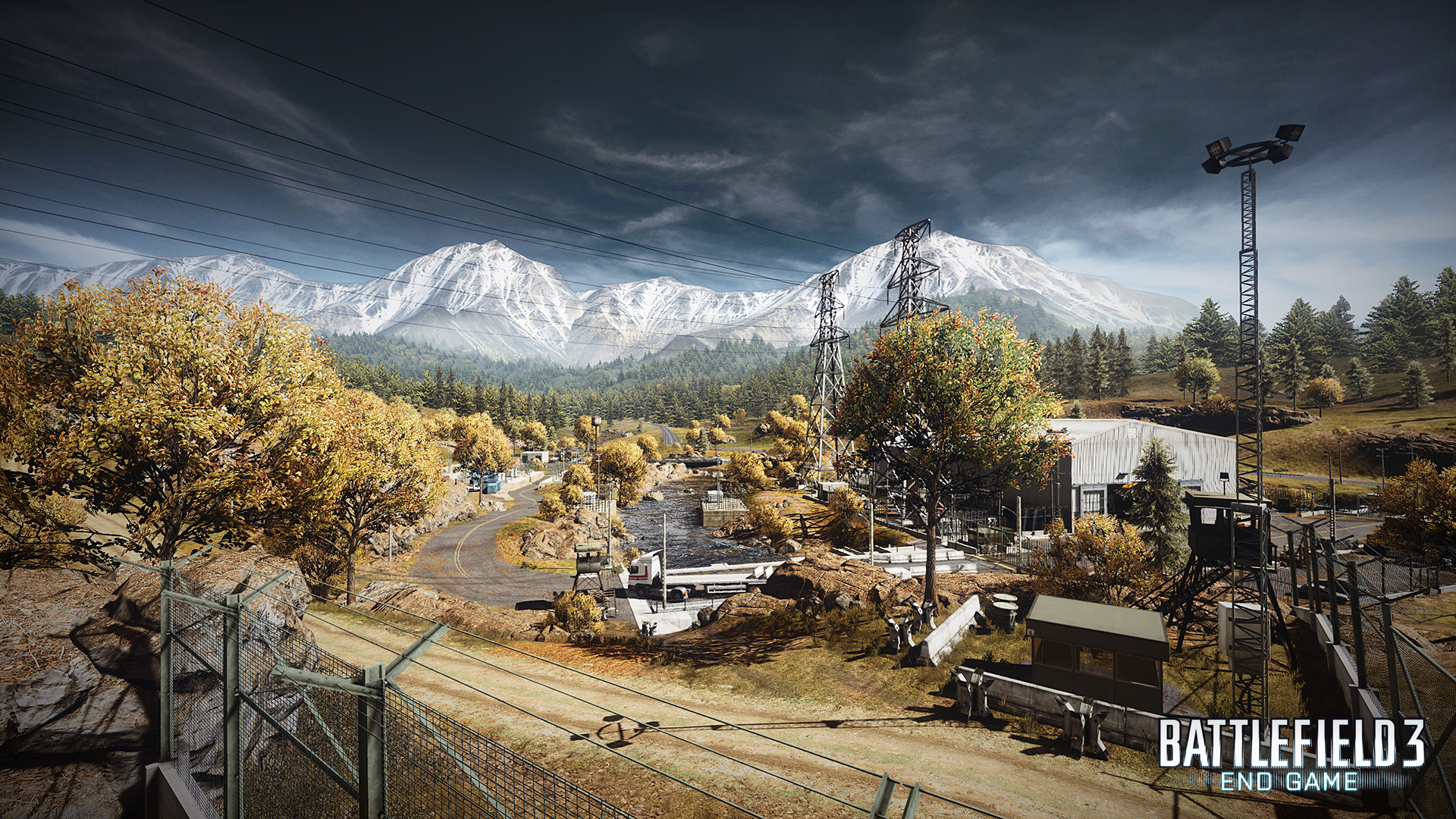
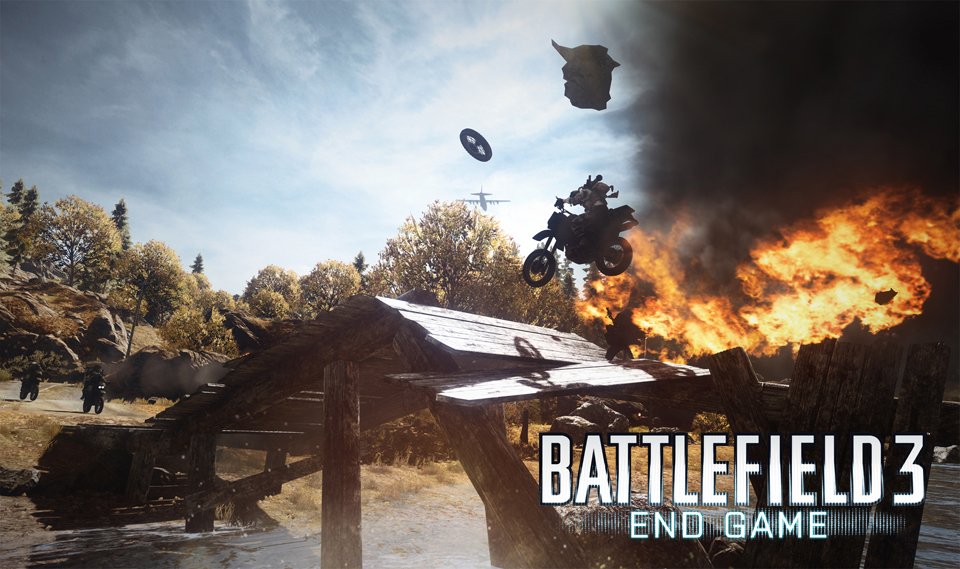
bf3-end-gameElectronic Arts has released some new details and the first ever screenshots from their upcoming Battlefield 3: End Game digital expansion pack, which is due out in March for Windows PC, Xbox 360, and PlayStation 3 platforms, with a week early access for PlayStation 3 Premium members.

BATTLEFIELD 3: END GAME KEY FEATURES AND INFORMATION

  • Fight all year round in four vast and breath-taking maps including Kiasar Railroad and Operation Riverside. Each location is inspired by one of the four seasons, providing distinct terrain and visuals, all designed for high speed combat
  •  Jump in the seat of three new vehicles including the fast and agile dirt bike, and two new AA vehicles
  • Return of the classic Capture the Flag and Air Superiority game modes
  • In the skies, the new dropship introduces the abilty to turn the tide with rapid deployment air drops of troop transports
  • 5 new Assignments
  • 16 new dog tags
  • 5 new Achievements/Trophies
  • Publisher: Electronic Arts
  • Developer: DICE
  • Formats: PlayStation®3, Xbox 360®, PC
  • Release: Starting in March, with a week early access for PlayStation 3 Premium members
  • Players: 2-24 (consoles), 2-64 (PC)
  • MSRP: $14.99 USD for PlayStation 3 and PC,1200 MS Points

Screenshots


Konami Announces Metal Gear Rising: Revengeance Launch Events

Metal-Gear-Rising-Revengeance_scr-24

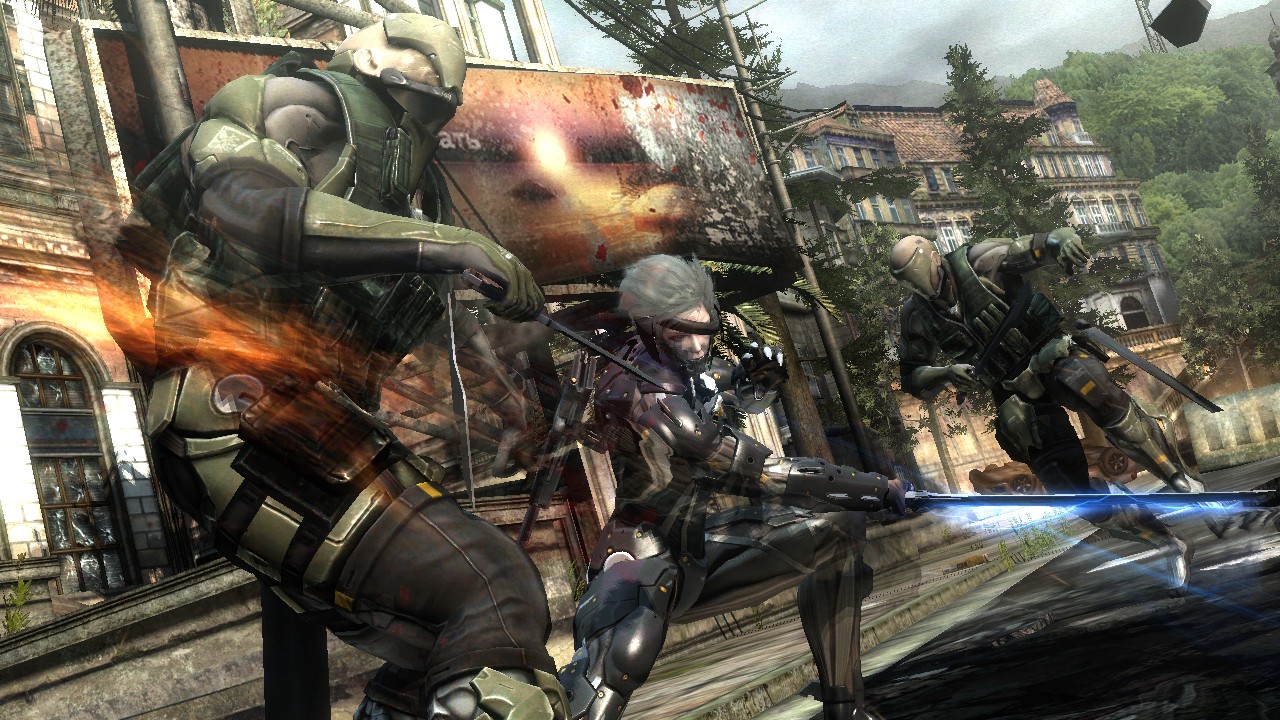
Konami has announced several launch events in celebration of the February 19, 2013 launch of Metal Gear Rising: Revengeance. The U.S. event will take place at the Gamestop in the Universal City Walk in Universal City, CA on February 18, 2013. Checkout the list below for more information:

United States

  • WHAT: Producers Korekado-san and Inaba-san will be available to sign autographs at GameStop. The first 150 fans will also be invited to an accompanying launch party at Hard Rock Café that evening, featuring a live performance by METAL GEAR RISING: REVENGEANCE music composer, Jamie Christopherson and orchestra.
  • WHERE: GameStop at Universal City Walk (1000 Universal Studios Blvd Universal City, CA 91608)
  • WHEN: February 18, 2013 from 8-10pm PST

Mexico

  • WHAT: Fans will have the chance to demo the game at Museum Britanico Americano. Producers Korekado-san and Inaba-san will be available for autographs.
  • WHERE: Museum Britanico Americano (#134 Colonia Centro Mexico D.F.)
  • WHEN: February 20, 2013 from 6pm-12am

Argentina

  • WHAT: Fans will have the opportunity to take METAL GEAR-themed photos, which will be printed on postcards. Producer Korekado-san will be available to sign autographs.
  • WHERE: Sony Style Cabildo (Cabildo 2070 Ciudad de Buenos Aires)
  • WHEN: February 22, 2013 from 8pm-12am

NZXT Avatar S Gaming Mouse – A Review

avatar-s-gaming-mouse

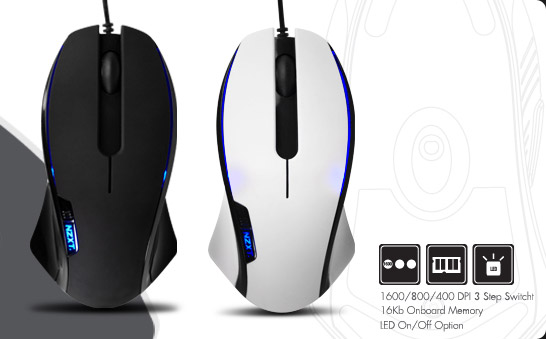
Today, we look at the Avatar S gaming mouse from NZXT, who is better known for their PC cases and cooling systems then for their mice.  The Avatar S replaced my trusty Razor Starcraft II Spectre mouse for this last week, as i tested it on games like DMC, World of Warcraft, The Secret World, and Team Fortress 2.  I was interested in seeing how the Avatar S would behave with this set of games, along with my usual internet and writing duties that I complete in a normal week.

Features:

Precision and Flexibility: 1600 DPI laser sensor with 1600/800/400 DPI settings out of the box
Tracking speed of 30 inches per second and acceleration up to 20G
Hardware DPI switch allows for driver-less DPI switch while in game without the hassle of drivers
16Kb Onboard Memory stores 1 profile of macros, dpi settings, and LED settings for gaming on-the-go
Narrow and medium size ideal for users that prefer a thinner and lower profile form
Ambidextrous design ideal for both left and right handed users
LED on/off settings
Teflon feet for effortless gliding on any surface
5 Key programmable mouse
Immense customizability: Ability to modify default DPI settings individually, setup in-game macros, media keys, and X-Y sensitivity options
Polling rate of 1000Hz

Design:

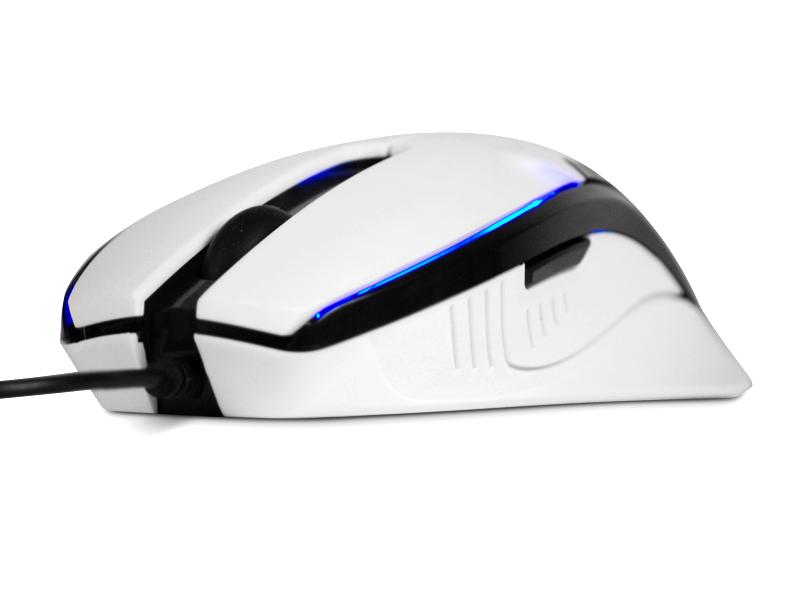
Let’s start off with the look and the design of the Avatar S.  The Avatar S is a very sleek mouse, longer but narrower then the Razor Spectre that I normally use.  This, at first, made the mouse feel much to small for my hands.  As the week went on and testing continued, the Avatar S began to feel much more natural and right in my hands.  I think I prefer a mouse that is wider in design then the Avatar S, but that is my own personal taste.  The Avatar S has five buttons, located in a standard ambidextrous configuration, allowing people to have access to all five buttons regardless of whether you use your left or right hand.  With five buttons, the Avatar S is designed more for casual gaming and less for the hardcore gamer that needs more buttons for macros.  I have a tendency to lean towards mice that have less buttons, relying more on keyboard buttons for my macros, so the Avatar S button configuration worked just fine for me.

LED lights give the Avatar S a nice blue glow to it, matching the blue glow on my keyboard and making it just look cool.  My only complaint about the design of the mouse is with the USB cord itself, it isn’t braided.

file_22_8

This may be more of a personal preference issue then an actual performance issue, but I have always preferred my cords with the extra protection that the braided cord gives, and how the braided cord has a tendency not to kink on me.  While I consider this a complaint and a negative against the Avatar S mouse, it isn’t a deal breaker for me and did not impact the performance of the mouse at all.

Performance:

For me, either a mouse works well or it doesn’t.  The Avatar S has the ability to switch between DPI settings and allows the player to set up macros and settings, just like other mice on the market, but you can also switch between DPI settings on the fly.  Running the Avatar S at the 1600 DPI setting, I hit my weekly gaming session.  While I have the ability to get technical with some hardware in the PC world, with mice I prefer to keep my reviews in the realm of the layman.  For me, either the mouse works and is comfortable or it isn’t.  With the Avatar S, the feel of the mouse grew on me as the week progressed.  The Avatar S performed through my series of games quite well, allowing me to track accurately and quickly.  Switching from a first person shooter to a role playing game didn’t change how the mouse performed at all.  Hardcore gamers may miss some of the extra buttons on the mouse, however, I did not.  I pretty much only prefer to have five to six buttons on my mouse, even for World of Warcraft.  The only negative I can see the Avatar S has versus the Razor Spectre is the lack of alerts that the Spectre has for Starcraft II.  Seeing that the Spectre was designed for that game in particular, this is a negative I can safely ignore.

Final Thoughts:

The Avatar S from NZXT performed quite well through my week of testing, through hours of role playing games and first person shooters.  The Avatar S felt small in my hands, at first, but the size began to grow on me as the week went on.  While I can switch between DPI settings on the fly, I prefer to operate my mouse at the 1600 setting and played all of my games with that setting.  The negatives I have seen with the Avatar S really falls into my own personal preferences; the lack of a braided cord, the overall size of the mouse, and the the weight.  The Avatar S is a light mouse, and for me, I prefer a mouse with a little more weight.  What the Avatar S did do right is perform well through my series of weekly gaming sessions, and general PC use.  The Avatar S mouse from NZXT retails for about $40, which is on the cheaper side for gaming mice.  If you are looking for a new gaming mouse, that is a straight forward functional mouse and one that will save you a few bucks, check out the Avatar S gaming mouse from NZXT.

[easyreview title=”NZXT Avatar S Gaming Mouse Review Score” cat1title=”Overall Score (out of 5)” cat1detail=”” cat1rating=”4″ ]