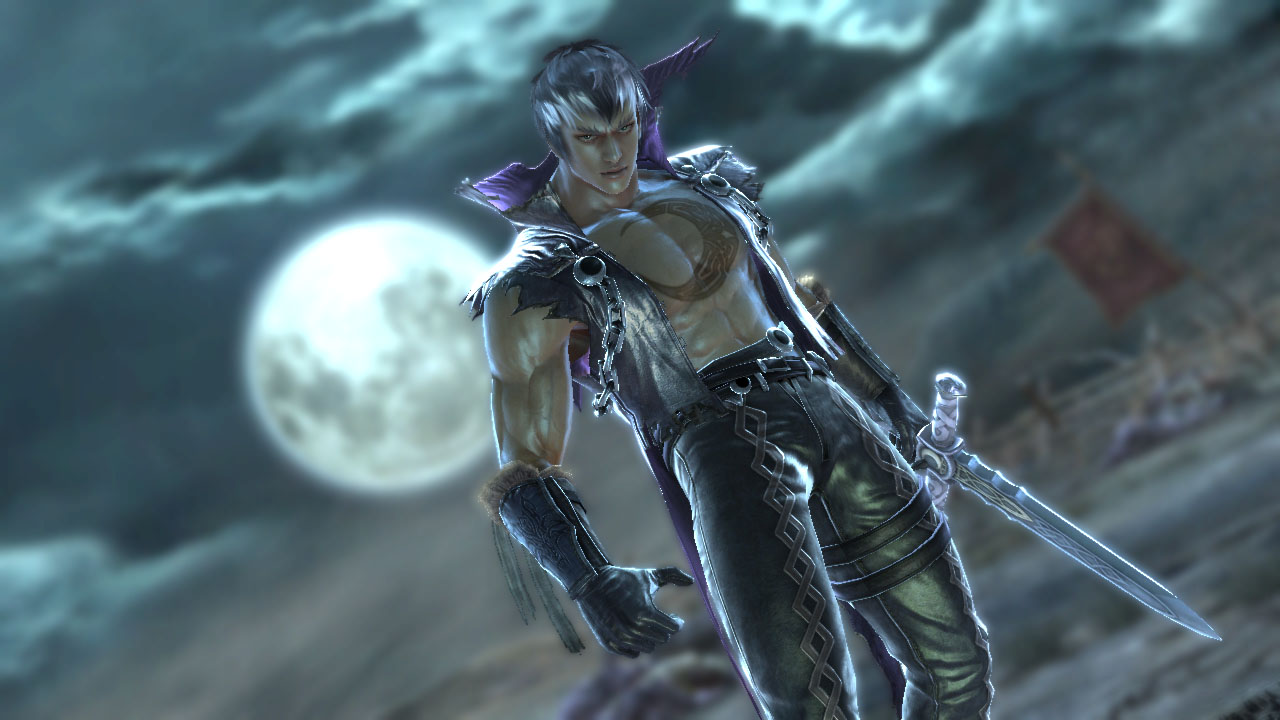
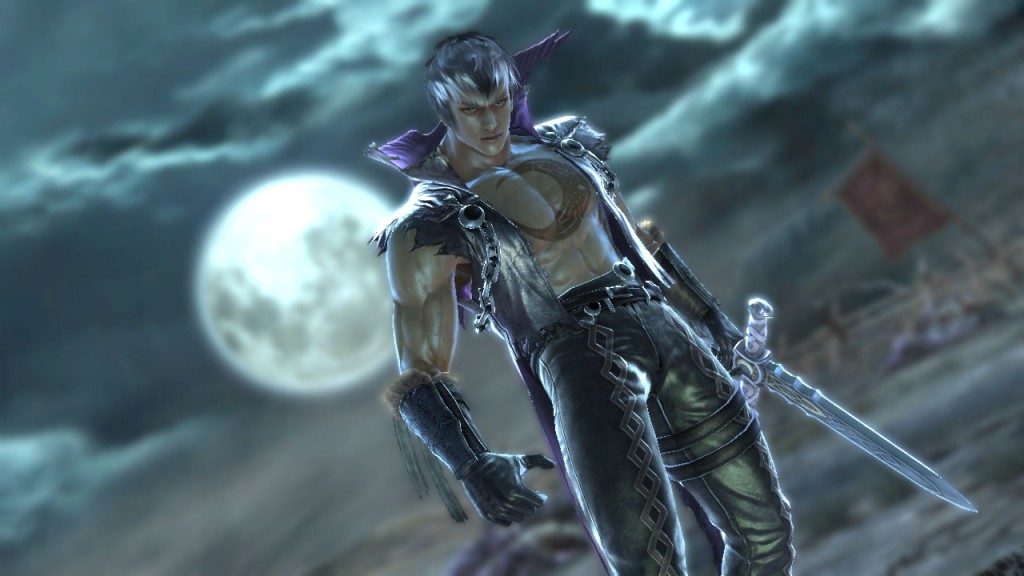
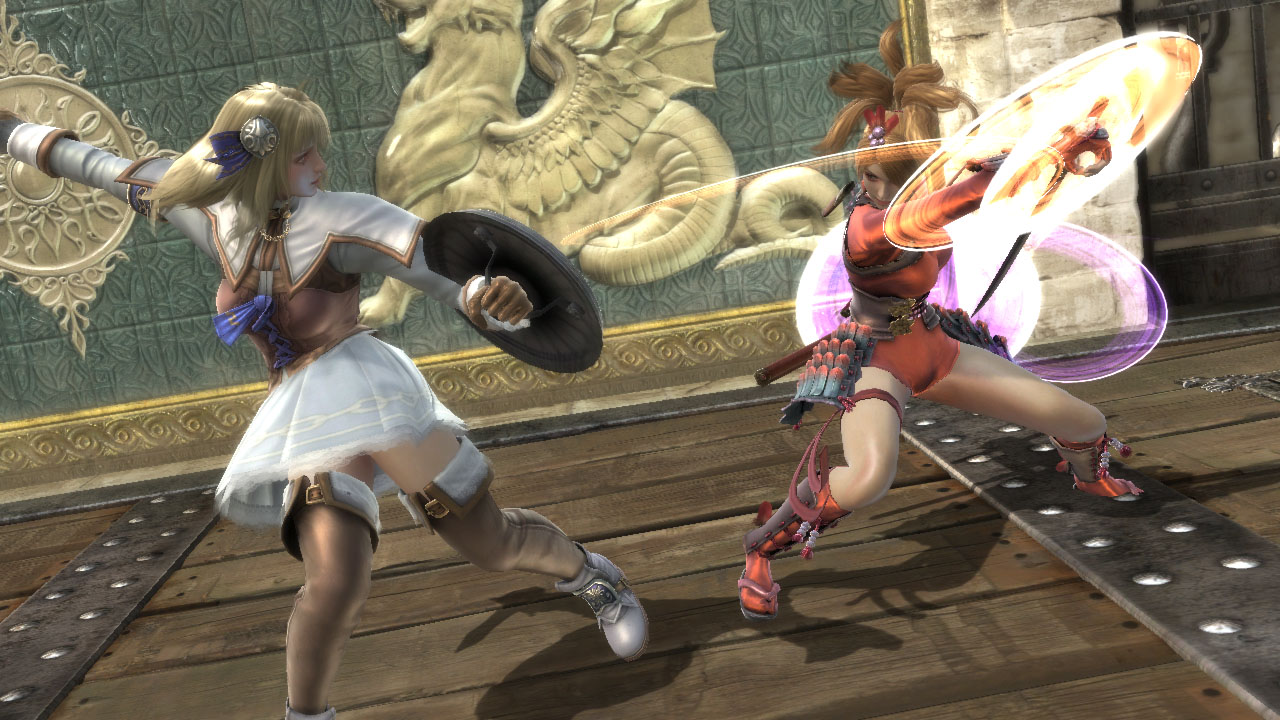
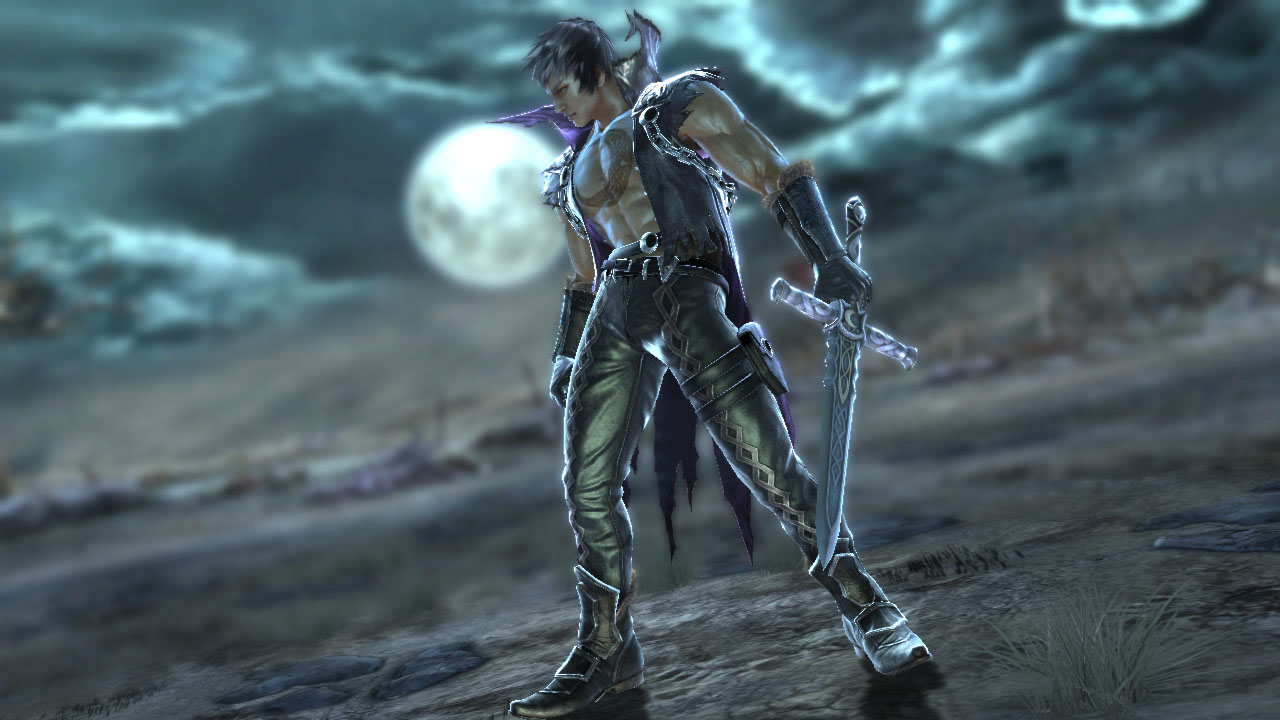
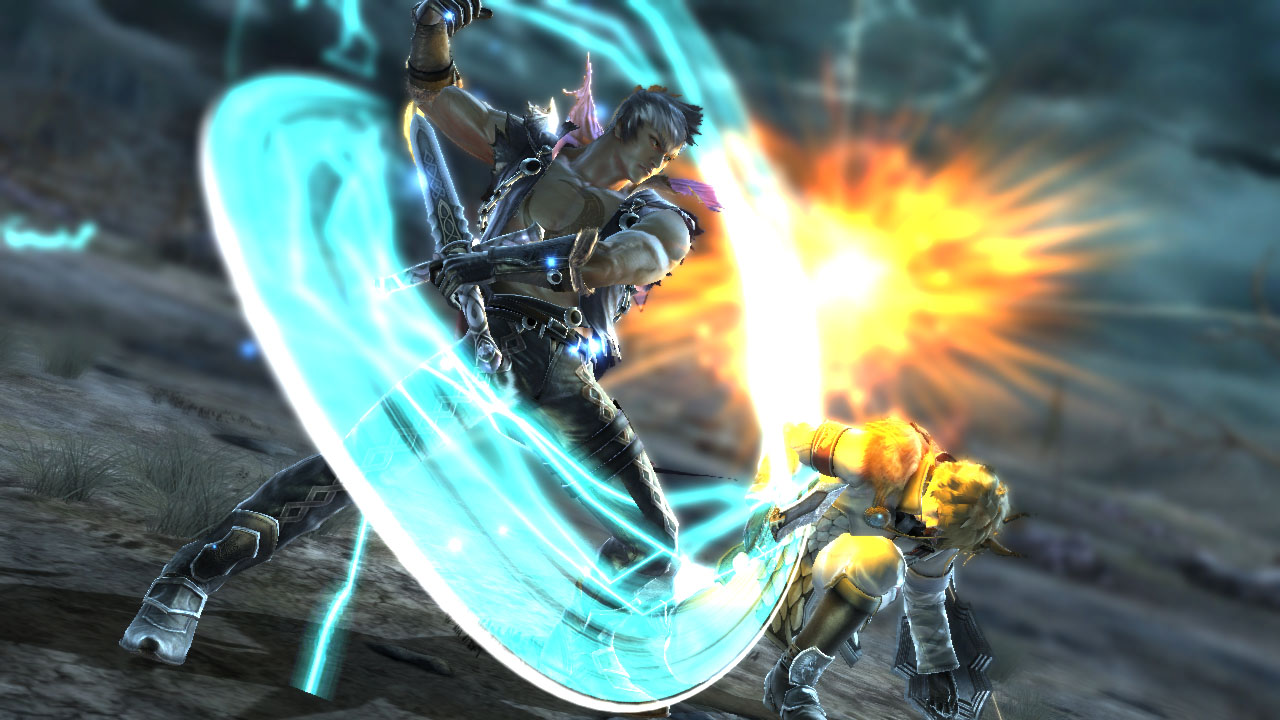
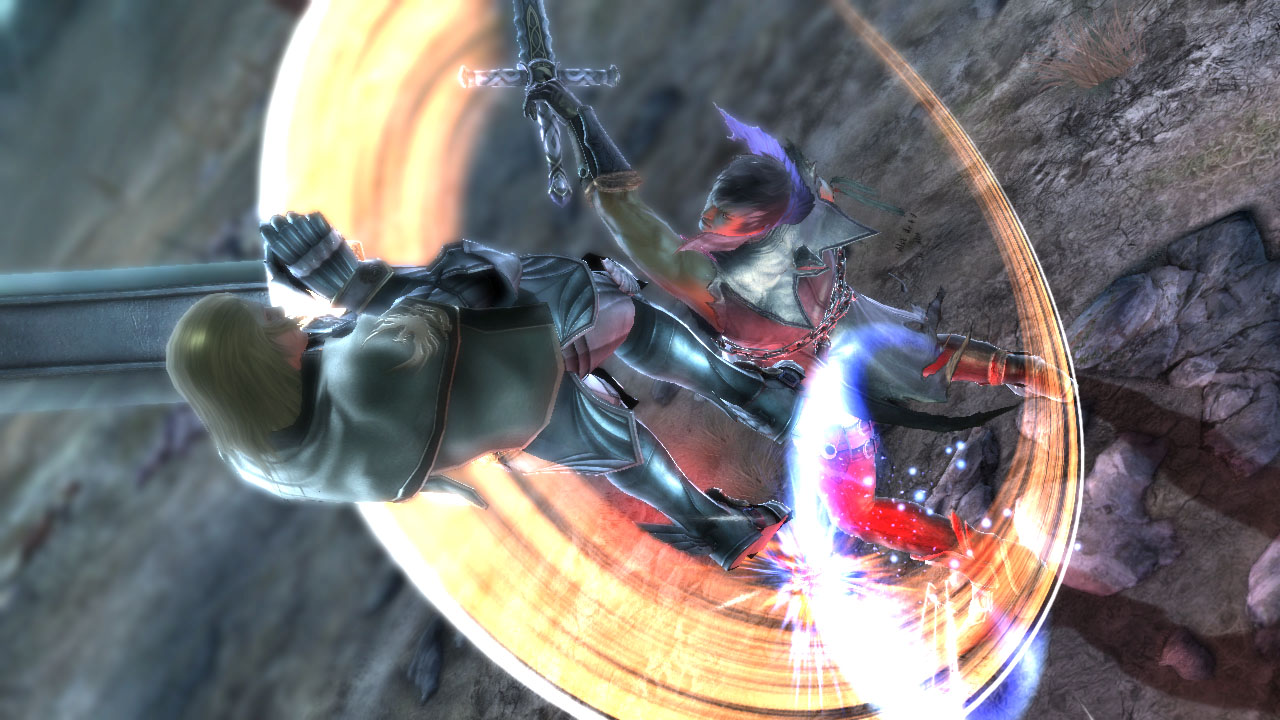
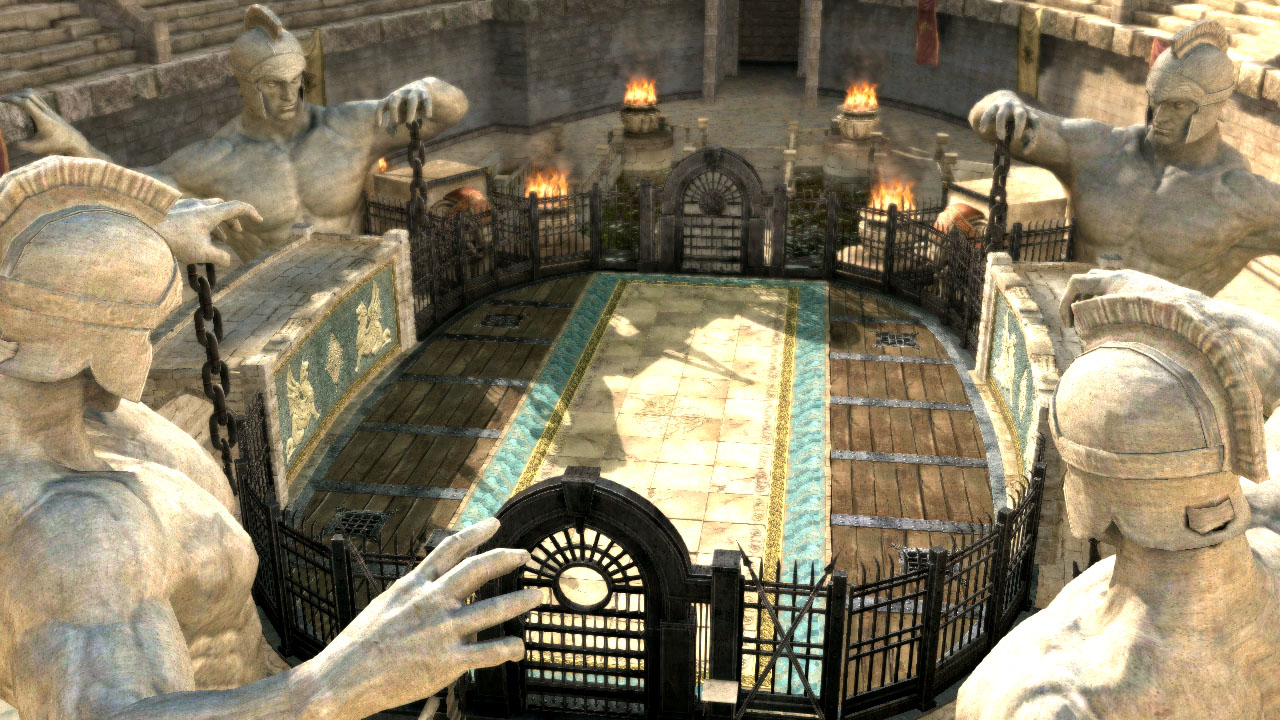
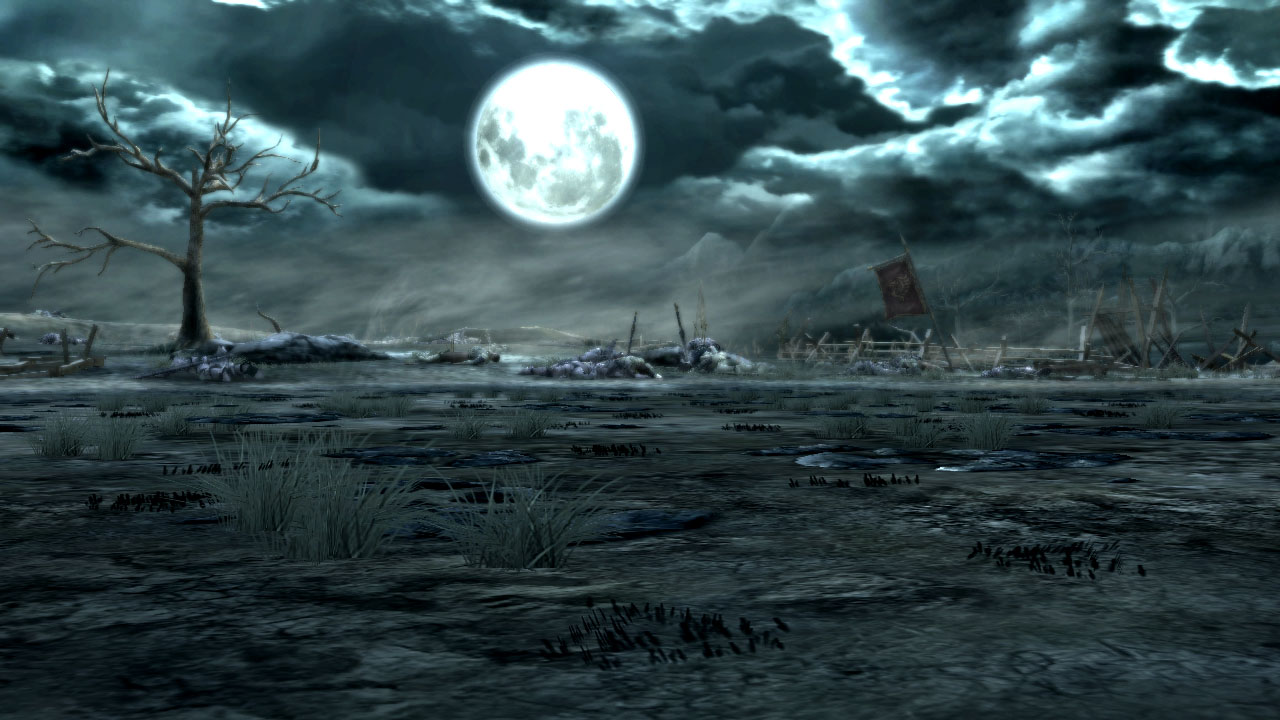
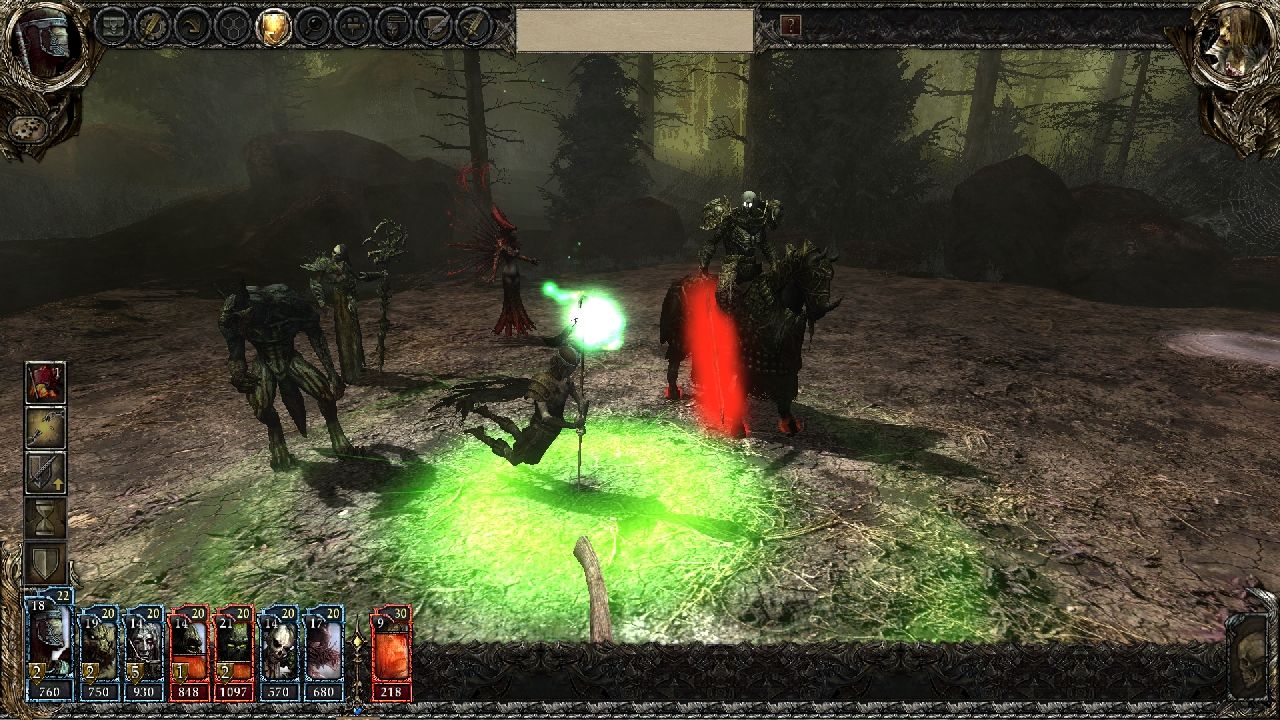
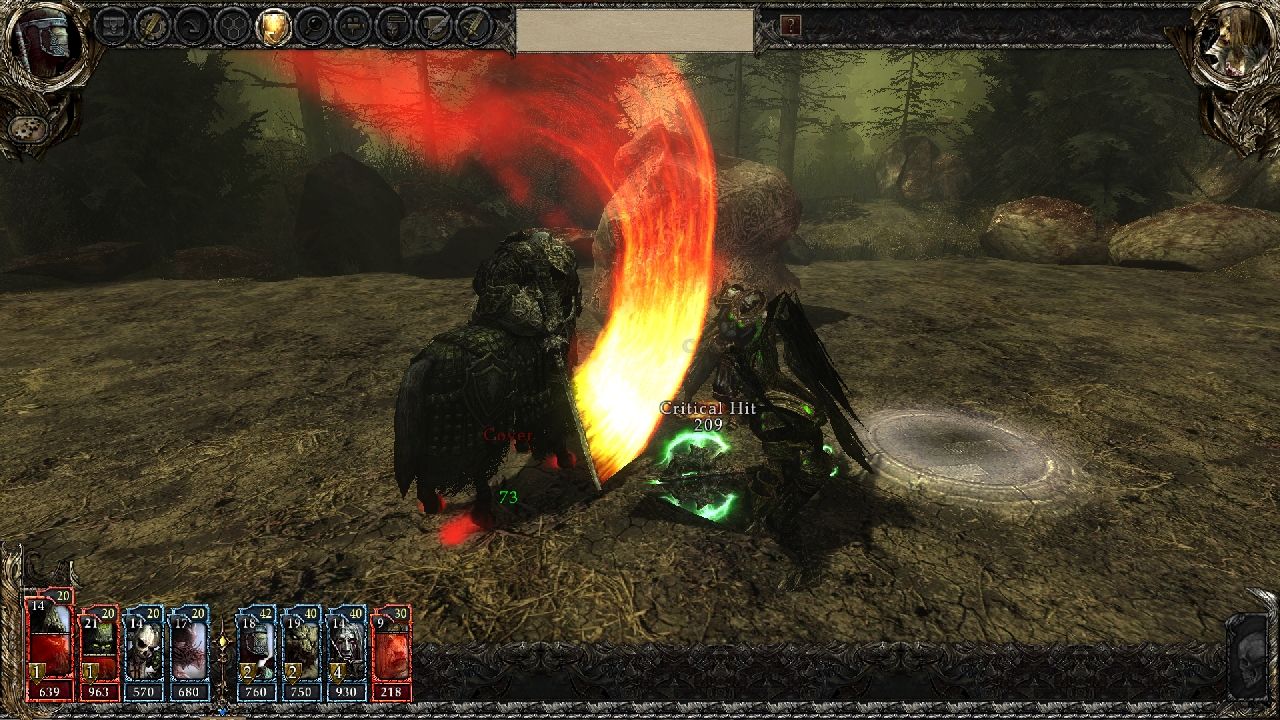
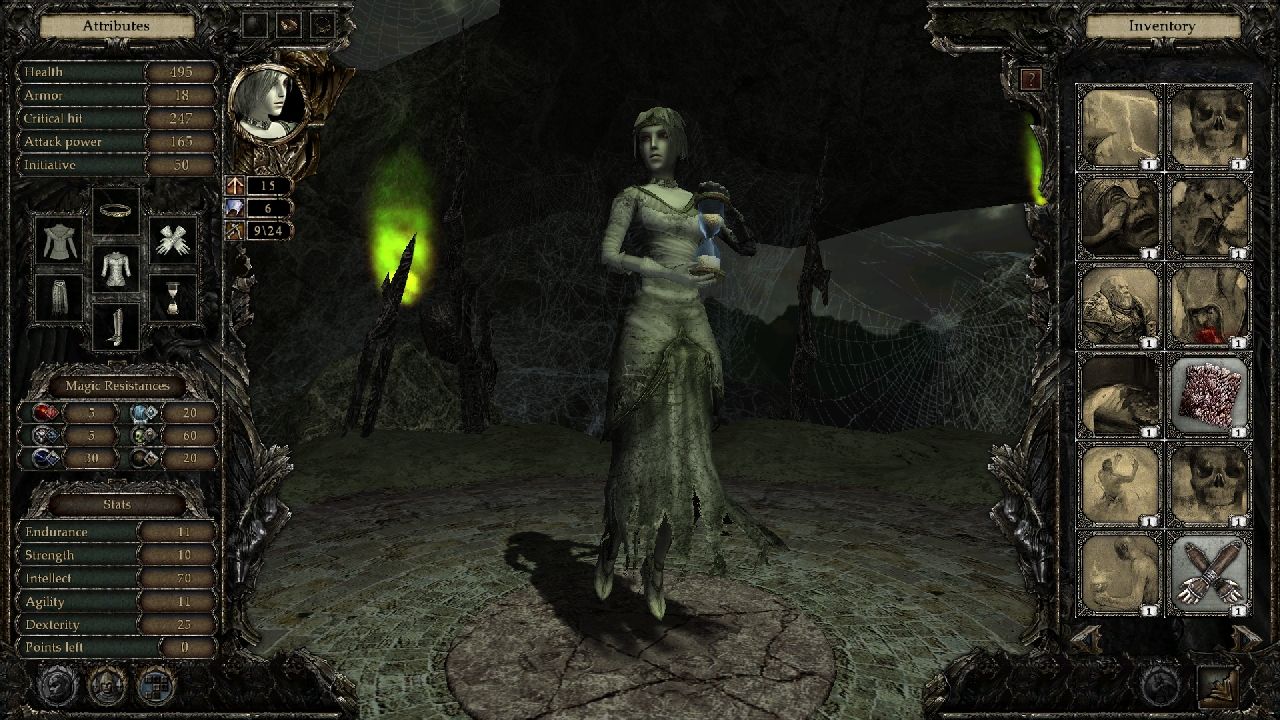
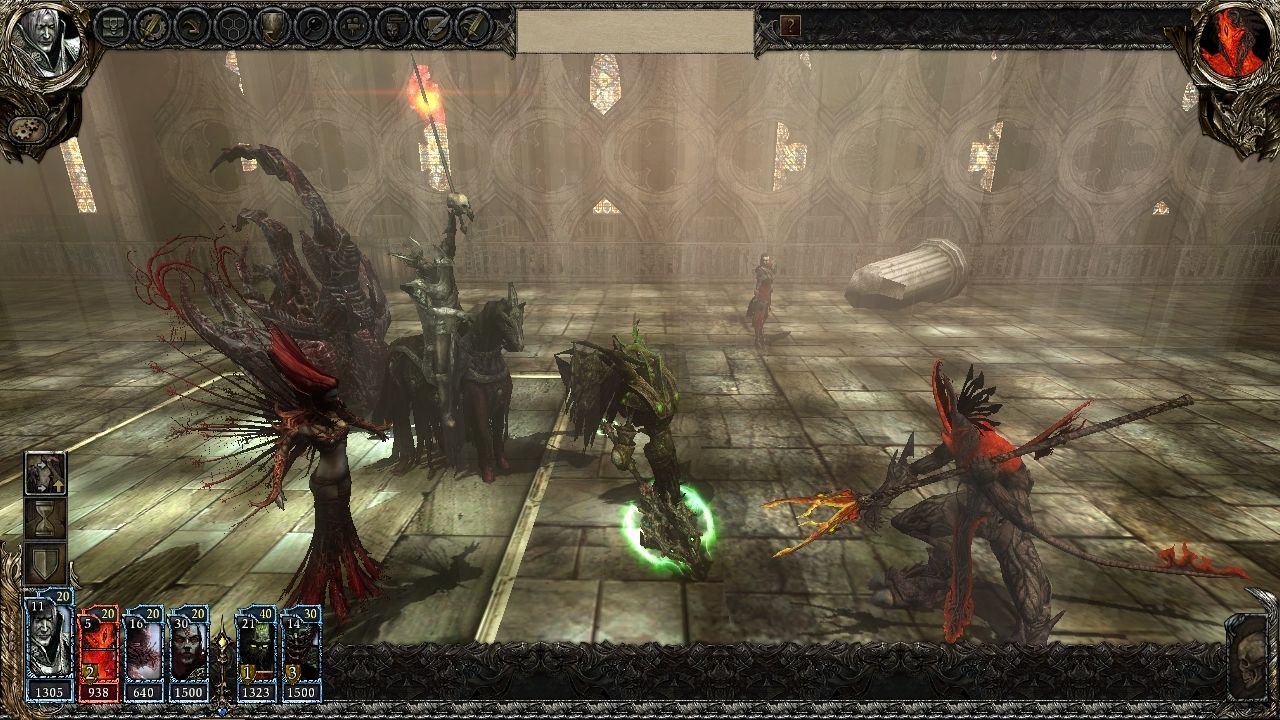
Namco Bandai has released some new screenshots for their upcoming Soul Calibur V fighting game, from this last week’s San Diego Comic-Con convention. The new screenshots show off three characters announced at the show: Ivy, Natsu, and Z.W.E.I. Soul Calibur V is due out early next year.
Archive - 2011
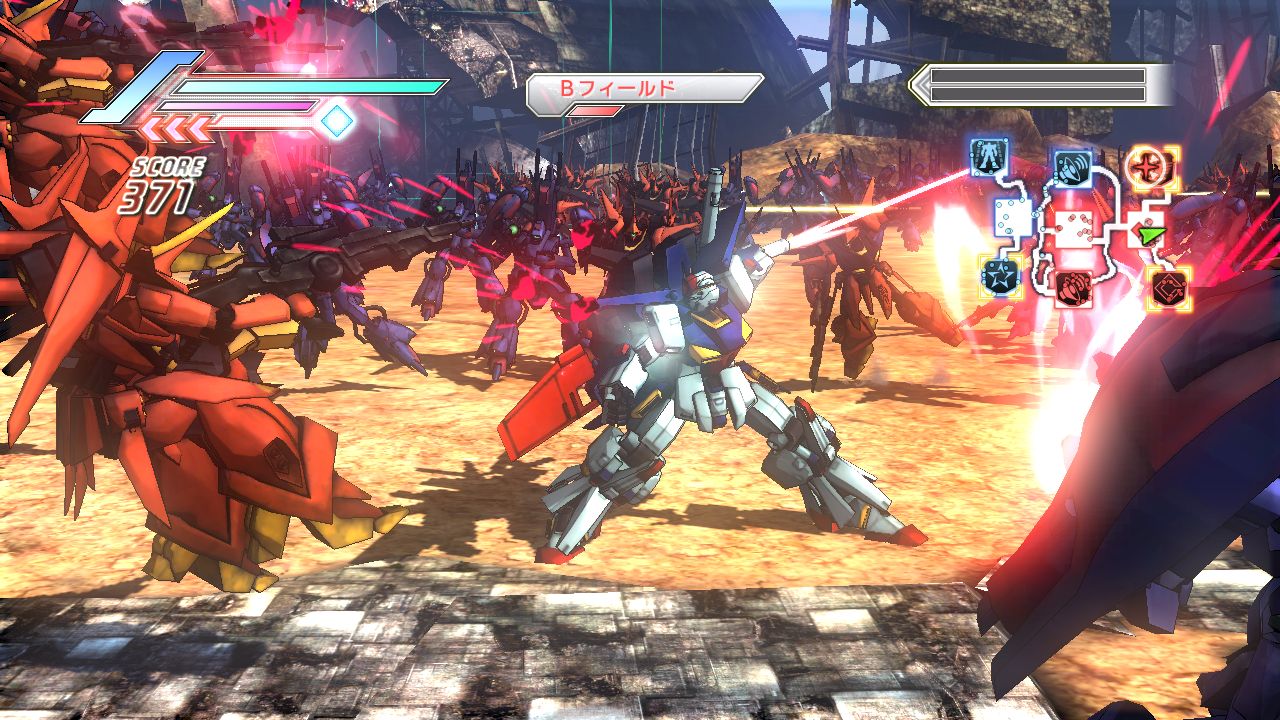
Oh Koei, when will you ever stop? After, to my best estimate, 438 Dynasty Warriors titles, Koei is bringing giant robot fighting to the table for the third time with the appropriately named Dynasty Warriors: Gundam 3. Does this outing prove improve on the franchise? Does it bring anything new and exciting to the world of gaming? Does it make any sense at all? Your answers are no, no, and no.
If you are unfamiliar with the Dynasty Warriors franchise, here’s a bit of a summary. You fill the shoes of a general in a sprawling battlefield, directing a war effort against the enemies of neighboring territories. You move through the map, taking strategic locations, and all around slaughtering countless enemies. After fulfilling certain level specific criteria the game will abruptly stop and announce that you’ve won the battle. Collect your rewards and carry on smartly.
For those unfamiliar with Gundam, here’s the lowdown. In the not too distant future humanity wages war against itself as we are wont to do. But this isn’t any old war… it’s future Japanese war! Giant robots! Bang! Smash! Kapow! Random philosophical musings! Wait… what? You see, Gundams, the aforementioned giant robots, are largely piloted by teenagers who spout more pretentious nonsense than your average asshole “writing” his “screenplay” at your corner coffee shop. If you were wondering how you could make giant robots boring, there you go.
Great! Now that we’re all caught up, where does that leave us? My average Dynasty Warriors: Gundam 3 experience went a little like this. Choose pilot, choose Gundam, choose mission, mash the X button a whole lot for five minutes until I won, listen to teenagers shout psycho-babble at one another, repeat ad infinitum.
Granted there are dozens of pilots to choose from, each with bountiful missions to complete and upgradeable statistics, and countless Gundams to unlock and upgrade. The overwhelming response I gave to the game was a resounding “meh.” There is a ton of content present but none of it is very deep. You can choose to play through various story missions, oftentimes seeing things from both sides of the conflict which end up feeling quite identical to one another. There are memorial missions which retell key points in the various Gundam anime series which all play and feel quite identical to the story missions. There are even friendship missions to help you gain new allies which, you guessed it, are no different from the story missions save for your reward at the end.
This game is a straightforward grinder in the most boring sense of the word. You are doing the same thing over and over and over again with your only rewards being upgrades to your mobile suit or new allies which don’t change the gameplay at all, leaving you wondering why you’re bothering in the first place.
All this adds up to a game that is extremely long, just not very big. On a somewhat more positive note, the game does populate hundreds of enemies onscreen at once and the character models for the Gundam themselves are quite detailed, however none of this matters much when the enemies only AI seems to be “surround player en masse, shoot gun repeatedly.” I can think of far more interesting ways to spend sixty bucks rather than listening to a 12 year old boy hollering stuff about machines, nature, and being a father while I press the X button over and over and over and over again.
Seriously, that’s all you do: press X.
For 100 hours or so…

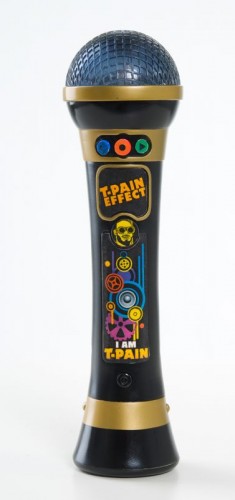
T-Pain has taken his name and made it synonymous with “auto-tune” over the years and there have been different ways to use this technique which he has marketed on various platforms such as the iPhone and the PC. It helps people, like myself, who have no musical talent whatsoever sound both bearable and amusing and has spawned a generation of auto-tune players. There are some, again like myself, who are so tone deaf that even these programs can only help so much and to help mask my painful tones T-Pain came out with the most user-friendly and party perfect version of the T-Pain effect out there: an all in one microphone.
The “Ellen” Effect:
Ellen had T-Pain on her show to discuss the microphone effect and Ellen showed just how easy it was to make a professional sound without professional training or even necessarily the best lyrics:
[stream provider=youtube flv=http%3A//www.youtube.com/watch%3Fv%3DOvHmrShrmaM img=x:/img.youtube.com/vi/OvHmrShrmaM/0.jpg embed=false share=false width=640 height=360 dock=true controlbar=over bandwidth=high autostart=false /]
After his appearance on the show (and the almost two million YouTube views that have followed) there became a huge demand for the iPhone app which went on to become one of the best selling apps of all time for them and is still a hot seller and well known today. But let’s face it though half the fun of this is the party environment that it can create and so T-Pain and CDi got together and created the most user-friendly and fun version of it, a microphone that takes you right into the energy of the Ellen show but with a simplicity that even a child (or highly intoxicated party going adult) could operate.
Using the T-Pain Microphone:
The buttons on the T-Pain microphone are pretty straight forward and self-explanatory. There is a blue button to give you some different background beats, none of which are from his songs though those are available for sale and can then be plugged into the mic via an input jack and an MP3 player. The red button starts the record and then you hit the effect button to turn on and off the auto-tuning. When done, you just hit the record button again and you can then hit the green playback button. The lower section of the mic doubles as a decent speaker system for the microphone though you can remove that and plug in a different speaker set or put the microphone into a USB adapter and download your song as an MP3. From there you can share it with the world! Or play it on your iPod friendly stereo system at your next party to show your friends how great, or in my case, how horrible you are (honestly I think I would probably violate some FCC regulation about sound pollution). I can’t describe the level of bad I am but the microphone performed like a hero trying to help me.
Never Time Enough:
The only issue I came across with the microphone was the short record time available. I guess the idea is that if you come up with a 3 minute song you really like you can plug it into a computer and save it down real quick and then go back to playing with it but in the middle of a party that doesn’t seem to practical. I came up with a pseudo solution by attaching a recorder to the headset output or speaker output but that kind of makes it awkward. My hopes for this mic in the future would either be a larger recording hard drive or make it micro disc compatible so you fill up a disc and load in another one so that the party never pauses and the recording can go all night.
Last Call:
So many party toys and games require setup or other systems such as consoles or computers to play. The iPhone app, which I have used much to my wife’s pained ears, is a lot of fun but really can only be used by one person at a time and is designed to be listened to by one person at a time. The I Am T-Pain microphone takes all these drawbacks and fixes them by putting them into the format all those people watching The Ellen Show that day wanted, a cordless microphone with built-in effects and beats that turns a little black stick into a party. And if you want, or dare, you can share it with the world.
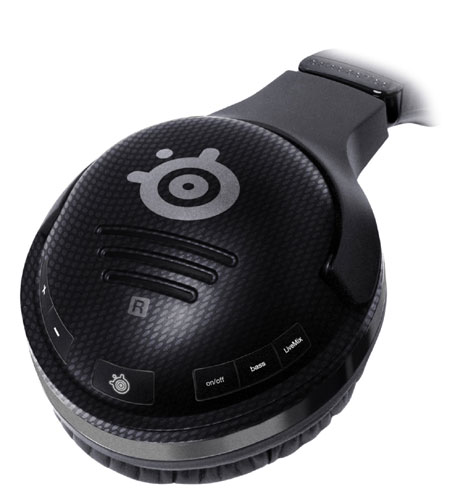
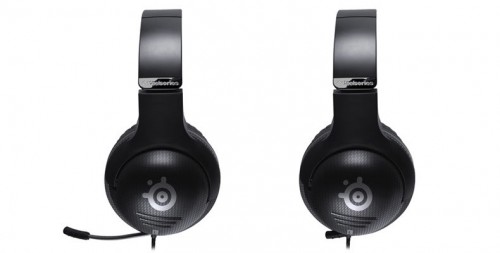
SteelSeries has been known for years as one of the leaders in premium gaming equipment. Quite often it may cost a little more than other brands but for good reason, you know that you can expect great quality and versatility. So when I had the opportunity to review their latest Spectrum 7XB Gaming Headset I was more than just excited, I was downright thrilled. My XBox headset was Microsoft licensed and worked fairly well in it’s one earpiece but my mic was finicky at best. There had been plenty of night’s gaming where I just passed on the headset which caused me to lose some valuable intel but improved my comfort and placated my frustration with the poor microphone. So to get my hands on a SteelSeries was a very exciting moment indeed.
I had checked out and compared many brands of headsets at trade shows, conventions and testing for sites and I had a couple brand names that began to stand apart and SteelSeries was one of them. What surprised me was that the 7XB was actually outperformed most of the SteelSeries I had checked out over the years. They had obviously taken even minor customer concerns into consideration and had worked them into the latest release.
Setup:
The setup of the headset is not timely but it is a bit technical and definitely involves reading the directions mainly because of what it can do and the options available. It takes only a moment but you definitely need to read the instructions.
Comfort:
For long gaming sessions comfort can be almost as important as performance because no matter how good it sounds and communicates if it causes you headaches from weight or smashing your glasses then it will not get it’s proper use. Not only are the 7XB extremely lightweight but they are designed to rest the cups comfortably on the ears while at the same time allowing space for glasses. Even if part of the cup does press on the glasses they are so amazingly lightweight that they don’t compress the arms of the glasses into your temple so they wind up being some of the most comfortable ones on the market. One side is slightly heavier due to the AAA batteries required but it is a fairly unnoticeable difference that would practically require you to weigh to even know. The microphone section actually curls back into the headset to be out of the way if you are not talking on it which adds to the comfort of the headset by having it out of the way but also when it is slid out of storage it is very lightweight and adjustable. Comfort wise the only slightest improvement I could even imagine would be if they didn’t have to plug into the XBox controller at all and were completely wireless but since the cord is of a comfortable length and adds a very conveniently located mic button at the controller even this issue borders on a feature rather than an issue.
Sound Quality:
Powered by 50mm drivers the sound is encased in nice, comfortable ear cuffs that are an immersive audio experience that doesn’t rattle the house’s windows. Sounds seem to come from the direction they were intended which though obvious in plenty of games stood out pretty well in Blur, where cars are striking from the sides, your weapons are firing at things in front and you are getting attacked from behind. So much sound going on and yet determining their direction in a few seconds is really important to survival. At the same time there is chatter from other players in Blur and other games and this is another interesting place where these headsets shine. If another player speaks and you have your headset set on the LiveMix setting then when they speak the game volume drops so you can hear team chat then when they finish speaking the game volume came back up. This made it nice so that you could still enjoy the game volume at higher levels while not having to worry about missing important instructions or tactics. And if this doesn’t quite give you the mix you want there are separate locations to lower or increase each of the channels to set them just right.
As well as individually adjusting track levels you can also choose equalization to add even greater depth to the game sound. The equalizer has four setttings: Normal, Performance, Immersion and Entertainment. Normal is equalization off and normal game sound, Performance amplifies high tones and is perfect for those FPS where you are listening for every gun reload and step on a path at an ambush spot. Immersion kicks the bass up and you feel the gunshots and explosions rattling through your head (this one takes a little volume fine tuning to keep from causing ear damage) and Entertainment is just what the name implies, if you are using the headset to watch a movie, listen to music or play a game without a high importance on the sound or any team chatter. When doing the last the feature of tucking to microphone into the ear cup makes it easy to enjoy a streaming movie on console or PC without having to twist the mic out of the way while eating or drinking.
Compatibility:
As just a headset for listening the Spectrum 7XB is compatible with Xbox 360, PC, Mac, Wii and PS3. There is no team chat with them on the other systems with the PC in particular you may want a separate microphone set up for audio recording or transmission anyways. The Spectrum 7XB is great because it has such a crisp sound transmission it can just be used as headphones for so many different things but it can be hard to bring yourself from unplugging them from your XBox since they are such a solid addition to it’s gaming system.
Durability:
The headset is reinforced at key points to help with durability since there are certain sections of a headset that tend to take more stress than others. The cord that travels down to the XBox controller is wrapped in nylon parachute cord to prevent knotting and kinking, additional joints have been placed at areas of stress to allow extra movement and the whole headset is designed to break down into four parts to prevent damage during travel. Add to this that the microphone tucks safely into the headset and is wrapped in flexible metal and durable plastic casing when it is extracted and this is definitely a headset that if you treat it right will last you a long time. Besides if you are someone who can’t keep your temper and throws your headset against walls you don’t need to invest in quality headphones, you need to invest in foam and duct tape, maybe some spackle as well.
Style:
Gaming headsets can sometimes have a bit of a lack of style, often looking like they are designed for survivability rather than style. This headset is designed to look like high end very stylish headphones that happen to have a high quality very stylish microphone slide out of it. These things are enviable if they were just a wireless headset being used in your living room to listen to music or watch a movie without waking up the roommates (or wife). Then when you reach down and plug it into your controller and slide out the amazing looking microphone there will be that moment when your buddies look at you and just say “Damn.” Then when you let them try it they will either be buying them or saving up for them.
Last Call:
SteelSeries is known for their quality products as well as their style and the Spectrum 7XB gaming headset is absolutely no exception. I took the headset off of my Xbox 360 controller to test it out but it is going right back onto the controller as soon as the review is over and it may never come off there again. Ok, maybe when I am injured in bed and want to play one of my gaming systems in the bedroom without waking my wife. Ok and when playing games in the computer room that don’t bother with team speak. Ok and maybe, well you get the point.
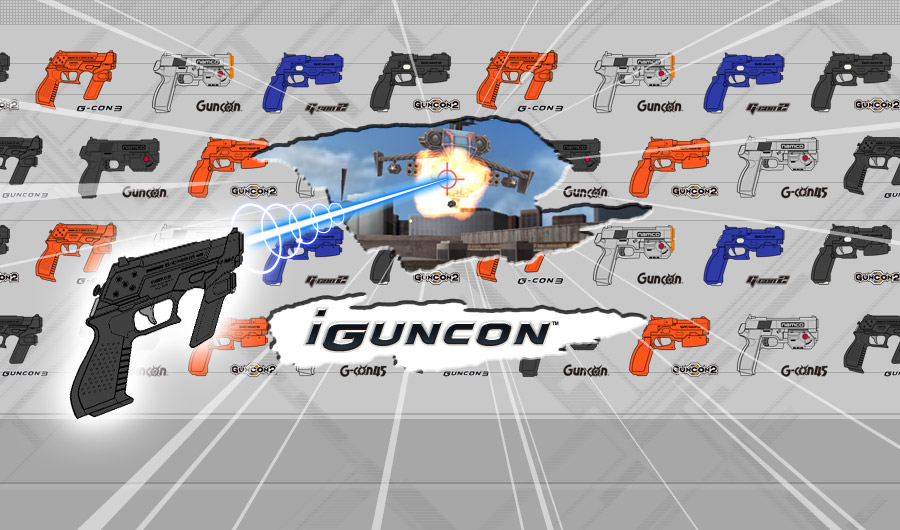
Namco Bandai has released iGunCon, a new iOS application that will allow you to use your iPhone 4 and iPad 2 devices as a GunCon controller for their popular iOS shooters, TIME CRISIS 2ND STRIKE for iPhone and iPod touch, TIME CRISIS 2ND STRIKE HD for iPad and TIME CRISIS 2ND STRIKE. Please keep in mind, this means you will run the game on one iOS device and the iGunCon app on another – this does not allow you to use your iOS device as a GunCon controller for console Time Crisis games.
The iGunCon app is free to use and is available now.
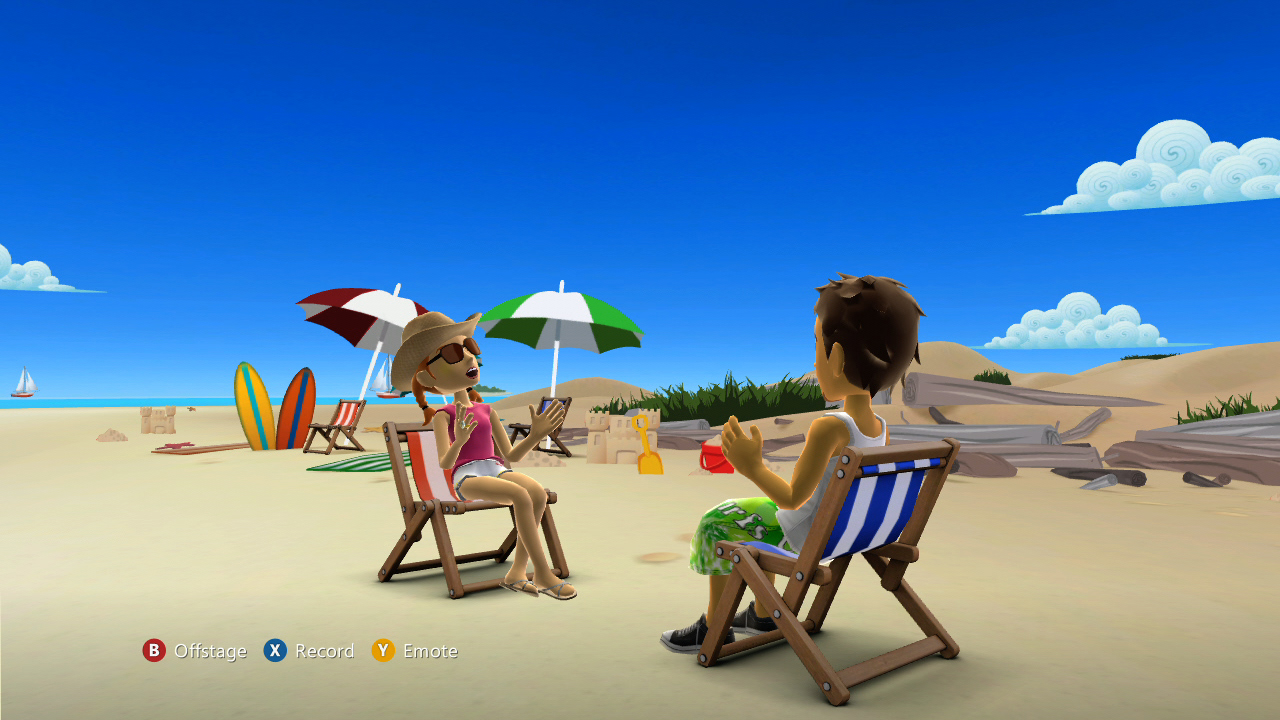
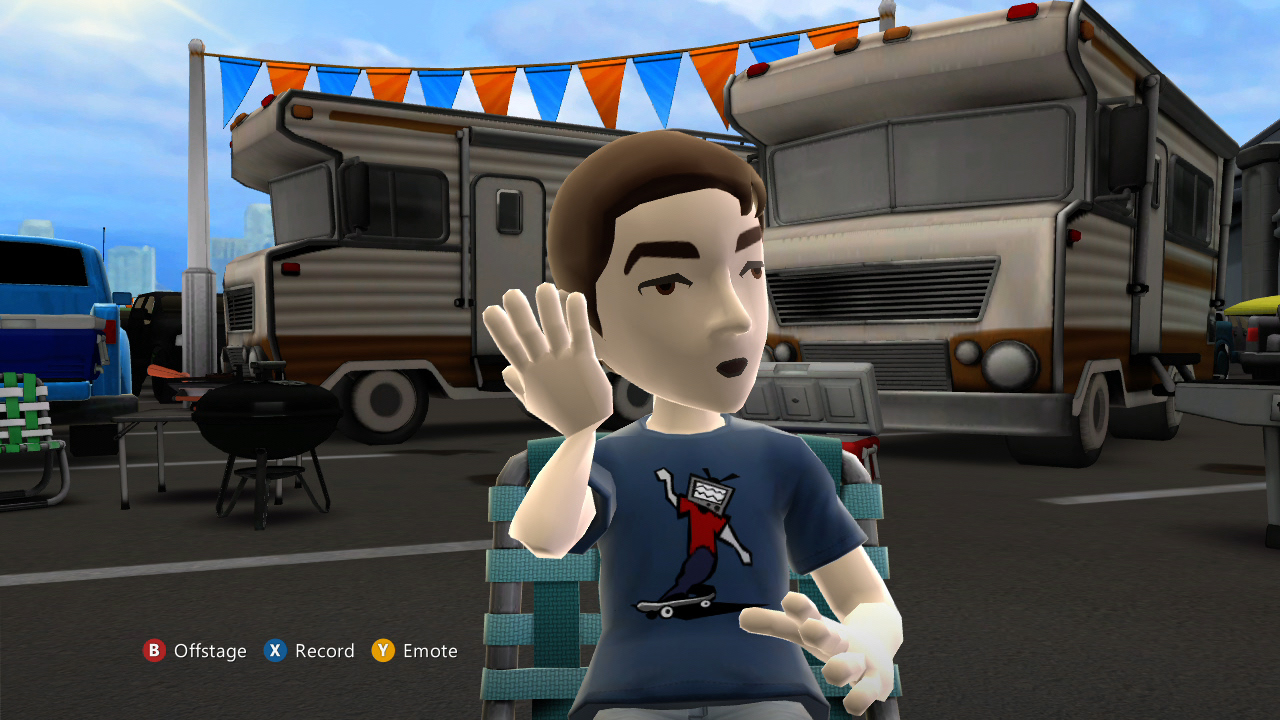
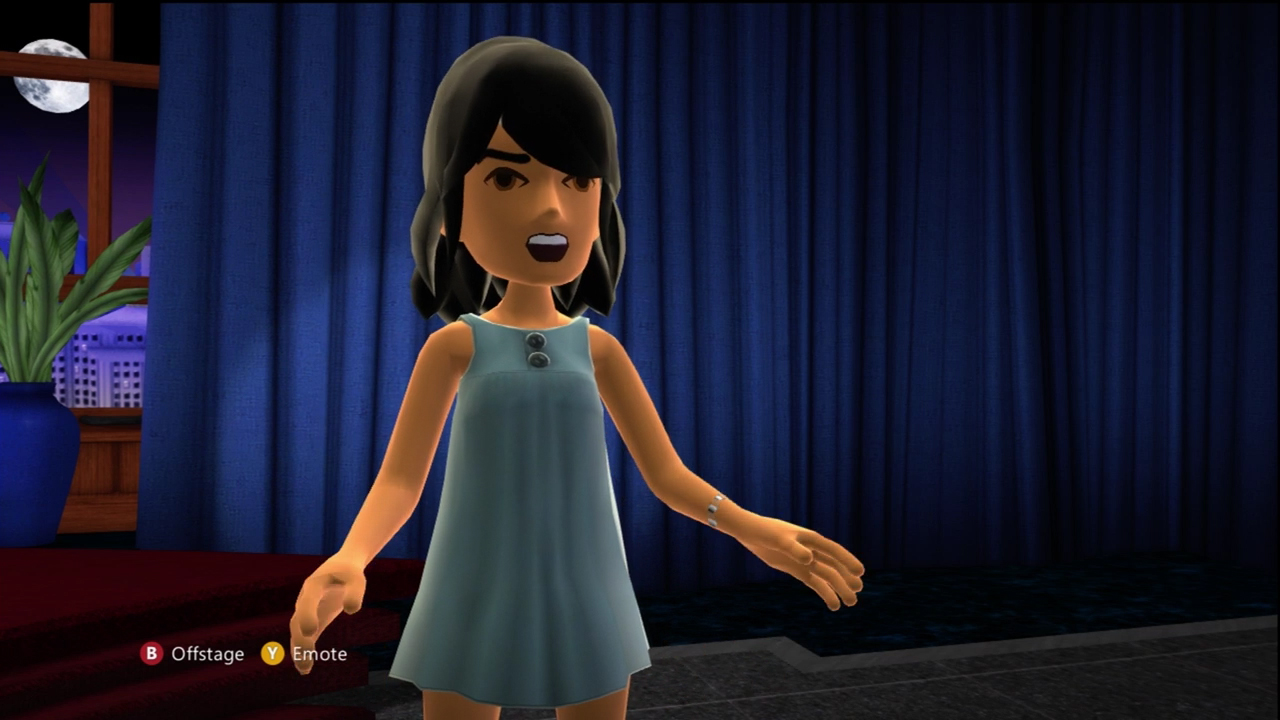
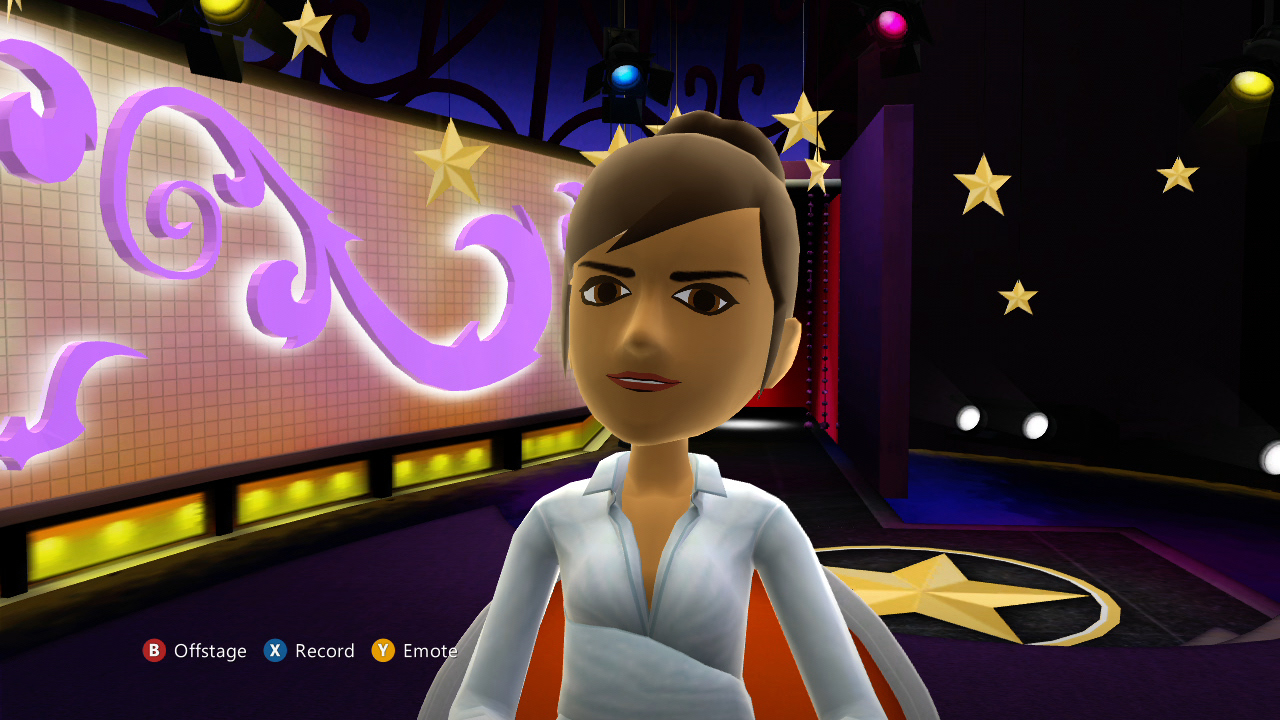
Microsoft has announced that its new Avatar Kinect gadget has gone live for Xbox LIVE users. This feature will allow users to take their avatars to new levels of interaction with Kinect mirroring user’s facial expressions on those avatars. Additionally, users can invite up to seven friends to join them in virtual stages. Avatar Kinect is available for free to all Xbox LIVE Gold members, but to celebrate its release, Avatar Kinect has been unlocked for all Xbox LIVE members (Free or Gold) to enjoy from July 25 – September 8. Microsoft also announced that its upcoming Kinect Sparkler gadget will launch this Thursday.
Screenshots
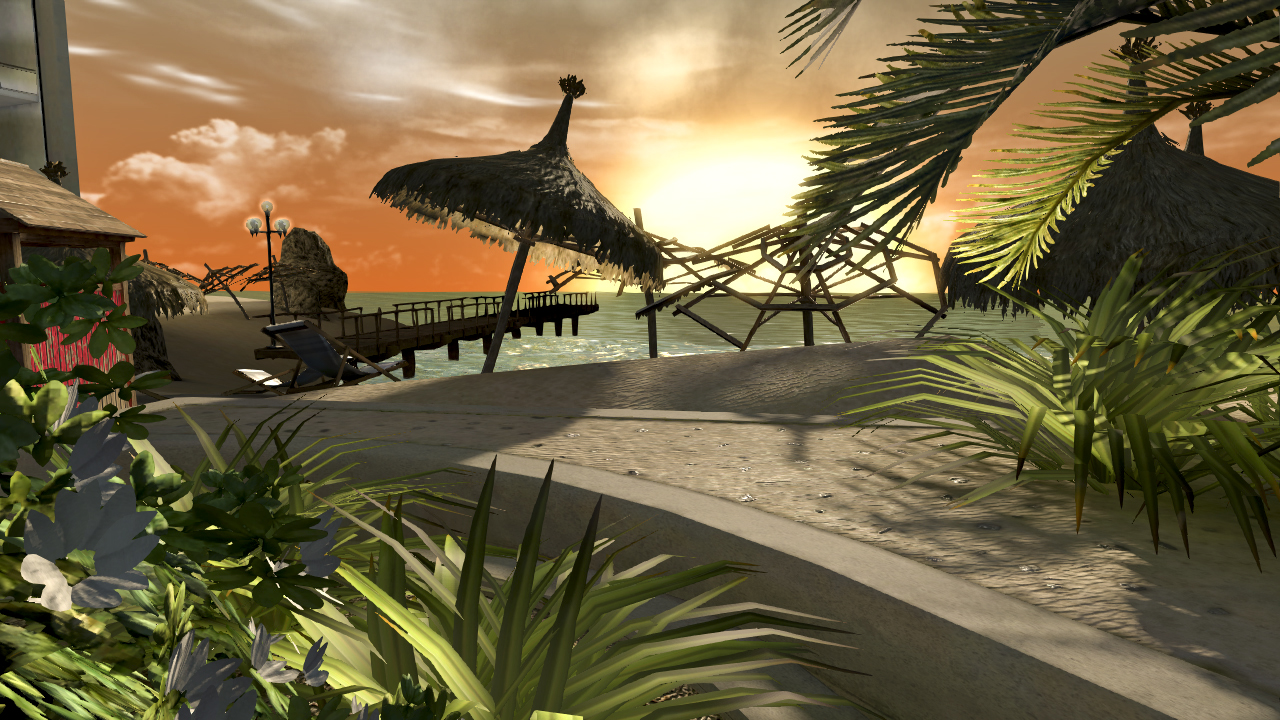
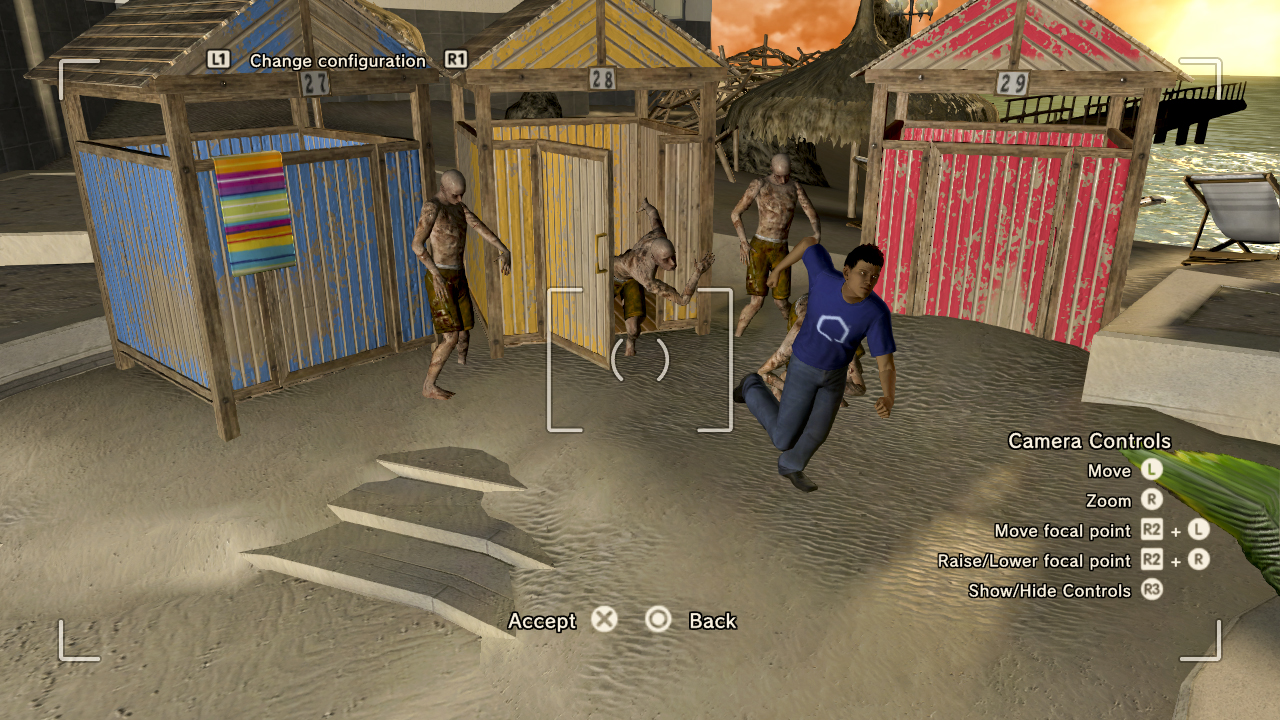
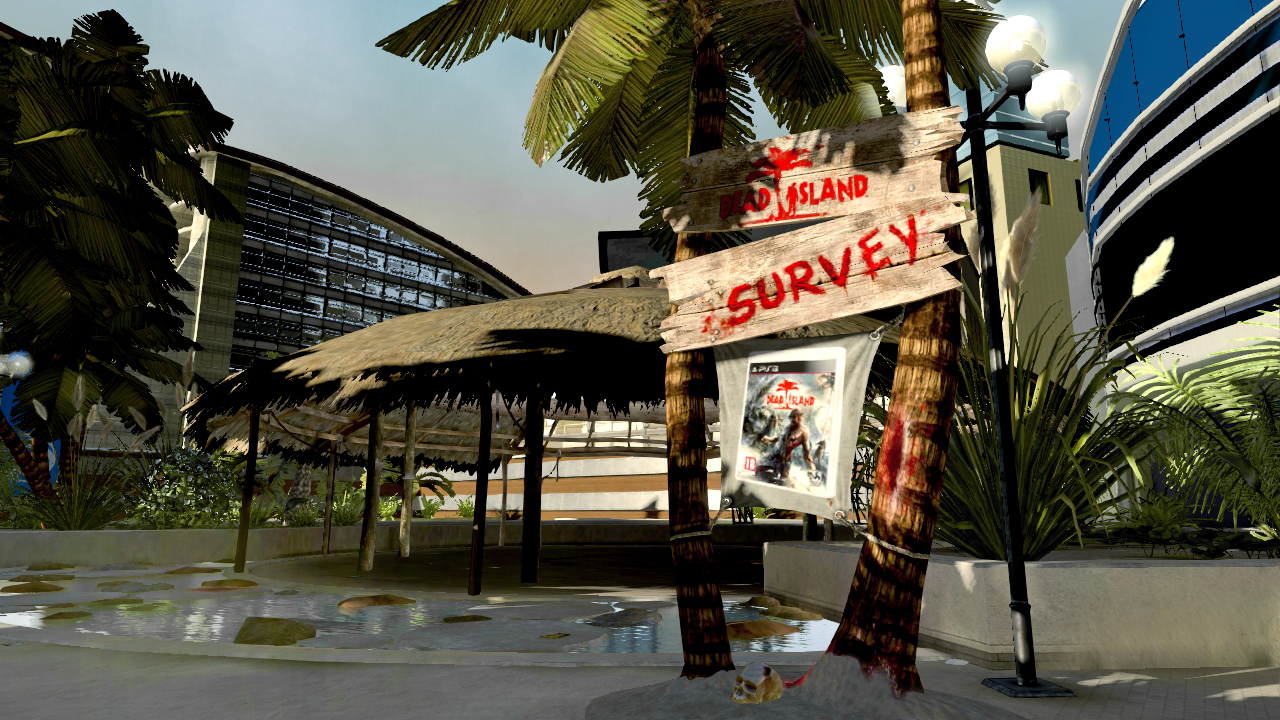
Deep Silver has announced that zombies and locales from its upcoming zombie-fest, Dead Island, will take over Sony’s PlayStation HOME service shortly before the game’s launch in September. The takeover will be complete with mini-games and more for HOME users.
Screenshots from the pending PSN Apocalypse
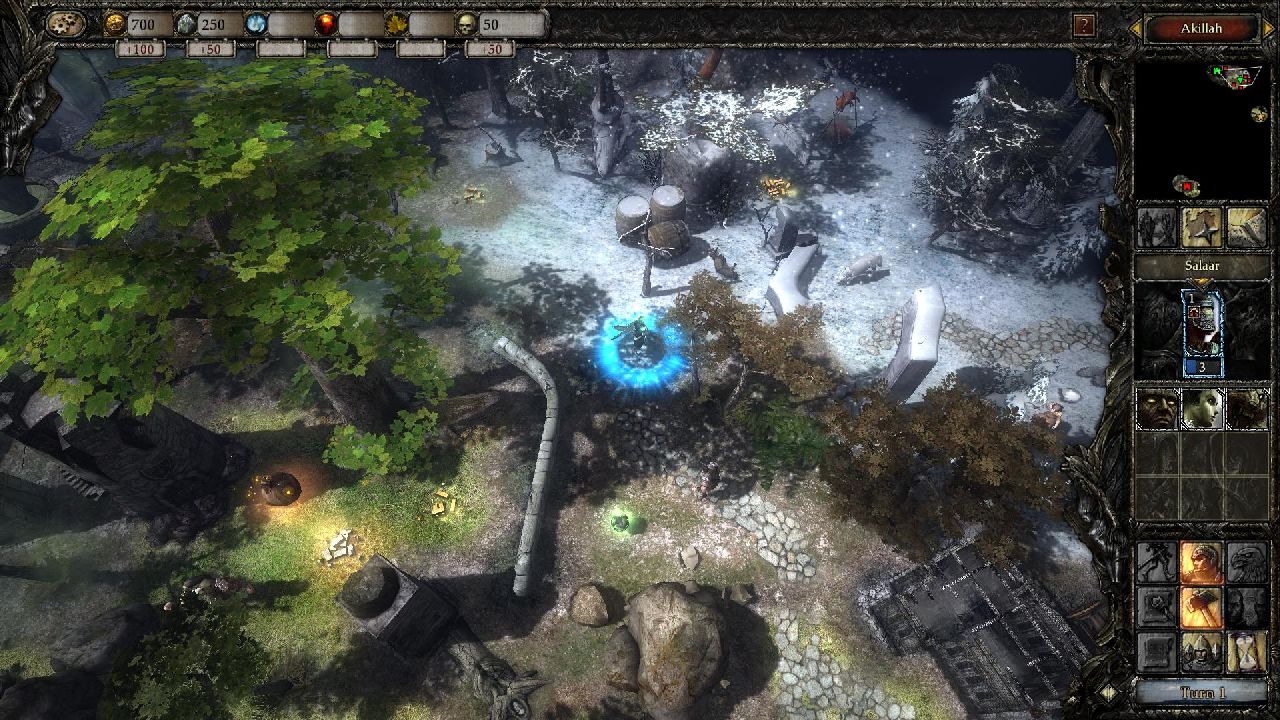
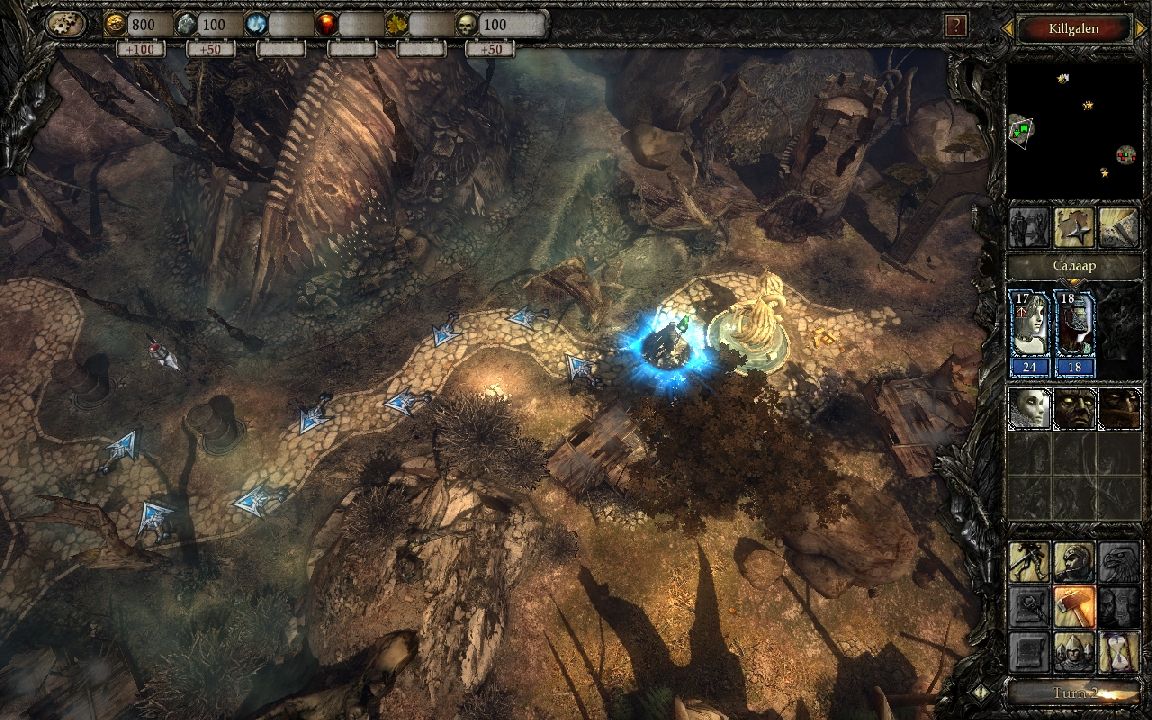
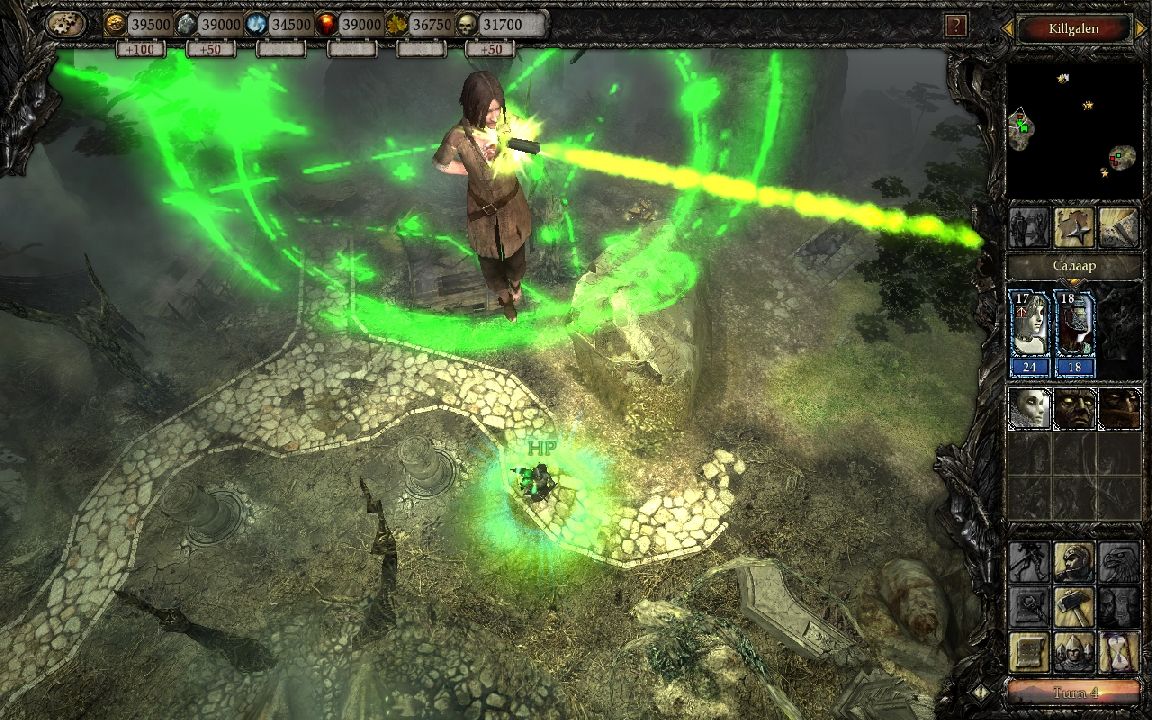
Topware Interactive has announced that their new iOS tower defense title, Two Worlds II: Castle Defense, now supports what the company is calling “3D-ET” eye-tracking technology. This tech will allow iPad 2 owners to be able to peak around corners, etc. Time will tell if this technology begins being used in other camera-equipped devices. For now, iPad 2 owners can try the new eye-tracking out on both the lite and pay versions of the game.
TopWare Interactive CEO, Dirk P. Hassinger explains, “by introducing the new Eyetracking technology we are ahead of the competition once more and will expand this edge in the future. Right now we are adapting the system for more platforms like PC or Mac and will also present some challenging 3D surprises within the next couple of months.”
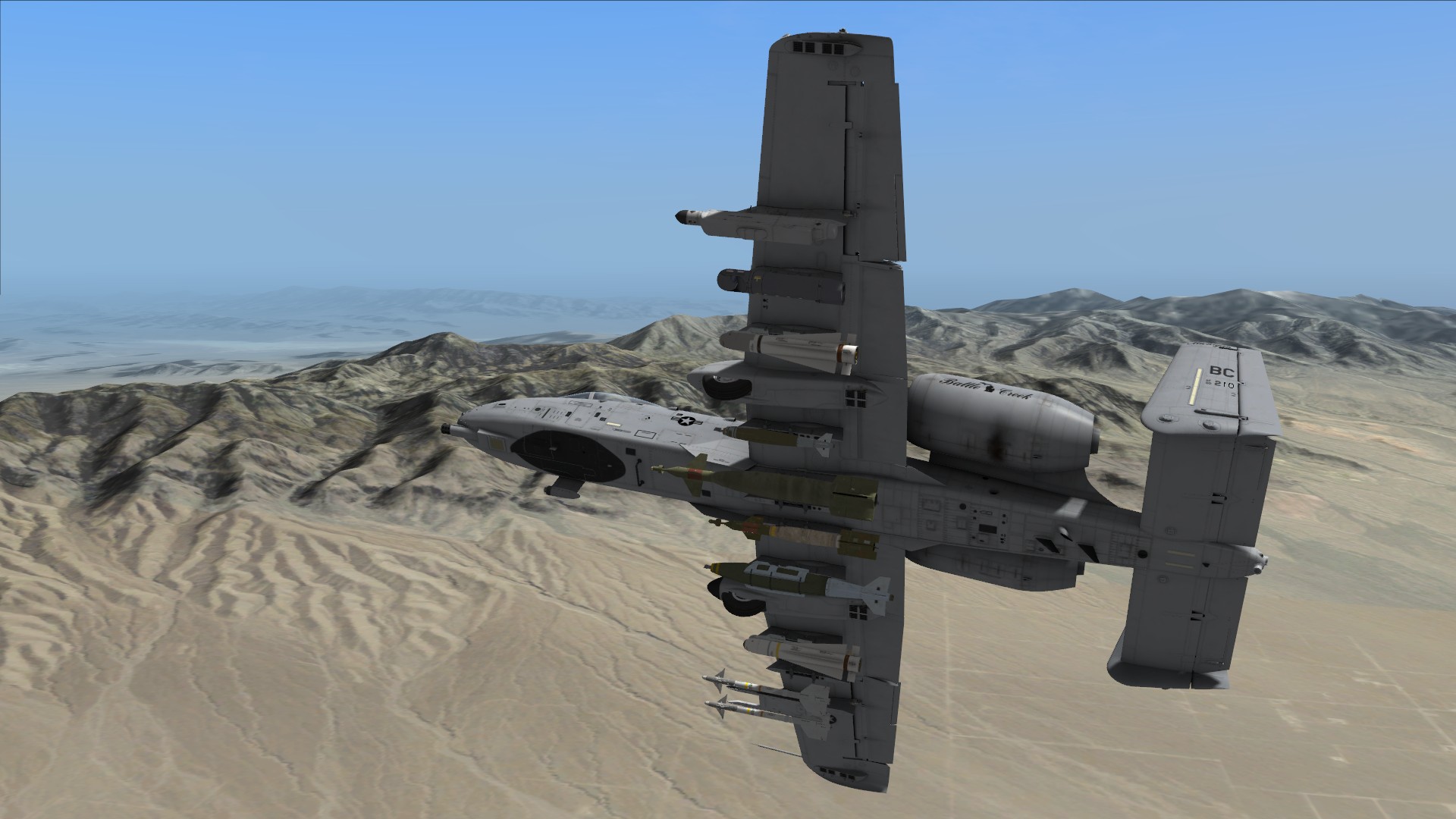
Eagle Dynamics has released a new patch for their acclaimed combat flight simulation, DCS: A-10C Warthog. Patch 1.1.0.9 brings numerous game updates and can be found over at the game’s official website.
Patch 1.1.0.9 Notes
FEATURES
Changes of AI Tasking System
- Direction and variant parameters added to “Formation” option.
- Designation method and datalink usage parameters added to “FAC-Attack Group” and “FAC-Attack Unit” tasks.
- Spawn of inactive aircraft on parking ramps added and “Start” triggered task. This makes it possible to use aircraft as a static objects or for delayed takeoff.
Mission Editor
- Direction and variant parameters added to “Formation” option.
- Designation method and data link usage parameters added to “FAC-AttackGroup” and “FAC-Attack Unit” tasks.
- Spawn of inactive aircrafts on parking ramps added and “Start” triggered task too. This makes it possible to use aircrafts as a static objects or delay takeoff.
- Now possible to again select trigger zone in the trigger zone list.
- ME trigger actions failures list is now sorted.
- The map center location and scale are now in the mission.
- Hotkeys in ME preventing some letters from being used in mission briefing writing corrected.
- Fire at point for indirect fire weapons working again.
- Options / MISC screen selection of map coordinates added for LL deg/min/sec, LL deg/min/decimal, and MGRS.
- MGRS grid (blue) added to map.
- Dynamic weather no longer generates lightning in winter.
- Tanker TACAN can now be edited in some situations.
Audio
- Engine sounds in cockpit are no longer heard in front of the HUD with surround sound.
- Fuel pump sounds no longer heard in cockpit.
- Corrected problems with surround sound with 2.1 speakers.
- AIM-9 Sidewinder growl is no longer directional.
- No player’s voice in the first dialogue with JTAC has been fixed.
- Axis of engines sound was reversed.
- Improved canopy open/close sound.
- Improved AIM-9 sounds.
Artificial Intelligence
- Anti-radiation missiles can no longer lock inactive radars.
- The doors of concrete shelters will not close while the player is still in the shelter.
- Incorrect aerial refueling “disconnect” message fixed.
- Wingmen now provide direction and distance to enemy ground units.
- Suicidal Wingman behavior during attacks, based on waypoint height, corrected.
- 32 bit. Route behaviour of AC AI group is fixed.
- Detection of infantry units has been tuned. Infantry can now be detected at longer ranges by AI.
Graphics
- Corrected several cockpit graphics issues.
- Some GUI elements are fixed in the 2560 horizontal display resolution.
- An aircraft’s navigation lights change in size depending of range and zoom level now.
- Removed broken tree and FARP shadows.
- Terrain illumination adjusted.
- Cockpit Textures now separate from World Textures.
- HDR presets renamed to COLD, NORMAL, WARM.
- HDR presets adjusted – COLD preset is returned to the original DCS HDR.
- Directional lights on several of the new airports has been tuned.
- ATI Radeon terrain lighting without clouds or with overcast issue fixed.
- A-10C cockpit glass reflections tuned.
- OFF flag on the angle of attack indicator had wrong color.
- F/A-18 fuel tanks texture fixed.
- Fixed incorrect shadows for revetments at airfields.
Avionics
- JTSN switch on countermeasure panel will now expend all flares.
- Manual MFCD power knob implemented. Must turn on during ramp start.
- DTS selected set as default elevation source during ramp start.
- Bleed Air and Main Air Supply switches on ECS panel are now ON at ramp start.
- Default position for Signal Amp switch was changed to NORM.
- Boarding ladder now can be extended from the cockpit by the dedicated switch. To stow the ladder, use the “Stow boarding ladder” radio command in Ground Crew radio submenu.
- Fixed ownship negative altitude display in the lower left corner of MFCD.
- HUD symbology was reworked in HARS mode – many symbols were removed from the display and some were returned. Fixed gun cross was implemented. Logic for some of elements (like TISL Cue Index) in HARS was updated.
- REPLY/TEST lamps logic on IFF panel was adjusted.
- IAM (JDAM/WCMD) weapons status on DSMS was reworked. Added transfer alignment algorithm simulation.
- Accelerometer Push-to-Reset button was implemented.
- Armament Ground Safety Override switch was implemented.
- DVADR Control and Remote Control Panels were implemented.
- MFCD ARS and MAV DLZ sizes on MFCD were adjusted.
- GAU-8 Clearing Cycle was modeled. If GUN ARM switch is set to OFF less than 2.5 seconds after gun trigger was released, GUN UNSAFE will be lit on Caution Light Panel. Gun will jam on the next fire attempt.
- Fixed bug of inability to delete DSMS profile after its exact copy was created.
- Vertical velocity scale now is visible on HUD only in NAV mode.
- HUD FEDS, BATA, Min Range, and Safe Escape display functions are inhibited when is LAAP engaged.
- Aim-9 audio is no longer heard after IFFCC power is cycled.
- HUD standby sight will now work with IFFCC turned off.
- Fixed oxygen system switchology effect on oxygen starvation/recovery.
- IAM current weapon selection algorithm will now reject bombs not in RDY condition.
- Emergency Canopy Jettison Lever was implemented.
- The handle lock button was implemented on Auxiliary Gear Handle.
- Wind entered on CDU WIND page is correctly accounted by IFFCC in aiming calculations now. The wind model was changed to account for wind fading to zero at negative 4000 feet.
- HUD symbology positions with the Tapes option ON were adjusted.
- EGI and CDU failures were implemented.
- ADI steering bars were made visible when ADI is not powered.
- Current steerpoint is no longer stuck to WP 0 after switching current CDU fly-to DB to MARK.
- TAD North cue and cardinal directions marks are pointed to magnetic North now.
- BULL-CURS logic was updated. Now with BULL-CURS selected, Hook Connector Line is visible even if there is no hook is on the TAD. However, to disable BULL-CURS a hook on TAD needs to be made.
- Laser code on TGP was made always visible.
- Now all waypoints in the current Fly-To DB are displayed on the TAD. With MSN selected, only points 0-50 are displayed. Additionally, the last markpoint is made visible disregarding of the current Fly-To DB.
- Mark Z symbol (white triangle) was added on TAD.
- Default setup for External Lights panel switches was changed.
- External Lighting System was revamped. The white tail light is interpreted now as the third position light, tail anticollision light was added, anticollision lights are flashing simultaneously now, left/right tail formation lights were added, all formation lights are smoothly adjusted now by the Formation Lights switch, top and bottom formation lights are no longer flashing with position lights anymore, pinky switch forward position now additionally sets to dim nose/nacelle floodlights and formation lights.
- Maverick will break lock now if missile FOV was changed.
- SPI will reset to steerpoint if SPI was defined by TAD and active hook was removed from TAD by TMS Aft/Short.
- TAD generated SPI always coincides with TAD active hook now.
- Some SADL related WCNs are cleared now upon MSG Quick Look activation.
- CCIP Variable Tgt Elevation pippers will revert to the standard pipper when it is more than 20 mils between them.
- Missing second (HEI) pipper point was returned back on CCIP gun reticle with CM rounds loaded.
- Reticle slew commands in MAV ADJ mode are applied now only if maverick is SPI.
- If a weapon station is not carted (special safety pin removed) for jettison (i.e. Aim-9), an attempt to jettison it will generate HUNG STATION WCN.
- Now both Selective and Emergency Jettison functions will work with either of two jettison CBs pushed.
- Search Radar RWR Indications for TOR, Tunguska, OSA and KUB corrected.
- Rockers on the CDU will now work with both keyboard and joystick.
- When running the IFFCC bit check the “pull up pull up” and “altitude, altitude” are now both heard.
- CMSC PRI button can now be illuminated.
- HARS button cannot be illuminated with no power.
- Magnetic heading indication in HARS mode was made functional. Excessive HARS attitude gyro precession was fixed. HARS Fast Erect button should work correctly now.
- Master Caution Flashes/Warning Sound when Pressing Bleed Air leak test button.
Multiplayer
- Damage state of world objects between host and clients corrected.
- Killing of a blue JTAC by client will not result in a crash.
- MP Server & Client now provide correct weather on the next mission loaded.
- Aerial refueling corrected. Only one player can be in contact with tanker at once. In contact player must check out before other player can communicate with tanker.
- JTAC communications corrected. Only one player can be in contact with a JTAC at once. In contact player must check out before other player can communicate with the JTAC.
- Building damage state shared correctly between all players.
- Clients can hear all AI flight communications.
- Clients hear all ATC communications correctly.
Other Changes
- Fixed training missions.
- Vsync selection in Options now working correctly.
- “The Shore” and “Devil’s Cross” campaigns removed. These 3rd party campaigns are available on the File Exchange. http://files.lockon.ru/en/
- Updated Flight Manual, GUI Manual, and Quick Start Manual.
- In-game credits updated.
- Fixed some bugs in the GUI combo-boxes.
- Ships with surface wind will pitch and roll according to the strength/direction of wind.