
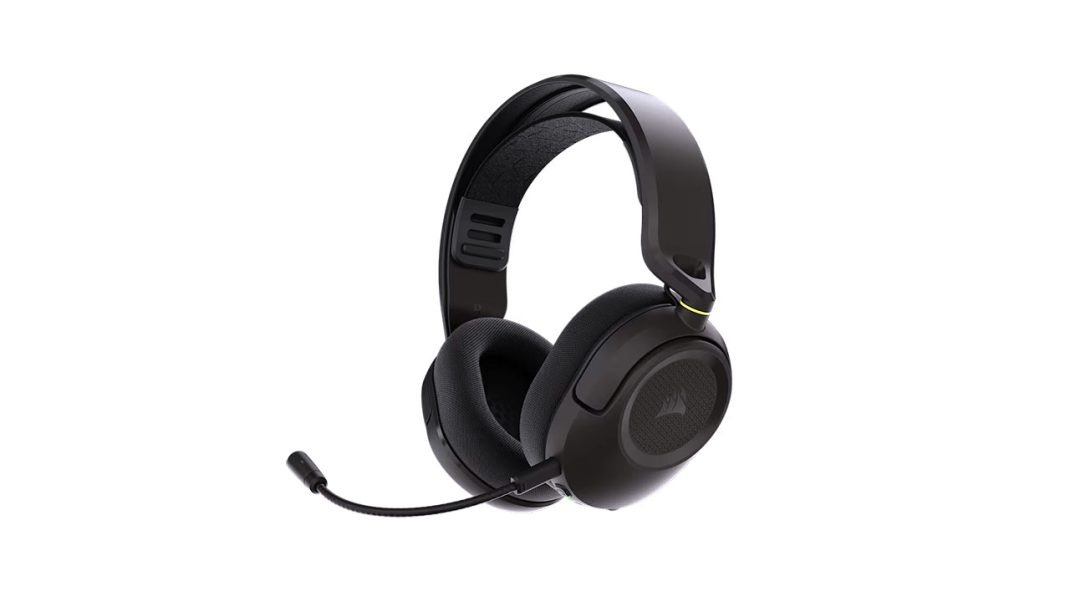
Honestly, there is nothing worse than wearing a heavy pair of fake leather headphones when you are streaming in the middle of a hot summer. My room gets incredibly warm under these studio lights, and within twenty minutes of a intense match, most headsets turn your ears into a swamp. You know what? It ruins your focus, it makes you irritable, and your chat starts noticing when your gameplay slips.
So when I heard Corsair was releasing the Corsair HS35 v3 Wireless, I had some serious doubts. If you have been around the gaming scene for a while, you probably remember the original HS35. It was super cheap, but it had a bad reputation for snapping right down the middle of the plastic band. Plus, the clamping force felt like a literal vice grip on your skull. It was not a fun time. But Corsair claims they went back to the drawing board for this third-generation model. For seventy-nine dollars, they cut the cord, dropped the weight, and changed the design. Let me explain how it actually holds up when you are wearing it for six hours straight on stream.
The Elastic Magic Trick
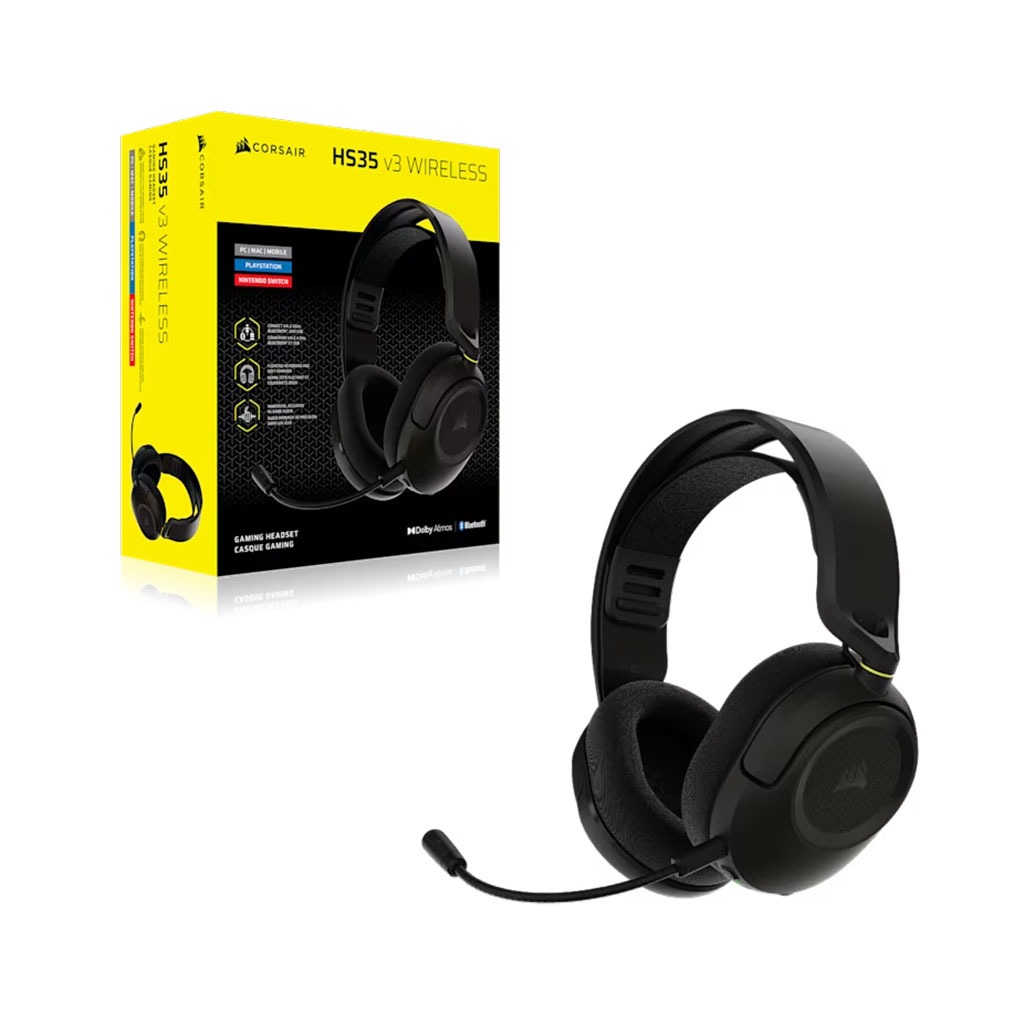
When I first pulled this headset out of the box, the first thing that grabbed me was how light it felt. At just two hundred and fifty grams, it is practically weightless for a wireless headset containing a built-in battery and receiver chip. Usually, to make a wireless headset this light, companies have to use really thin, brittle plastic. Corsair stuck with an all-plastic frame here, but they made it much more flexible and bendy. It does not creak when you twist it, and it feels like it could survive a rage-drop if you get sniped out of nowhere.
The absolute best part of the new design is the floating headband system. Instead of a hard piece of plastic resting right on your head, they put a stretchy elastic band that suspends the headset above your scalp. It acts like a hammock. It spreads the weight so evenly that you completely forget you are wearing it.
Corsair also threw away the terrible synthetic leather ear pads from the older models. Instead, they used memory foam wrapped in a highly breathable fabric. This keeps your ears feeling breezy and cool, which is awesome for long gaming marathons. The only warning I have is for my fellow big-headed gamers. The plastic frame is on the smaller side, and even on the largest elastic setting, you might only have a tiny bit of space left between your head and the hard outer frame.
A Dongle with Multiple Personalities
Let’s talk about how you actually connect this thing to your gear. You get three connection methods: low-latency 2.4GHz wireless for PC and consoles, Bluetooth for your phone, and a wired USB backup.
The USB wireless dongle is incredibly clever. It is actually a native USB-C transmitter, but it comes with a custom USB-A adapter that slides right over the top. If you play on a Nintendo Switch or a modern gaming laptop, you just plug the USB-C part directly in. If you need to plug it into your main desktop PC, you just slide the USB-A cover back on. It is super handy for handheld setups.
Here is the catch. The dongle is physically wide when the USB-A cover is attached. If your PC case or motherboard has its USB ports packed tightly together, this adapter might block the port right next to it.
Also, you cannot use Bluetooth and the 2.4GHz wireless at the exact same time. This means you can’t take a phone call via Bluetooth while still hearing your PC game audio. You have to manually switch between the two modes by double-tapping the power button. It is a minor hassle, but at this budget price point, it is a compromise I can easily live with.
Where Did the Bass Go?
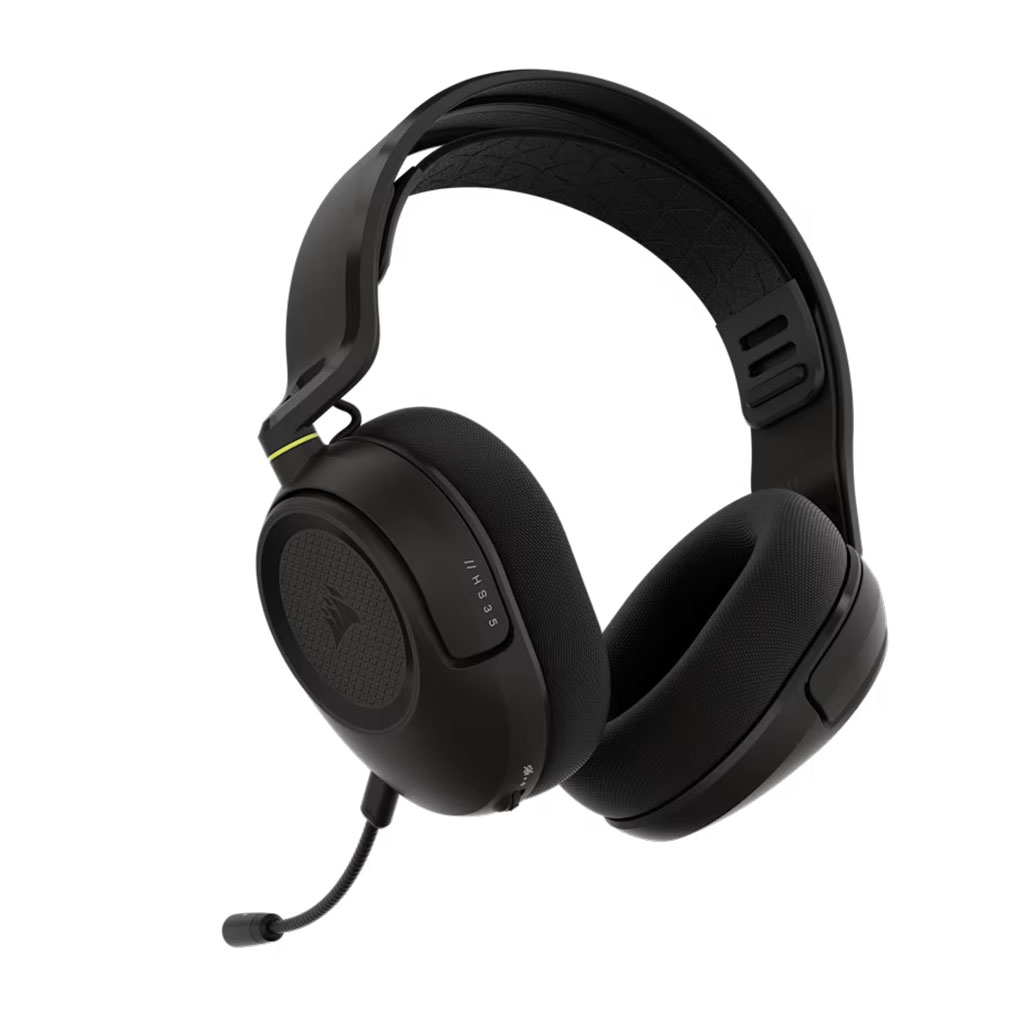
Now for the main event: the sound. Corsair loaded this headset with custom fifty-millimeter neodymium drivers, and the acoustic tuning is very specific. This is a competitive gaming headset first, and it shows.
When you are playing shooters like Counter-Strike 2 or Overwatch, the audio profile is fantastic. Corsair pushed the mid-range and high frequencies forward. This makes footsteps, weapon reloads, and directional cues sound incredibly sharp and distinct. If you enable Dolby Atmos on PC, the spatial tracking is impressively accurate for eighty bucks. You can easily pinpoint exactly where a flanker is trying to sneak up on you.
But here is the bad news. If you want to listen to music or play cinematic games with booming soundtracks, the audio feels quite thin. The bass response is incredibly flat. There is no deep, satisfying rumble during explosions, and bass-heavy music tracks lose all of their warmth and energy.
To make things more complicated, there is absolutely no integration with Corsair’s iCUE software. You cannot adjust the EQ, you cannot create custom sound profiles, and you cannot check your exact battery percentage on your desktop. What you hear out of the box is what you get. For Dolby Atmos, you have to download the Dolby Access app from the Microsoft Store and configure it there. Just remember to turn off Windows Spatial Audio in your control panel first, or the two systems will clash and make your audio sound super muddy.
Discord Duty and Mic Tests
If you are a streamer or content creator, you know that mic quality is make-or-break. The HS35 v3 Wireless uses a detachable omnidirectional boom microphone. Honestly, I love that it is detachable. It means you can pull the mic out and wear the headset on the train without looking like an air traffic controller. The flexible arm is also great because you can bend it exactly where you need it, and it stays put.
How does it sound? For in-game voice chat or hanging out on Discord, it does the job just fine. Your friends will hear you clearly. But it is definitely not a replacement for a dedicated streaming microphone. The recorded audio has some digital compression that makes your voice sound a bit thin and less natural.
Because it has an omnidirectional pattern, it also picks up quite a bit of background noise. If you have a loud mechanical keyboard, computer fans roaring, or someone talking in the next room, that noise will bleed into your comms. There is also no physical pop filter on the mic. If you breathe heavily or say words with sharp “P” or “T” sounds, it can cause a bit of harsh clipping for your listeners. It is perfectly serviceable, but do not expect to record professional voiceovers with it.
Keeping the Lights On
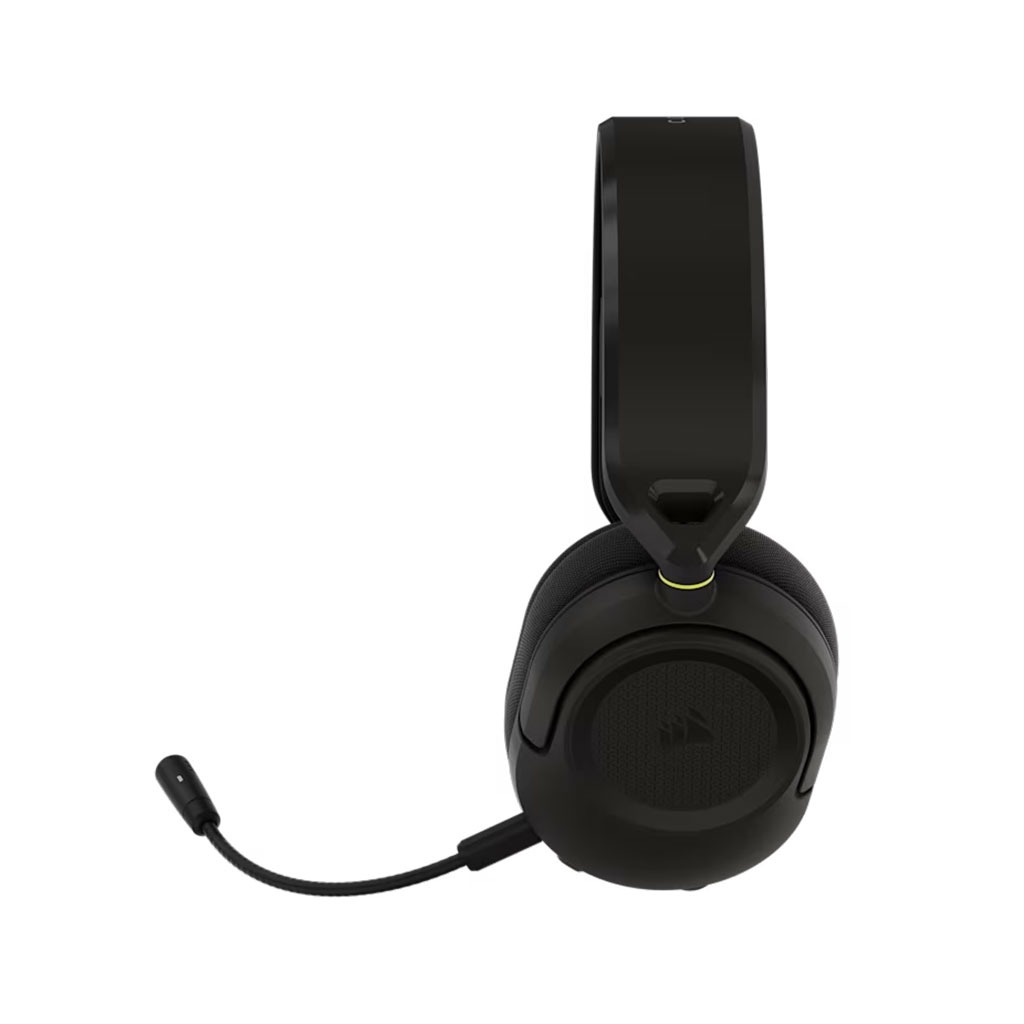
For a budget headset, the battery life is surprisingly reliable. Corsair claims you get up to thirty hours of playtime over the 2.4GHz wireless connection, and thirty-two hours over Bluetooth, measured at fifty percent volume. In my testing, those claims held up perfectly. You can easily get through a weekend of heavy streaming sessions without ever needing to plug it in.
When the battery finally runs dry, it takes about two and a half hours to charge back to full via USB-C. There is a small LED next to the charging port that tells you your status. When the headset is powered off, it glows red while charging and turns white when it is fully juiced.
One weird thing to keep in mind: if you connect the USB cable to your PC while playing wirelessly, the headset automatically overrides the wireless signal and switches to USB wired mode. So, if you want to charge your headset while playing wirelessly, you have to plug the charging cable into a wall outlet or an external battery pack instead of your PC.
The Final Verdict
At seventy-nine dollars, the Corsair HS35 v3 Wireless is a highly practical, no-nonsense headset that focuses on getting the essentials right. It is not trying to compete with two-hundred-dollar flagship headsets, and it does not pretend to.
If you are a competitive gamer on PC, PlayStation, or Switch who wants a lightweight, comfortable headset that you can wear all day without your ears bursting into flames, this is a fantastic choice. But if you are looking for deep, booming bass for cinematic games, full software customization, or a broadcast-ready microphone, you will definitely want to look elsewhere in Corsair’s lineup.