

Lapland Studios has released the first trailer for their upcoming mobile title featuring Wesley Snipes – Julius Styles: The International. Enjoy!
Lapland Studios has released the first trailer for their upcoming mobile title featuring Wesley Snipes – Julius Styles: The International. Enjoy!
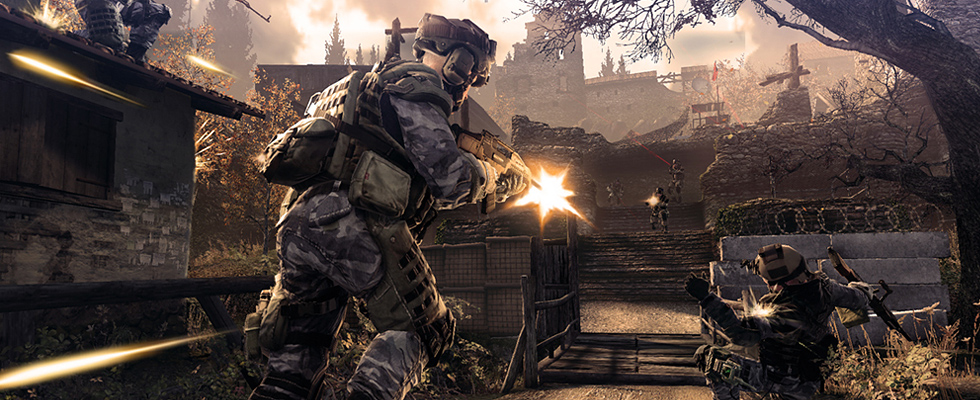
You may not have heard about Crytek’s upcoming free-to-play online shooter, Warface. That’s because it is being launched in Asian markets. In any case, the company released the teaser trailer for the game earlier this week – enjoy!
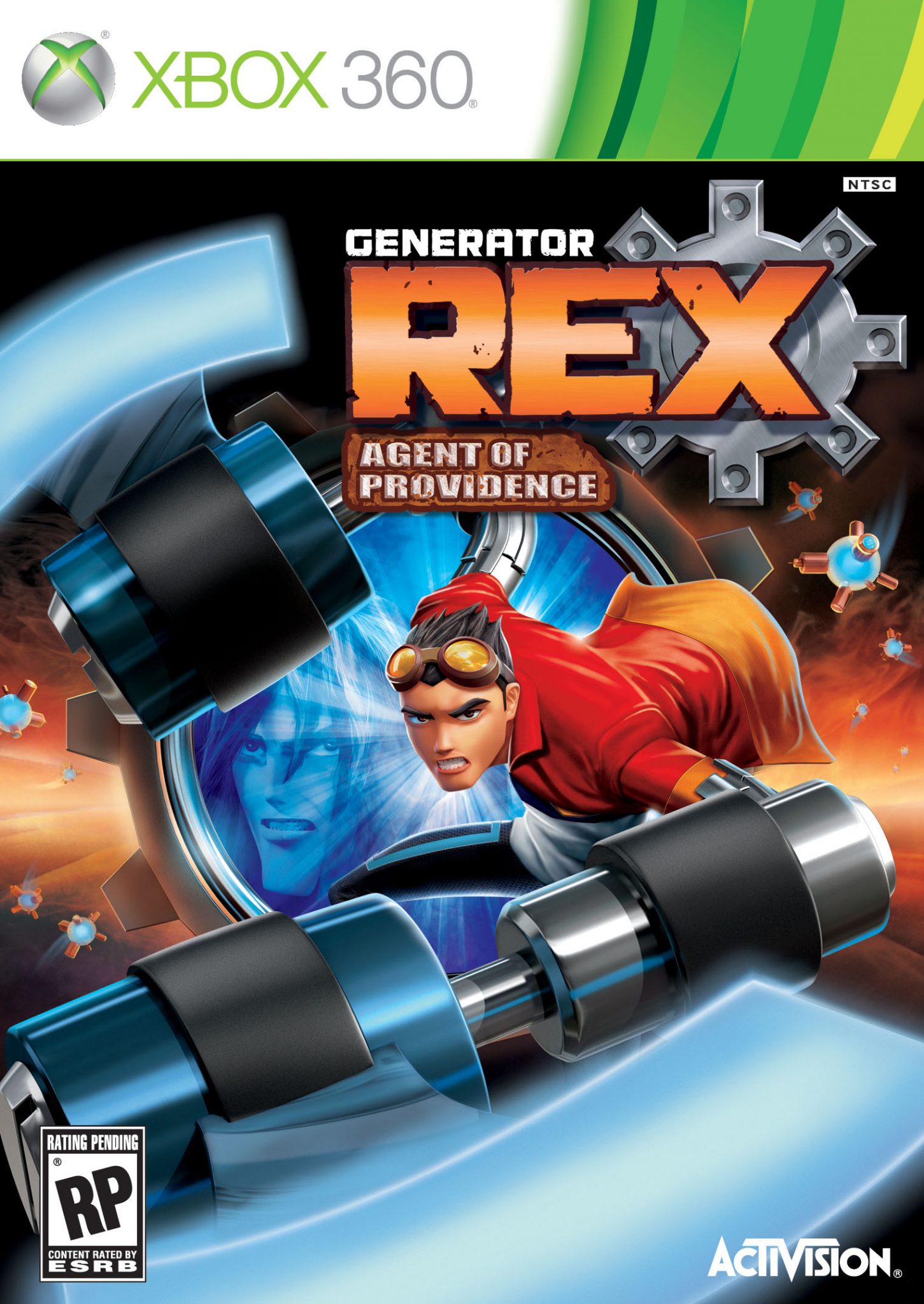

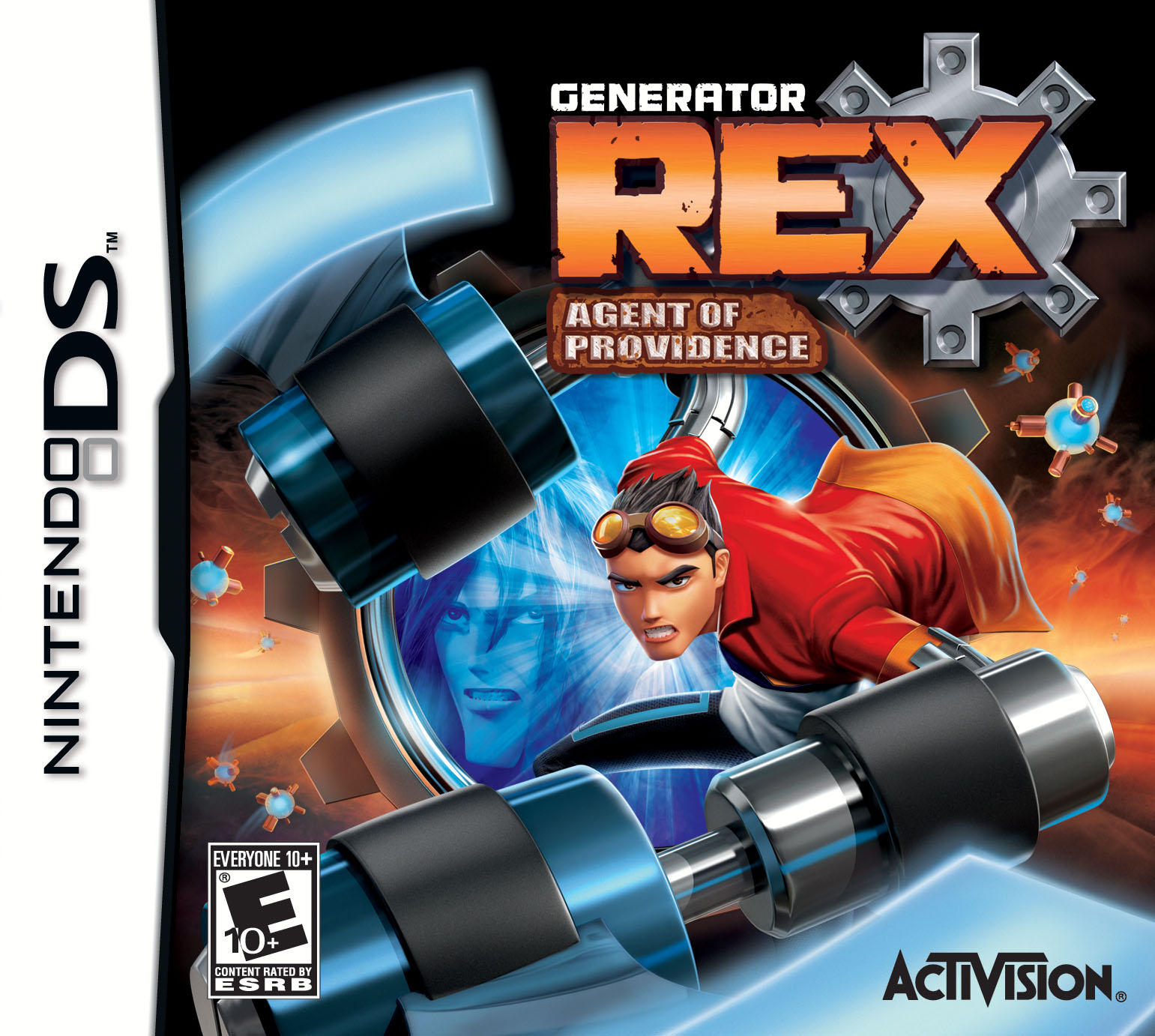
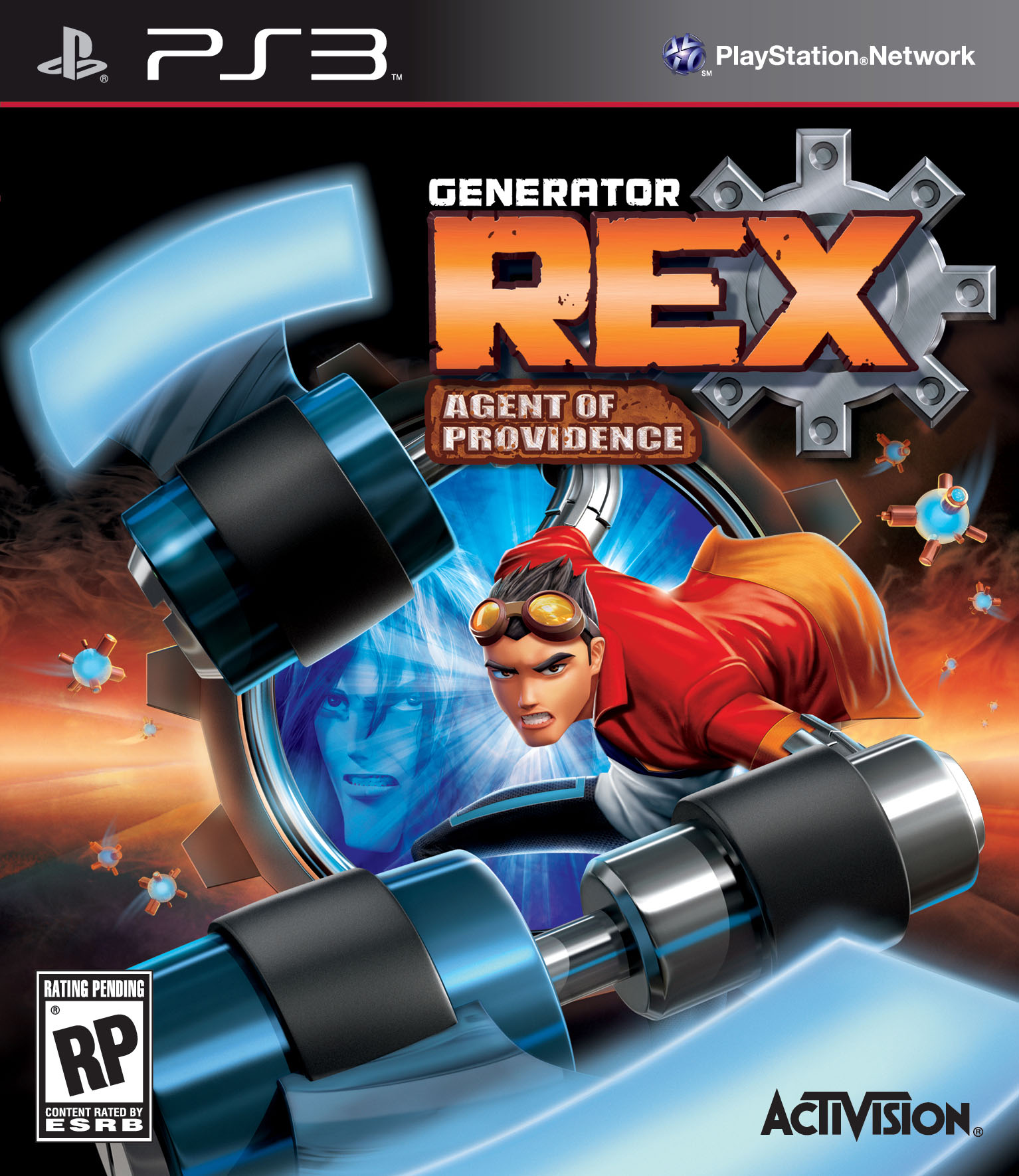
Activision has released the official box art for its upcoming Generator Rex: Agent of Providence. The game will be available this October for Nintendo DS, Nintendo 3DS, Wii, PlayStation 3, and Xbox 360.




Here is a new gameplay trailer from the upcoming Need for Speed: The Run.

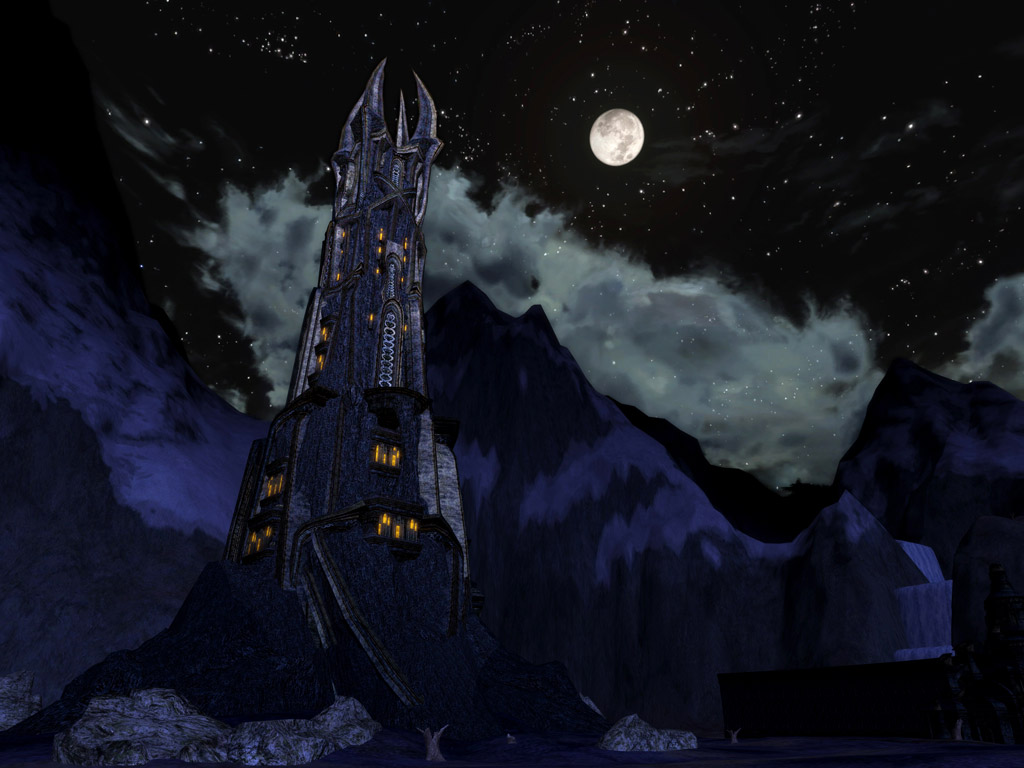
Turbine has released some new screenshots from its upcoming Rise of Isengard expansion to The Lord of the Rings Online, featuring the Tower of Orthanc and the Gap of Rohan. Rise of Isengard is due out on September 27, 2011.




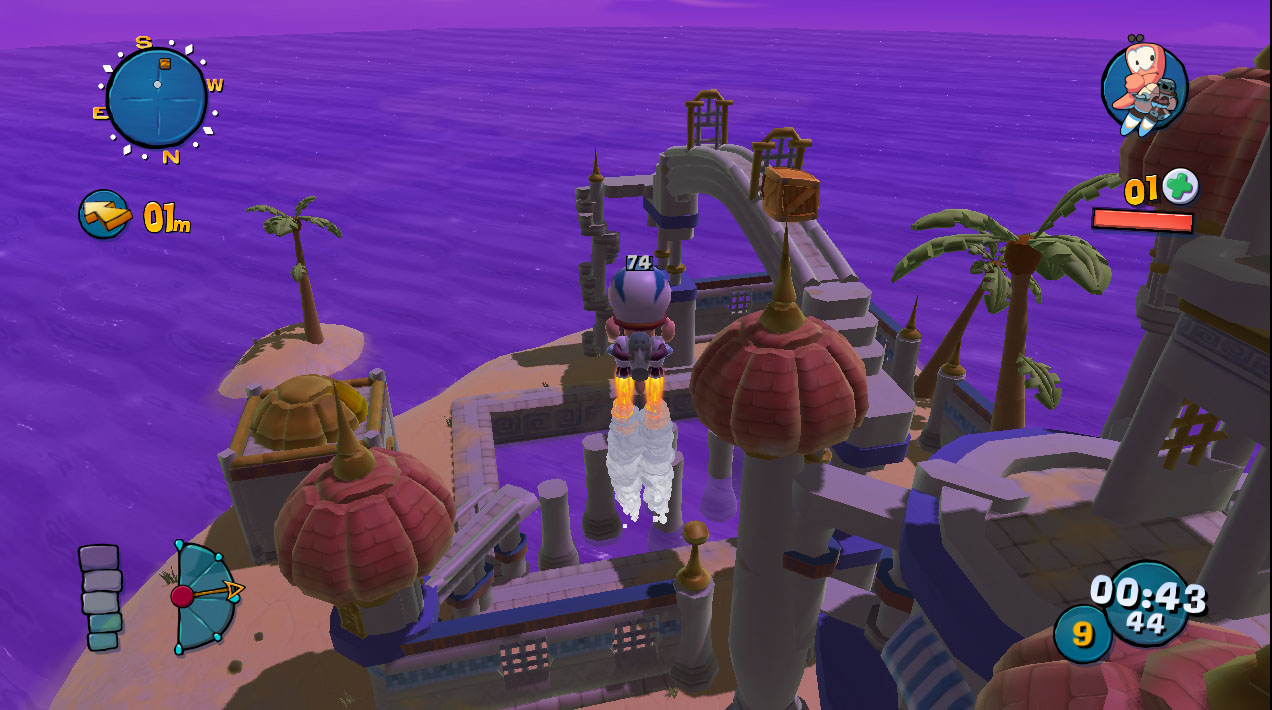
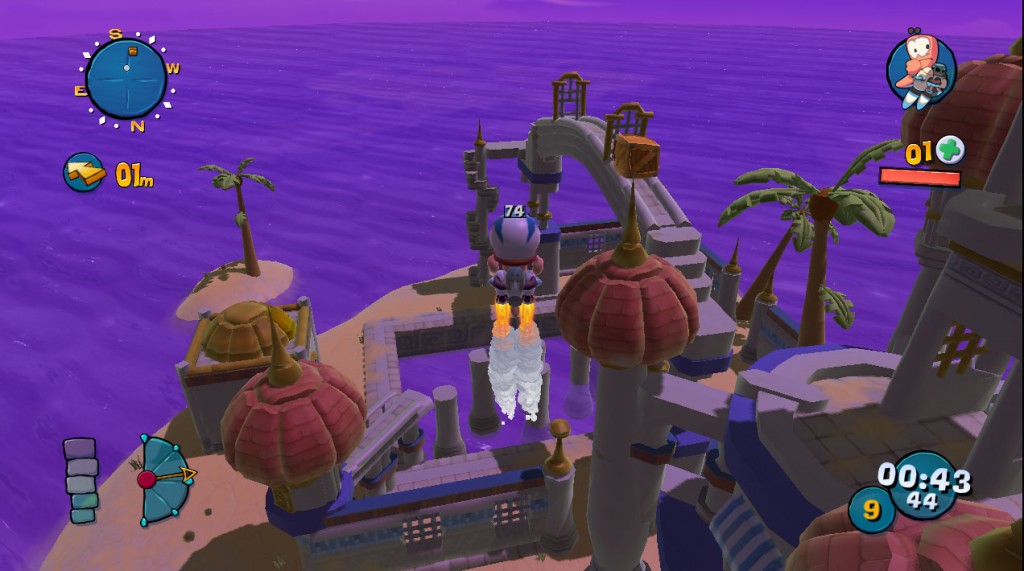
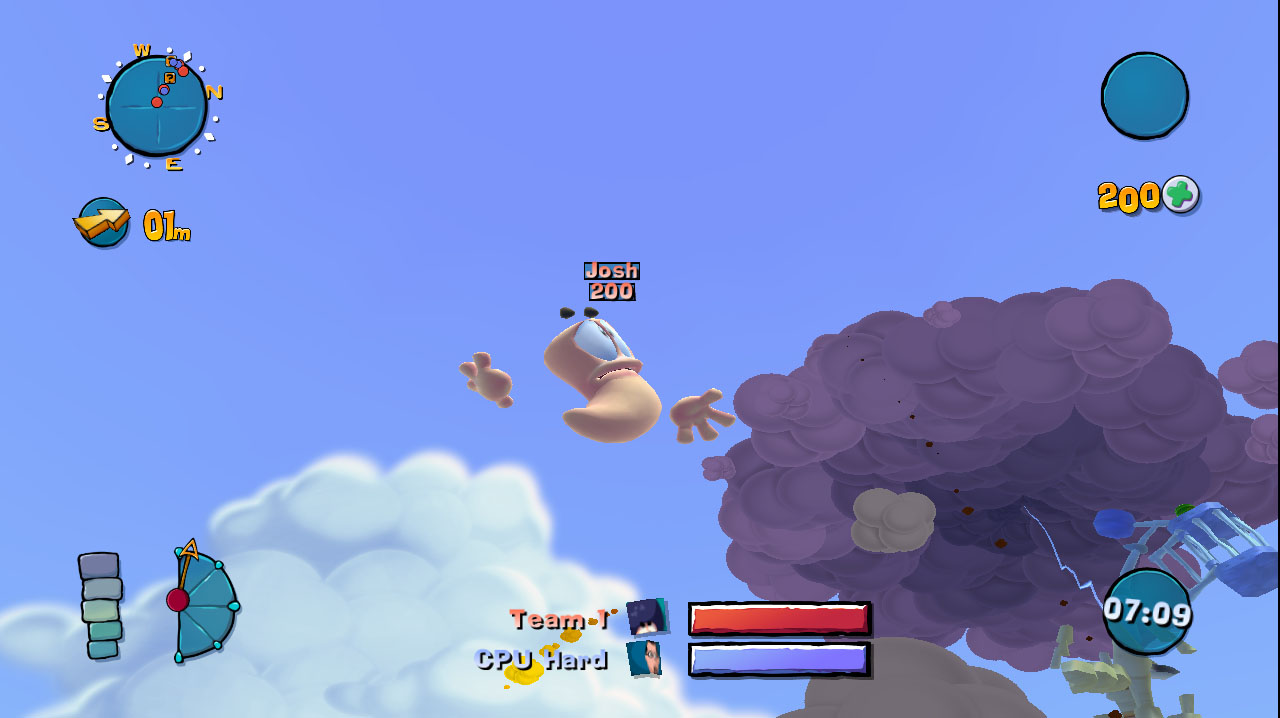
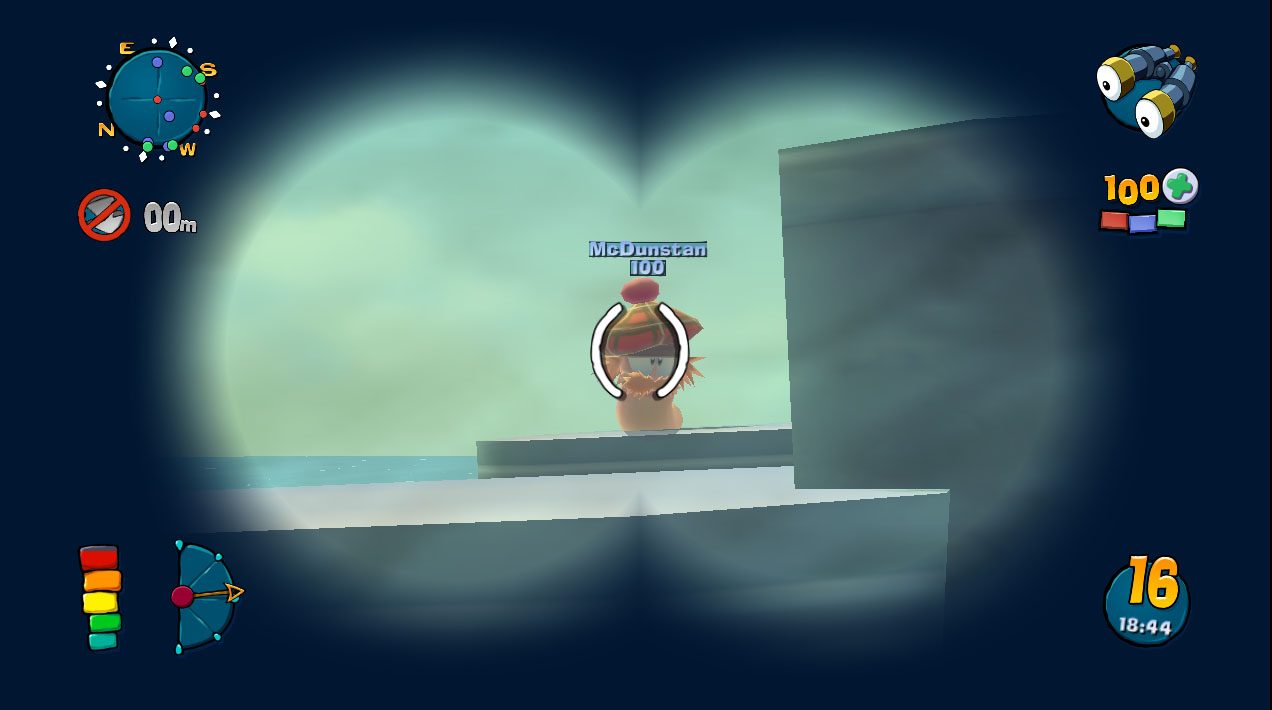
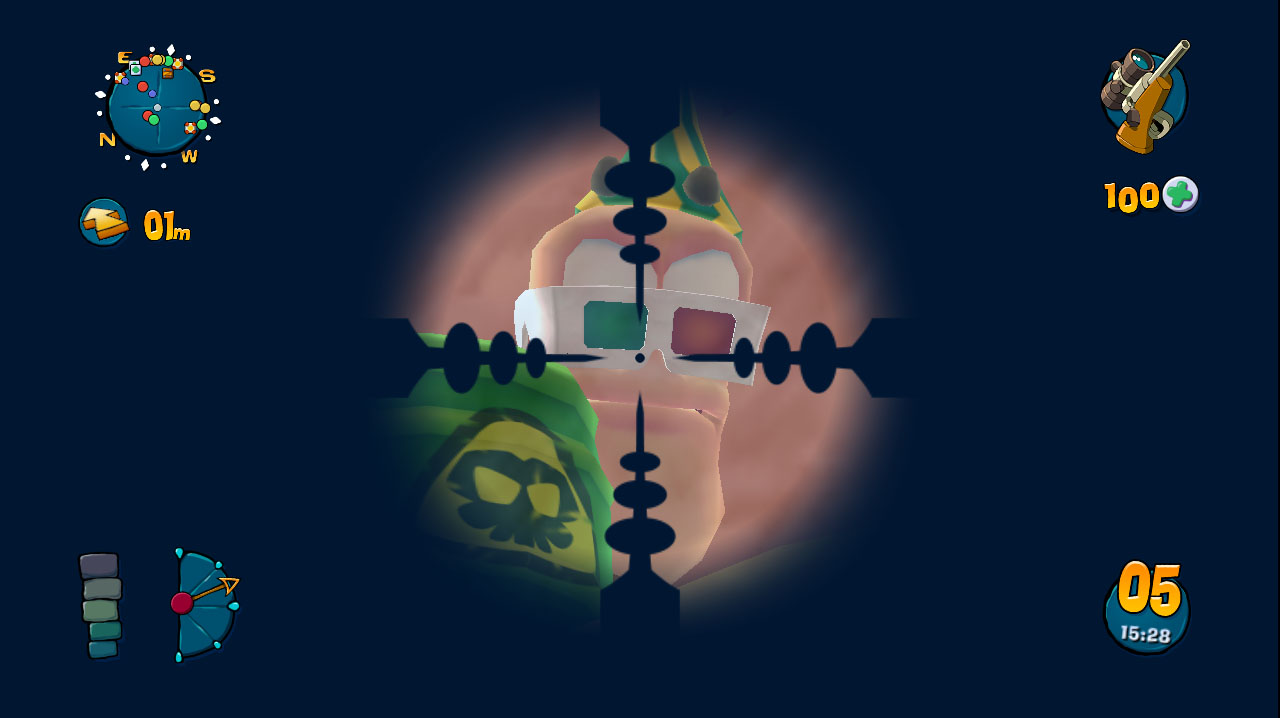
Team17 Software has announced that they will be bringing their upcoming Worms: Ultimate Mayhem to the XBLA, Steam, and PSN platforms later this year. Worms: Ultimate Mayhem is a high-definition reimagining of Worms 3D and Worms 4: Mayhem.
“It’s been an absolute pleasure getting the chance to revisit two titles that we remember so fondly. In squeezing the entire content of both “Worms 3D” and “Worms 4: Mayhem” into one collector’s edition digital package, we’ve delivered a “best of the 3D Worms games” experience, complete with 60 single player missions, 12 graphical themes, 38 weapons, full online play for up to four players and literally more ways to customise your worm and game experience than we can count.”
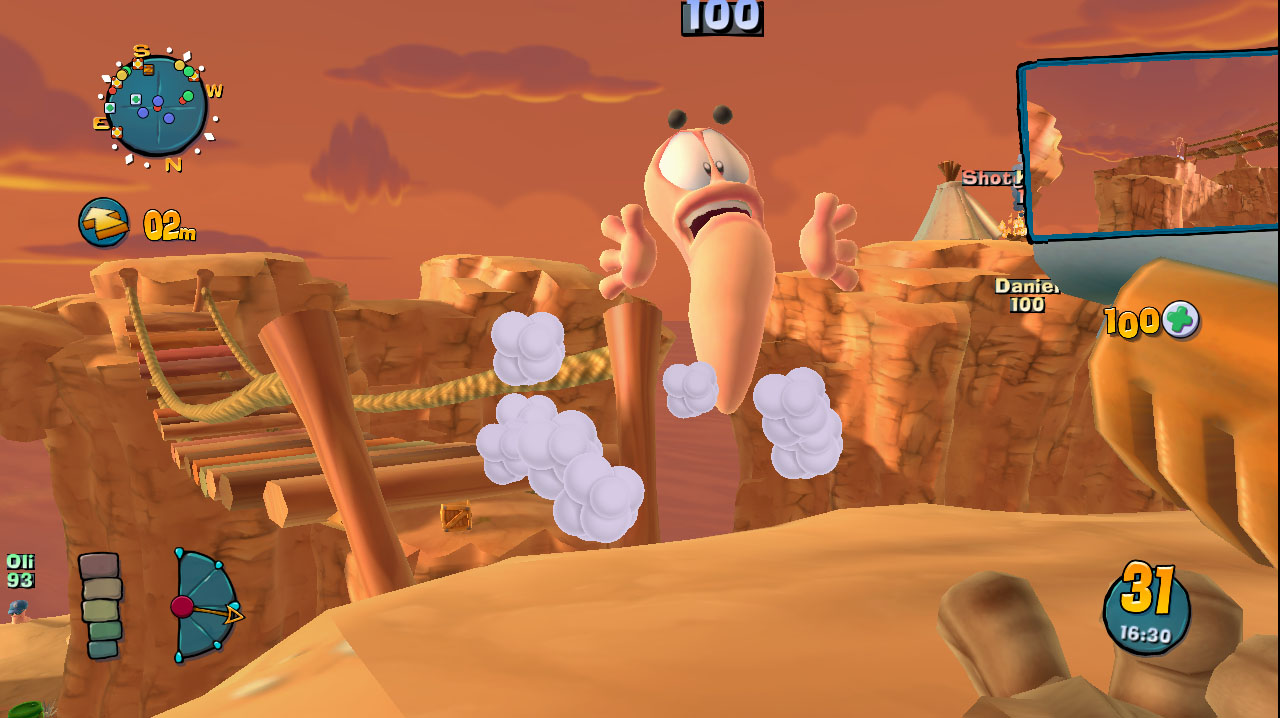

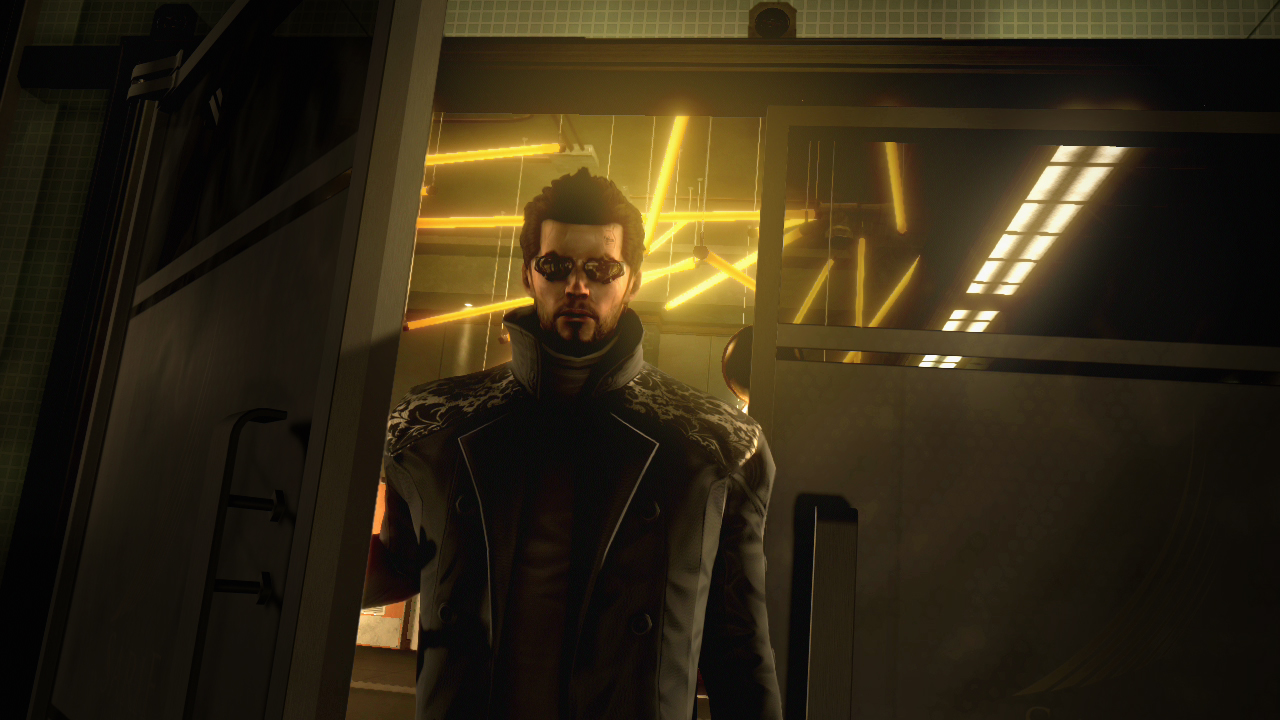
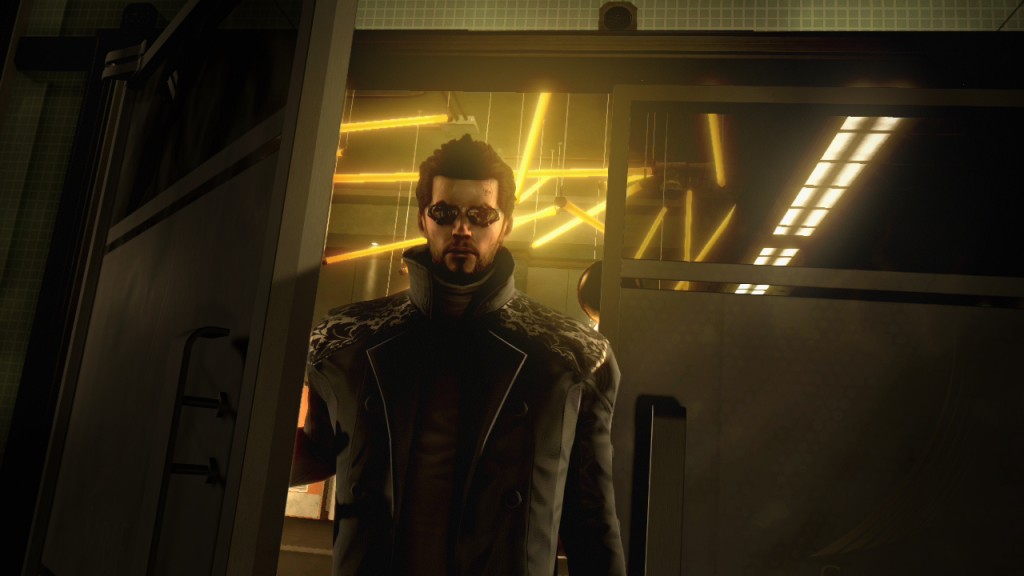
Square Enix has announced that its upcoming cyberpunk action-RPG, Deus Ex: Human Revolution, has gone gold and is all set for an August 23rd release date for the Xbox 360, PlayStation 3, and Windows PC platforms.
“We couldn’t be more excited that Deus Ex: Human Revolution has gone gold and will soon be in the hands of expectant gamers,” said Stephane D’Astous, general manager of Eidos-Montreal. “As the first release for Eidos-Montreal, it’s impossible to express how extremely proud we are of the final product and all of the hard work that went into its creation.”
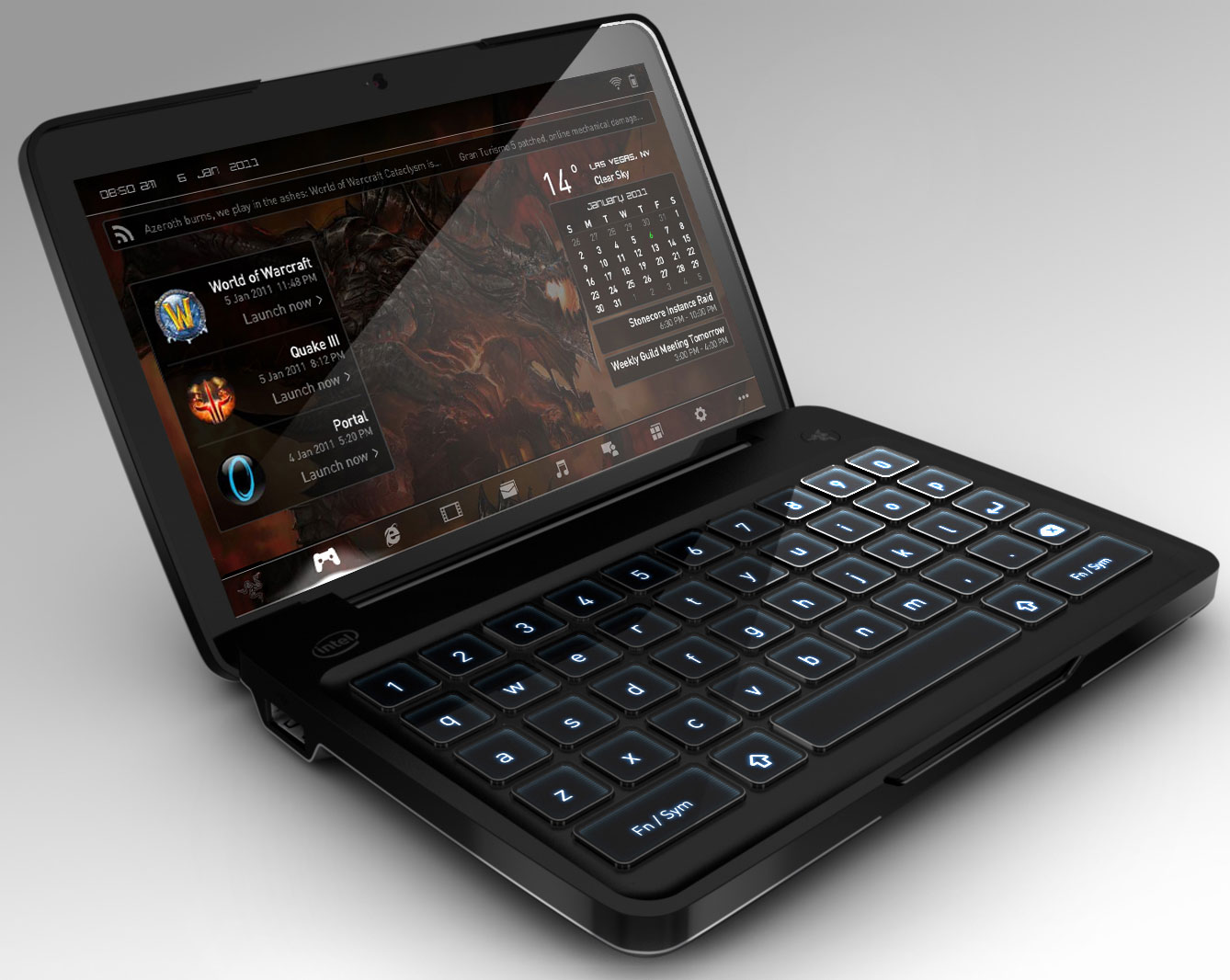
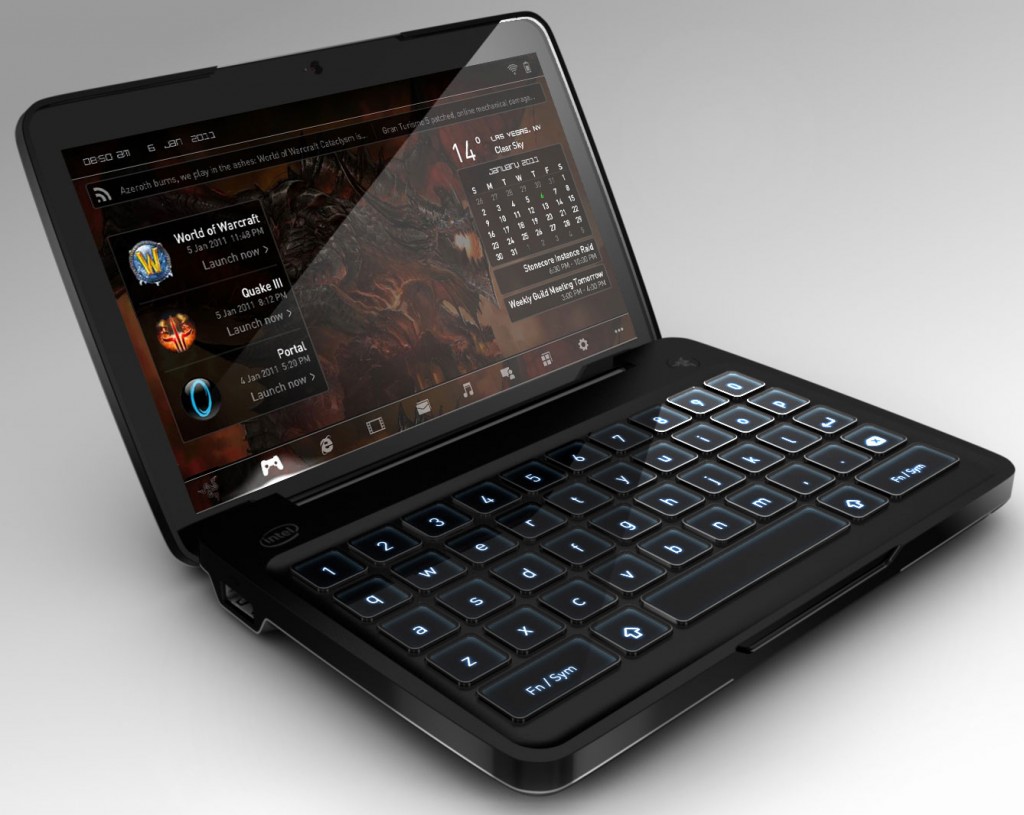
Razer has shed a bit more light on its upcoming mobile gaming PC design, the Switchblade. Being VERY tight-lipped at the last CES event (see our preview video below), they have now announced that the Switchblade will be running the latest Intel Atom CPU – the Intel® Atom™ processor Z690 running at 1.70 GHz.
“Intel is very excited to be working closely with Razer on the next generation of mobile handheld PC gaming,” said Brad Graff, consumer marketing director, Netbook and Tablet Group, Intel. “The Razer Switchblade concept takes advantage of the Intel Atom processor, providing the performance needed to run 3D PC games in a small and light form factor to enable mobile gaming at significantly less power than a traditional laptop.”
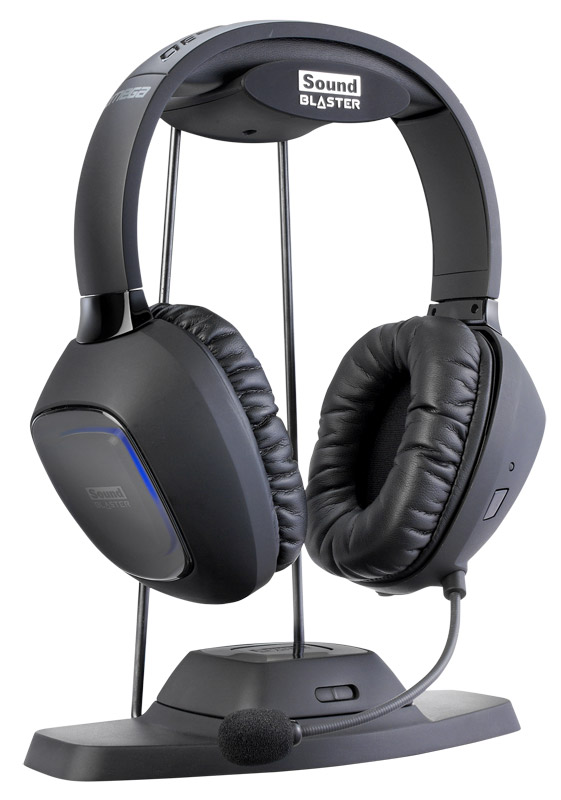
Gamers today can find all sorts of gaming headset solutions – anything from dinky earbuds to multi-speaker behemoths. Creative Labs released the first two offerings of its Tactic3D headset line, the Sigma and Alpha, last year to favorable reviews. Then, earlier this year at CES, they showed off a prototype build of the third headset in the line – the Omega. Featuring wireless technology, this gaming headset promised to finally free PC gamers of their wired bonds while delivering the technologies found on its Tactic3D brethren. Additionally, it touted use as well on game consoles – meaning that gamers could buy this one wireless headset for both their PCs and consoles. Finally, Creative is set to release the Omega next month, in August, for a price of $199. Creative recently sent us an Omega to review and we, in turn, are bringing our findings to you fine readers.
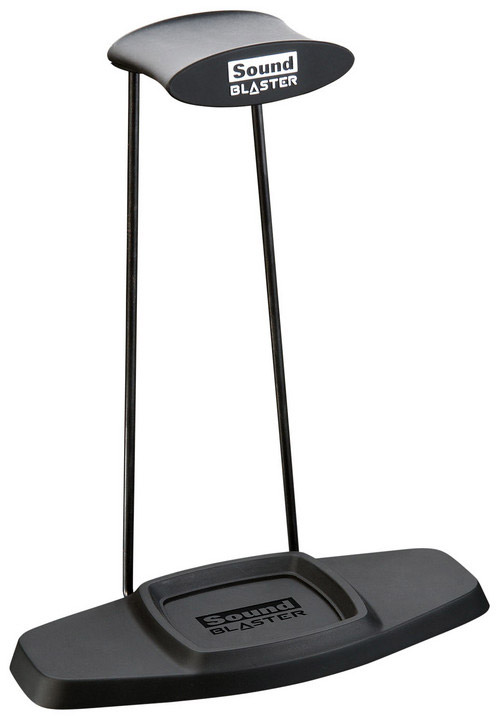
Unpacking the Omega, we found several cables and other assorted pieces of hardware (metal arms, plastic bits, etc). Confused at first, as we don’t read instruction manuals apparently, these turned out to be the various components of the base station and headset stand. The Omega base station is made up of a plastic mounting platform which is attached by way of two metal arms to a wireless transmitter which then sits on a base stand. It may sound confusing but, in reality, it is very easy to put together and requires no tools whatsoever except for the mk.1 brain (which, admittedly, we lacked at first) and hands.
The base station transmitter unit features three ports on its rear side: a a 3.5mm audio input port, a micro-USB port, and a standard USB power output port (which is used to charge the headset). Also on the transmitter is a slider which sets the unit back and forth between PC and game console modes.
Setting up the Omega on your PC or Mac is very simple. Simply install the software and then plug in the transmitter via micro-USB to USB cable. On the game console side of things, Creative has included an RCA cable converter which will then allow you to interface the base transmitter to the console via 3.5mm audio cable (all included in the box). After that, just make sure the transmitter is set to game console and you also plug it into the console’s USB port to power it. Of course, you won’t be doing anything just yet – you need to charge the headset first, silly! The company recommends charging the Tactic3D Omega for about 8 hours before your first usage. After this charging period, you should be ready to rock and roll. To use the Omega for communication on the Xbox 360, a cable must be ran from left ear cup to the game controller.
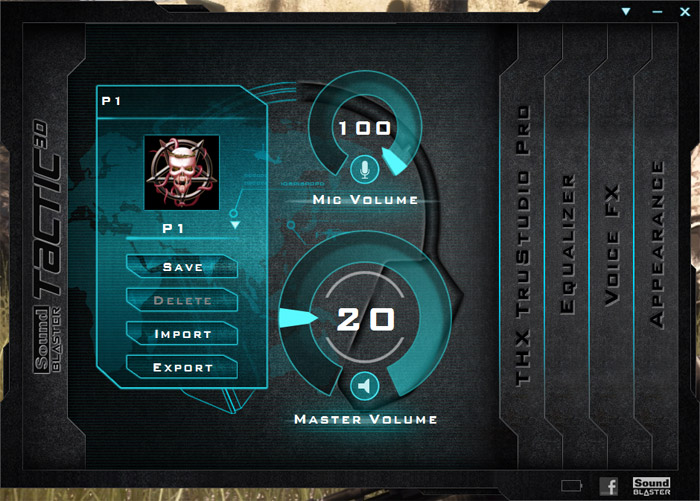
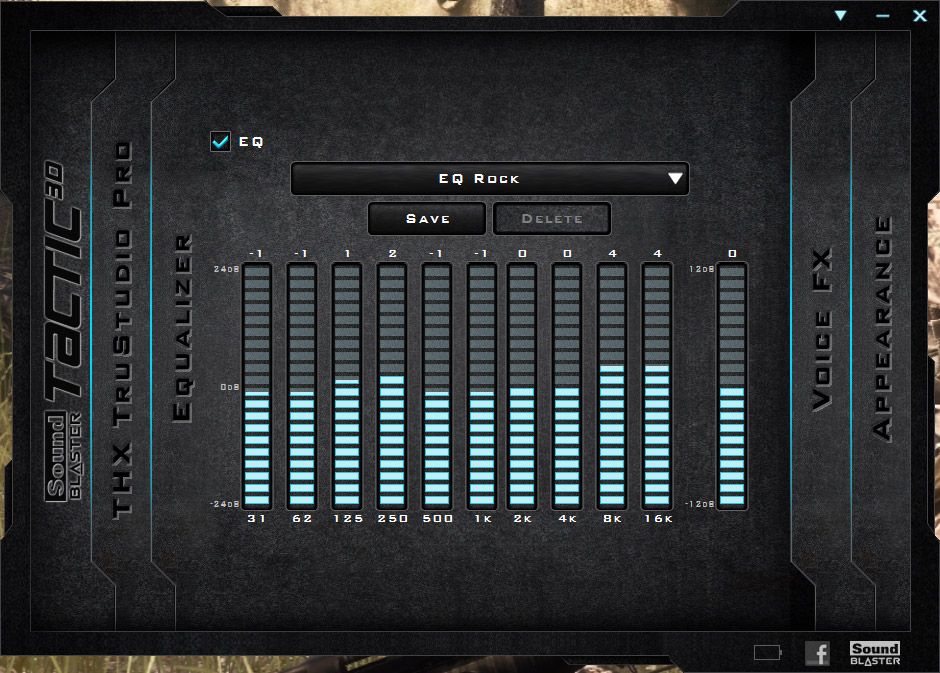
The new Tactic3D Omega control panel is chock-full of nifty features that not only tweak the sound coming out of the headset but also make a gamer’s life easier. For instance, the new control panel can save user profiles, making it easy for several users to have their settings remembered for future use. The control panel will allow you to easily set the Equalizer between a number of default settings (you can also customize it) while the VoiceFX setting page allows you to select several voice masks to use while gaming. Lastly, you can also customize the control panel appearance in the Appearance tab. The real meat and potatoes of the control panel is in the THX TruStudio Pro settings area. This is where you can enable and customize all of the audio-enhancing THX sound algorithms such as the Crystalizer, SmartVolume, and Pro Dialog Plus. Without this technology, the Omega is simply a nice wireless headset. With it, it is an aural force to be reckoned with.
The Omega operates on a 2.4GHz wireless signal and is protected from interference by a technology Creative calls “Tactic Link”. It is said to ensure “an interence free, secure wireless audio link between the Tactic3D Basestation and Tactic3D Omega headset unit”. We are not exactly sure what technology is going into this but, whatever it is, the Tactic Link seems to work. We did not get any interference in using the Tactic3D Omega system during our review session. The headset also features a detachable microphone with noise-canceling technology. Embedded in the Omega’s ear-cups are two 50mm “FullSprectrum” drivers which have a frequency response of 20Hz to 20kHz.
Battery life was very good, with our getting about seven hours of continuous usage out of the Omega. The biggest complaint I have with the Omega is that its headset charges via a cable connected to the transmitter. I would have much rather seen a contact charger built into the headset rest that would automatically charge it when placed on the stand. But, I digress, as such technology would have undoubtedly made the Omega more expensive for consumers. Speaking of long periods of use – the Omega proved very comfortable to wear and I never experienced “head crush” or pain while using it.
We ran the Omega through a gamut of various contemporary games such as World of Tanks, DCS: A-10C Warthog, and even Dungeon Siege III. Exploring the various THX technologies was a real treat and I have nothing but good things to say about my gaming experience with the Omega. Aside from gaming, however, I also found the Omega a joy to use while watching movies and listening to audio files. This is a rarity among gaming headsets that automatically-adjust frequencies to exploit those mostly-found in shooter titles for the player’s benefit. With the Omega, I was able to enjoy all the entertainment mediums at my PC’s disposal.
On the Xbox 360, we found the Omega to perform very well – especially when taking into account that you cannot alter any of the Omega’s technologies in this mode. Voice chat was clear and crisp while game audio was thunderous and entertaining. Its wireless capabilities also meant that I could run over to the kitchen to grab a snack without having to remember to take the headset off.
Overall, the Sound Blaster Tactic3D Omega wireless gaming headset is a joy to experience and will provide you with loads of awesome gaming and entertainment audio. It may be a bit expensive at $199, but it is easily one of the best wireless gaming headsets we have had the pleasure to use and would recommend it to both PC and console gamers alike.
[wpcol_1half id=”” class=”” style=””]
Pro’s
[/wpcol_1half]
[wpcol_1half_end id=”” class=”” style=””]
Con’s
[/wpcol_1half_end]
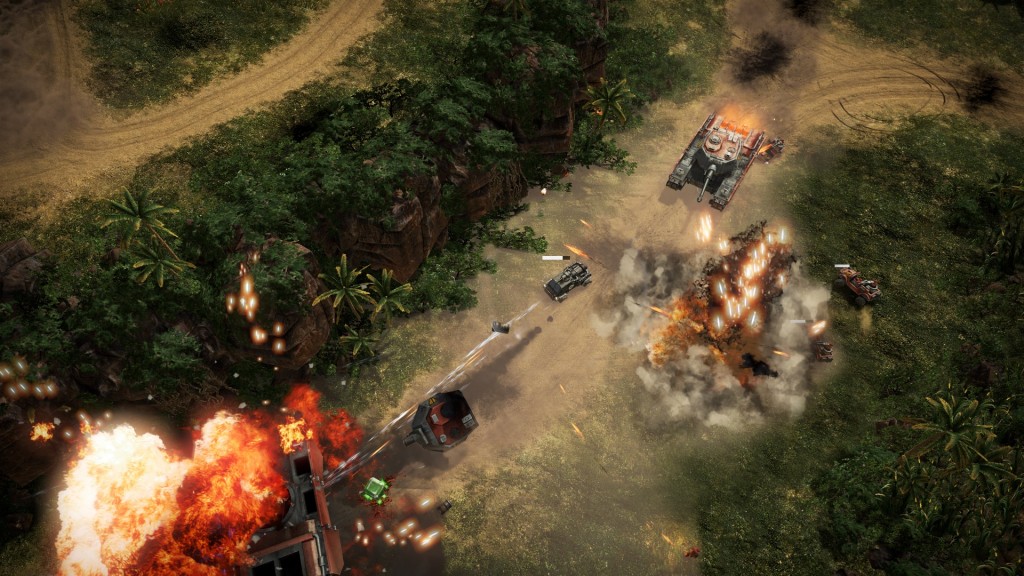
SEGA has released a new trailer for their upcoming action-vehicle-shooter, Renegade Ops.