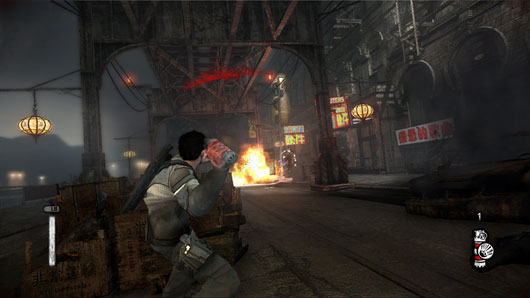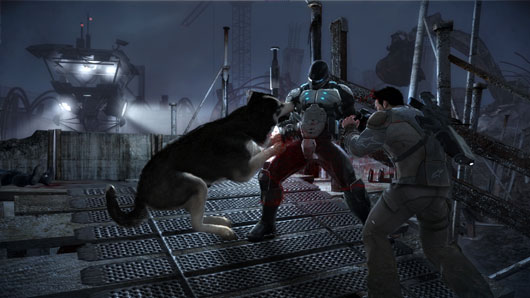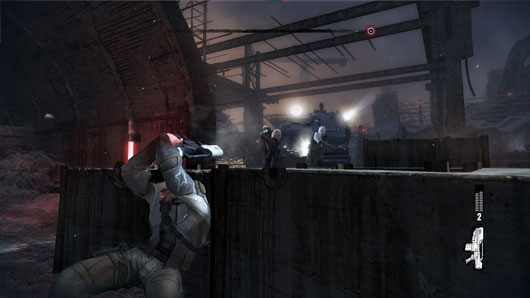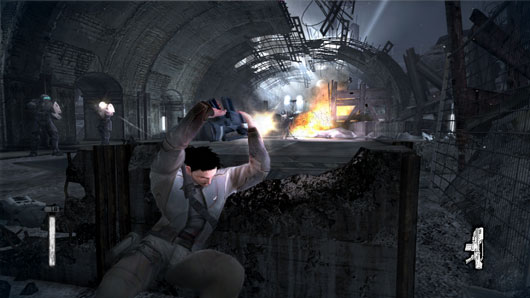
In Codemasters Operation Flashpoint Dragon Rising you play as part of a fictional US incursion into the Russian Federation island of Skira. Unfortunately for the Russians, the Chinese are making a push to ‘reclaim’ the island and the United States is not going to let that happen. The campaign’s opening missions all showcase Force Recon and other special operations to set the stage for the large invasion to come. Many of the later missions break from the intimate nature of the first few to show the larger battle unfolding.
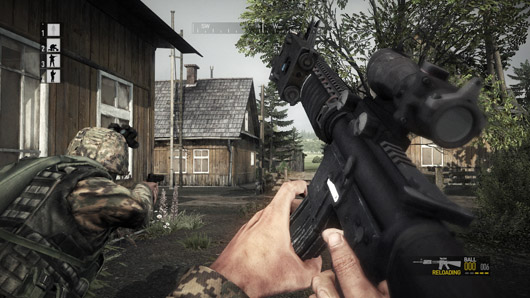
To start with, you will be put in charge of a four-man US Marine fire team. This usually consists, aside from yourself in the lead role, of a grenadier, support gunner, and rifleman. Each mission starts with a briefing screen showing various items of interest on the large map of the island. You can also choose to view the blue forces available during the missions. In this screen, I was hoping to be able to customize my team’s loadout before embarking on the mission. Unfortunately, Codemasters does not allow this – I am assuming for the sake of realism. Even if they would not let us choose any weapon we like, which I can understand, and just narrowed it down to armaments in the same category as the default ones – this would have been enough to make me happy. After understanding your mission’s primary and secondary objectives, its time to deploy – Hoorah!
While Codemasters has called the game’s campaign ‘dynamic’, this is really not the case. A truly dynamic campaign is one that evolves dependent upon not only the player’s actions but also those of other forces in the AO (Area of Operations). In Dragon Rising, the missions rollout exactly the same no matter the outcome and are success-dependent. This means that if you fail one mission you cannot move onto the next one.
The game features three difficulty settings, none of which affect enemies or mission objectives in the least. Instead, these settings directly control how much help the user-interface provides you as well as the option to have your fallen fire team members re-spawn once an objective is reached. This most difficult setting even takes away your on-screen compass as well as any waypoints – it’s up to you to navigate the mission yourself. This freedom of choice is nice, I just wish they would have gone further with it – allowing, say, to have no on-screen compass or waypoints but choose to get my fallen teammates back at checkpoints, but I digress.
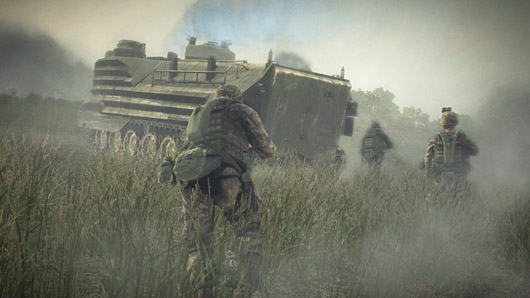
In the game you will find a large variety of weapon systems from all sides of the conflict. Each feels very realistic and features accurate reload animations and average reload times. Something that struck me rather quickly once the lead started flying was the usage of weapons in the game. Firefights often take place at long distances, sometimes a even a few hundred meters away! While this is probably nothing surprising to any real-life US Marines perusing this review, for the average gamer you will undoubtedly find this a new experience. Most shooter games, even ones priding themselves on realism, bring gun battles up close for the sake of your vision and accessibility. Plus, its hard to see all the cool polygons of a character that is a couple hundred meters away. To its credit, Dragon Rising keeps the ranges real and you will strain your eyes constantly attempting to pick out exactly where that enemy solider is firing at you from. Just remember, if you here a whistling noise zoom past you – get down!
One role I love to fulfill in co-op play, yes you can play the whole campaign with three of your friends (awesome, btw), is that of the support gunner. In most military shooters the support gun is not used for its intended purpose, which is to suppress enemy positions during an assault or withdrawal. Enemies just keep on firing as the large machine gun flings lead in their direction. Dragon Rising is an exception to this horrid rule as enemies have great sense of imminent danger and the second they hear the SAW unloading at them, they dive for cover. This allows players to actually use suppressing fire to a tactical effect.
On the flipside, the vehicle and aircraft experience tends to be simplistic, utilizing WASD keys as much as possible for throttle and steering. I would have preferred a slightly more sim-like quality to this part of the game, allowing for the use of flight yokes and joysticks. It would be more in keeping with the realistic depiction of the rest of the game.
Visually, Dragon Rising is a stunning experience with tons and tons of sprawling foliage, hills, beaches, and more. Thankfully, all of this eye candy does not stop at the environments as the characters and vehicles are also well-detailed and realistic. Explosion effects in the game have had a lot of attention placed on them due to the realistic way Codemasters is portraying them. Unlike many titles where, say, artillery shells create gigantic balls of fire that rival a would-be nuclear blast, Dragon Rising shows those effects realistically, with large plums of smoke and earth being tossed into the air. On higher graphics settings the smoke will hang out for quite some time and can even be utilized for concealment if it is close enough to the ground.
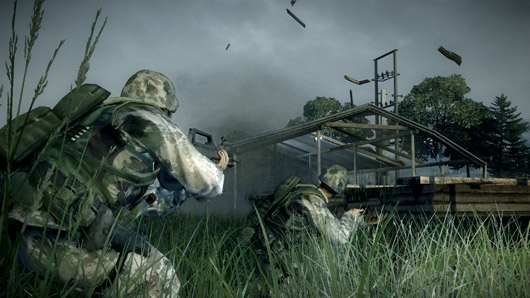
Audio is extremely important in military games and in this latest Operation Flashpoint, it is no different. Weapon sounds are realistically showcased as is the sound of bullets whizzing past you at various distances. I, for one, would have loved to be on the sound team for this game – going out and test firing all the various weapons. Now, that’s my idea of a good time!
Operation Flashpoint Dragon Rising is a very fun and intense military simulation – especially on the fire team level. On the easiest setting it’s very accessible to new players and when the difficulty is cranked up, the game will provide a real challenge to veteran shooter/war game players as they navigate themselves around from one objective to another. Hopefully, we can expect to see a slew of new campaigns and other downloadables released for the title as well as third-party mod community influence on the PC side of things.