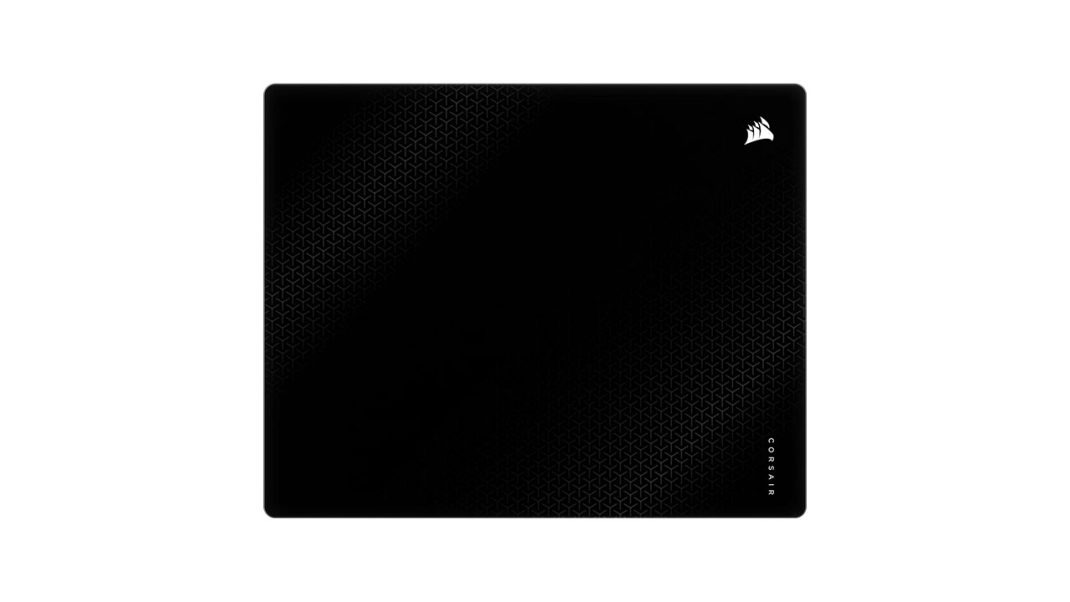
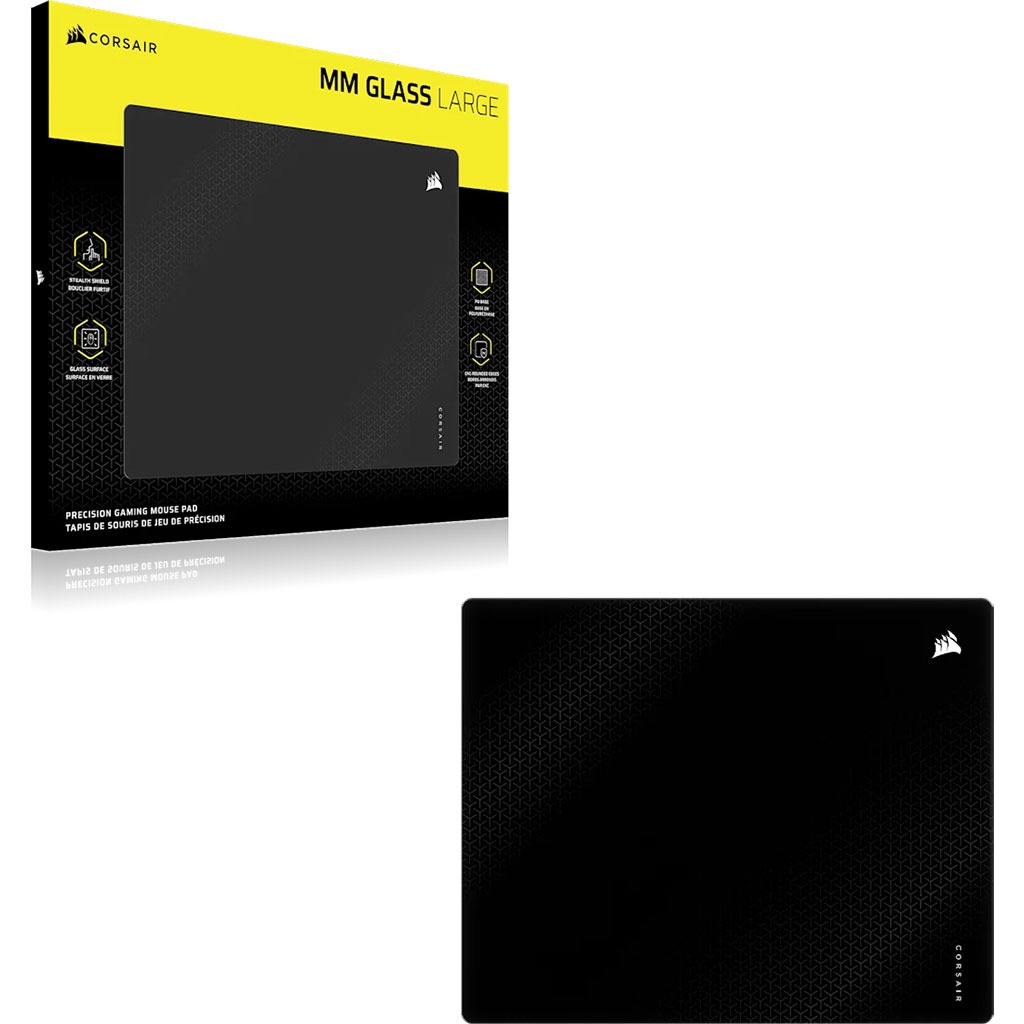
Honestly, if you told me ten years ago that I’d be sitting at my desk, meticulously wiping down a slab of tempered glass just so I could hit a headshot in a tactical shooter, I’d have probably asked if you were feeling okay. We’ve gone from those floppy, foam-filled rectangles that came free with a pre-built PC to these high-end, precision-engineered surfaces that cost as much as a decent mechanical keyboard. But here we are in 2026, and the Corsair MM Glass Large is currently staring back at me, looking far more premium than any mousepad has a right to look.
You know what? There is something almost alien about it. Most of us are used to that “humidity mud” feeling. You know exactly what I’m talking about; it’s that mid-August afternoon when your room is a bit too warm, and suddenly your cloth mousepad feels like it’s made of wet wool. Your mouse starts sticking. Your micro-adjustments feel like you’re dragging a brick through a swamp. That’s the problem glass is supposed to solve. It’s about consistency. It’s about knowing that the glide you get at 8:00 AM is the exact same glide you’ll get at midnight, regardless of whether it’s raining outside or if you’ve got the AC cranked to the max.
The Sound of Silence (Mostly)
Here’s the thing about glass pads: they usually sound like you’re trying to sand down a window pane. Every swipe of the mouse carries this “skritch-skritch” noise that can drive your teammates (and your roommates) absolutely crazy. Corsair clearly knew this was a hurdle, so they gave the MM Glass a specialized matte treatment that’s designed to quiet things down. Does it work? Well, surprisingly, yes. While it’s not literally silent, it’s a much deeper, lower-frequency sound than I expected. It’s more like a soft white noise than a sharp scrape.
Corsair calls this their “Snipe in Silence” methodology, and they’ve combined that matte surface with a 1mm polyurethane base to soak up those extra vibrations. The total profile is a lean 3mm, which is thin enough that you don’t feel like you’re resting your wrist on a brick, but substantial enough to feel incredibly sturdy. It weighs about 1kg, so once you put it down on your desk, it stays put. It’s not going anywhere, even if you’re making the kind of wild, sweeping movements that usually have a cloth pad bunching up at the edges.
The Science Under Your Skates
Let’s talk about the surface itself for a second. This isn’t just a piece of glass they pulled out of a patio door. It’s low-iron float glass that’s been fully tempered by heating it to around 620C and then cooling it fast. This process makes it way tougher than normal glass and gives it that perfectly flat plane that optical sensors love.
If the surface were perfectly smooth like a mirror, your mouse sensor would probably just spin out and give up. To fix that, Corsair uses a 0.2mm micro-etching process. That’s the “secret sauce.” It creates a microscopic map for your sensor to track, ensuring that every pixel of movement is captured accurately without any jitter. In practice, it feels almost like silk. It’s luxuriously satisfying to move your mouse across, and it makes traditional cloth pads feel sluggish beyond belief once you’ve spent a few hours on it.
The Setup Struggle: It’s a Bit of a Square
Now, let’s get into the part that might be a deal-breaker for some of you: the size. The MM Glass Large measures 500mm by 400mm. On paper, that sounds huge. But because it’s almost a square, it creates a bit of an ergonomic puzzle. If you’re like me and you use a full-sized keyboard with a numpad, you’re going to run out of horizontal space very quickly.
A standard keyboard is roughly 440mm wide. If you try to keep your mouse and keyboard on the same horizontal level, you’re left with about 60mm of space for your mouse. That’s barely enough to move, let alone hit a 180-degree turn in a shooter. I found myself having to shove the mousepad way off to the right, which isn’t great for your posture. Honestly, if you want to use this pad properly, you’re probably going to want to switch to a TKL (tenkeyless) or a compact 60% keyboard layout just to reclaim that desk real estate. Some reviewers even found themselves bumping their DPI up to 2450 just to make the available space work. It’s a weird trade-off to make for a “large” pad.

Maintenance and the “Hidden” Cost
One thing nobody tells you about glass pads is that they are basically high-resolution sensors for dust. If a single grain of sand or a tiny bit of grit lands on the pad, you will feel it. It’s a “crunchy” sensation that is the polar opposite of the smooth glide you’re paying for. Corsair includes a microfiber cloth in the box, and you’re going to be using it a lot. It’s not a big deal; it’s a quick wipe-down every few hours, but it’s part of the glass life.
Then there’s the matter of your mouse feet, or “skates.” Glass is harder than the PTFE (Teflon) feet on your mouse. This means your mousepad is essentially a very fine whetstone. While the pad itself will likely last for years without wearing down, it is going to eat your mouse skates for breakfast. You should definitely plan on replacing them more often than you’re used to. Also, a very important pro tip: never use glass skates on a glass pad. It’s like grinding two pieces of sandpaper together; you’ll destroy both the skates and the pad almost instantly. Stick to PTFE or UPE skates for that buttery feel.
How Does It Stack Up?
Is the Corsair MM Glass the only game in town? Not even close. We’re in a bit of a glass pad renaissance right now. You’ve got the Razer Atlas Pro, which is incredibly thin at 1.9mm but will set you back about $130. Then you have the boutique favorites like the Wallhack SP-004, which is a bit thicker and has that “hardcore” community backing.
At $99.99, the Corsair MM Glass is actually positioned pretty well. It’s a bit more affordable than the Razer or Wallhack options, and the fact that you can probably find it at a local Best Buy instead of having to order it from a specialty shop overseas is a huge plus. It feels like Corsair’s attempt to bring the glass trend to the mainstream, and for the most part, they’ve nailed the execution.
The Final Verdict
So, should you drop a hundred bucks on Corsair MM Glass Large precision mouse pad? If you’re a competitive player who lives and dies by your aim in games like Valorant or CS2, the answer is probably yes. The lack of static friction means your initial movements are near-instantaneous. It enables a level of micro-adjustment that cloth pads simply can’t match.
However, if you’re a casual gamer or someone who needs every inch of desk space for a massive keyboard and a cup of coffee, this might be more trouble than it’s worth. It’s a specialized tool for a specialized job. But man, when you get that perfect glide and hit that flick shot you had no business landing, it’s hard to go back to anything else. It’s satisfying, it’s sleek, and it’s arguably the most consistent surface you’ll ever use. Just make sure you’ve got the microfiber cloth handy.
Overall Rating 4 out of 5
Pros
- Near-frictionless surface.
- Matte treatment significantly reduces glass noise.
- Micro-etched texture ensures consistent sensor accuracy.
- Polyurethane bottom sticks firmly to the desk.
- Tempered glass is non-porous and easy to wipe clean.
- Rounded CNC-sculpted profile prevents cable and wrist snags.
Cons
- Nearly square 500x400mm shape is hard to fit with full keyboards.
- Hard surface wears down mouse feet faster than cloth.
- Small debris causes a noticeable “crunchy” or scratchy feel.
- Requires frequent wiping with a microfiber cloth to maintain glide.