How many of us have a drawer in our desk that’s just a graveyard for old mouse pads? You know the one. It’s filled with rolled-up cloth mats that felt great for exactly three days before they turned into muddy, inconsistent messes. Or maybe you spent eighty bucks on a boutique Japanese pad that’s supposedly the “endgame,” only to realize it’s way too fast for your shaky aim. Or even those cheap jelly-filled models that rot with age in a sticky and gross fashion. It’s a struggle.
The thing is, most of us just want a surface that does what it’s told. We want something that doesn’t feel like moving a brick one day and an air hockey puck the next. That’s why when the new Razer Gigantus V2 Pro line showed up, I was skeptical. Five different speed versions plus a pro-player collaboration edition? It sounds like marketing noise, doesn’t it? But after putting some serious hours into these mats, I’ve realized Razer might actually be onto something here. They aren’t just selling you a different color; they are selling a completely different physical response to your mouse.
What’s the big deal with the foam?
Let’s talk about the “secret sauce” first. Razer is calling it GlideCore Foam. Now, typically, the foam on a mouse pad is just there to keep your wrist from hitting the wood of your desk. It’s an afterthought. But with the V2 Pro, the foam is actually doing some heavy lifting.
Here’s the thing: the foam density changes depending on which pad you buy. If you go for the slower, more controlled mats like the Max Control or the standard Control, the foam is soft and filled with larger air pockets. When you’re in a high-pressure 1v1 and you naturally press down on your mouse, those air pockets compress. Your mouse feet actually sink just a tiny bit into the pad, which gives you that extra “oomph” of stopping power. It feels like the pad is helping you catch the crosshair.
On the flip side, the Max Speed version uses a much harder foam with almost no air pockets. It’s firm. No matter how hard you white-knuckle your mouse, it stays on the surface. That’s why the glide stays so fast. It’s a clever bit of engineering that most people won’t even notice until they feel it in a clutch moment.
Five flavors of friction
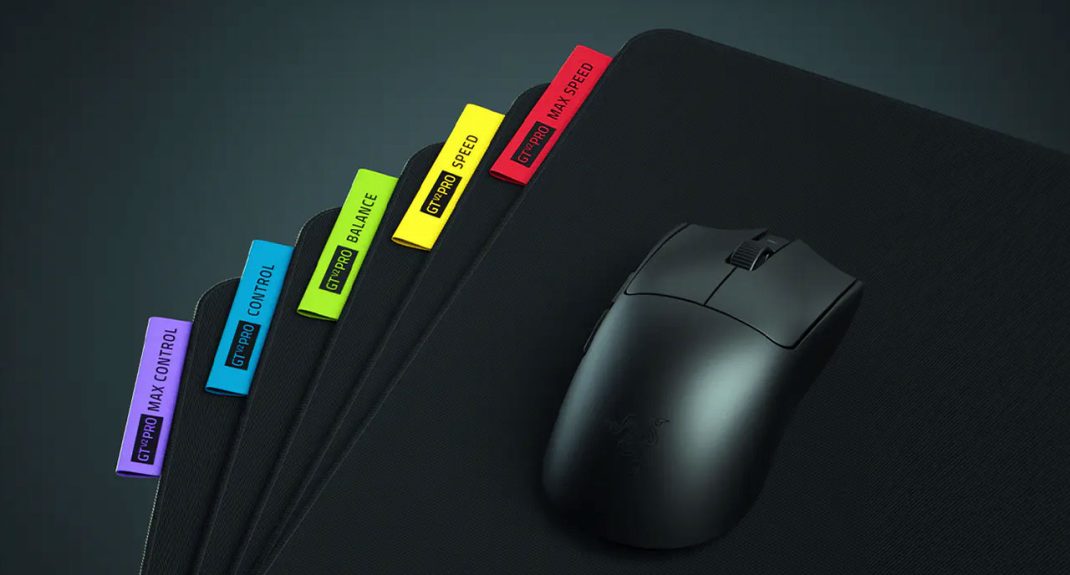
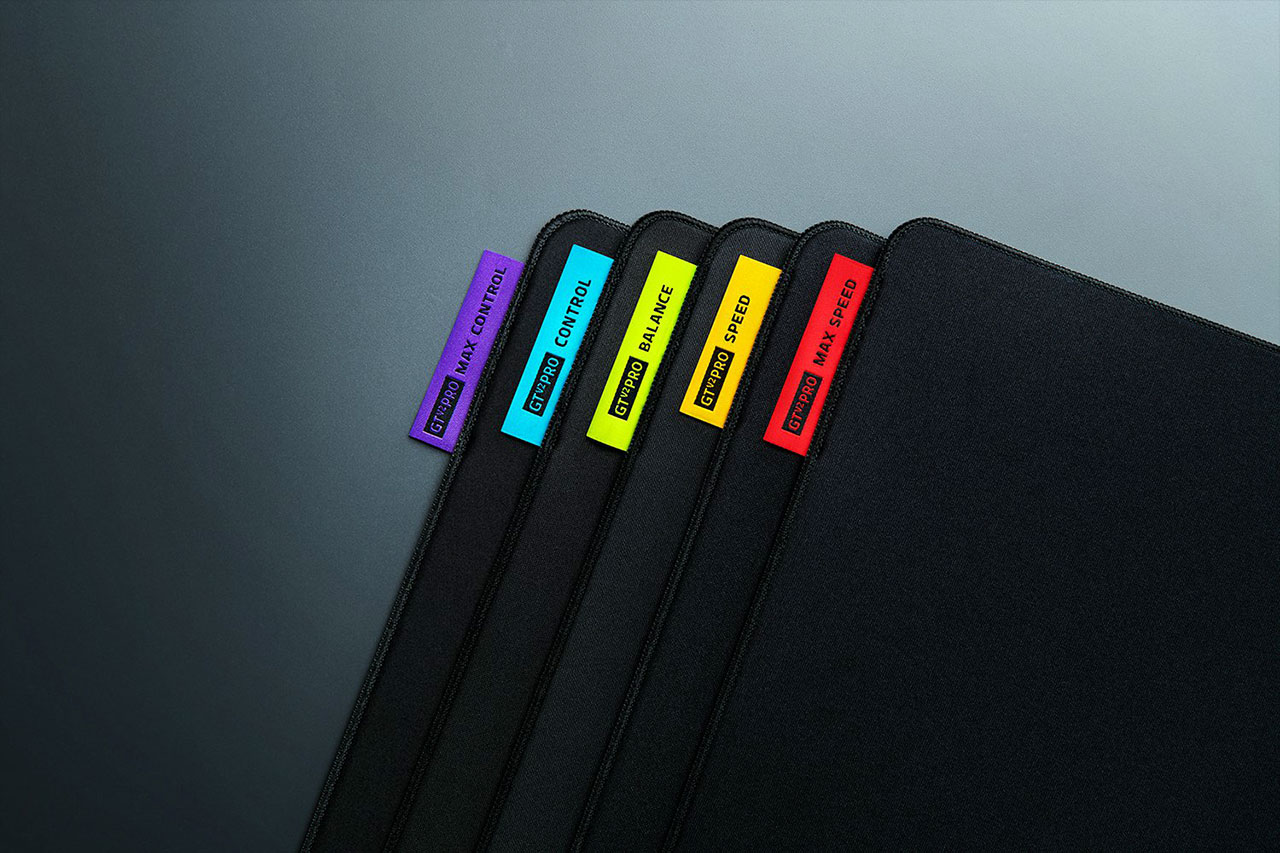
Razer went with a color-coded tab system on the side to help you keep track of which is which. It’s a nice touch, honestly. I don’t want to have to squint at the weave to remember if I’m playing on the “Speed” or “Balance” version.
- Max Control (Purple Tab): This one is for the high-sensitivity snipers who need a “magnetic” feeling. It’s got the highest friction in the lineup. If you feel like your aim is constantly “floaty,” this is the fix. It’s slow, deliberate, and very punishing if you have lazy mouse movements.
- Control (Aqua Blue Tab): This is my personal sweet spot. It’s steady. It’s the kind of pad where micro-adjustments feel natural. It’s great for tactical shooters where you’re holding angles for three minutes and then need to hit one perfect shot.
- Balance (Lime Green Tab): This is basically the “if you don’t know what you want, get this” option. It’s right in the middle. It’s faster than the old-school cloth pads we grew up with but still has enough grit to keep you from overshooting.
- Speed (Orange Tab): Don’t let the name fool you, this isn’t an “ice” pad. It’s fast, sure, but it still has a slightly gritty, textured feel. It feels great for tracking-heavy games where you’re constantly following a moving target.
- Max Speed (Red Tab): This is the speed demon. It’s effortless. If you play games with crazy movement and high-velocity projectiles, you’ll love this. It’s as close as you can get to a hard plastic pad while still having the comfort of cloth.
The NiKo Edition: More than just a pretty face
We have to talk about the NiKo Edition. If you follow Counter-Strike, you know NiKo is arguably the greatest rifler to ever touch the game. His signature pad isn’t just a regular Control pad with a grayscale wildfire print on it. He actually had a hand in picking a custom-woven surface.
It’s tuned specifically for that “pro” style of play, meaning it’s very controlled but has a super smooth glide. You know what’s cool? The print doesn’t mess with the sensor. Usually, when you get a pad with a big graphic, the mouse feels different when you move from a dark area to a light one. Not here. Razer used a sublimation process that keeps the texture consistent across the whole 500x480mm surface. Plus, the “fire” aesthetic looks incredibly clean on a desk.
Let’s talk about the “small stuff”
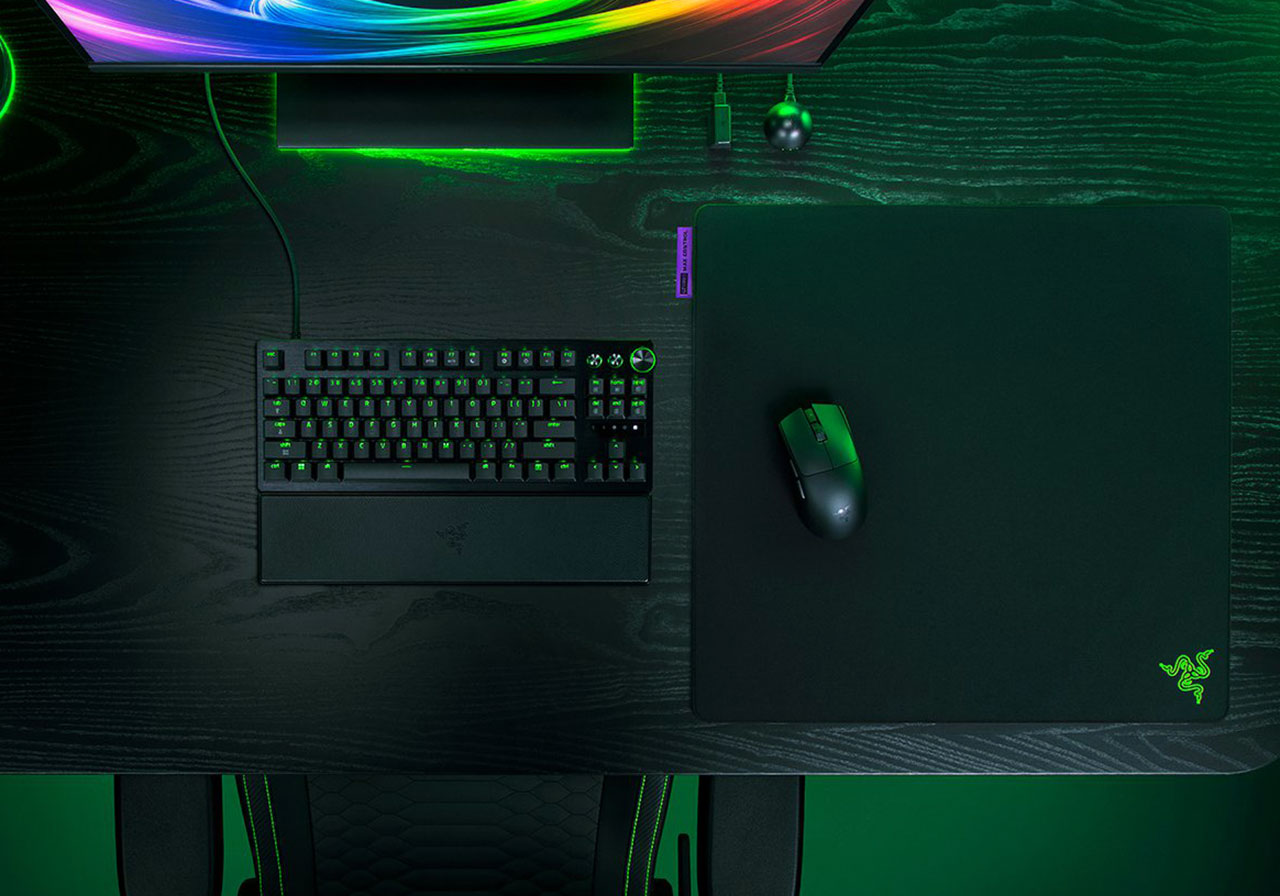
Size matters. There, I said it. Most “large” pads are usually around 450x400mm. The V2 Pro bumps that up to 500x480mm. It sounds like a small change, but that extra vertical space is a game-changer. Think about how often you run out of room when you’re pulling down to control recoil or tracking someone jumping above you. That extra height makes a massive difference for low-DPI players.
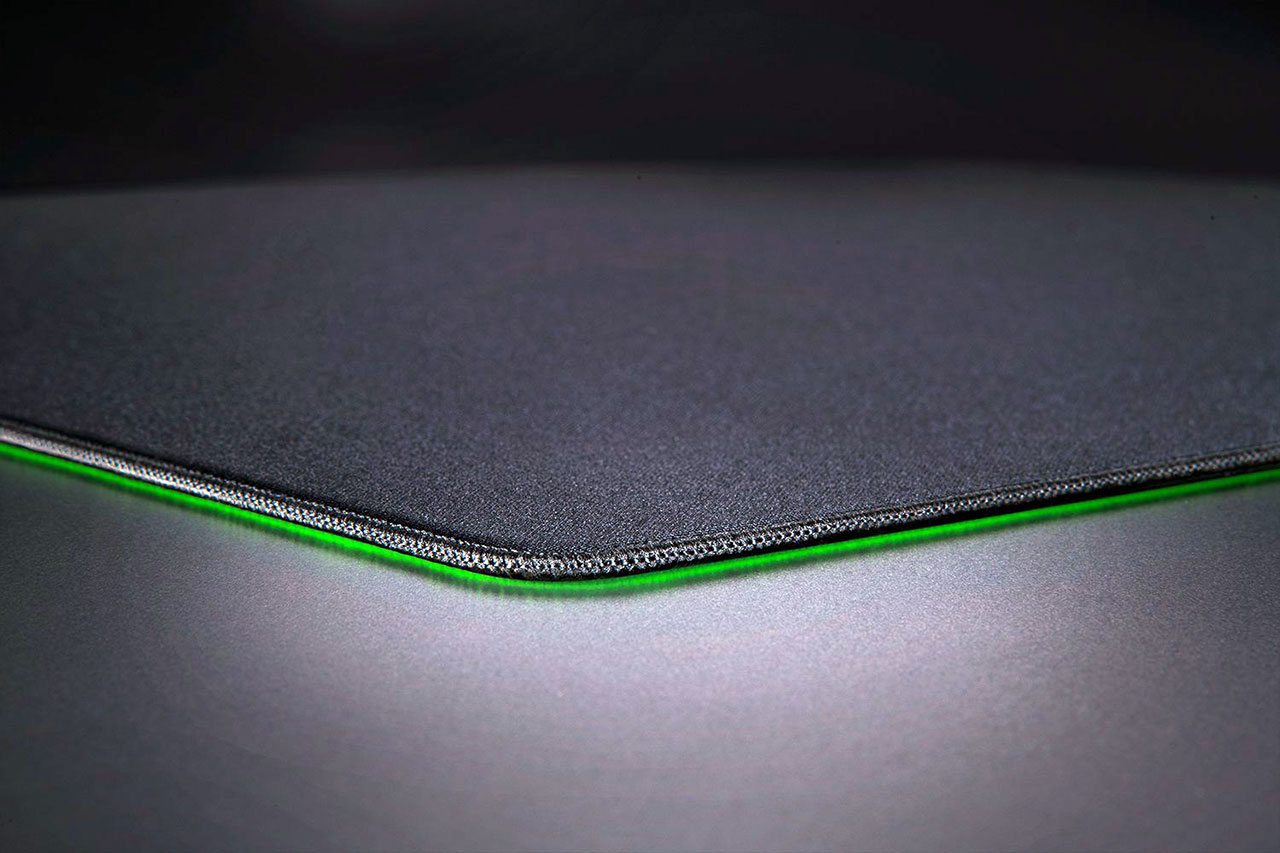
And the edges? They finally did it right. They used low-profile stitching that sits flush with the surface. If you’ve ever had a mouse pad that felt like it was sawing into your wrist after a two-hour session, you’ll appreciate this. It’s smooth. It doesn’t catch your mouse cable. It just stays out of the way.
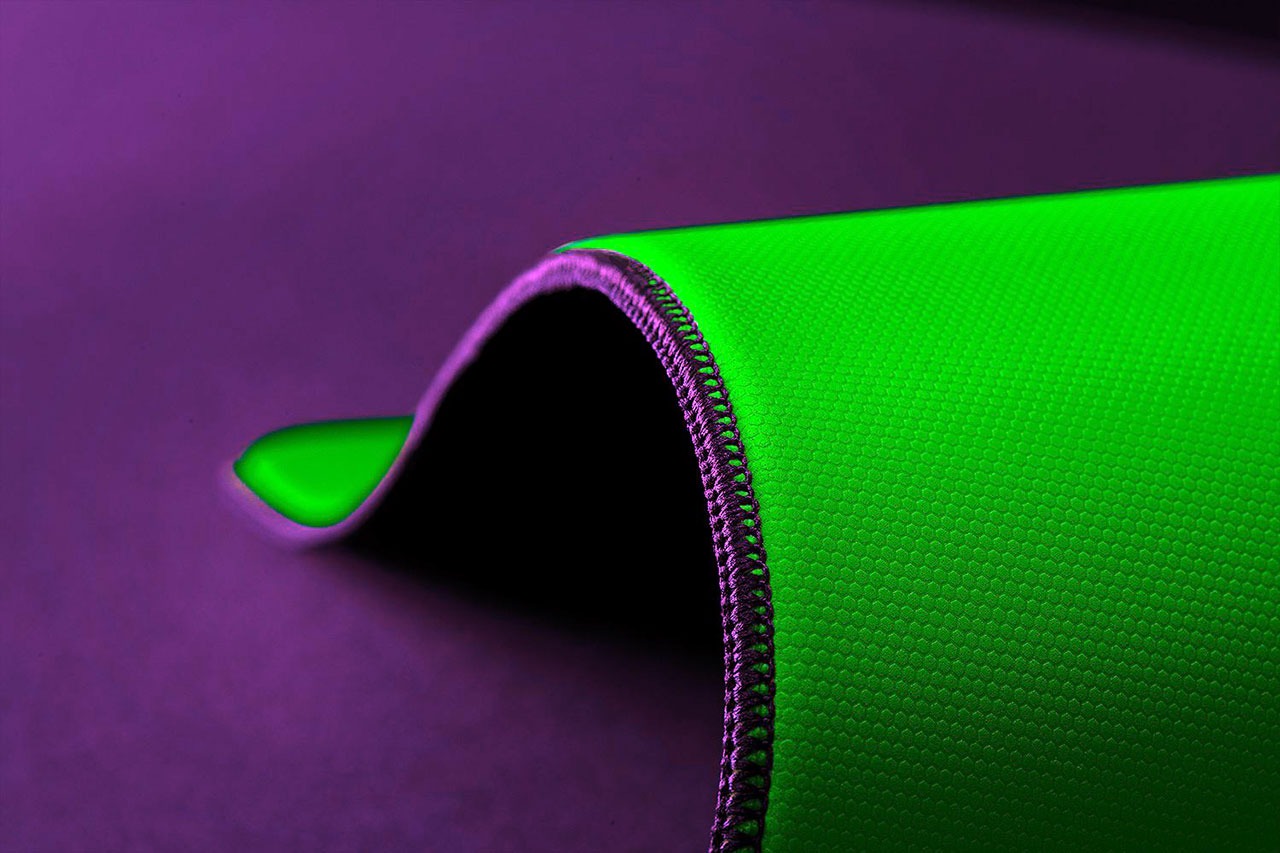
One thing that really surprised me was how flat these mats lay right out of the box. Most cloth pads take days to lose those annoying waves from being rolled up in a tube. These? I unrolled the Balance version, and it was flat in minutes. It’s those little quality-of-life things that make a forty or fifty-dollar pad feel like it’s actually worth the money.
How does it stack up?
If you’re coming from a standard SteelSeries QcK or a Logitech G640, the V2 Pro is going to feel like a massive upgrade. It feels more “premium.” The X/Y consistency is also worth mentioning. On a lot of cheap pads, moving your mouse left-to-right feels faster than moving it up-and-down because of the way the fabric is woven. Razer claims a 5% difference here, and honestly, I couldn’t feel any variance at all. It feels perfectly neutral.
Is it better than a boutique Artisan pad? That’s the real question, right? Honestly, it’s a different vibe. Artisan pads use a slow-rebound foam that some people find a bit “mushy.” The GlideCore foam in the Razer mats is “bouncy.” It responds faster. For some, that’s going to be a huge plus.
Final thoughts
So, which pad in the Razer Gigantus V2 Pro line should you actually get? If you’re a tactical shooter fan playing Valorant or CS2, look at the Control or the NiKo Edition. They give you that “locked-in” feeling that’s essential for precision. If you’re an Apex Legends or Overwatch player, the Speed or Max Speed will probably be more your speed.
It’s rare to see a company actually put this much thought into something as “simple” as a piece of cloth. But at the end of the day, your mouse pad is the literal floor your aim lives on. If the floor is uneven or slippery, you’re going to fall. The Gigantus V2 Pro series just gives you a really solid foundation to build on. It’s not a gimmick; it’s just good gear.
What do you think? Are you a control freak or a speed junkie? Whatever your style, there’s probably a tab color with your name on it. Just maybe check your desk dimensions first – these things are absolute units.
Overall Rating: 5 out of 5
Pros
- Five distinct speed ratings.
- Under 5% X-Y movement variance.
- Durable low-profile stitched edges and responsive GlideCore™ foam.
- Micro-textured cloth is lab-tested for sensor accuracy.
- Warp-resistant design that unrolls flat.
Cons
- The 500 x 480 mm footprint may be too large for compact setups.
- Lacks the “icy,” near-zero friction found in glass or hard-surface mats.
- Only available in the “Large” format.