
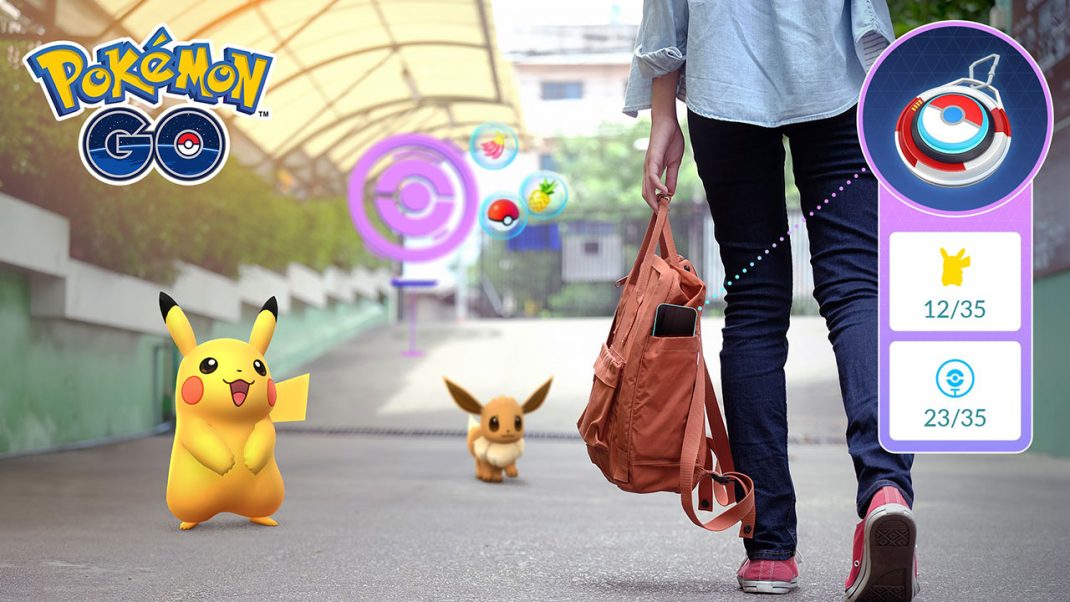
Today, Pokémon GO has released an update for the Explorer Gadget to operate while Pokémon GO is open, giving Trainers the option to catch Pokémon and spin PokéStops more conveniently as they explore. A new trailer for today’s news is available here:
The Explorer Gadget is a built-in feature in Pokémon GO that attempts to catch Pokémon by automatically throwing Poké Balls and collecting items by spinning PokéStops while Trainers traverse the real world.
Available for Trainers Level 20 and above, the Explorer Gadget can be activated by tapping its icon in the top right of the map view or the Key Items section of the Item Bag. A pink Poké Ball icon will appear over any Pokémon or PokéStop the Explorer Gadget is attempting to catch or spin. Trainers can also tap a Pokémon or PokéStop that is in progress to manually interact with them and override the Explorer Gadget.
Additional recent updates include:
- Updated Catch Summary: Upon catching Pokémon, Trainers will see an improved catch summary with updated visuals that make rewards and catch bonuses clearer.
- Dedicated Appraise Button: Access to appraisal information will be streamlined via a dedicated button above the Additional Options on a Pokémon’s summary page.
- Visual Refreshes: Updates include updated PokéStop color saturation for clearer visual contrast, updated encounter ring indicators for wild Pokémon attracted by Lure Modules or encountered on Routes, and updated visual effects surrounding Pokémon attracted by the Mystery Box or Coin Bag.
- Power Spot Encounters: To improve consistency for wild encounters, visiting a Power Spot or placing a Pokémon at a Power Spot after winning a Max Battle will no longer trigger special wild encounters.
To learn more about the Explorer Gadget update and other recent gameplay changes, visit the Pokémon GO blog, and find additional details on the Explorer Gadget via the Pokémon GO Help Center.