If you spend as much time playing video games as I do, you know how quickly gaming gear trends change. One month everyone wants whisper-quiet keyboards with custom-lubed switches. The next month, every competitive player is raving about magnetic actuation and sub-millimeter movement tracking. Honestly, I’ve swapped keyboards (not to mention mice and other USB peripherals) on my desk so many times this year that my USB hub looks like a bowl of black spaghetti – I really need to do a big re-organization.
When I was told about the Razer Huntsman V3 HE Magnetic 8KHz series, I’ll admit I was hopeful – yet slightly skeptical. We already had their optical pro-level boards floating around at top-tier prices. Did we really need yet another Huntsman? But then I saw the prices. At $119.99 for the Mini 65% and $139.99 for the Tenkeyless (TKL), Razer isn’t just releasing another board. They are bringing Hall Effect technology straight to the mainstream crowd. And, full disclosure, the Huntsman line with its optical key switches has been my favorite keyboard line – even more than other flashier Razer options. Would this be a worthy addition without the optical switches?
After grinding away many games in Valorant and Counter-Strike 2 as well as less-intense RPGs like Baldur’s Gate 3 (not to mention braving the recent San Diego Comic-Con), here is my honest take on whether this board deserves a spot on your desk.
First Impressions
Out of the box, the first thing you notice is the weight. It feels solid. Razer built these with a stiff 5052 aluminum alloy top plate that keeps the whole chassis rigid. You can slam your desk after dying a terrible virtual death, not that I ever do that of course, and the board won’t flex or squeak. The GamingShogun legal team would like me to now state that we do not recommend using the keyboard as a club or blunt weapon in any way, shape, or form.
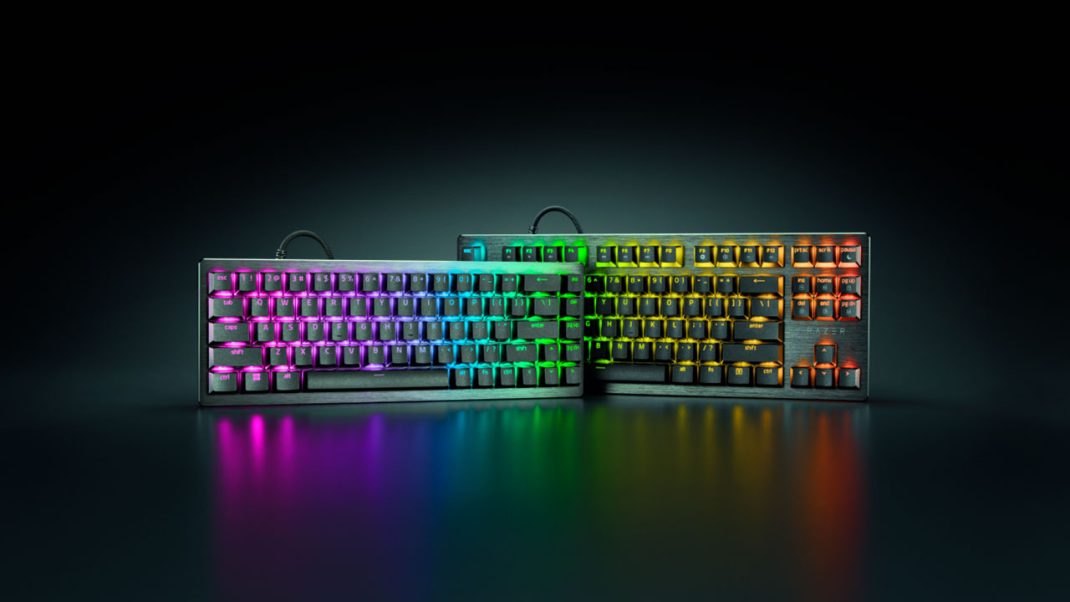
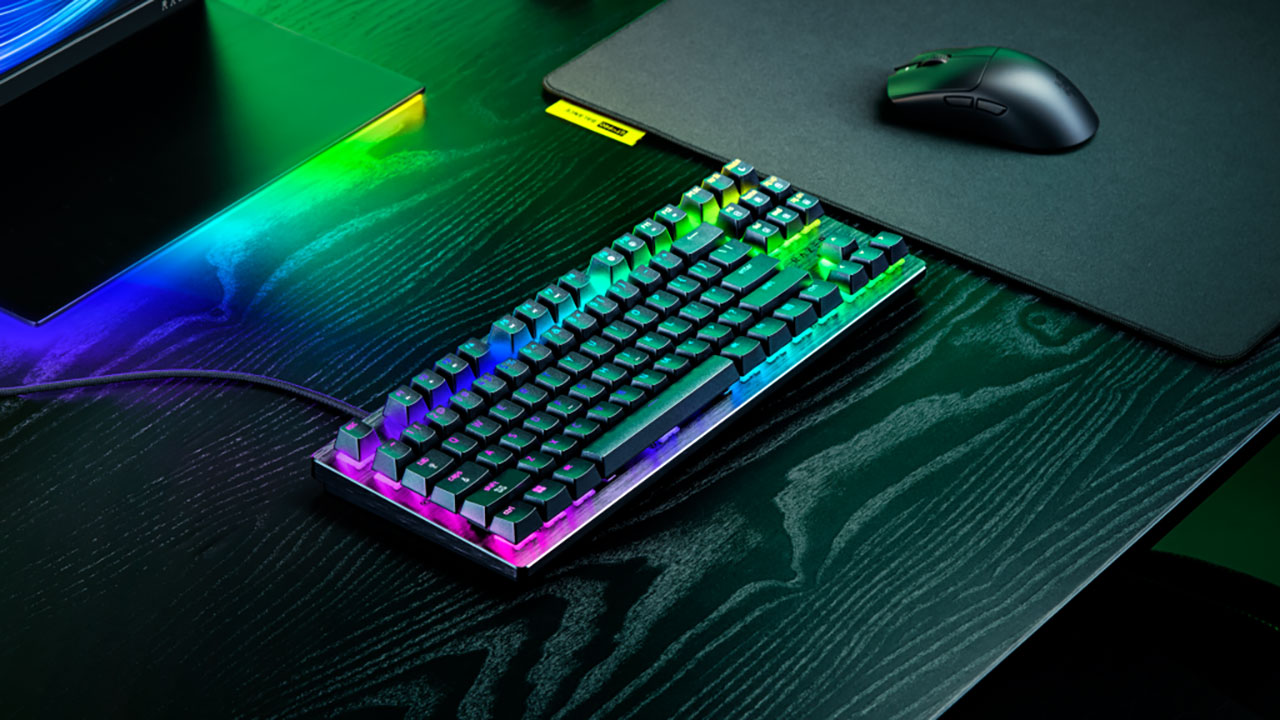
Razer gives you two layout choices: the Tenkeyless (TKL) and the Mini 65%. I spent most of my time with the TKL because I like having dedicated arrow keys and navigation buttons for editing videos and chatting. But if you play on super low mouse DPI and need every square inch of desk space for big arm sweeps, that 65% layout is a dream. I was actually hoping they would release a version with a numeric keypad as well – but, I digress…
They also upgraded the acoustics. Older competitive keyboards can often sound like a bag of loose nails rattling in a tin can. Here, Razer stuffed thick EPDM and EVA foam under the board and lubricated the switch stems. The result? A muted, satisfying thump when you bottom out. It won’t annoy your stream chat, blow out your microphone gain, or wake your spouse when playing a late night game session.
The keycaps are textured, doubleshot PBT. They feel grippy during tense gameplay and the letters won’t fade over time.
The Magnetic Engine
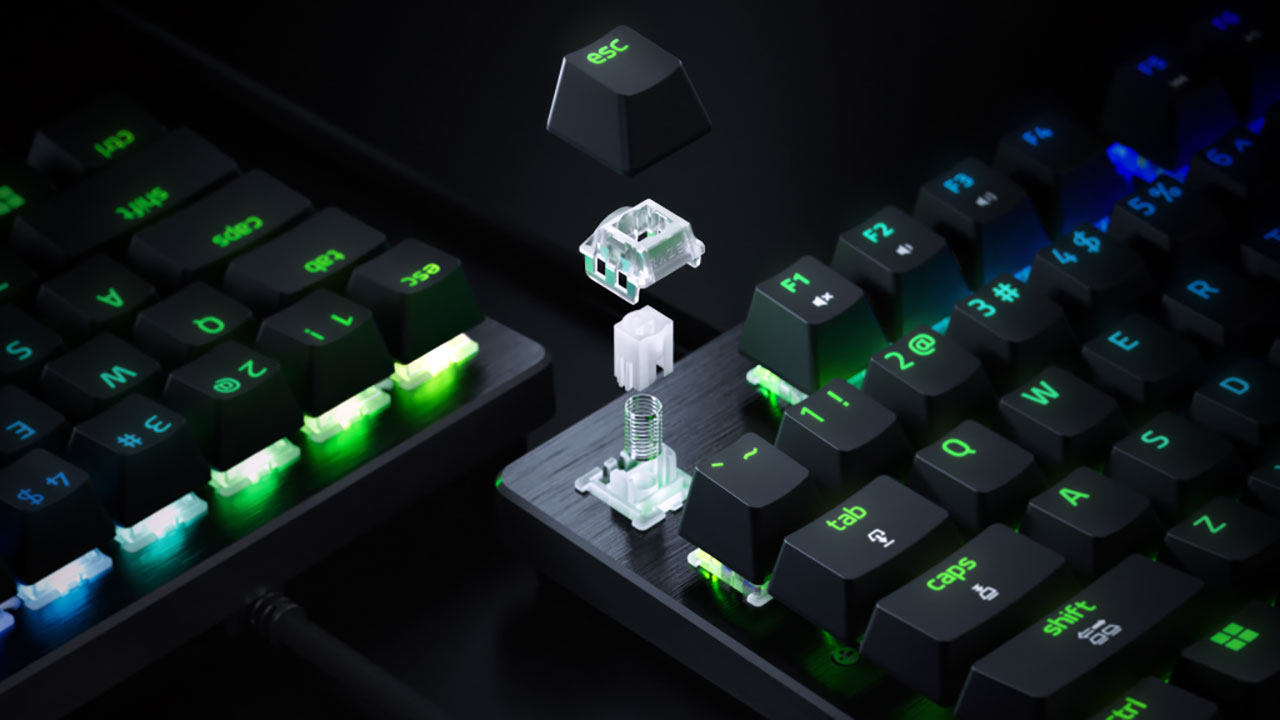
Let’s talk specs without getting lost in the weeds. Standard mechanical switches use metal contact leaves that touch when you press down. Optical switches use light beams. Hall Effect switches use tiny magnets inside the key stem and sensors on the circuit board.
As you push a key down, the sensor reads the changing magnetic field. Because it measures exact distance instead of waiting for a metal contact, you can change your actuation point anywhere from 0.1 mm to 4.0 mm.
Want your WASD keys to register the instant your skin touches them? Set them to 0.4 mm. Want your ultimate ability key set deeper so you don’t accidentally waste it mid-fight? Push it down to 3.0 mm.
Pair that variable depth with true 8,000 Hz HyperPolling, and your keystrokes reach your PC in roughly 0.60 milliseconds. Standard keyboards report at 1,000 Hz. Will 8KHz instantly make you a ranked god? No, skill still matters. But the responsiveness feels instant. There is virtually zero delay between your brain moving your finger and your character shifting on screen.
Hall effect sensors have long been the darling of flight and racing sim peripherals for their durability and performance and it is nice to see the technology coming to the keyboard world as well.
Rapid Trigger and Snap Tap
Where Razer Huntsman V3 HE Magnetics’ key switches shine is the specialized movement control. Traditional keys must travel past a fixed reset point before you can tap them again. With Rapid Trigger active, the switch resets the microsecond your finger starts lifting upward, even by just 0.1 mm. In fast shooters, counter-strafing feels effortless. You stop instantly, your crosshair settles, and your shot lands true (so long as you’re not also trying to chug down a can of Dr Pepper at the same time).
Then there is Snap Tap. This is Razer’s SOCD feature. If you hold “A” to strafe left and tap “D” to peek right, the board automatically prioritizes the newest keypress without making you release “A”. It cuts out finger travel delay completely (I love this feature A LOT).
Now, full transparency here: Some games have banned SOCD features because it makes counter-strafing too easy. Luckily, Razer built quick onboard shortcuts to turn Snap Tap off for tournament play. But for games like Apex Legends or Overwatch 2, it is pure magic.
You also get Snap Flex and Dynamic Keystroke. Snap Flex lets you trigger one action when you press a key and another when you release it. You can pull a grenade pin on the way down and jump as you let go (I ALSO love this feature A LOT). Dynamic Keystroke lets you bind up to four commands to a single key based on how far down you push. It takes some practice to master, but the possibilities for complex game macros are wild.
Software Freedom
We need to talk about software because Razer Synapse hasn’t always been everyone’s favorite tool. Running heavy apps in the background while streaming can suck up system resources.
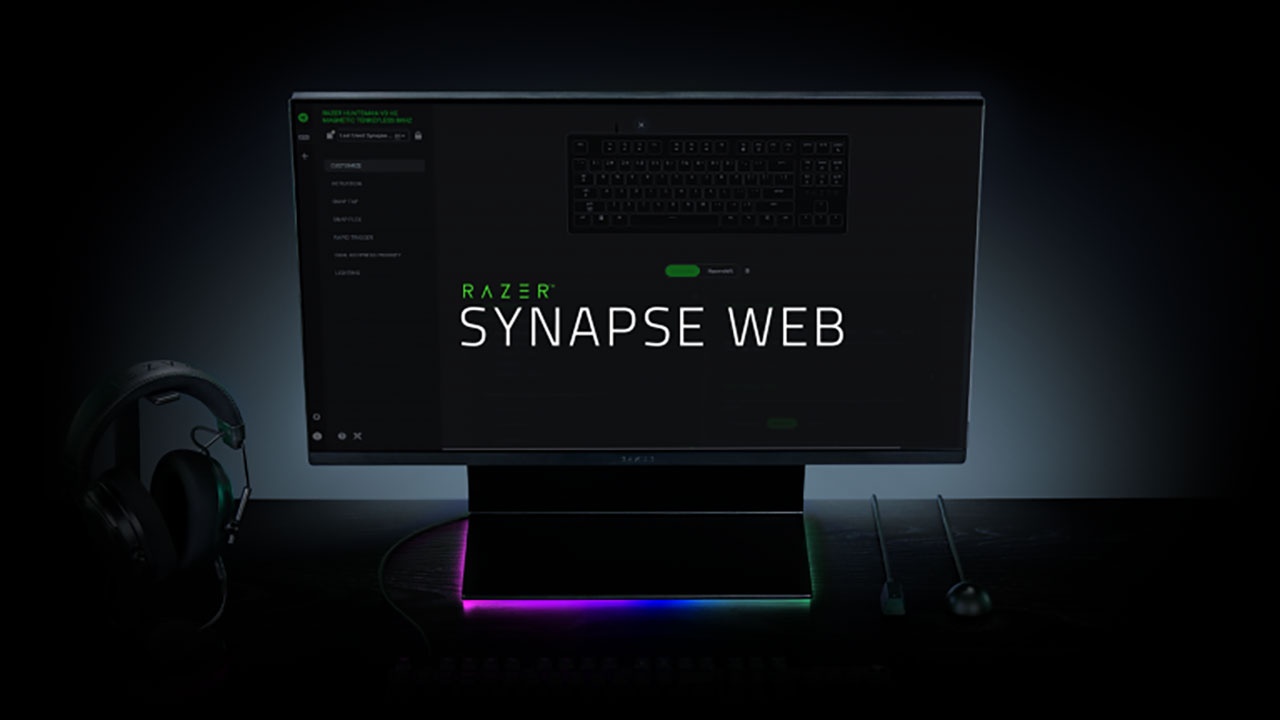
Razer solved this by launching Synapse Web alongside these boards. It is a browser-based tool that talks directly to your keyboard. You open your browser, set your actuation points, tweak your RGB lighting, adjust Rapid Trigger, and save everything straight to the board’s onboard memory. Then you close the browser. No background processes, no extra RAM usage, no junk running during your stream.
Also, magnetic sensors can drift over time if you live near heavy metallic objects or strong magnetic fields. If that happens, Razer included a quick three-step recalibration routine directly in the web app to reset your baseline sensors in seconds.
Can You Actually Type on It?
So, how does the Razer Huntsman V3 HE Magnetic fare when you aren’t clicking for your virtual life in a game? For instance, when you are typing a review of a new gaming keyboard?
Honestly, it works surprisingly well for day-to-day work. Out of the box, light 0.2 mm actuation can lead to typos if you rest your fingers heavily on the keys. But you can save a dedicated “Typing Profile” with actuation pushed down to 4.0 mm. That forces you to bottom out each key before it registers, making accidental presses disappear.
The linear switches feel smooth throughout the entire stroke. The solid aluminum top plate and internal foam give every stroke a pleasant, muted sound. It doesn’t have the soft, pillowy bounce of a custom gasket-mounted keyboard built purely for typing, but it is far more comfortable than older, stiff gaming boards.
The Final Verdict
At $119.99 for the Mini 65% and $139.99 for the TKL, Razer hit a sweet spot. Boutique magnetic boards like Wooting often cost more and can be tough to buy due to limited production runs. Other brand alternatives can feel clunky or lack 8KHz polling.
Meanwhile, Razer’s optical keyswitch Huntsman V3 Pro boards run anywhere from $170 to over $200. Unless you absolutely need that microscopic 0.12ms optical speed difference, the Razer Huntsman V3 HE gives you almost identical real-world performance for a lesser price.
Overall Rating 5 out of 5
Pros
- Unbeatable value
- True 8,000 Hz HyperPolling
- Rapid Trigger and Snap Tap
- Browser-based Synapse Web configuration
- Upgraded acoustics
Cons
- Wired only
- No wrist rest included
If you are a competitive gamer or streamer looking for high-tier magnetic keyboard without burning a hole in your wallet, the Razer Huntsman V3 HE Magnetic series is an absolute winner. It brings pro-level hardware down to a price that makes sense for everyday players.