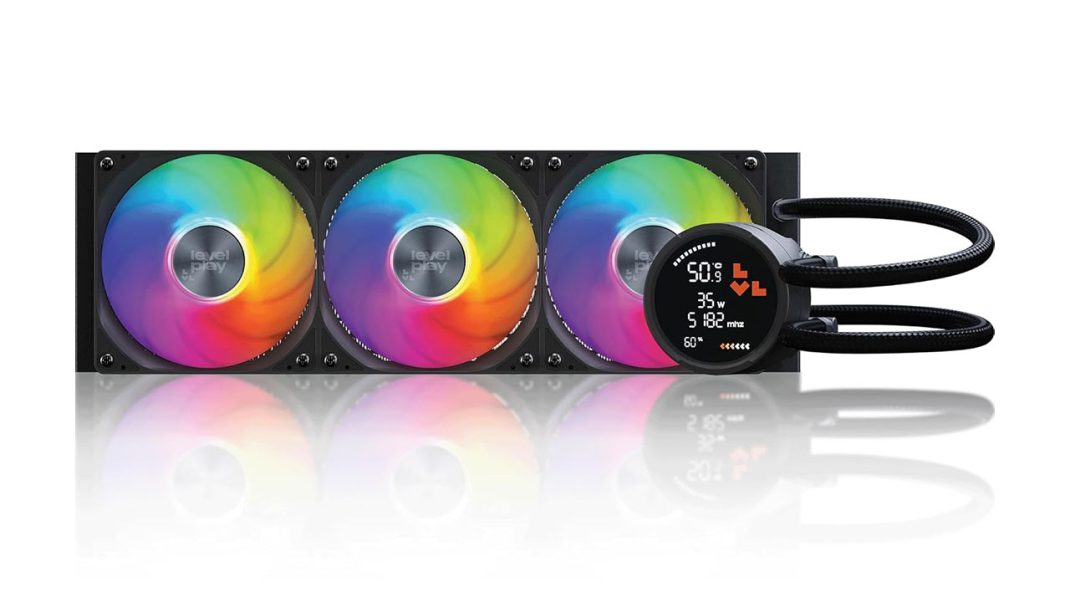
Honestly, I didn’t see Levelplay coming. Most of the time, when a new brand pops up in the cooling scene, it’s just a rebranded OEM unit with a different sticker and some extra RGB strips. But Levelplay is different. The company was started by a group of Cooler Master alumni who decided to go rogue and fix everything they hated about traditional PC building. Their first big swing? The Levelplay Combat Liquid 360 HUD CPU cooler. It’s a 360mm All-In-One (AIO) liquid cooler that costs just $99.99.
You know what? Finding a 360mm cooler with a built-in screen for under a hundred bucks usually means you’re buying something that might leak on your RTX 5090 in three months. But this one feels tactical and expensive. It’s heavy, it’s sleek, and it actually works. Let’s look at why this might be the most important piece of hardware to hit the mid-range market this year.
The Screen: Tactical Info without the Fluff
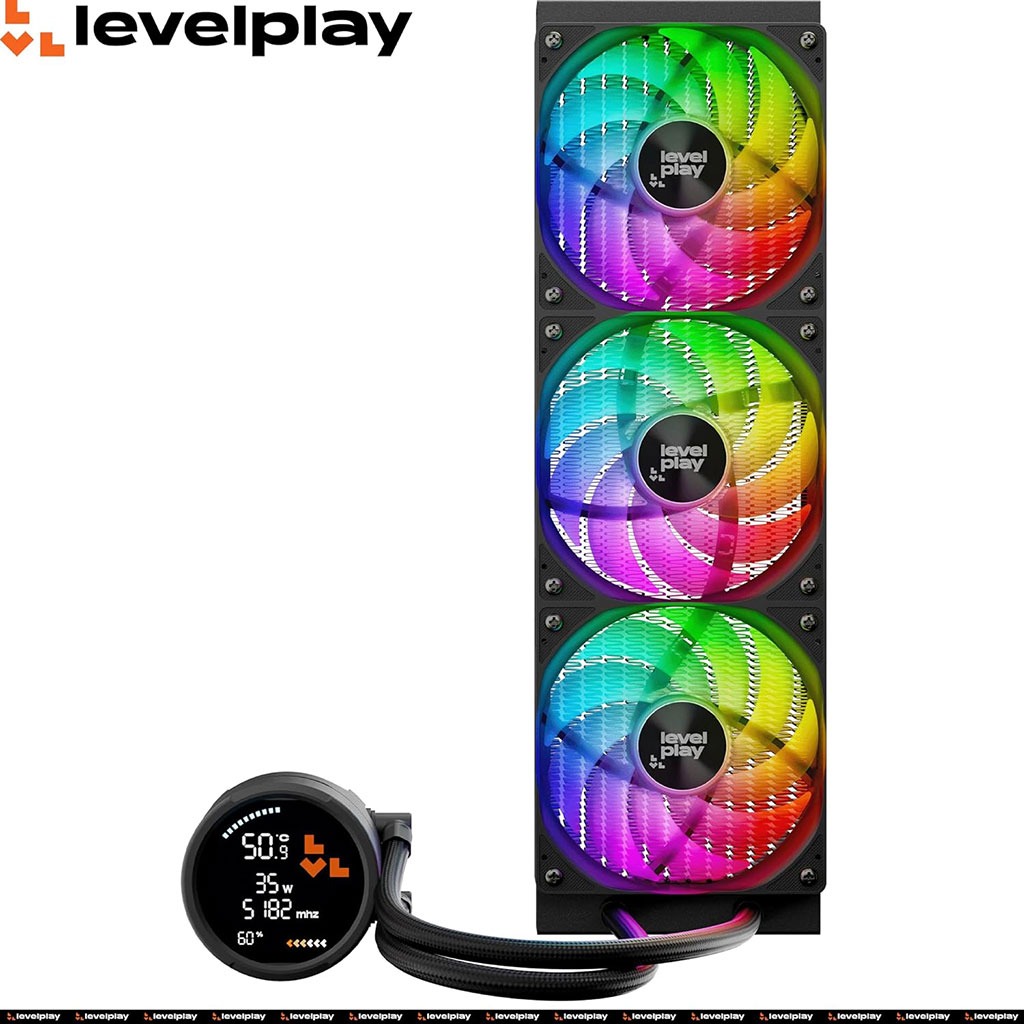
The standout feature is obviously the 2.6-inch circular HUD on the pump cap. Now, let’s be real for a second: Most of us use these screens to display a looping GIF of a dancing anime character or a cat falling off a table. If that’s your main goal, you might be slightly disappointed. Right now, the Levelplay software is strictly “mission-ready.” It shows your CPU temps, usage, power draw, and clock speeds in a very clean, high-contrast interface.
That being said, it is genuinely useful. When I’m mid-raid or testing a heavy render, I don’t want to tab out to check HWiNFO. I just glance through the tempered glass and see exactly how many watts my chip is pulling. The screen is bright, sharp, and easy to read from a distance. There is a small catch: you have to install a specific driver to get the telemetry working. It isn’t a huge deal, but it’s an extra step in an otherwise smooth process. Hopefully, they add GIF support later, because the hardware is definitely capable of it.
One clever trick they included is the Mag-Align pump cap. The top cover is magnetic, so if you have to mount your radiator in a weird spot and the screen ends up sideways, you just pop it off, rotate it, and snap it back on. No more tilting your head to read your temps. This feature alone is a revolution in CPU cooler usability.
Goodbye, Cable Spaghetti
Can we talk about how much I hate fan cables? If you’ve ever built a 360mm setup, you know the drill: twelve screws, three fans, three PWM cables, and three ARGB cables. It’s a nightmare to keep tidy. Levelplay fixed this by using a unified fan frame. The three 120mm fans are literally built into a single, rigid housing that comes pre-installed on the radiator.
Instead of a mess of wires, you get one PWM connector and one ARGB connector for the whole bank of fans. It makes the build look incredibly professional without needing ten hours of cable management. The fans themselves are “Combat Fan 120” units, and they’re surprisingly quiet. Most of the time, they just hum along at a whisper (around 26 dBA), though they can get loud if you’re pushing a 250W TDP load on an Intel Arrow Lake flagship.
The “Jet” Secret Sauce
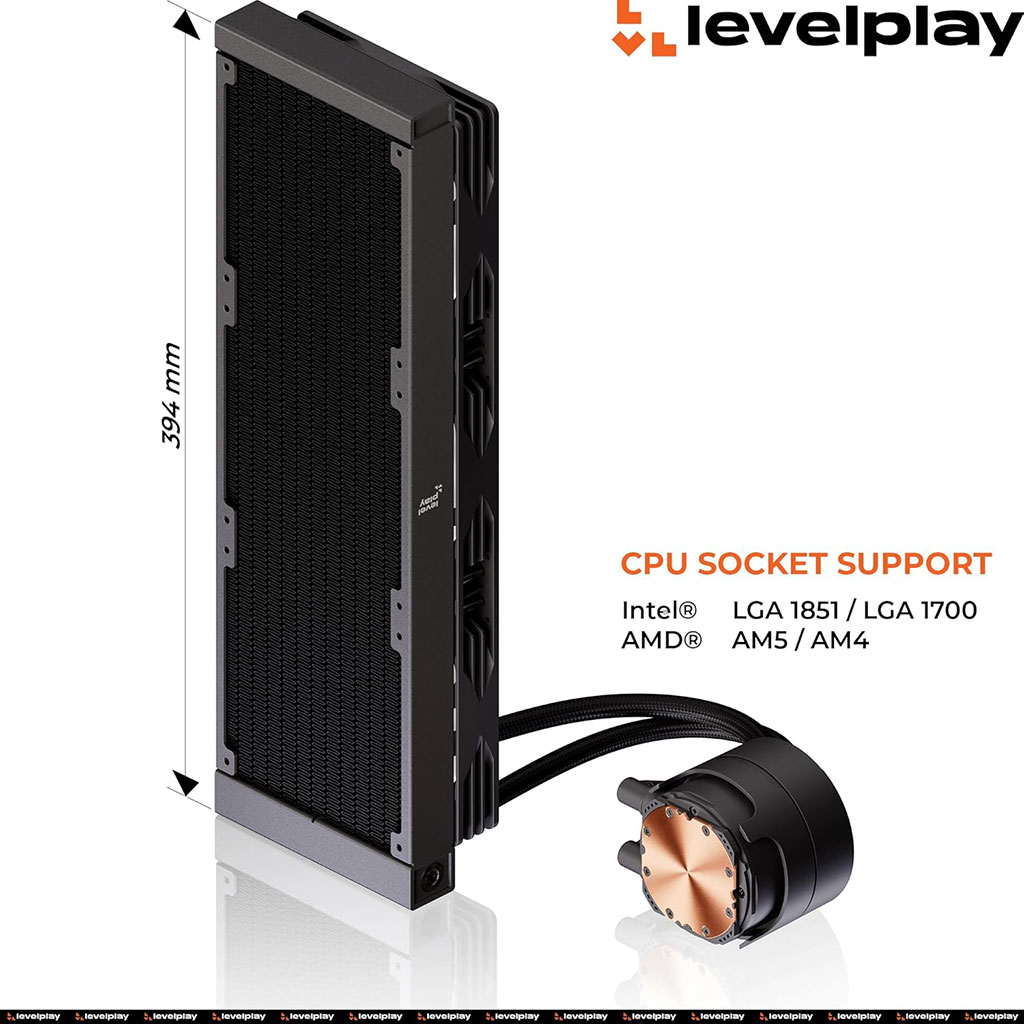
Under the hood (or under the cap, I guess) is a pump that uses “jet impingement” technology. That sounds like marketing speak, but here’s the thing: it basically means the pump blasts a high-velocity stream of coolant directly onto the center of the copper cold plate. This is where the heat is most intense.
In my testing, this design kept a power-hungry Intel LGA 1851 chip at a steady 80°C under a punishing stress test. For a $100 cooler, that’s impressive. It stays competitive with legendary units like the Arctic Liquid Freezer III, which is wild considering the Levelplay includes a full digital display. The pump fan itself can ramp up to 2,000 RPM, but it stays remarkably quiet even when it’s working hard.
The Build Experience
Levelplay clearly thought about the person actually holding the screwdriver. The mounting kit comes in clearly labeled, single-use baggies. No more digging through a pile of silver screws wondering which one is for AM5 and which is for LGA 1700. They even include a tube of thermal paste and a spatula so you can get that perfect “X” pattern spread.
The tubing is about 350mm long and wrapped in a premium braided sleeve. It feels rugged, but it’s flexible enough to route through a mid-tower case. I will say, if you have a massive full-tower case and you’re front-mounting the radiator with the tubes at the bottom, 350mm might be a bit of a stretch. But for 90% of builds, it’s perfect.
Is It Worth It?
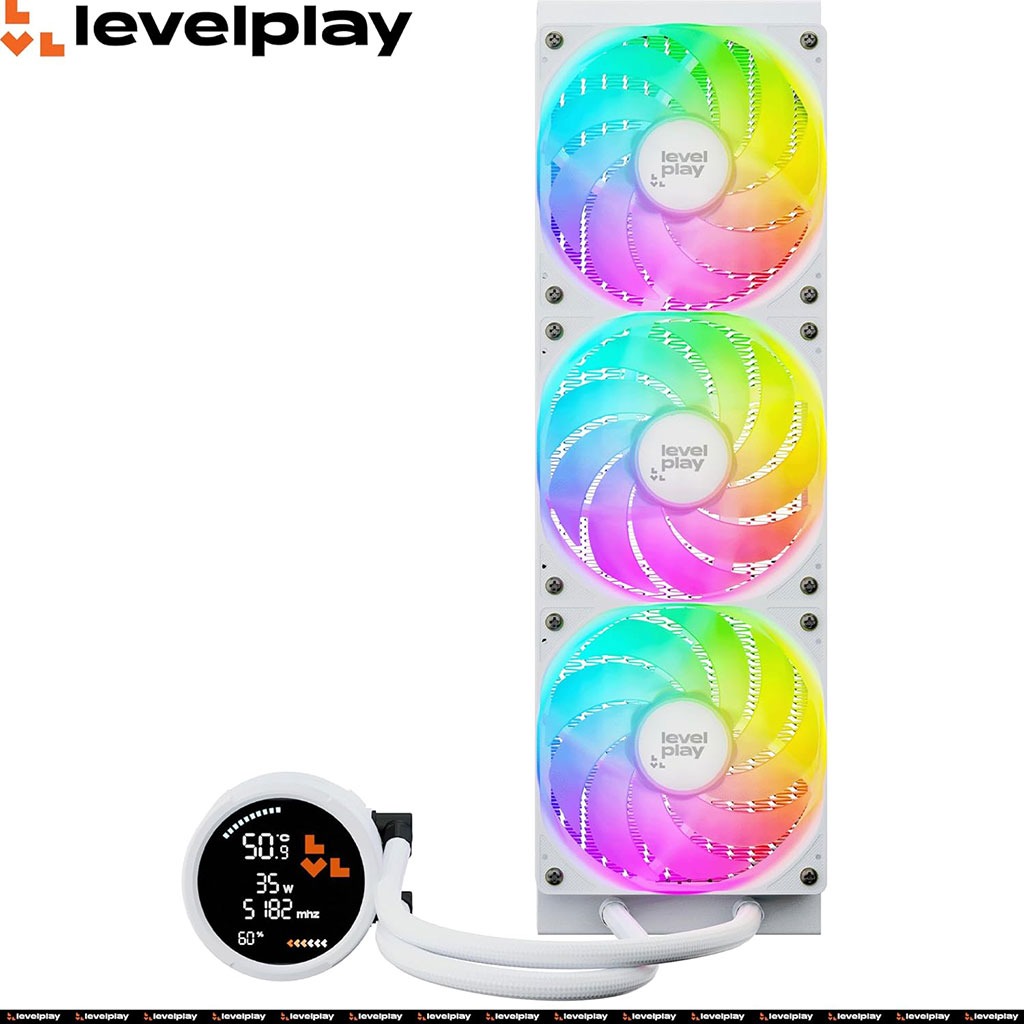
Let’s look at the competition. If you want a screen from a brand like Corsair or NZXT, you’re usually looking at $250 or more. Levelplay is offering a similar aesthetic and great performance for $99.99. That’s a huge deal. They also offer a “White” version for the same price, which is a blessing for those clean, “all-white” PC builds.
If you don’t care about the screen at all, they have a “Combat Liquid SE” version of the cooler for $79.99 that keeps the same pump and fans but swaps the HUD for a simple ARGB ring. But honestly? At this price, just get the HUD. It looks so much more expensive than it actually is!
Final Thoughts
Levelplay isn’t just trying to participate; they’re trying to take over the mid-range. The Combat Liquid 360 HUD feels like a product designed by people who actually build PCs for a living. It’s simple, it’s effective, and it looks tactical as hell. Sure, the software could use a bit more “fun” in the customization department, but for a first-gen product from a new company, it’s a home run.
If you’re building a new rig on AM5 or the new Intel LGA 1851 platform and you want that “pro” look without spending $300 on a cooler, this is the one. It’s quiet, it’s cold, and it tells you everything you need to know at a glance. What more do you want? Seriously, I’m keeping this one in my personal rig for a while. Let me know if you have questions about the mounting—I’ve done it three times now and it’s basically muscle memory.
The Good Stuff:
- Killer value for a 360mm AIO with a screen.
- Unified fan frame makes installation a breeze.
- Magnetic pump cap solves orientation issues.
- Solid cooling performance on the latest Intel and AMD sockets.
The Not-So-Good Stuff:
- No custom GIFs (yet).
- Requires a manual driver install for the HUD to work.
- Tubing could be a couple of inches longer for larger cases.